A:AnswerIt is around 18 inches, but you can purchase the usb extender with it. I use one with mine. Enables you to be away from the PC and hide the cable.
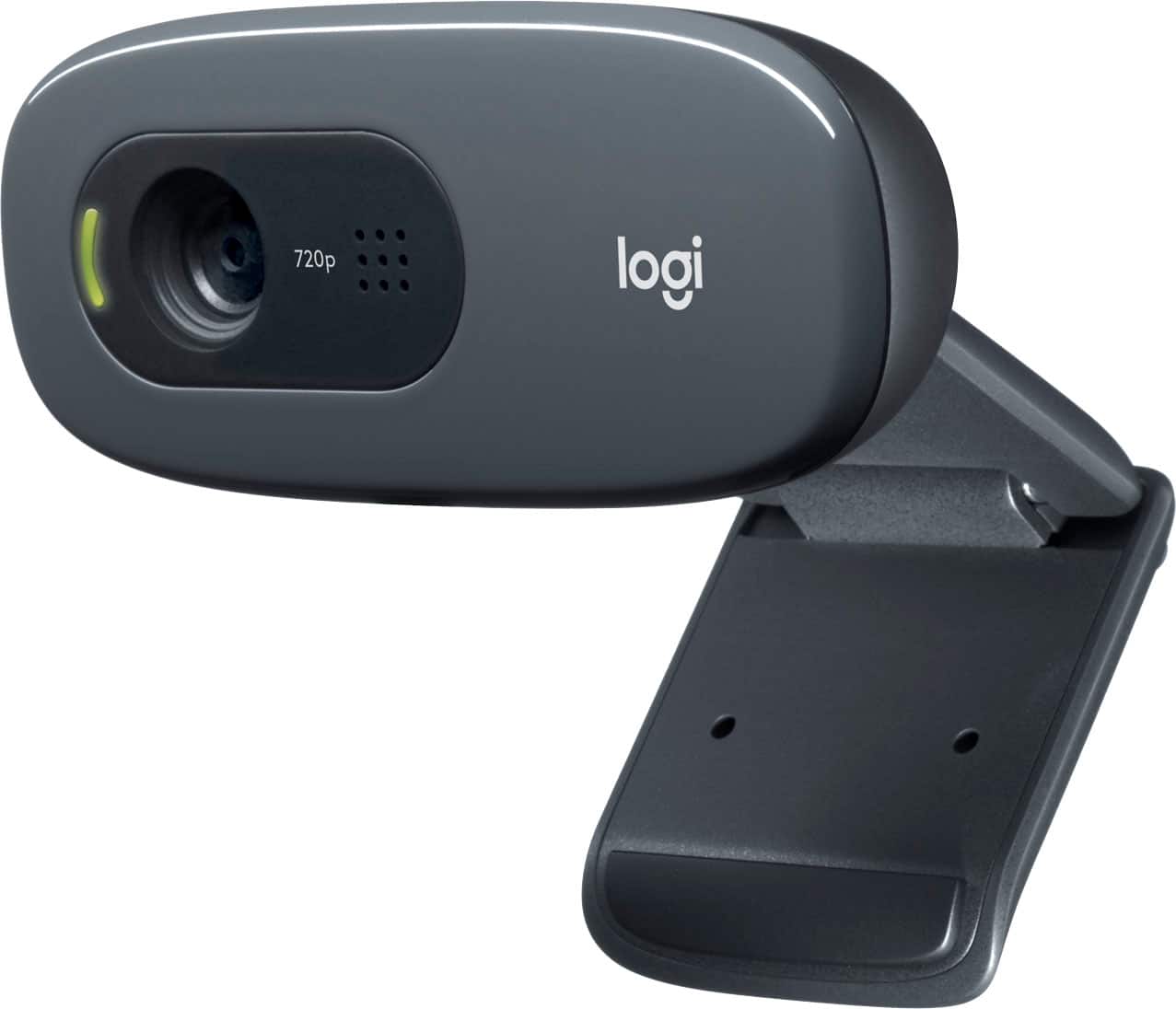
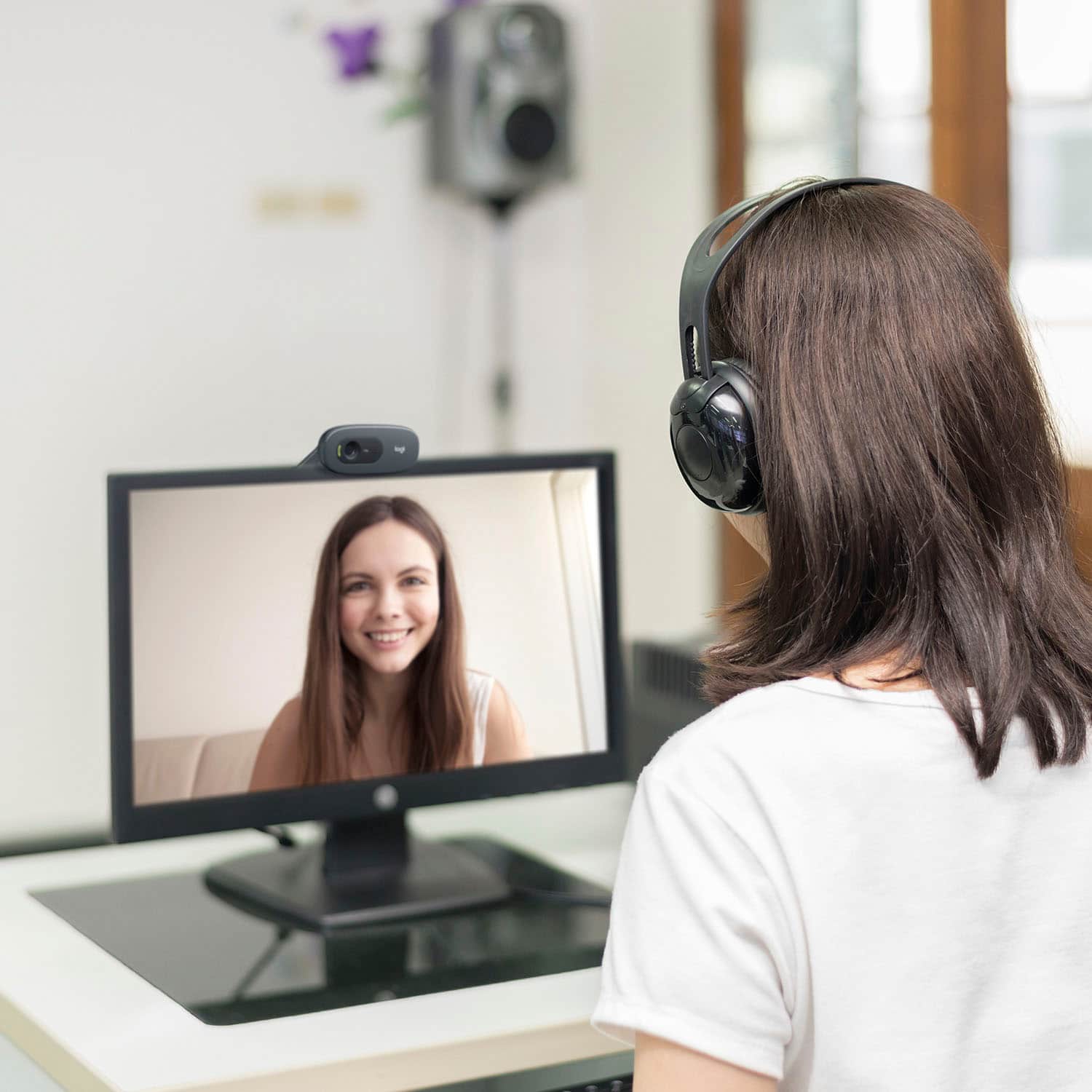
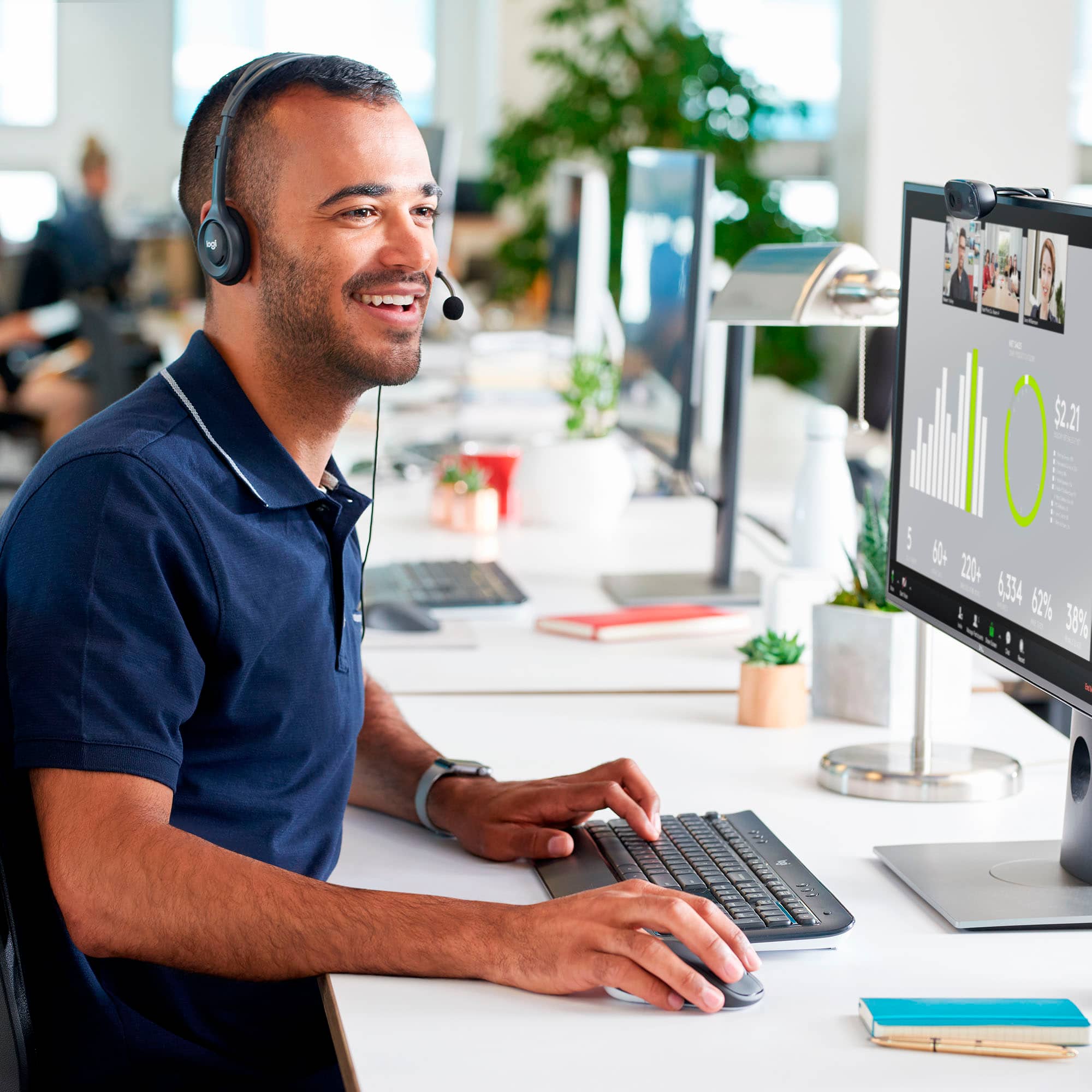
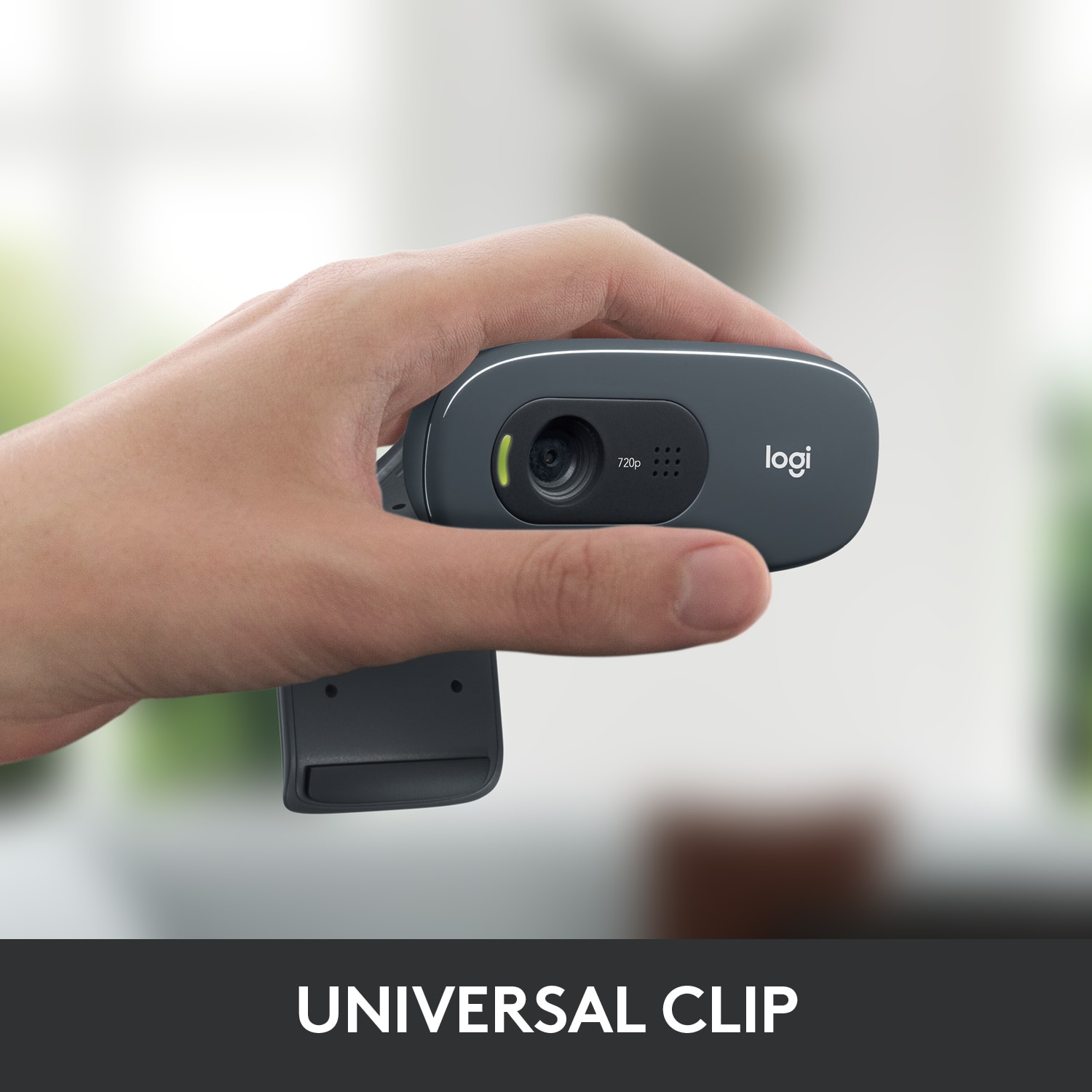
A:AnswerAttach the webcam to your computer monitor and plug it in, with its wired USB connection and you are good to go. Please refer to your store, for their in-stock availability.
A:AnswerHello, Lynn.
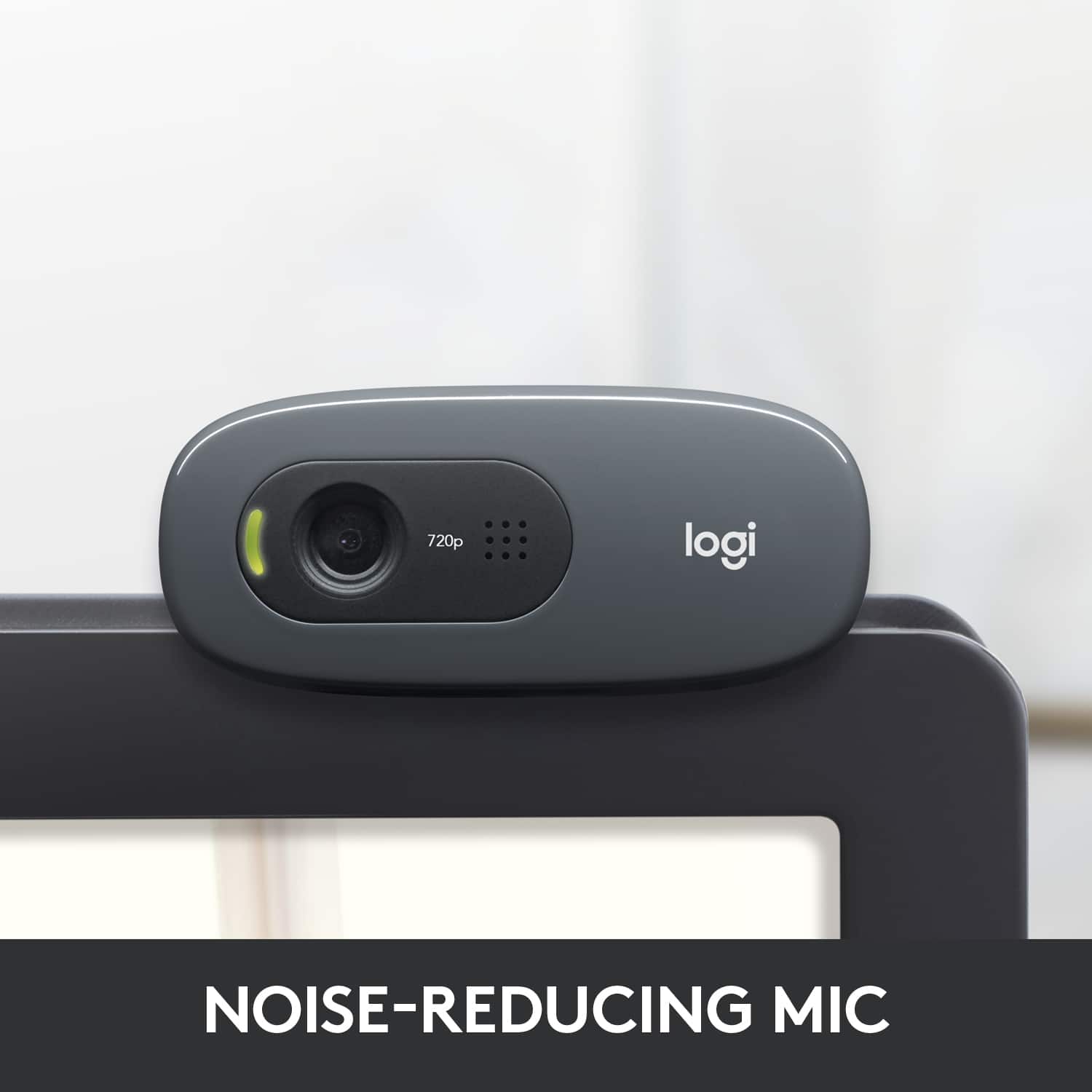
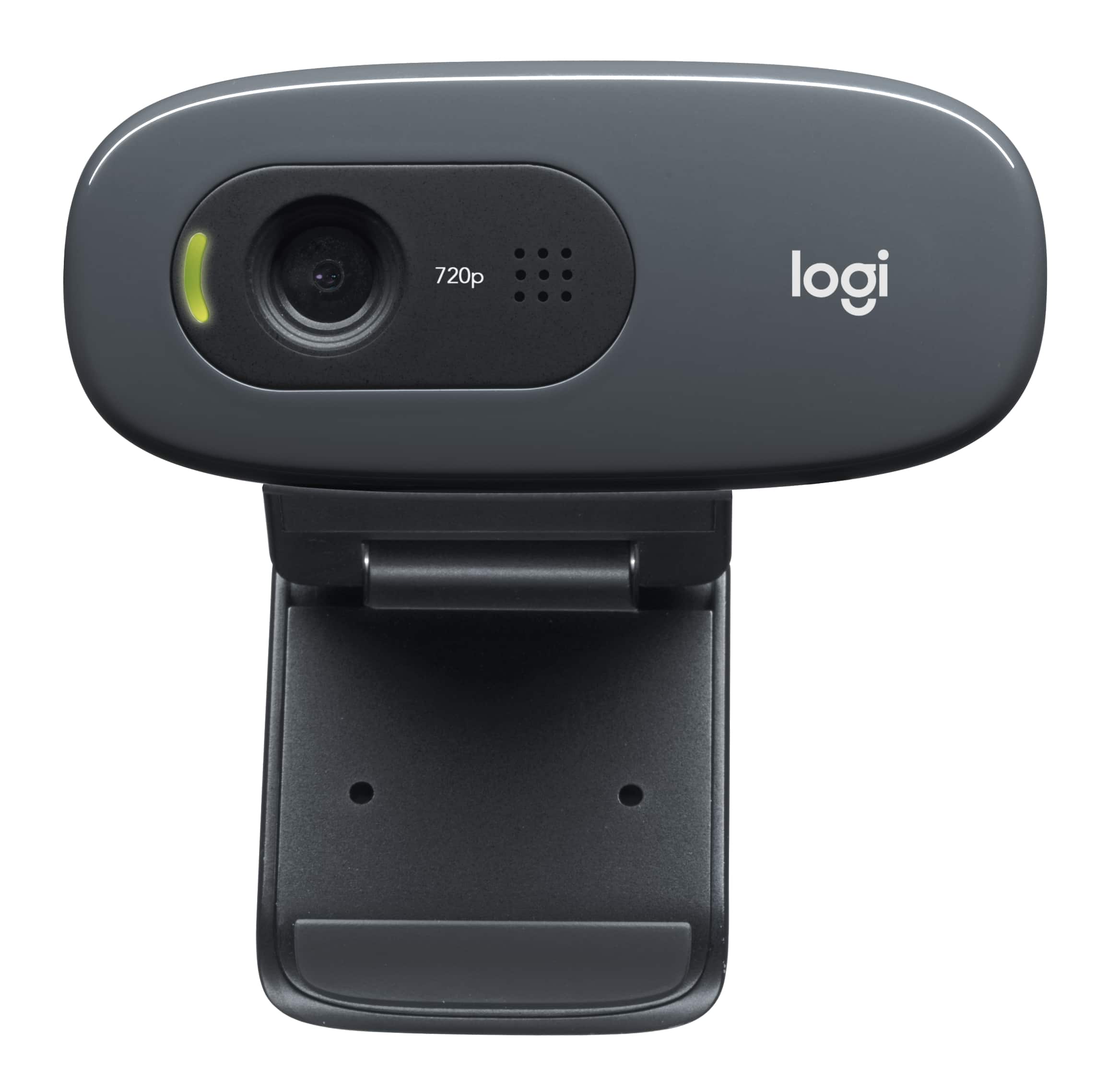
The Logitech C270 webcam offers 720p/30fps video, and a built in noise reduction mic. Sound does not come out of the webcam. Some monitors have built in speakers, so that could be possible with what you currently have. If you are having trouble with getting sound from your current PC, check the sound settings on your computer and WebEx settings.
Thank you for choosing Logitech, enjoy your webcam.
-Best regards, John
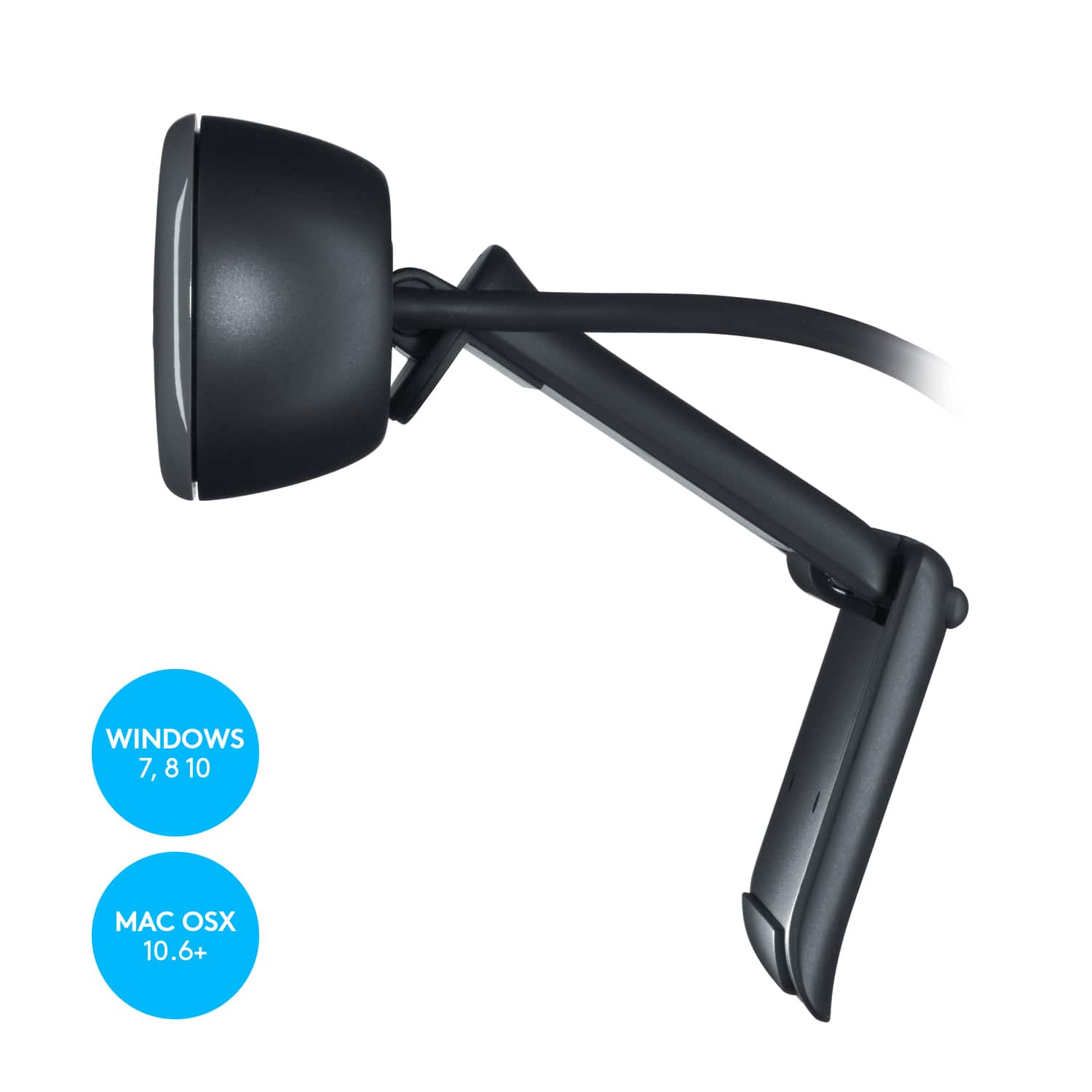
A:AnswerHello, the c270 webcam can be stood up on the stand that is connected and placed on the table. Logitech does not offer any accessories for alternative mounting for this model.
A:AnswerHello, double check to see what your system preferences are. Make sure that for the Audio input, you have the C270 webcam selected. That should sort out the microphone issue you are having.
A:AnswerThe built-in noise-reducing mic makes sure your voice comes across clearly, even if you’re in busy surroundings. If you are referring to distance, It is designed for closer use.