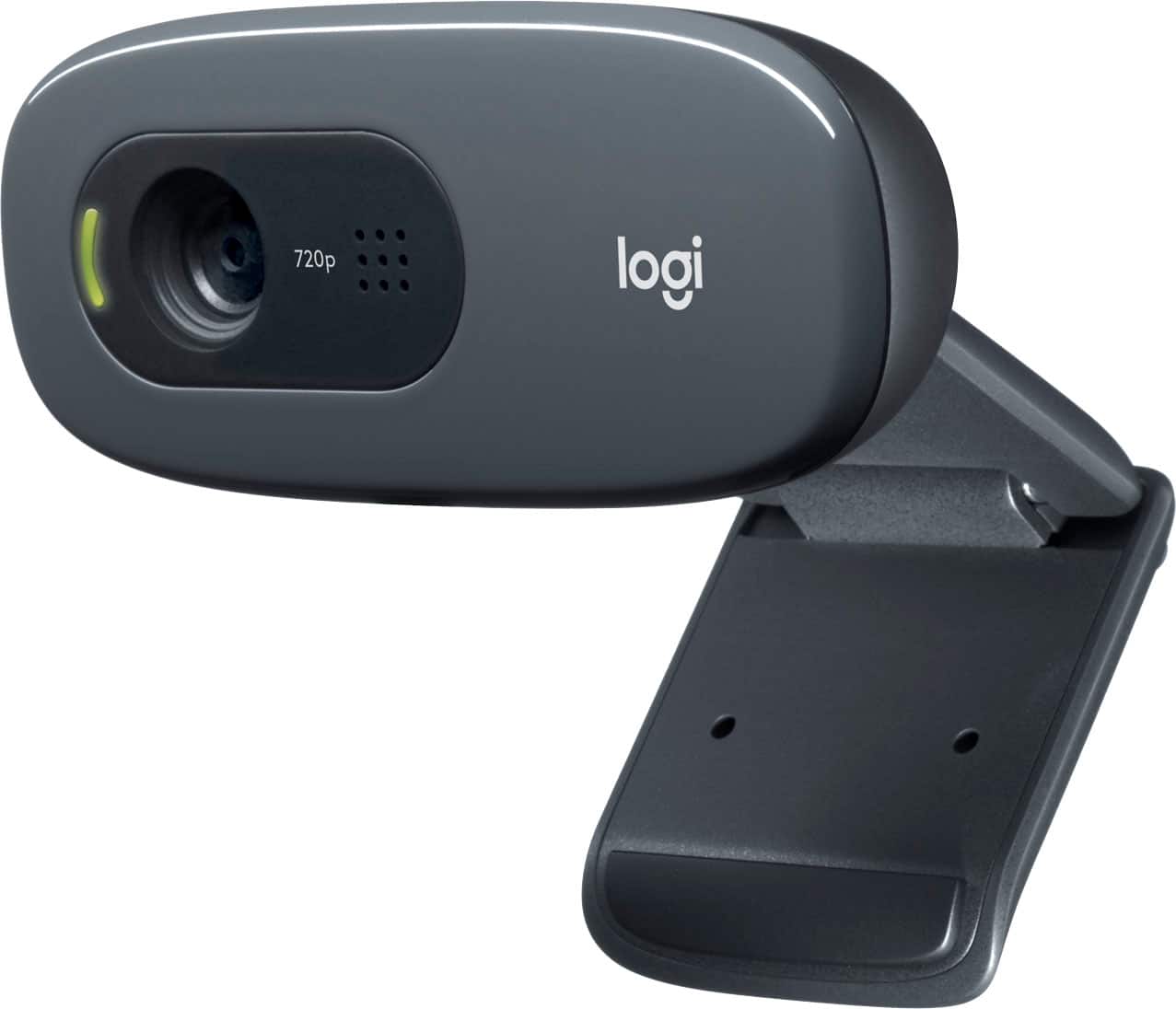
A:AnswerThe C270 will not show up under the device manager, but that doesn't mean it won't work with your Dell laptop (It does show up in "Sound, video and game controllers"). I highly recommend using the Logitech Capture software because it will really enhance the camera and keep it up to date. The camera should continue working when you plug in a microphone headset. Check the input and output settings for the platform you're using---i.e. Zoom, Microsoft Teams, Facebook---and you should be able to set up what device you want to use for each.
A:AnswerThe enclosed instructions show how to do so, but if that is too hard to understand, here's a link illustrating how to do so. https://www.youtube.com/watch?v=VLt_HC2vH88
A:AnswerOn the lower left of a Zoom screen click on the up angles next to where it says mic or video and you can select what you want to use, depending on what is plugged in and/or on.
A:AnswerThere's no software to control this supplied with the camera, but you can (possibly) control this depending on your set up in Zoom or similar conferencing software.
A:Answer4'10" ! (58"). Longer than one needs if you have a USB input on the back of a monitor that it sits on top of. Long enough to reach from the top of a big monitor to go to a laptop USB input on a desk in front of the monitor.