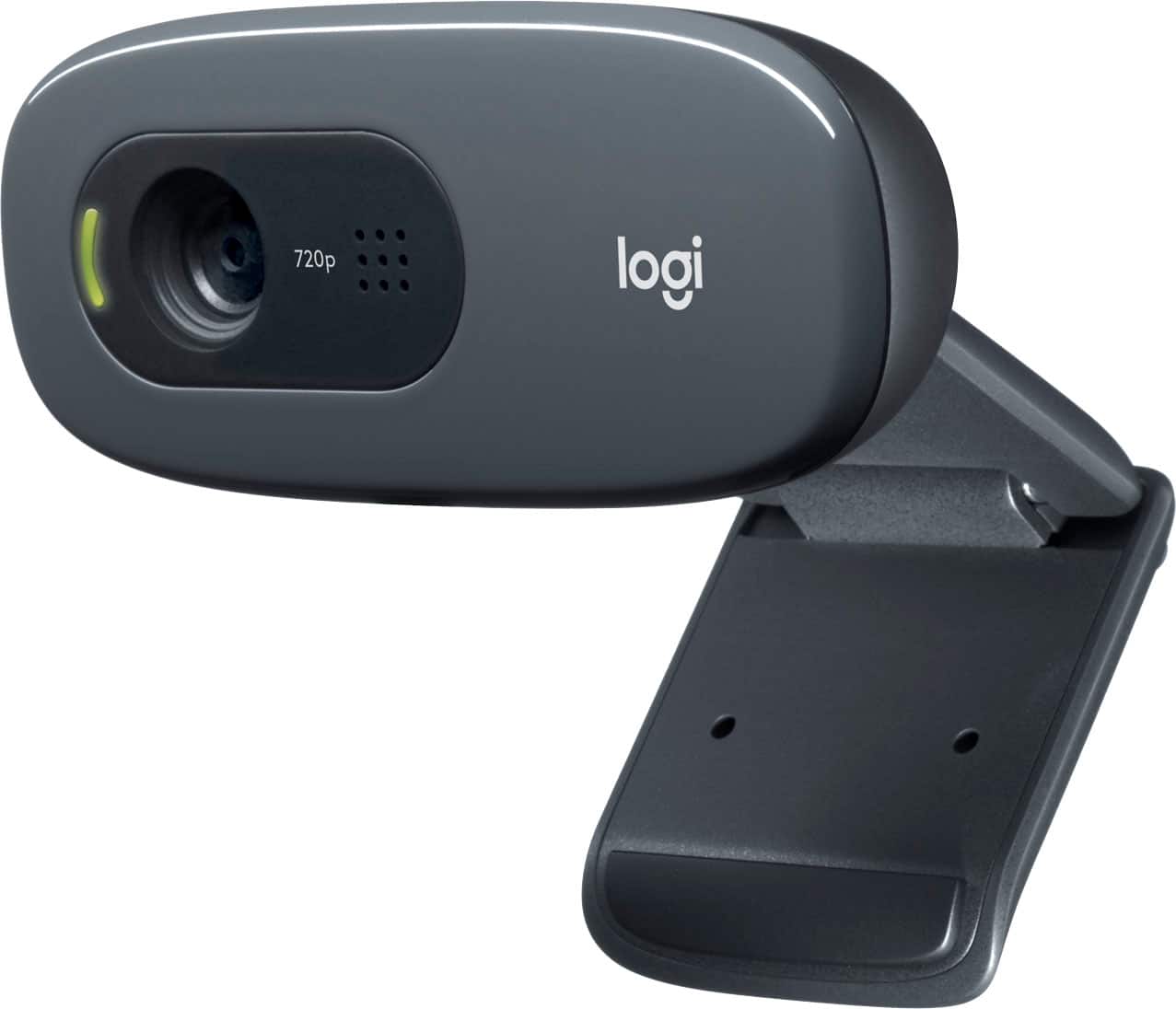
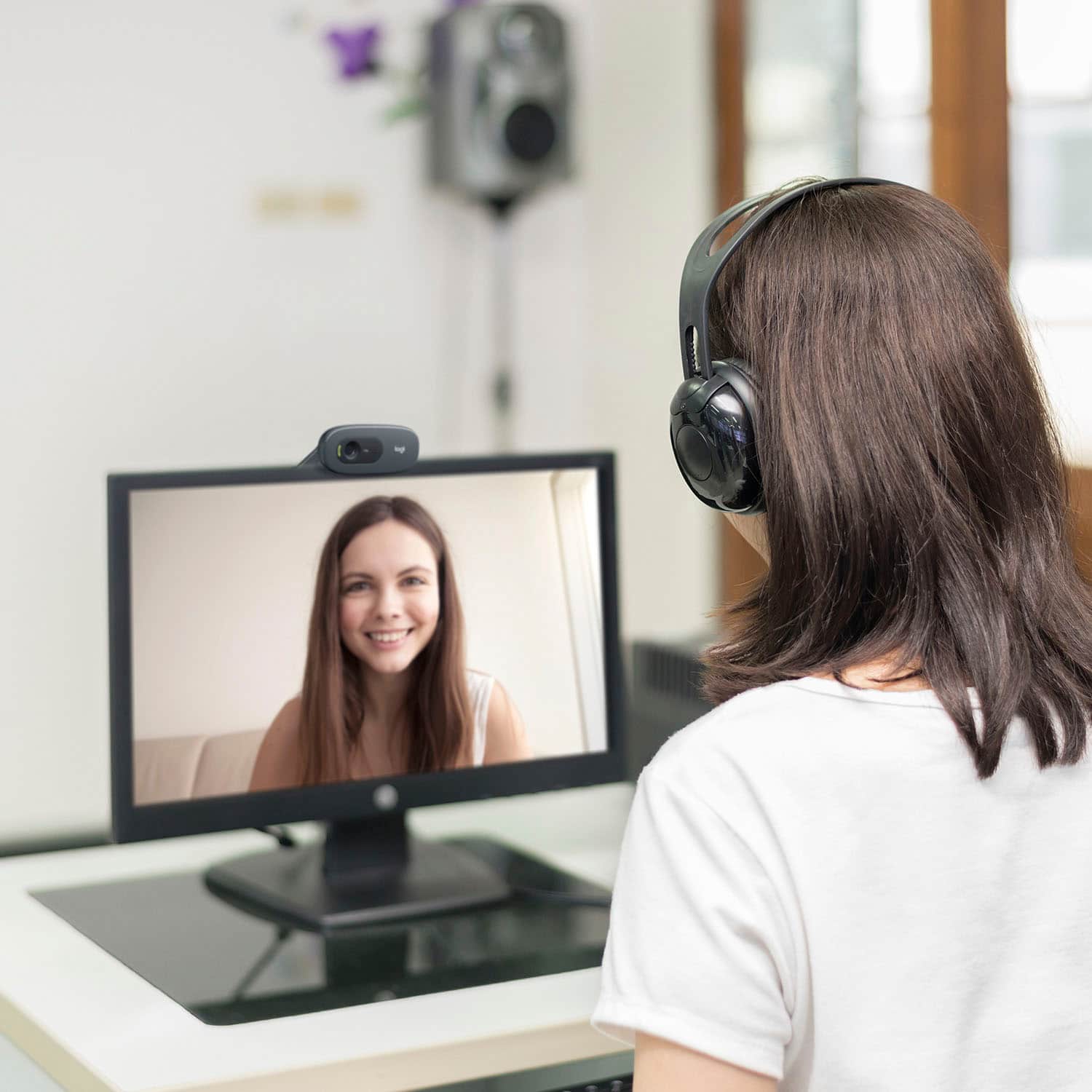
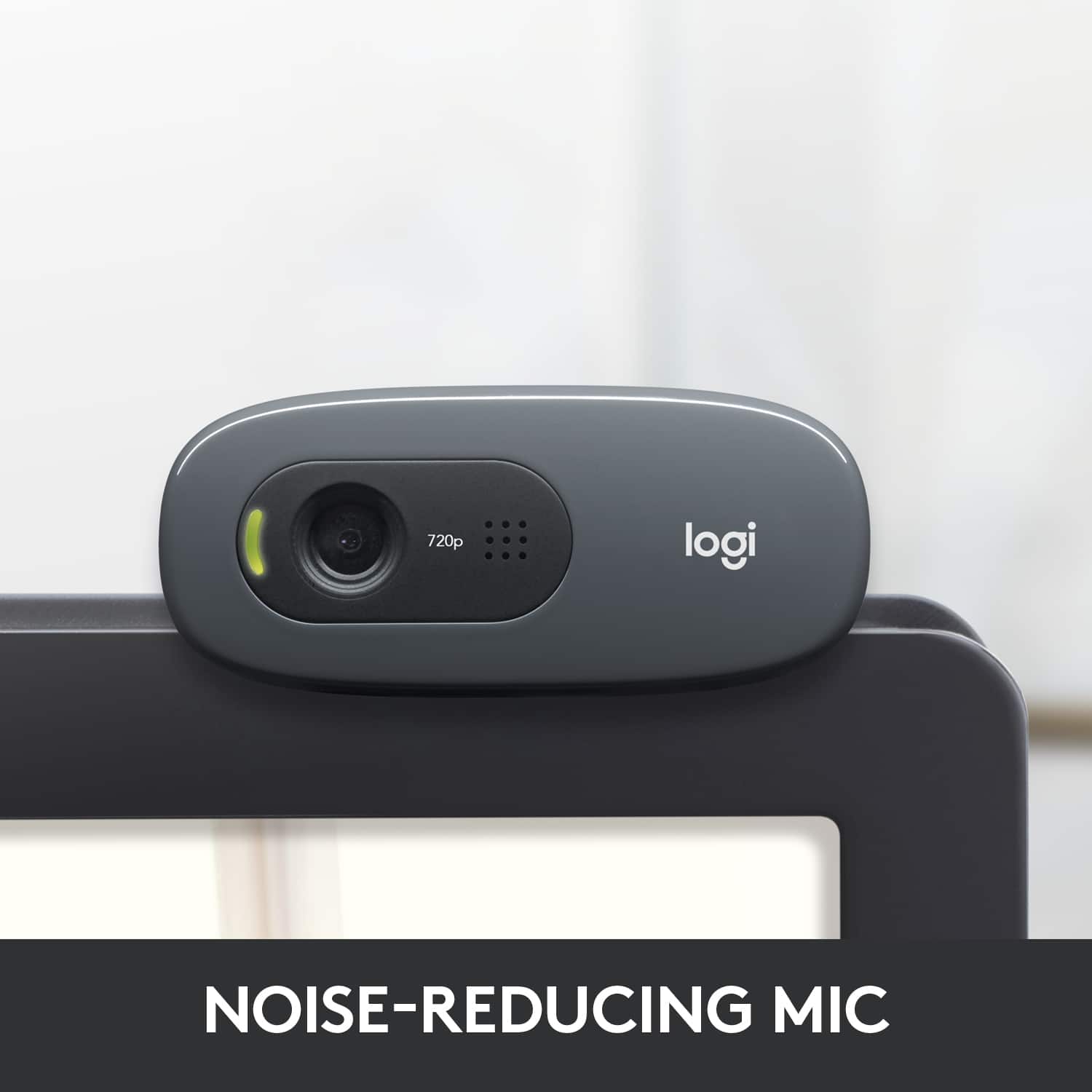
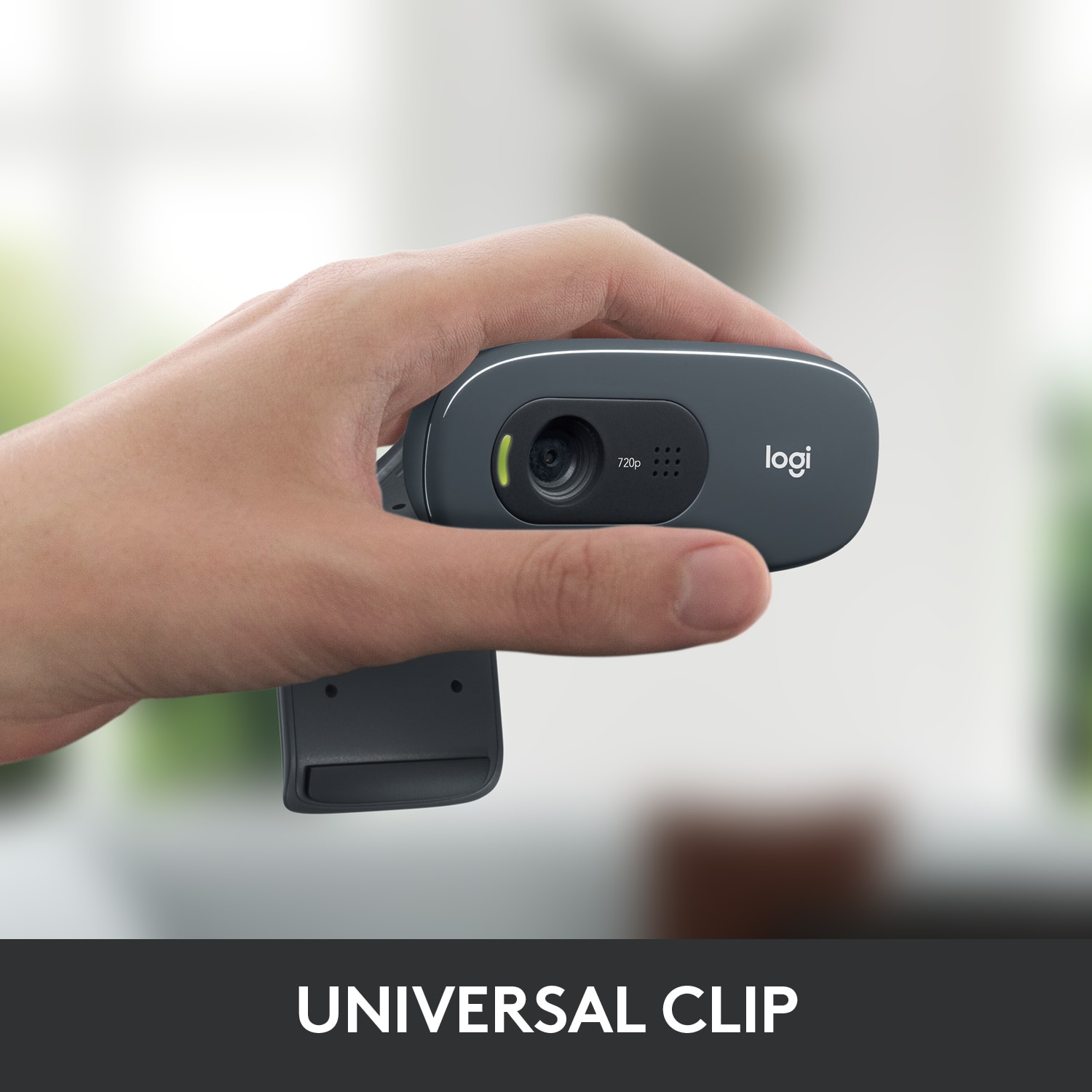
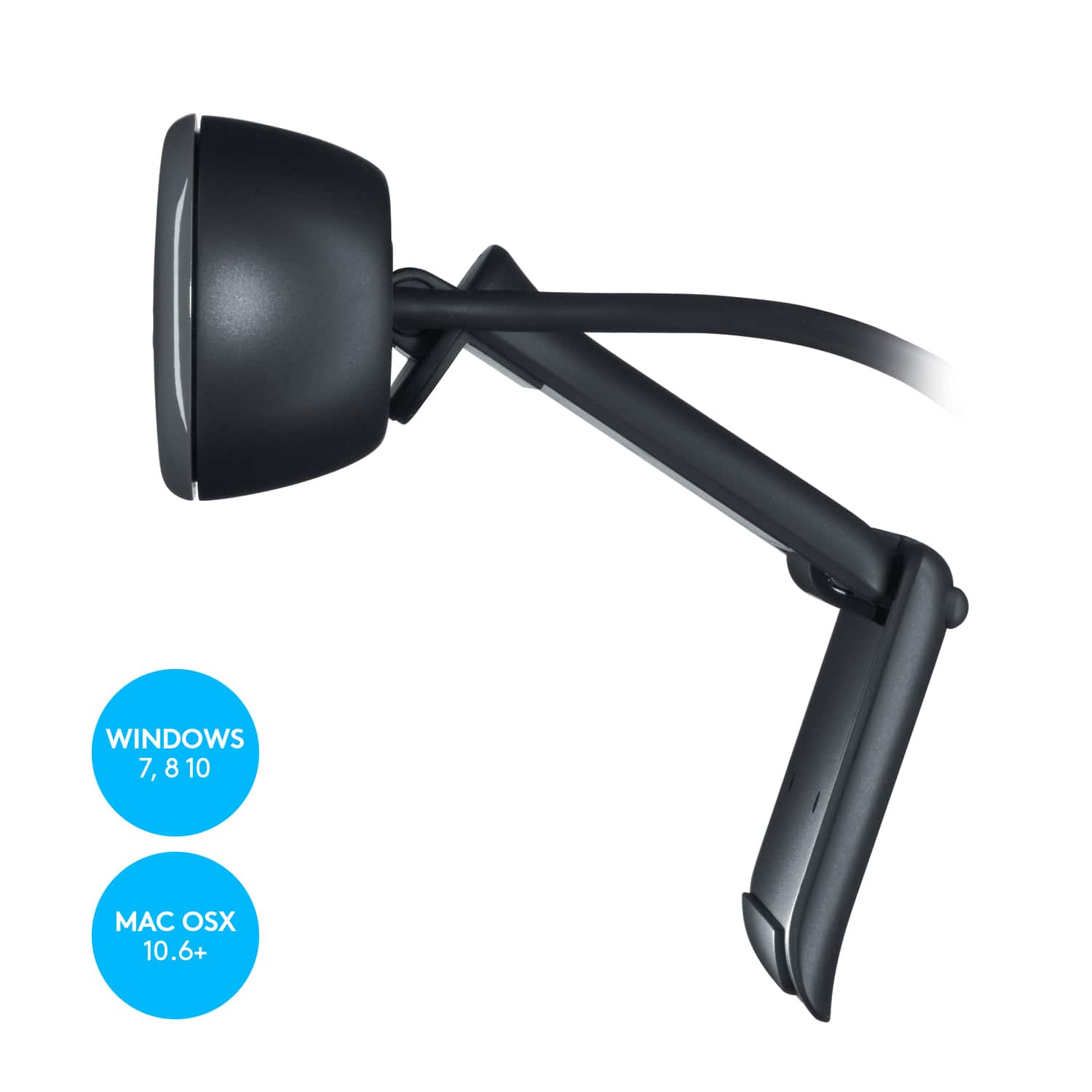
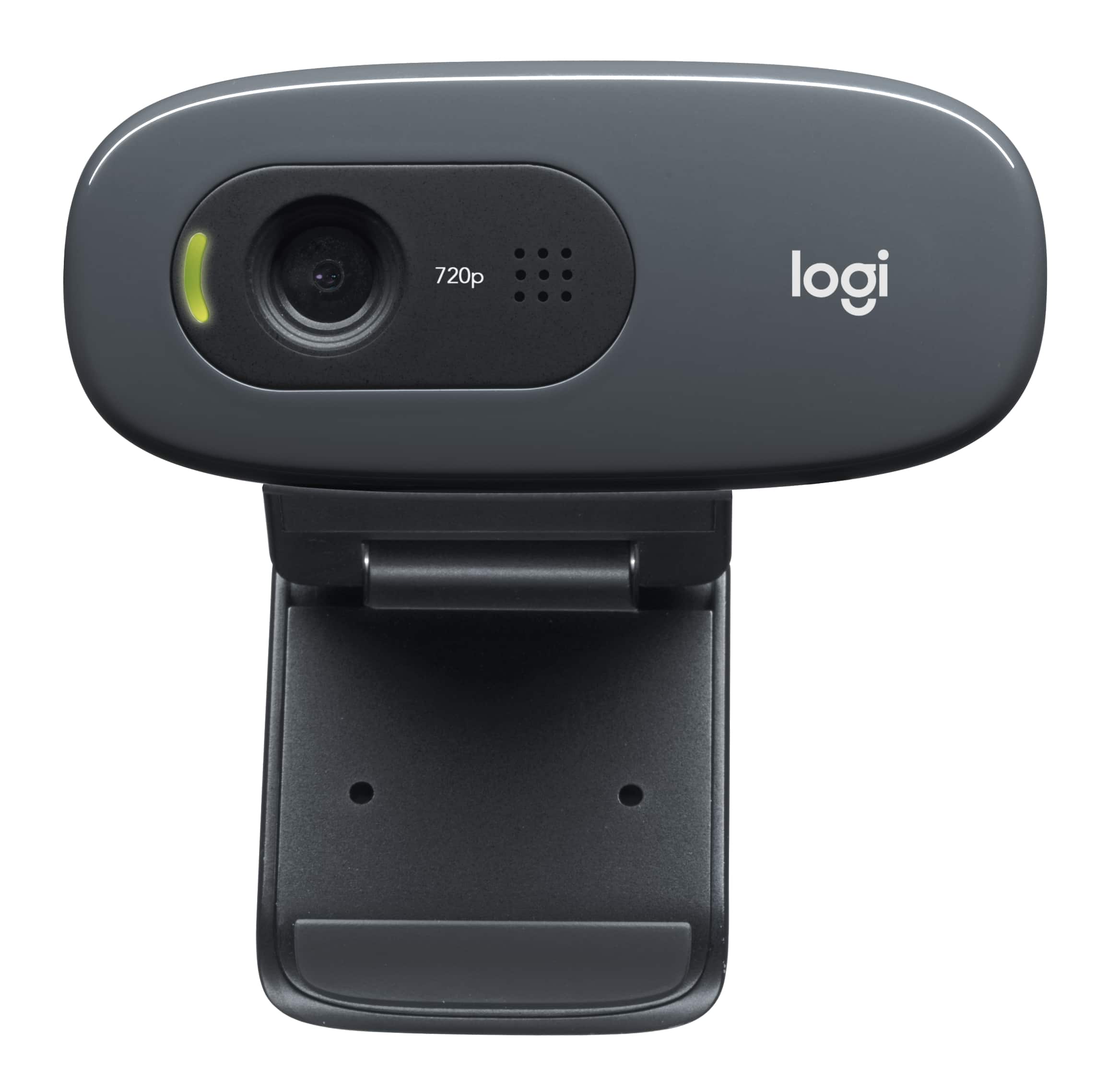
A:AnswerI have to limit my comment to laptops running Windows 10, as that is the context for my experience. Indeed, this camera should work quite well for your laptop, if it uses Windows. The hinged mount sits securely on the top lip of the screen, and the camera is then adjustable in terms of angle. The camera has a built-in mic and both the camera and the mic use a single USB cable. There is an indicator light that glows when the camera is in use, but I'd probably unplug it or cover it when you're not using it. Logitech makes great cameras... this one is inexpensive but does a fine job with Zoom, etc.
A:AnswerMine works very good. We had Zoom on our computer and after I plug it into the computer I tried it out and it worked. It also works with Cortana on Windows 10 with no problems.
A:AnswerNO. I believe the key to whether you can use the virtual background is a function of your computer processor. In my case, my processor is fine (Intel i7) but it only has a 3rd generation chip. When I had trouble getting on Virtual Background I did some research and it turns out that for an i7 you need at least a 6th generation chip or, if you have a green screen, then at least a 4th generation chip. So you could have the greatest webcam int he world and it wouldn't help you use the Zoom virtual background. But I have to say that I am happy with this webcam. It is a very reasonable price and it seems to really do the job.