A:AnswerIt did work in Chrome OS for my son's Asus Chromebox. It was a simple plug and play, I did not need any drivers or anything to install. The resolution was actually pretty good.
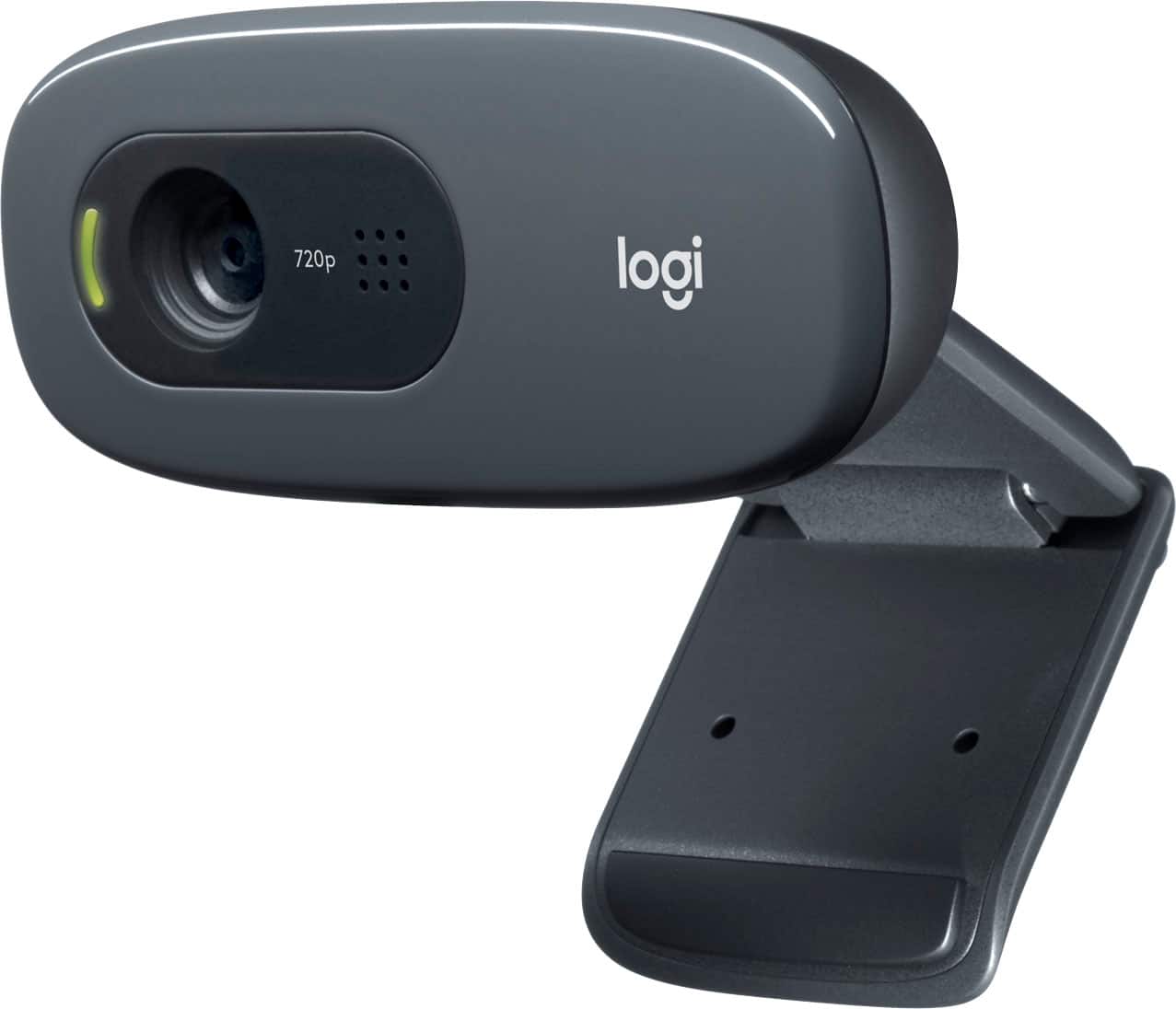
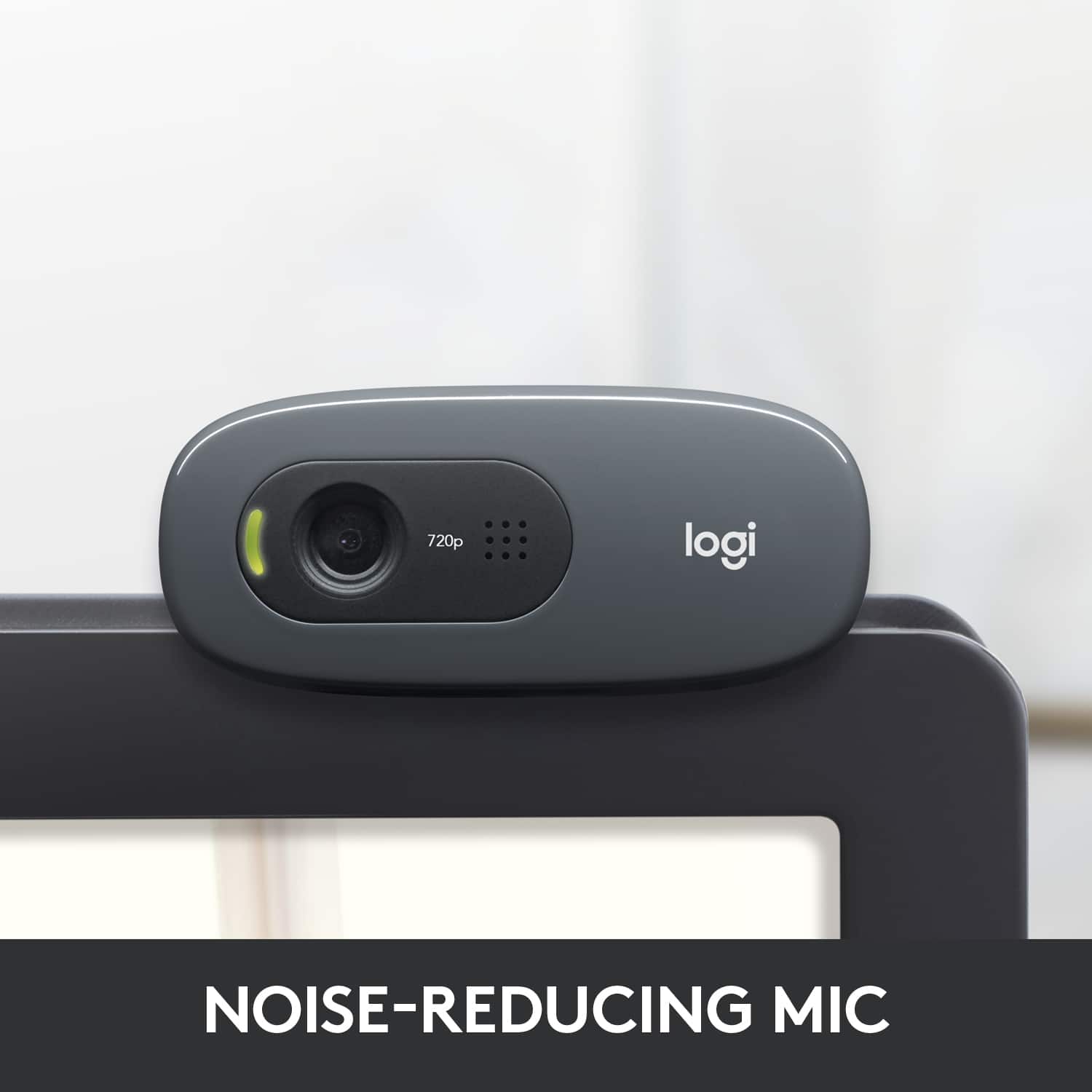
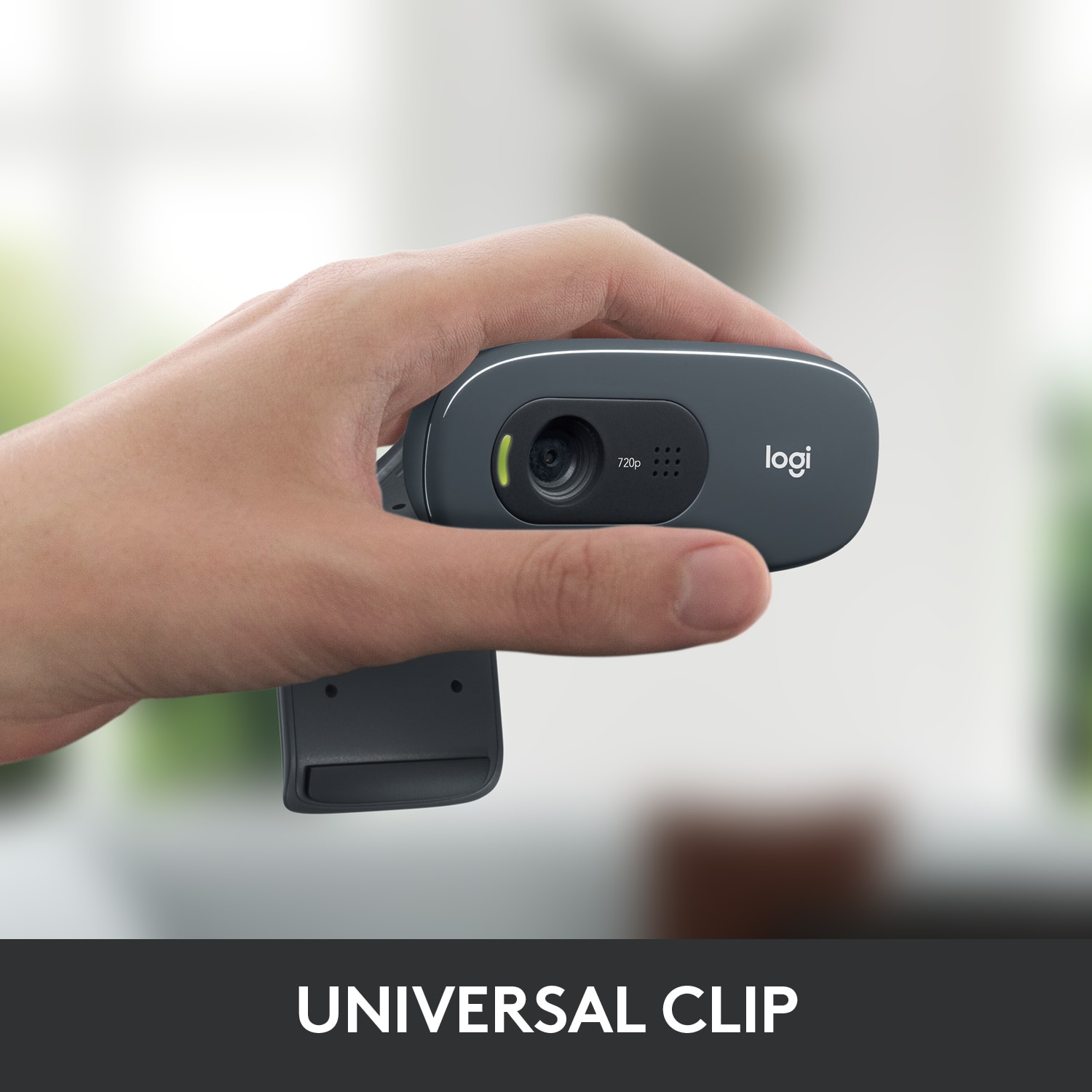
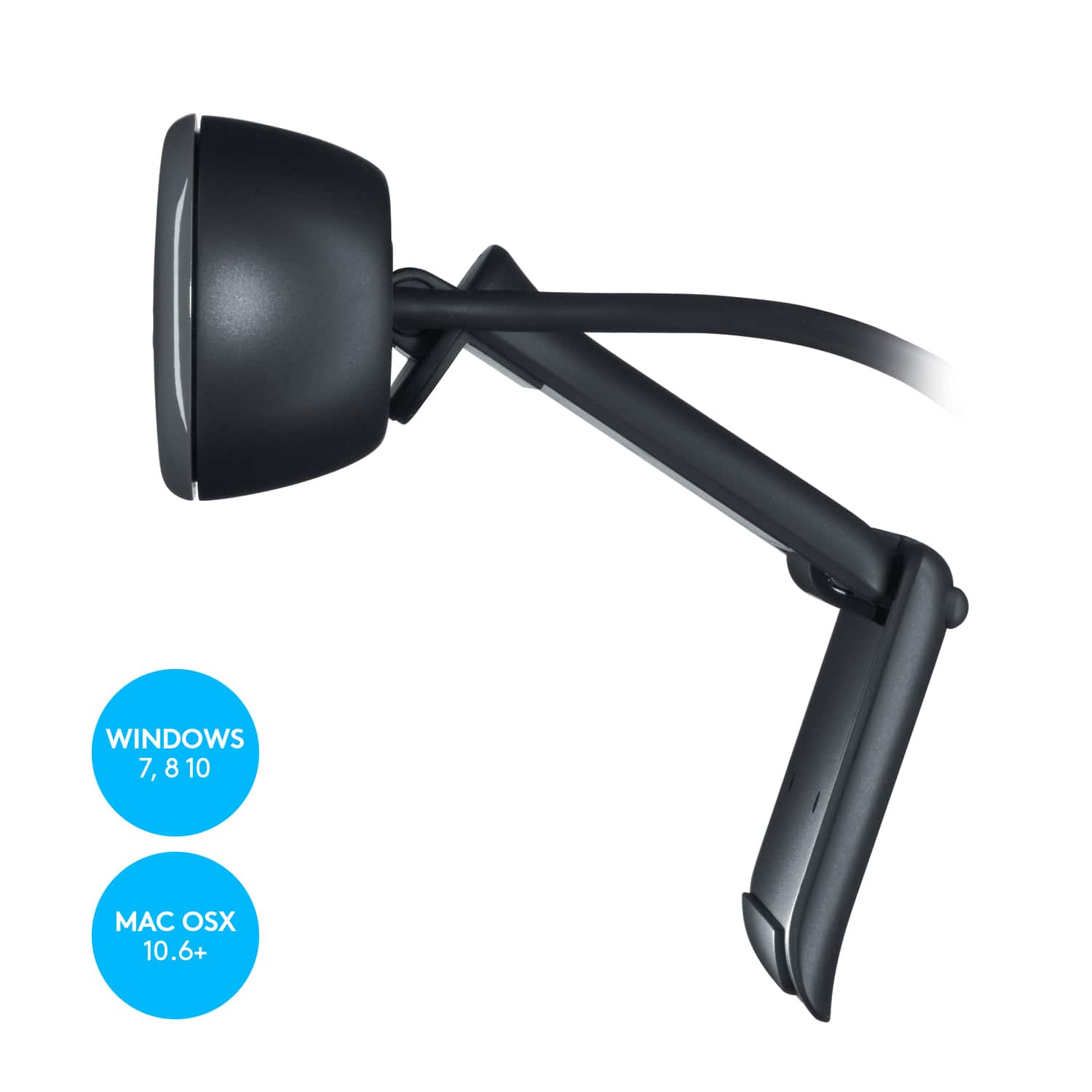
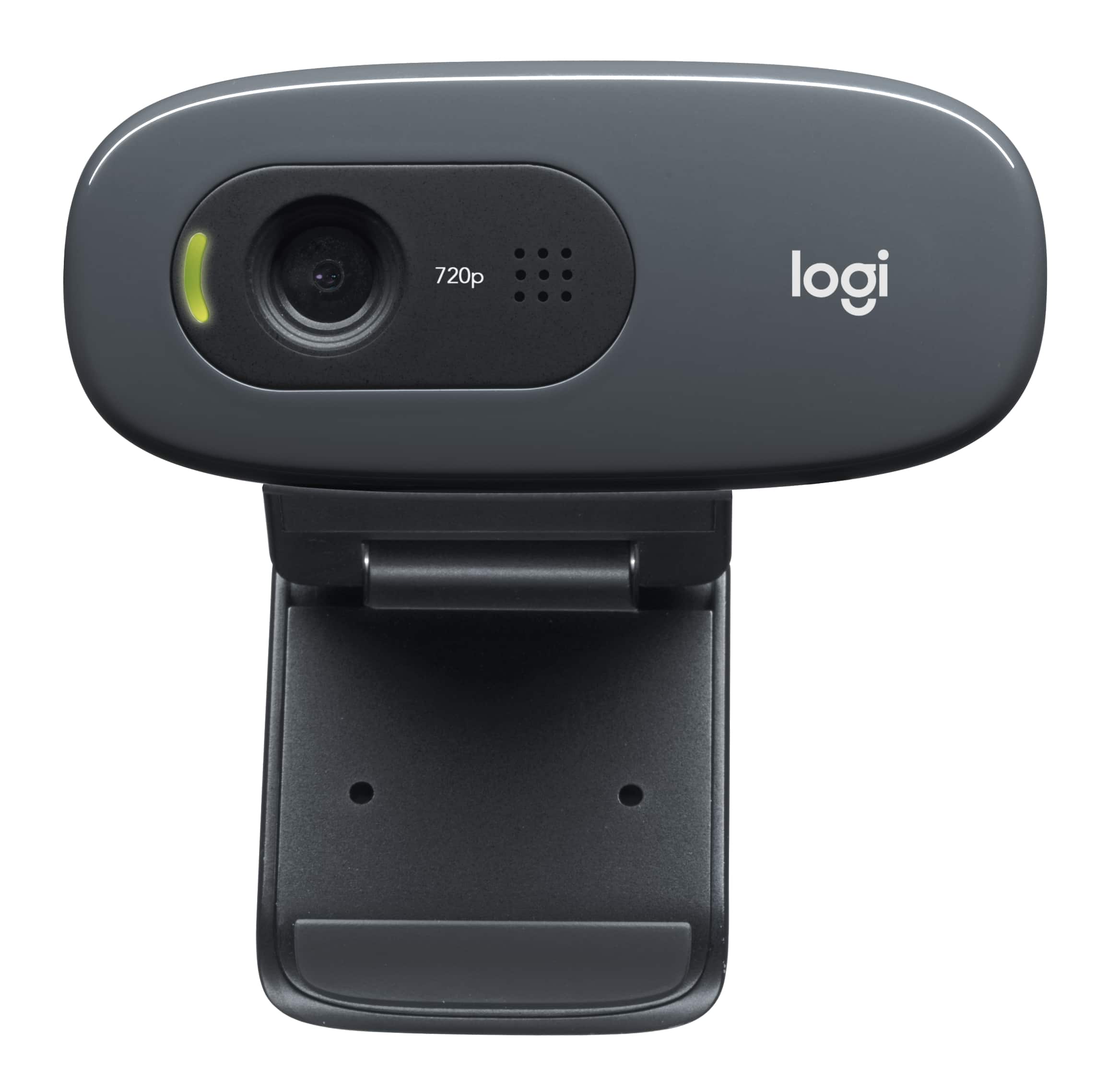
A:AnswerThere's a flat piece that sits on the top of the monitor or laptop screen, and another piece behind it that functions like an adjustable clip. I've found the camera to be pretty secure on my monitor; it's fallen off only once (with help from a cat).
A:AnswerWith this model, as with most inexpensive webcams, you can't really zoom. The camera tilts up and down manually in order to frame the image properly... and you "control" how close or far the subject is by moving the camera closer to you or farther away. If you need digital zoom on a webcam you're limited to the higher-end units, and the feature descriptions will mention that ability. By the way... activating the digital zoom is almost always a feature of added software that you download from the camera manufacturer; it is not a function of physical controls on the camera, at least on most webcams. To get into the fuller range of photo adjustments you'd look for a video camera rather than a webcam.
A:AnswerHi Antonia,
It has a flip out section that goes behind the camera and stabilizes it on the top bezel of the monitor.
The USB cord (A type) is attached to the camera.
Hope this helps!
Steve F.
P.S. If you are running Win 10 select the Start button, select Settings:Privacy:Camera, and then turn on "Let apps use my camera". You'll need to do this, no matter which Webcam you buy, to get it to work.