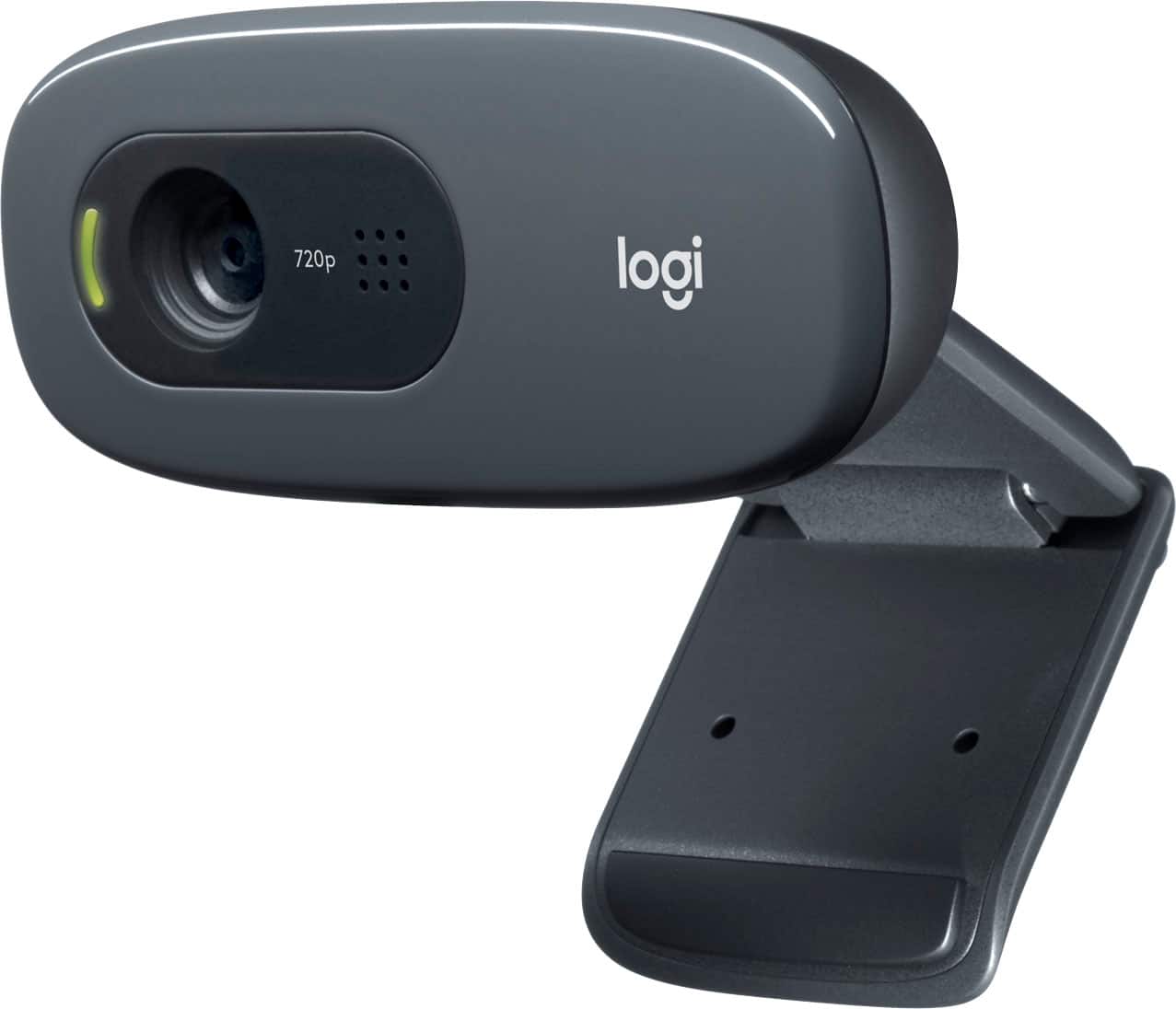
A:AnswerHello Barbara, no this webcam does not come with a tripod mount butr you can use google search or your favorite search engine and use a search phrase like this one (tripod adapter for Logitec c-270 webcam) I did and found a few candidates. Good luck!
A:Answer1. The webcam is not a camcorder. It is only an input device for the comptuer. Recording is a feature that is controlled in an app (i.e. Zoom, Google Meet, or whatever website that gandles your feed). 2. Settings app in your computer.
A:AnswerHi RC, you'll find out it works just fine on Zoom, I use it for Zoom myself. But the background will depend on your subscription with Zoom good luck.
A:AnswerThere is no software for using the camera. You may be able to download a third party application to control the camera for picture taking. I use it for Google Meet where it automatically turns on and records.
A:AnswerThere is no provision for memory storage since this serves as a "simple" camera and microphone with throughput via a USB A male to a computer or compatible AV device.
A:AnswerNot natively and it may be difficult, and likely unwieldy, to set up the audio and video throughputs. It may be easier to use a powered or unpowered usb hub to expand your laptop's port.