A:AnswerHello, the C922 needs a computer to work. You can always connect your computer to the TV and use the TV as your computer monitor... but no, it will not natively work with the TV.
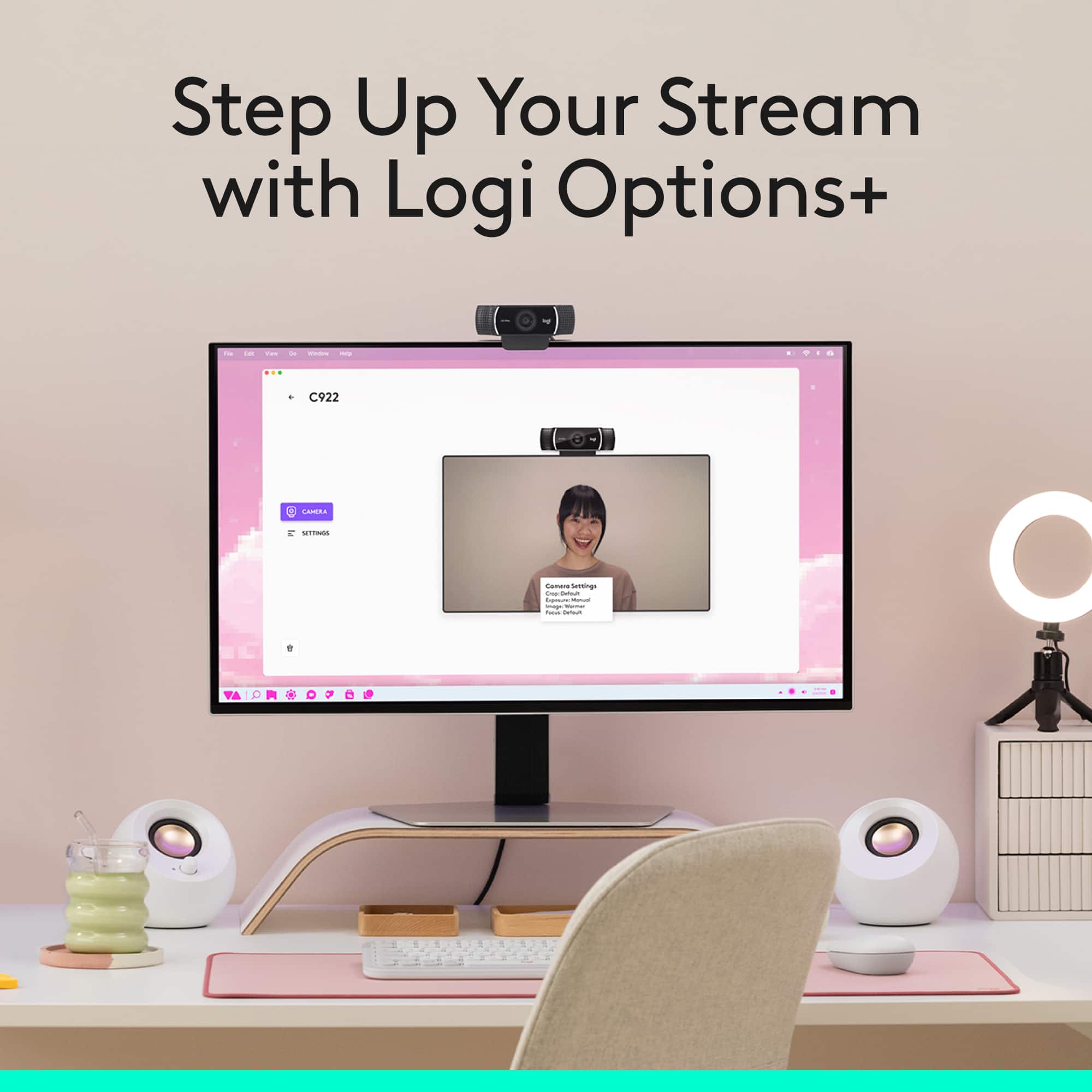
A:AnswerIts not an amazing zoom but you can adjust the zoom using the Logitech G HUB software. Not sure if there is anywhere else you can adjust those types of settings, but in that software you can control contrast, brightness, etc. including some filters.
A:AnswerThe C922x is an Amazon exclusive that comes with a 6-month license for XSplit streaming software. Other than that, they are the both the same C922 model of webcam.
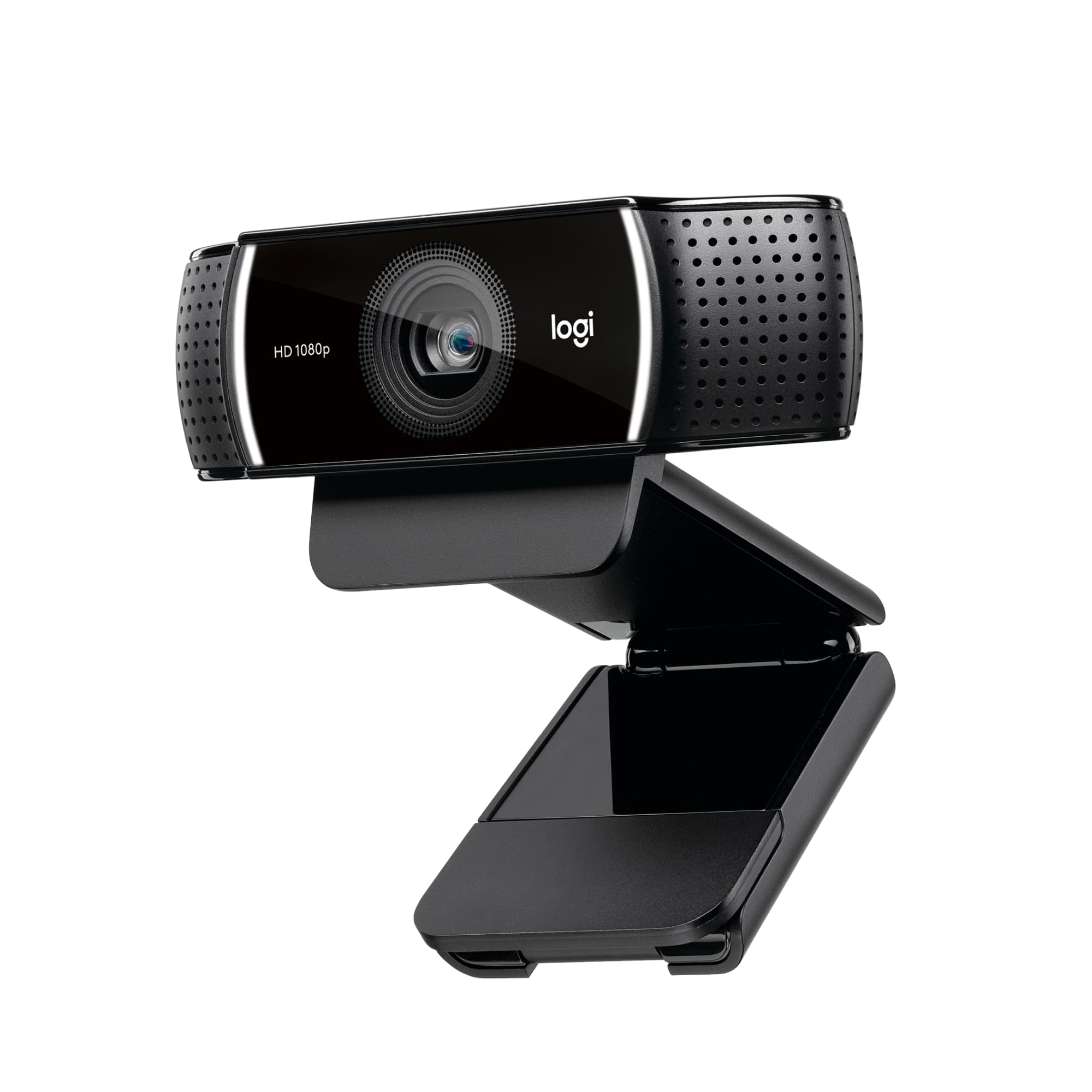
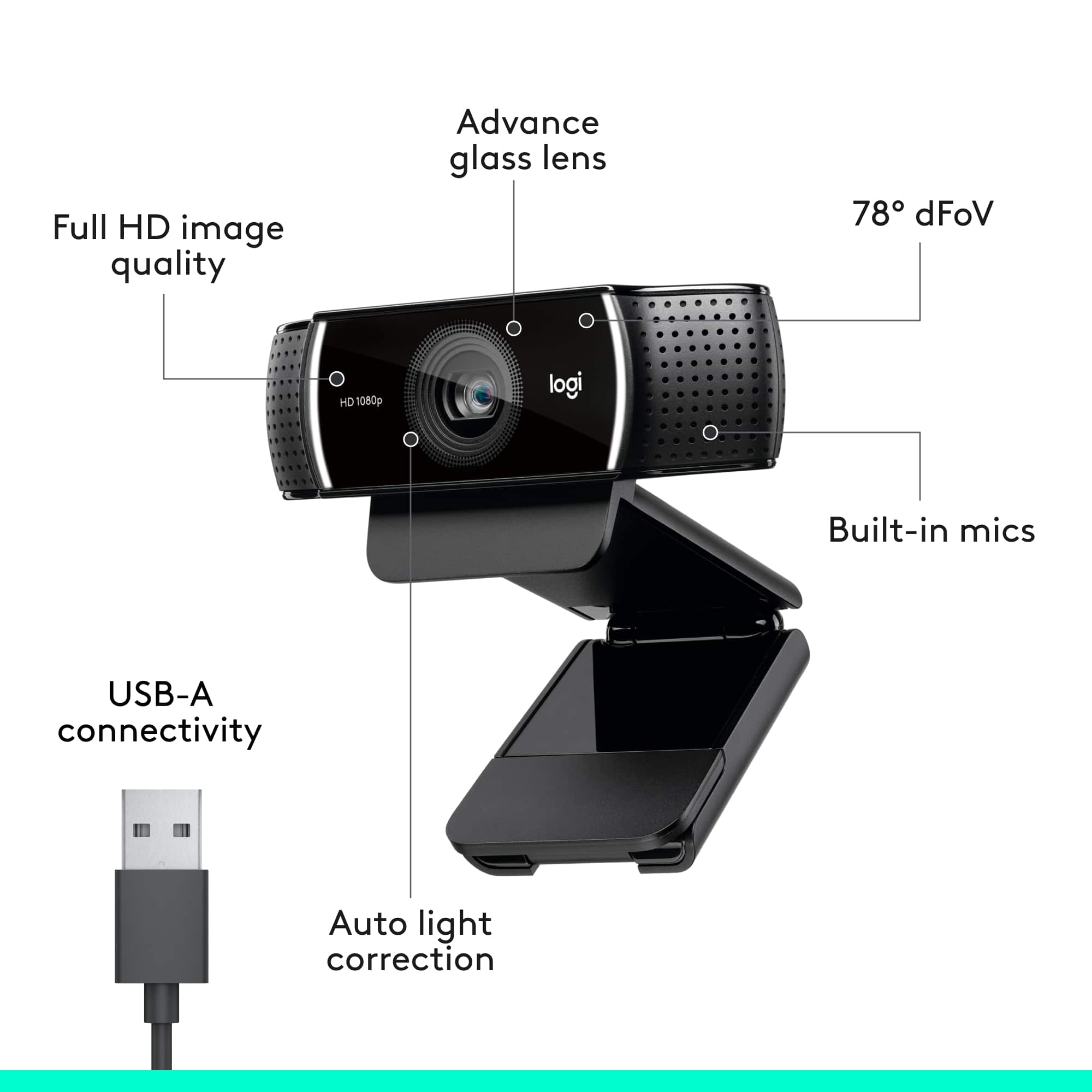
A:AnswerFitted with two microphones, one on either side of the camera, the C922 Pro Webcam is able to capture more realistic sound from every angle, so that your voice comes through sounding natural and clear. Although It is designed to be close to you, as a webcam It will be a great upgrade over the computer. If you want to go all out, see our Blue mics for the best in audio: https://www.bluedesigns.com/
A:AnswerSet up an account with Best Buy and flag this product for notification when available. I did that and got a notice when a few of the cameras came in. I was able to order immediately.
A:AnswerHello Tinlizzie01,
Yes, the C922 Pro Stream Webcam will work on Microsoft 10 with your HP Envy Desktop, and yes C922 is plug and play. You will want to select the c922 as your input device, and you may need to allow the webcam in your computer settings. Please visit the Logitech website if you need assistance. I recommend downloading the Logitech “Capture” software. This is a free download on the Logitech website.
-John
A:AnswerHello Annamaria! Any of our webcams will work for you. They are all plug-and-play... meaning all you will have to do is plug it in and your computer should do the rest! The C922 is considered by many to be our top all-around webcam.
A:AnswerSet up an account with Best Buy. One of the features of having an actual account is that you can request notification when the product is next available.
A:AnswerHello Loris! You cannot use the c922 Pro Stream HD webcam directly on your TV unfortunately, but you can connect it to a Windows PC, Mac or Chromebook that is connected to you TV in example. So if you start a voice chat like Skype, you'll be able to see the image on your bigger TV.
A:AnswerThe C922 can be used to stream to Facebook Live. It even comes with the free downloadable Logitech Capture software that can give you more options and features to use on your live stream!
A:AnswerYes, the C922 is a great option and even an upgrade for your MacBook Pro! Keep in mind, this has a USB A cable, so if your MBP has only USB C ports, you will need to use an adapter.