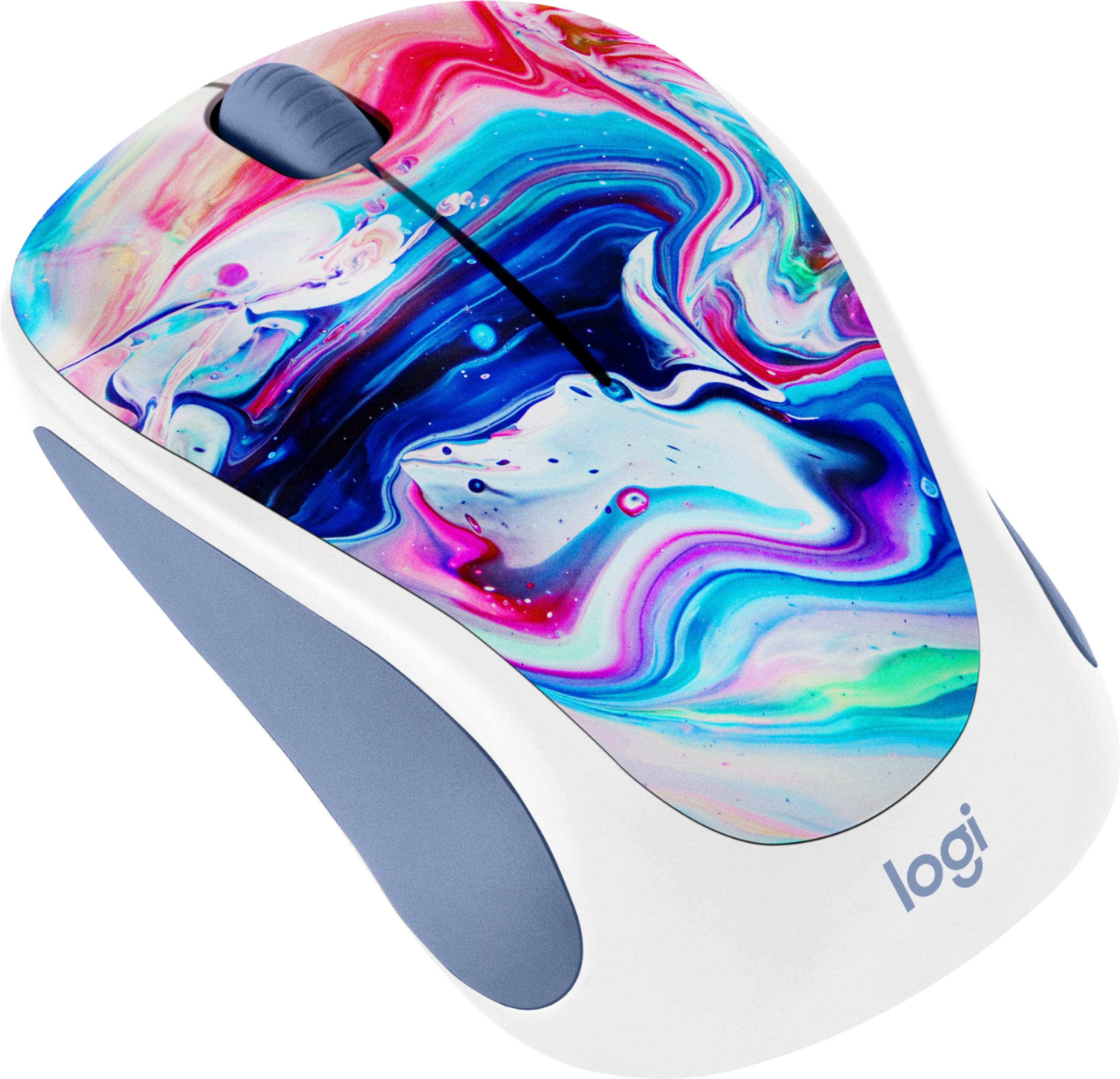
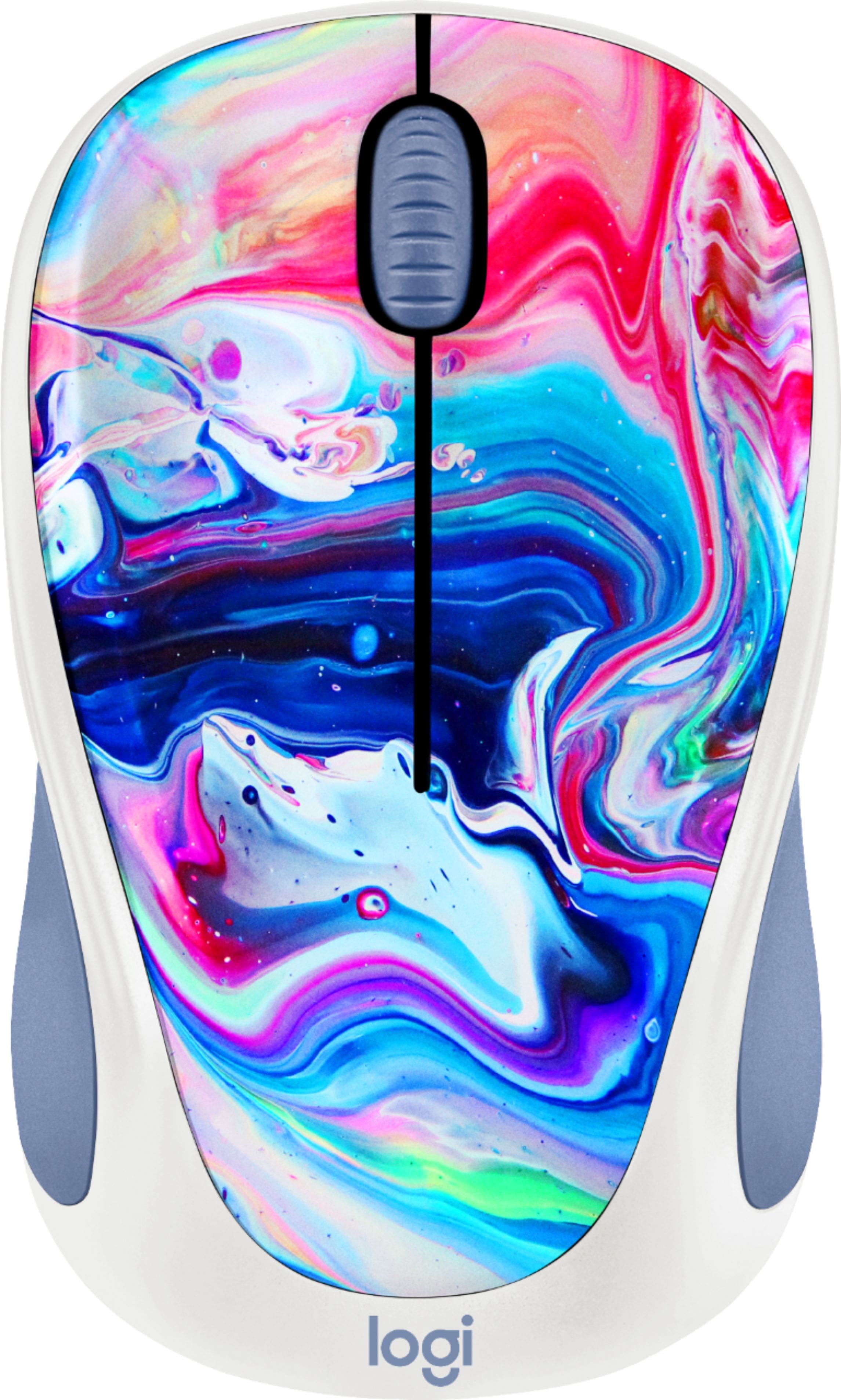
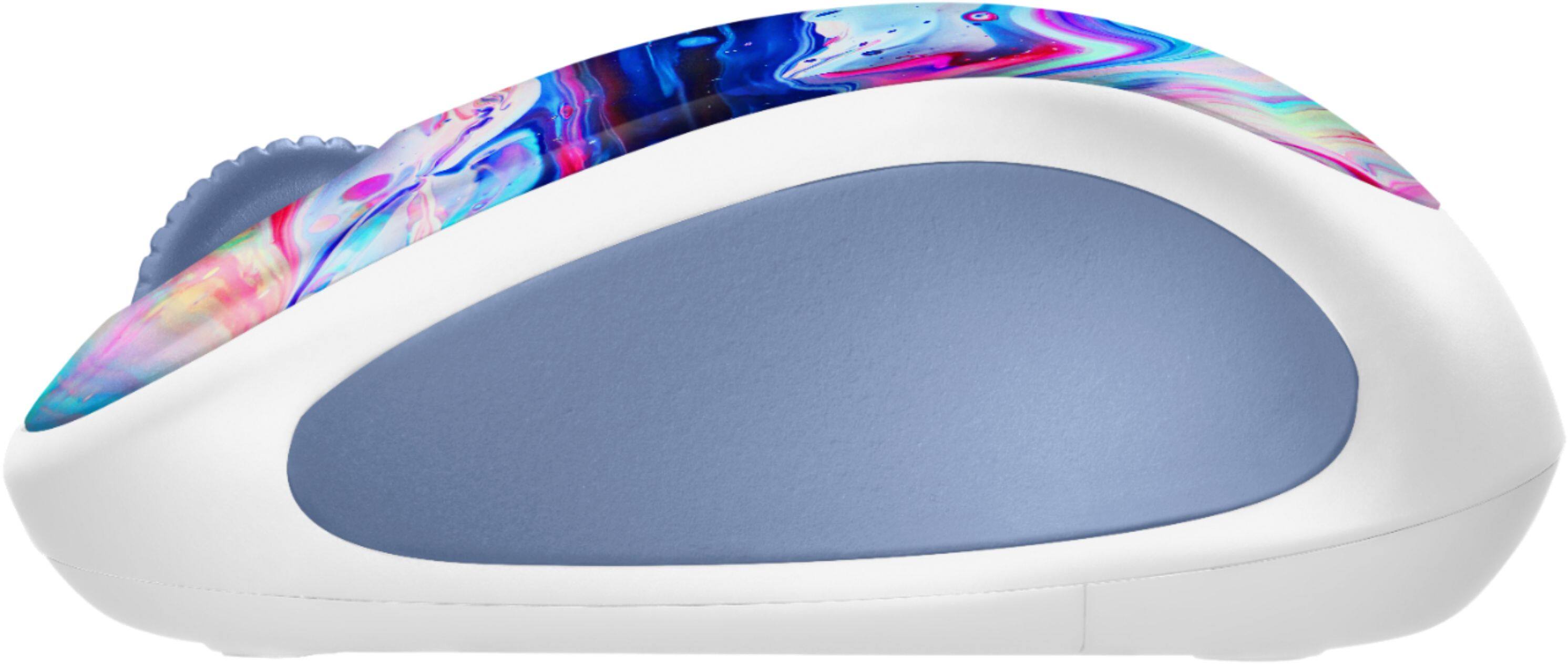
A:AnswerMouse connects via a small adapter that plugs into a USB port. You should have that on your WOW computer. The only problem I see is that the WOW is designed to limit the software you can install, and your mouse would install its own software once connected. You might need to contact one of your WOW Tech Buddies and ask about download before you purchase one. This mouse is also smaller than the standard mouse that will come with your WOW, so is dexterity is a problem, you might want to stick with the original or look for a larger wireless mouse.
A:AnswerYes! We bought it for our 6 year old, and it's the perfect size for her little hand. It might be a little small for an adult with larger hands. But it's great for a child!
A:AnswerHi Meli, The Design Collection Wireless - Cosmic Play mouse will certainly work with your MacBook Air, but you'll need to use a USB-C to USB-A adapter to connect the Nano Receiver. Hope that this helped and that all is going well. - Richard from Logitech
A:AnswerHi! Thank you so much for reaching out. Please check inside the mouse—the USB nano receiver is stored inside for travel. Simply slide open the battery compartment door on the underside of the mouse, and you'll find the tiny dongle in a dedicated slot right next to the AA battery. If the receiver is missing and the slot is empty on a newly unboxed unit, please contact your reseller for a replacement, as the mouse comes with a device-specific receiver.