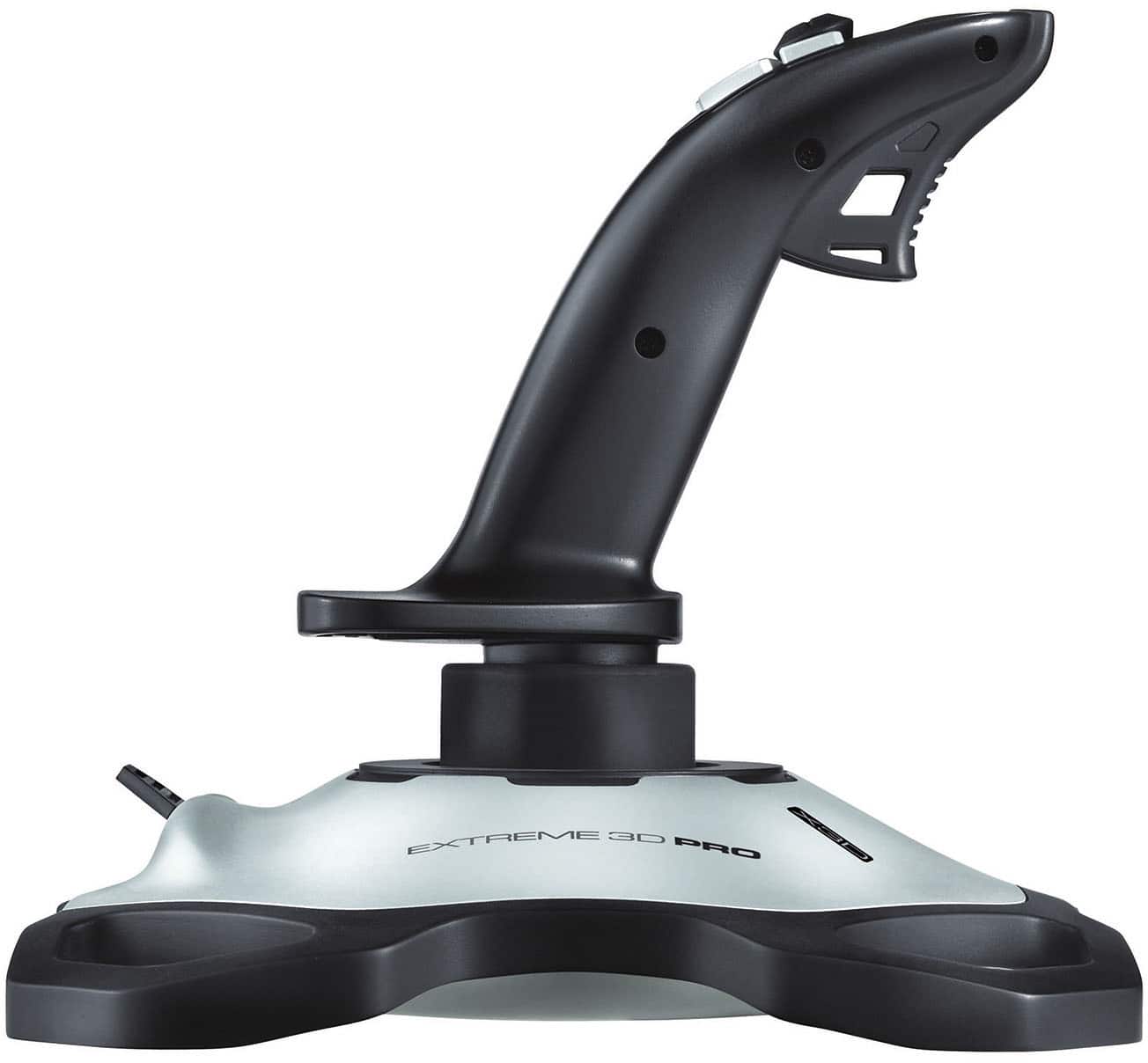
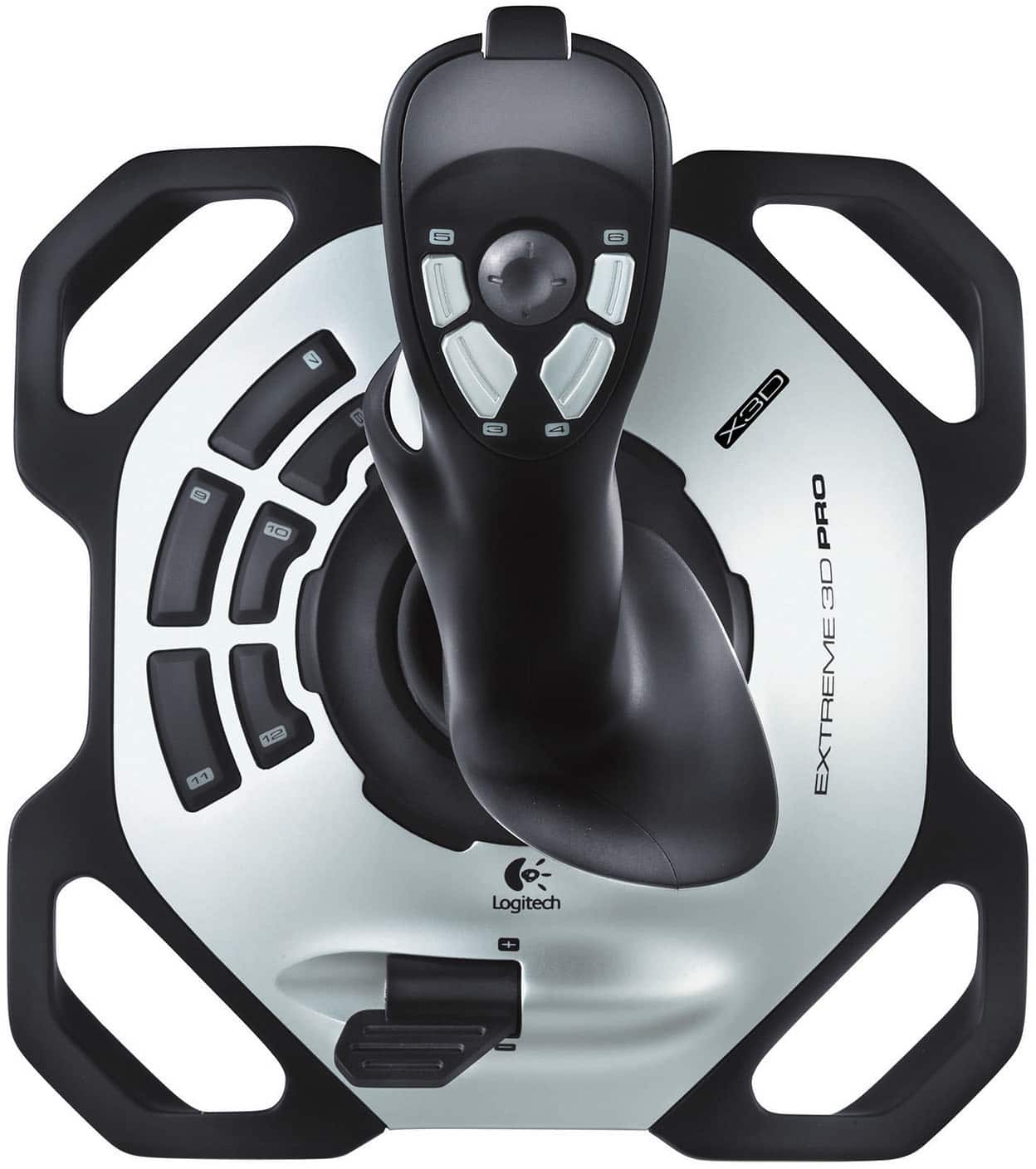
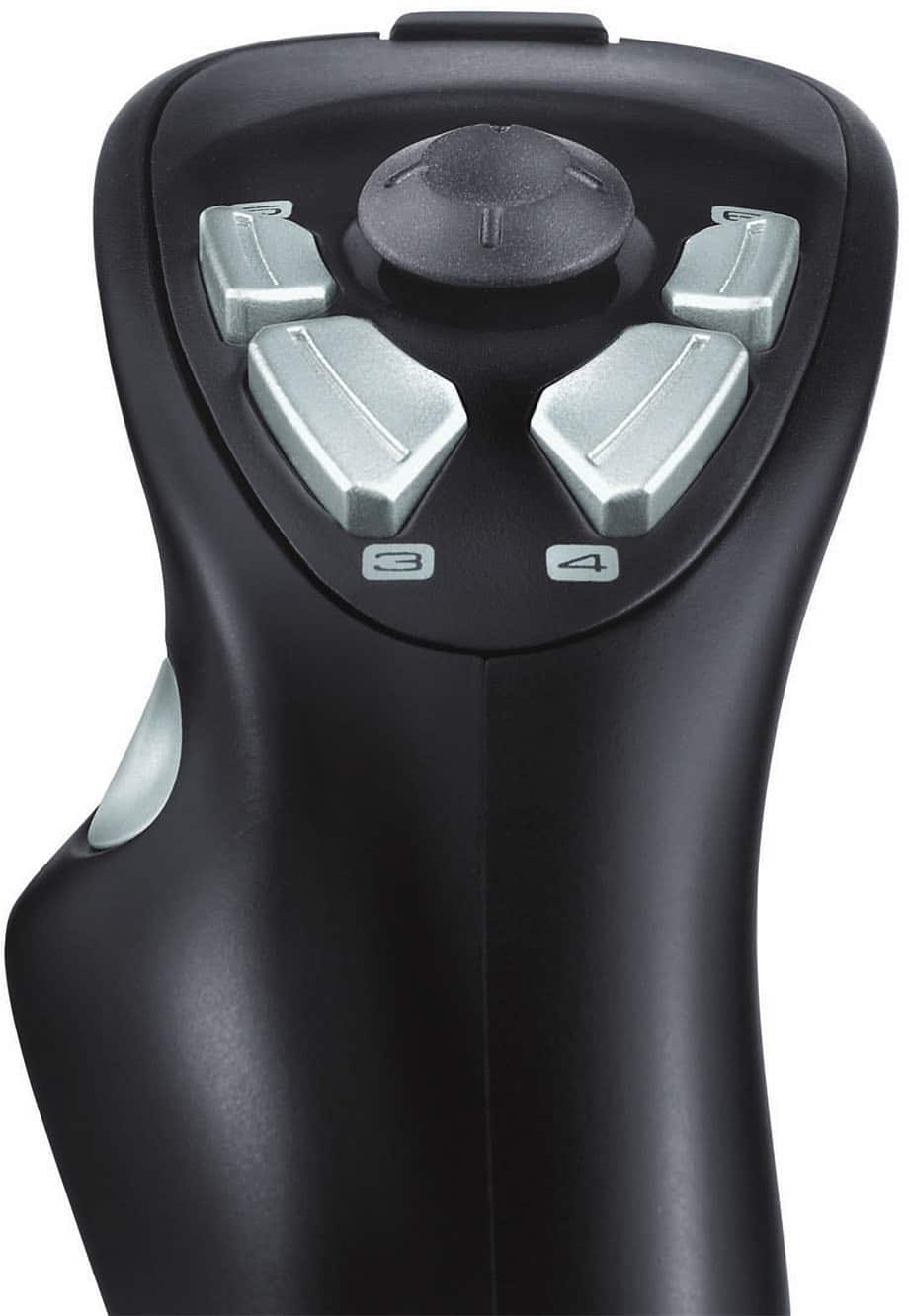
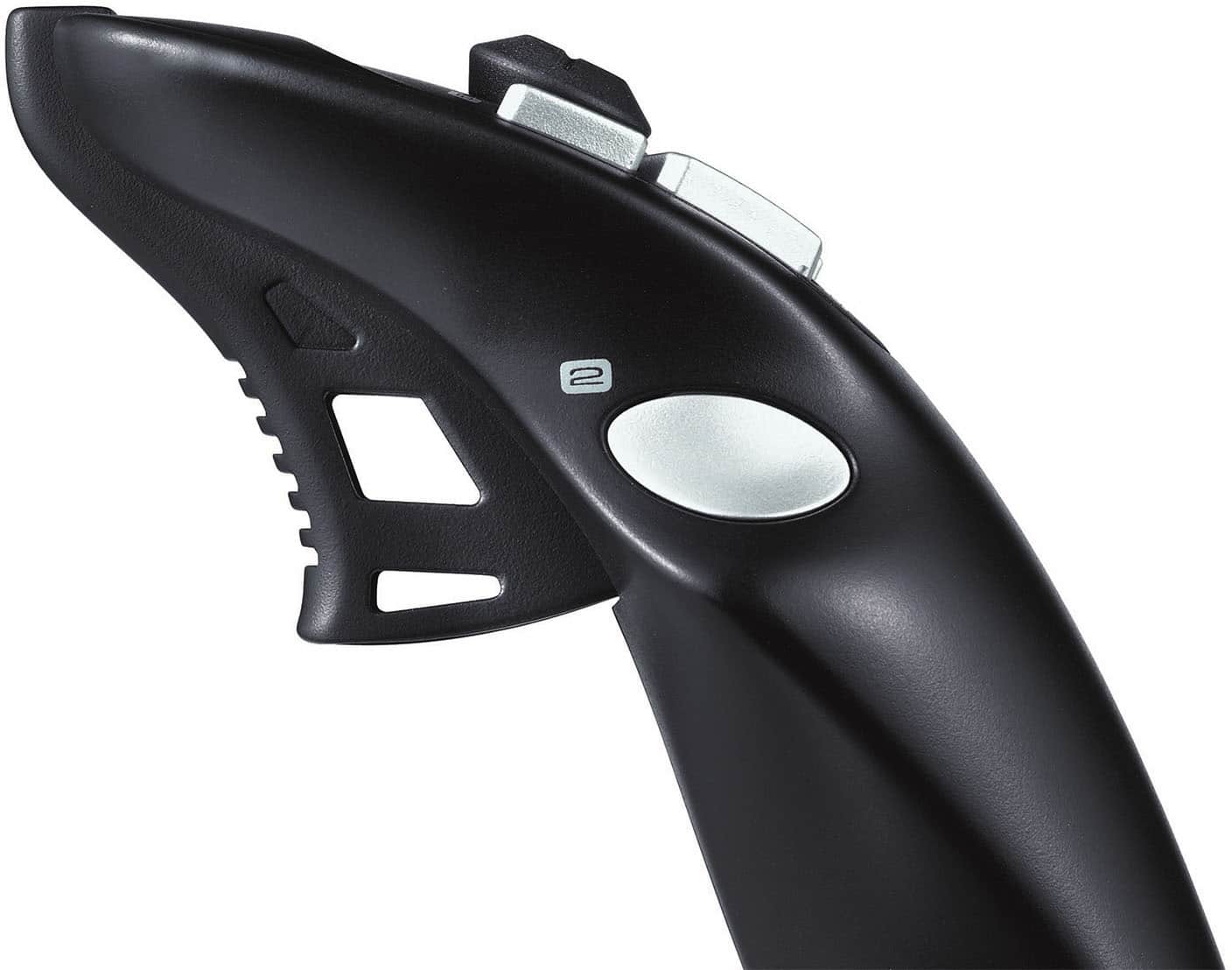
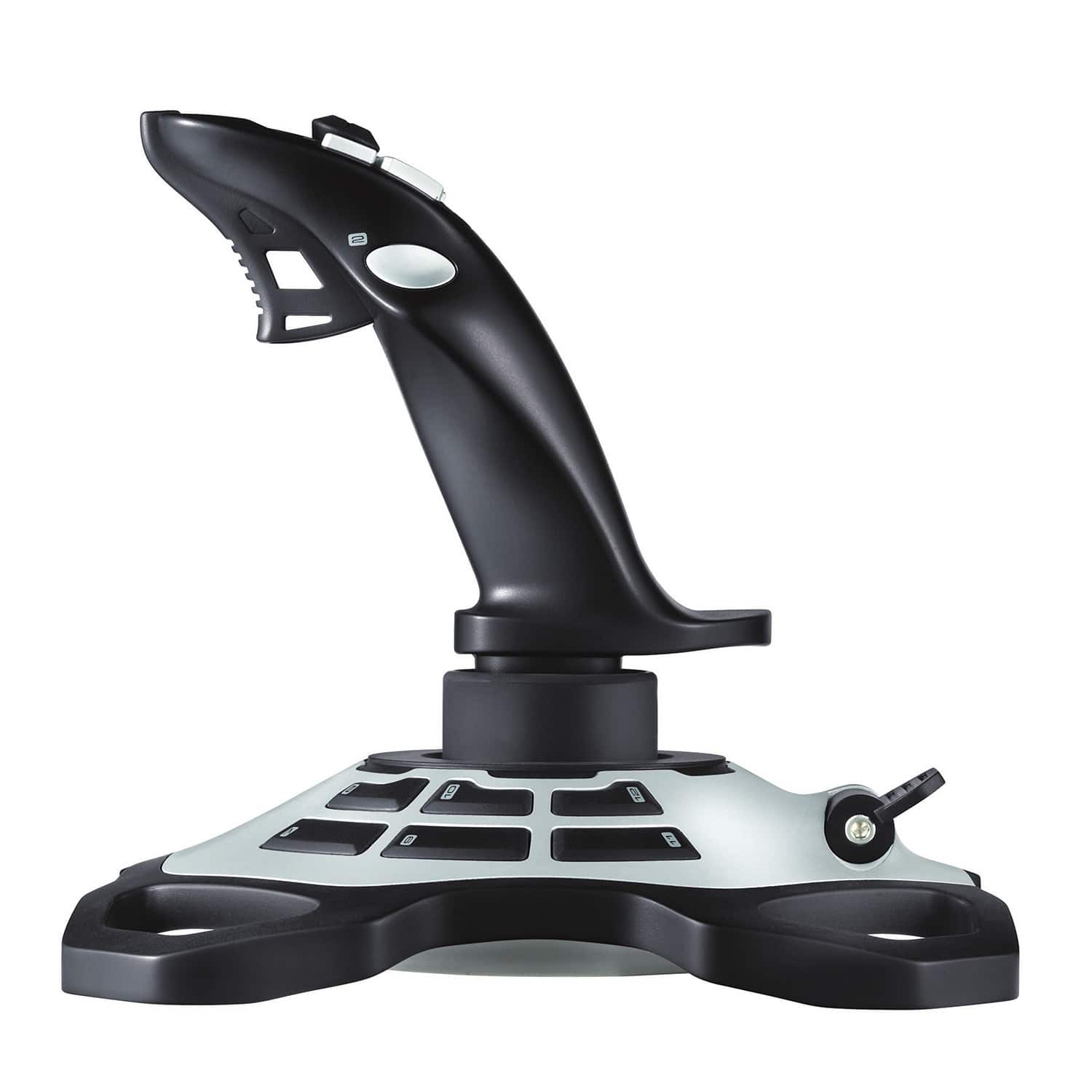
A:AnswerI use it left-handed as a flight stick for xplane. Believe you can use all 7 buttons on the stick with your left hand. Would be awkward to use the 6 buttons on the bottom left of the base. But you can also reassign buttons and even assign computer
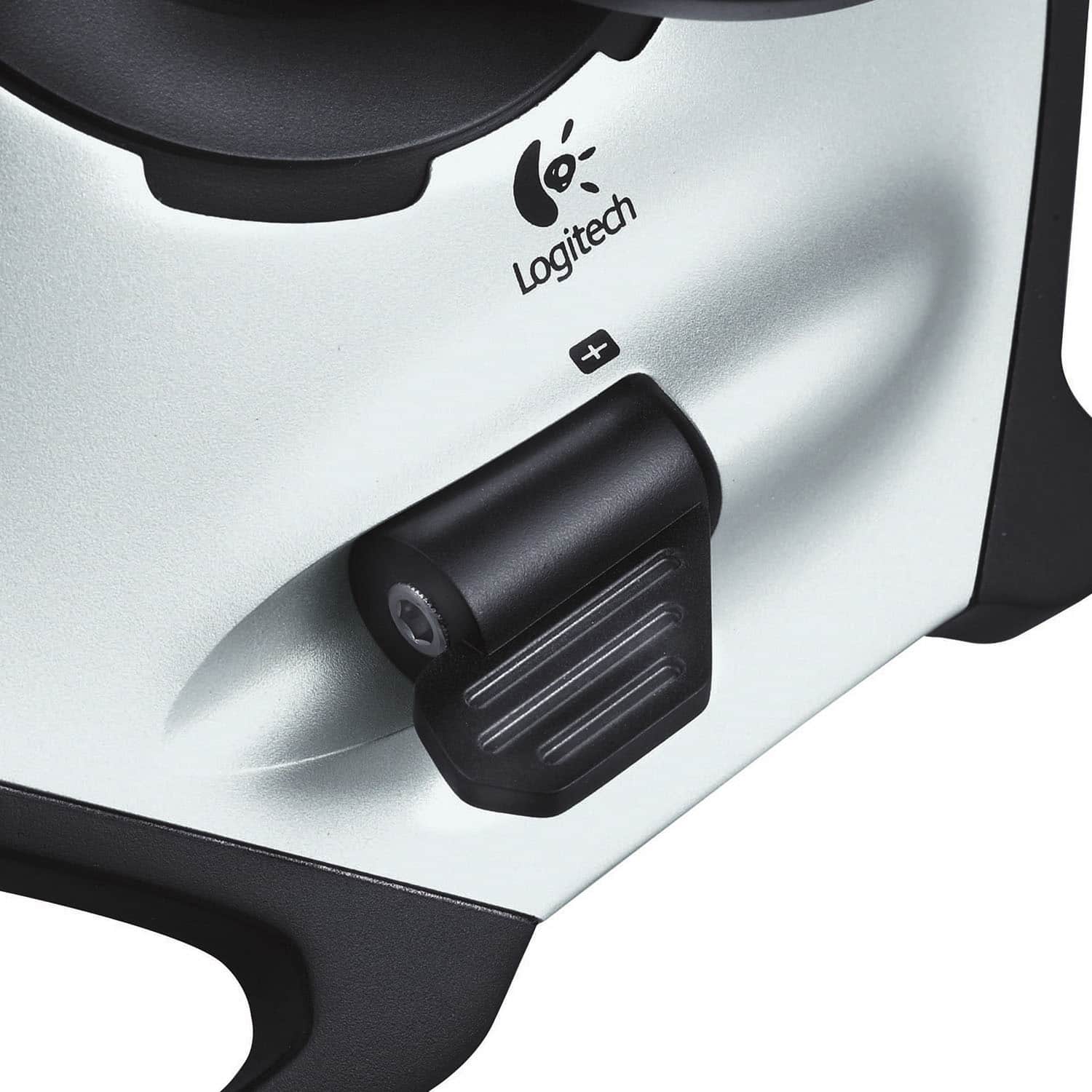
keyboard buttons for your desired function. For instance, I use "h" to increase engine speed and "j" to decrease it since in a real plane you use the right hand for throttle. The stick gives 5 proportional signals: left, right, up, down and rotation.
A:AnswerHello Roma! Sorry if I can't speak Italian, but you'll be able to program your Extreme 3D PRo Gaming Joystick buttons and do the calibration within the Logitech Gaming Software, which can be downloaded here: https://support.logi.com/hc/en-us/articles/360024843033--Downloads-Extreme-3D-Pro You can also try our latest gaming software, the Logitech G Hub, but I don't think the Extreme 3D Pro Gaming Joystick has been added in yet: https://www.logitechg.com/en-us/innovation/g-hub.html Hope it helps!
A:AnswerHello, the Extreme 3D Pro Gaming Joystick will work to control whatever you decide to use it with. Now, with that being said, the Joystick was built and designed with aircraft in mind. So for best use of it, we recommend using this Joystick for aircraft play. Have a great day.
A:AnswerThe Extreme 3D Pro Gaming Joystick is designed for Windows® 8, Windows 7, or Windows Vista,
70 MB of available hard disk space, and USB port. For more information, please refer to: https://support.logi.com/hc/en-us/articles/360024151694--Getting-Started-Extreme-3D-Pro - Will, Logitech G.
A:AnswerHello deadzone can be adjusted through the settings options in game. Our Logitech Gaming Software software can also hep with adjusting features of your Extreme 3D Pro.
A:AnswerThe Extreme 3D Pro Gaming Joystick is still available, but is currently sold out probably because of the new Microsoft Flight Sim that came out recently. Please check back with Best Buy or the Logitech G websites for future product availability.
A:AnswerHello yousef, I apologize for the issues you are having with your device. Please visit our support page on the 3D pro joystick to get more help. Have a great day. https://support.logi.com/hc/en-us/articles/360024151694