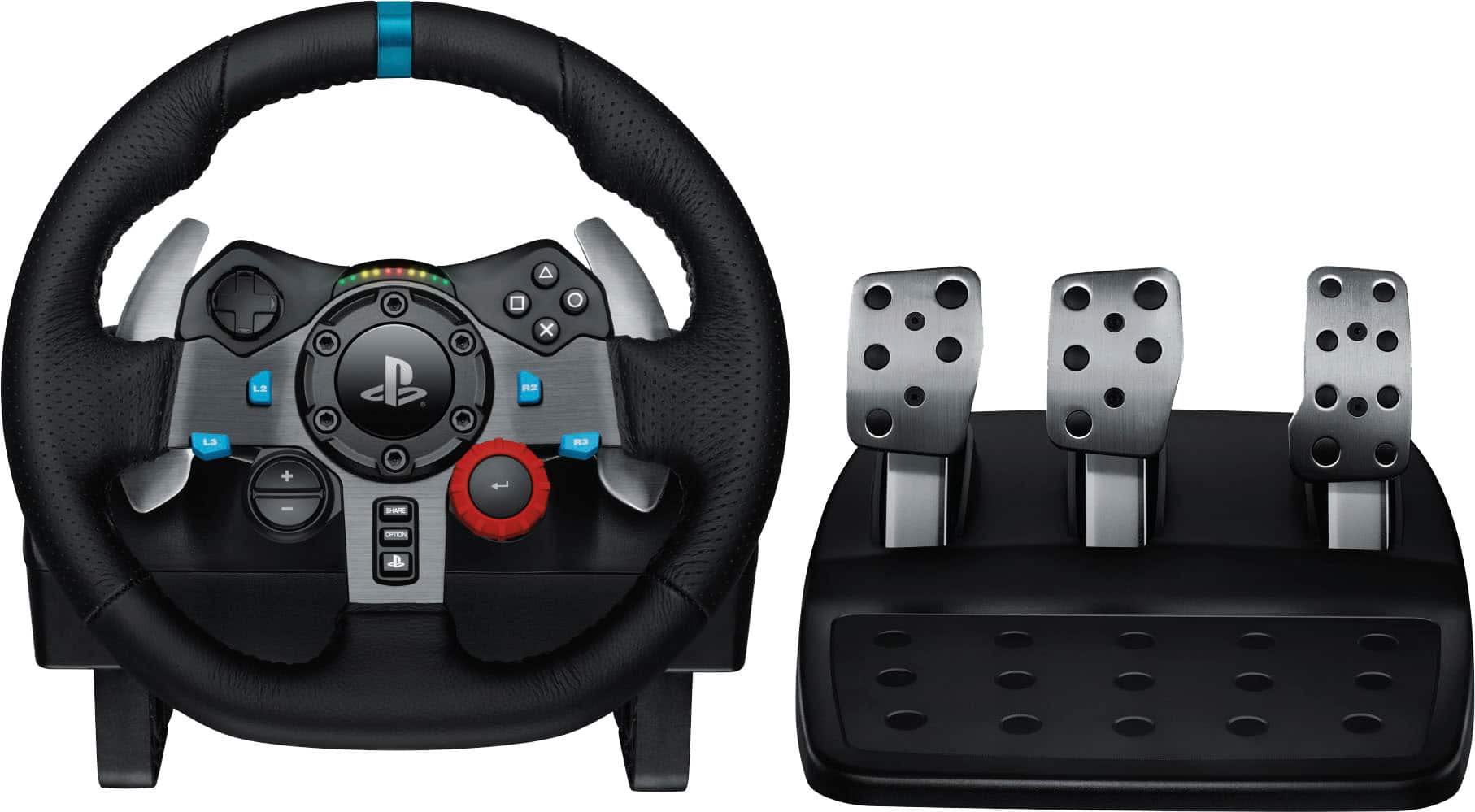
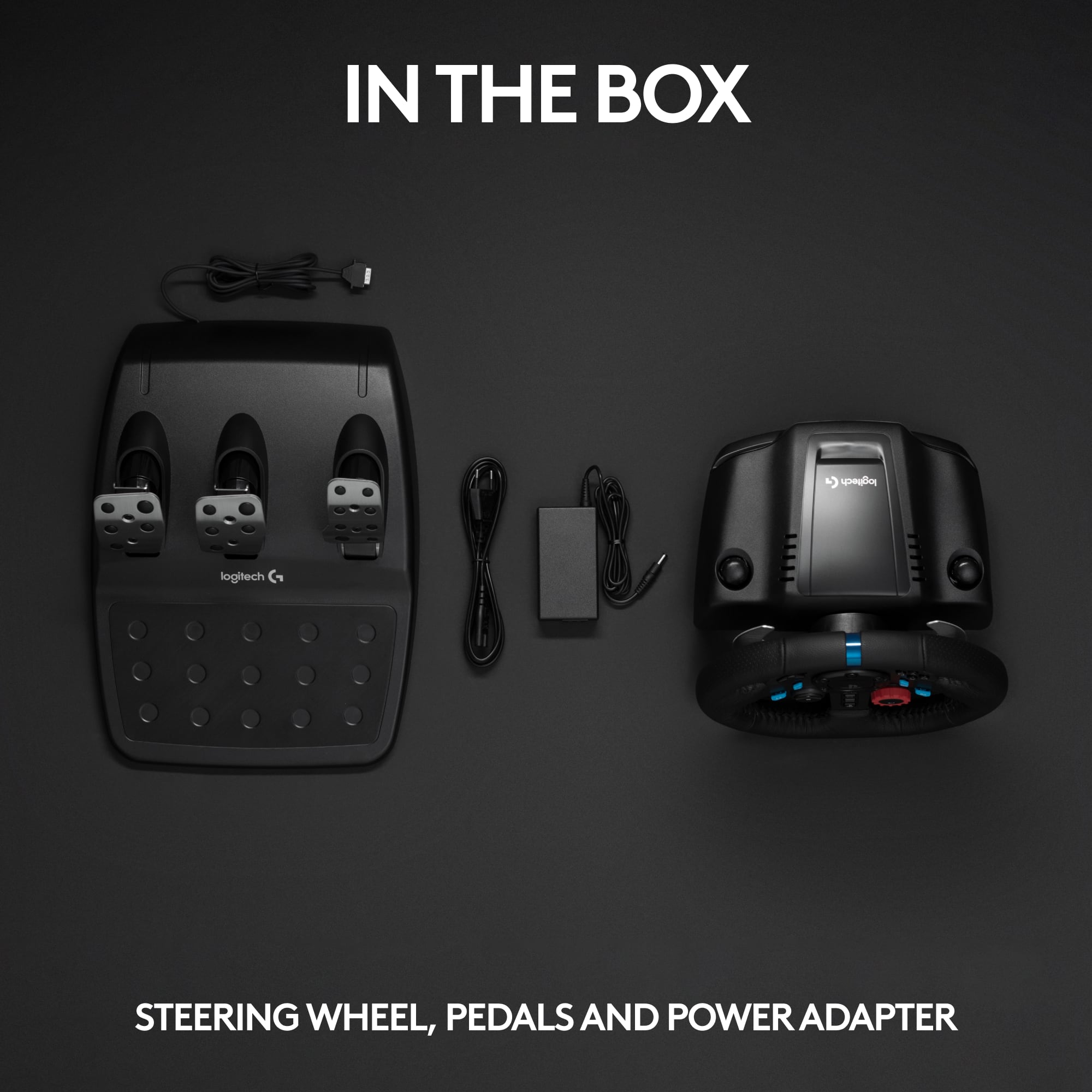
A:AnswerYes, there is one USB connection to the platform. The wire is about 6 feet long, so you might want to get a 10FT USB 3.0 Type A Male to Type A Female extension cable.
A:AnswerThere is no reason I'm aware of that would keep you from bringing it to Best buy. How helpful the staff will be is depends on who you talk to. Good luck!
A:AnswerFrom what I’ve read, it will support them for a while longer. As long as the upcoming games are coded to support basic pedal+wheel inputs, they should be compatible. Refer to Logitech’s site or another forum about this for more information! (I am not associated with Logitech in any way)
A:AnswerIt does appear that Xbox is not on the list of platforms. As for why, there could be any number of reasons, including, but not limited to, the fact that MICROSOFT SUCKS. Good luck to you.
A:AnswerThe ps4 and the ps5 have the same lineup. But it would be overkill to have a ps4 and ps5 button. It came out before the ps5 so expect it to not have the ps5 switch. But it works on ps4 mode.
A:AnswerIt is not the same as a real life car. Although it can teach you how to drive and drift in certain simulation games. You would also need other accessories like a shifter, seat, or a rig set up like a real car with feedback that lets you feel the cars movement. There are kits online you can research. Building a rig is fun and rewarding, there are some people that only used sim rigs who hopped into a real drift car and drove it like a real pro. Find some videos on YouTube. Good luck
A:AnswerYes. The g29 does not connect to the internet - so it will work fine if you don’t have any. Now, your console might need internet for certain game features, so not opining on that at all. But as long as the game/console doesn’t separately need internet, you should be fine.
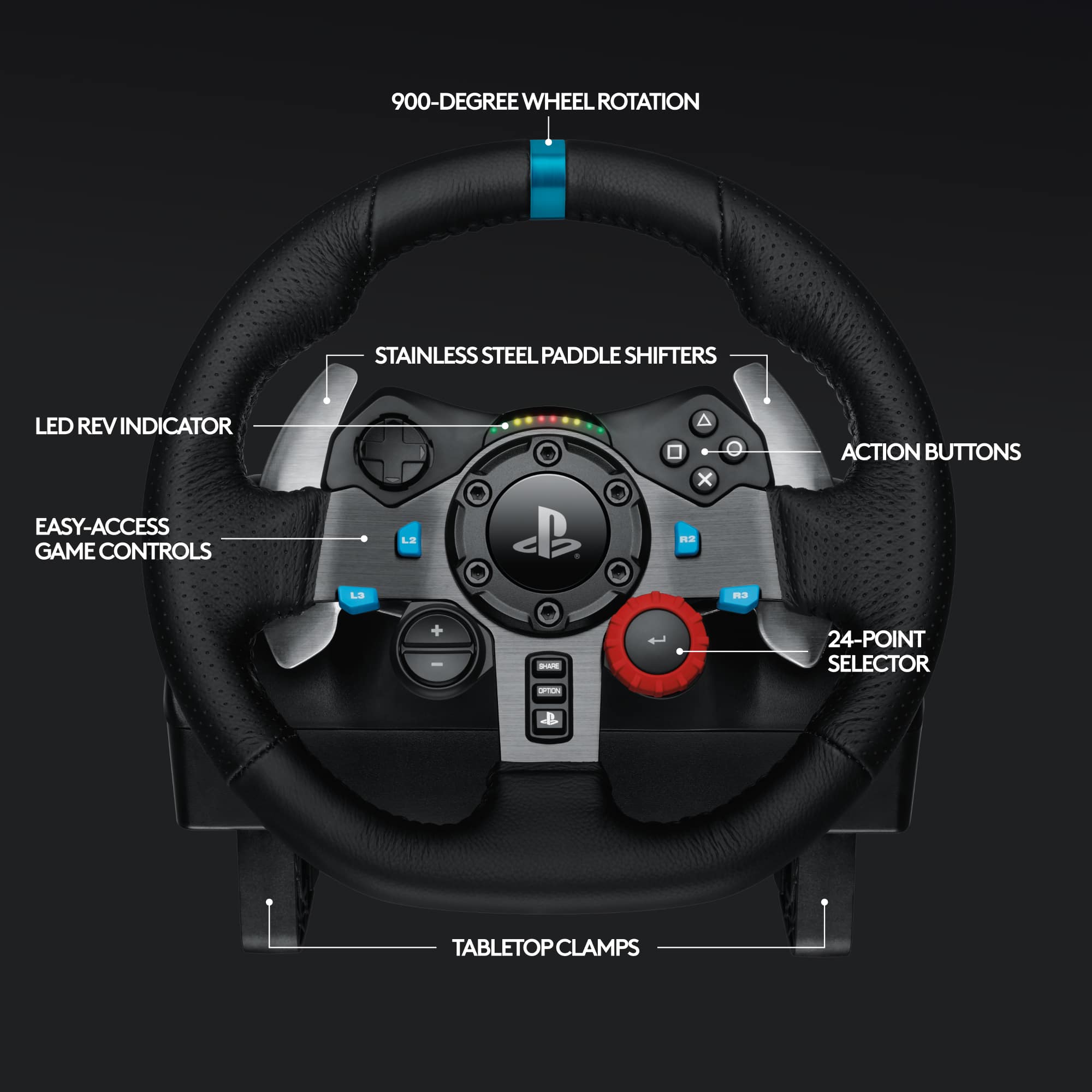
A:AnswerI’ve used it with F1 2023 and have heard from others that it also works with driving simulators like Grand Tourismo. I suspect it works with any driving game, and it has a D-pad and all of the standard PS controller buttons.