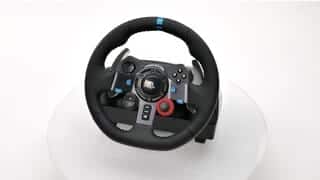
A:AnswerHello RoodyP, It sounds like you've got a bad connection. Here's a video to help you troubleshoot connection issues: https://youtu.be/OgbNLxZJgHk. Also, it looks like Need For Speed Heat isn't compatible to work with the G29/G920. The only NFS game that is compatible is NFS Payback. For a complete list of compatible games, here's a link to the product support page: https://support.logi.com/hc/en-us/articles/360025334353--FAQ-G920-Driving-Force-Racing-Wheel. - Richard from Logitech
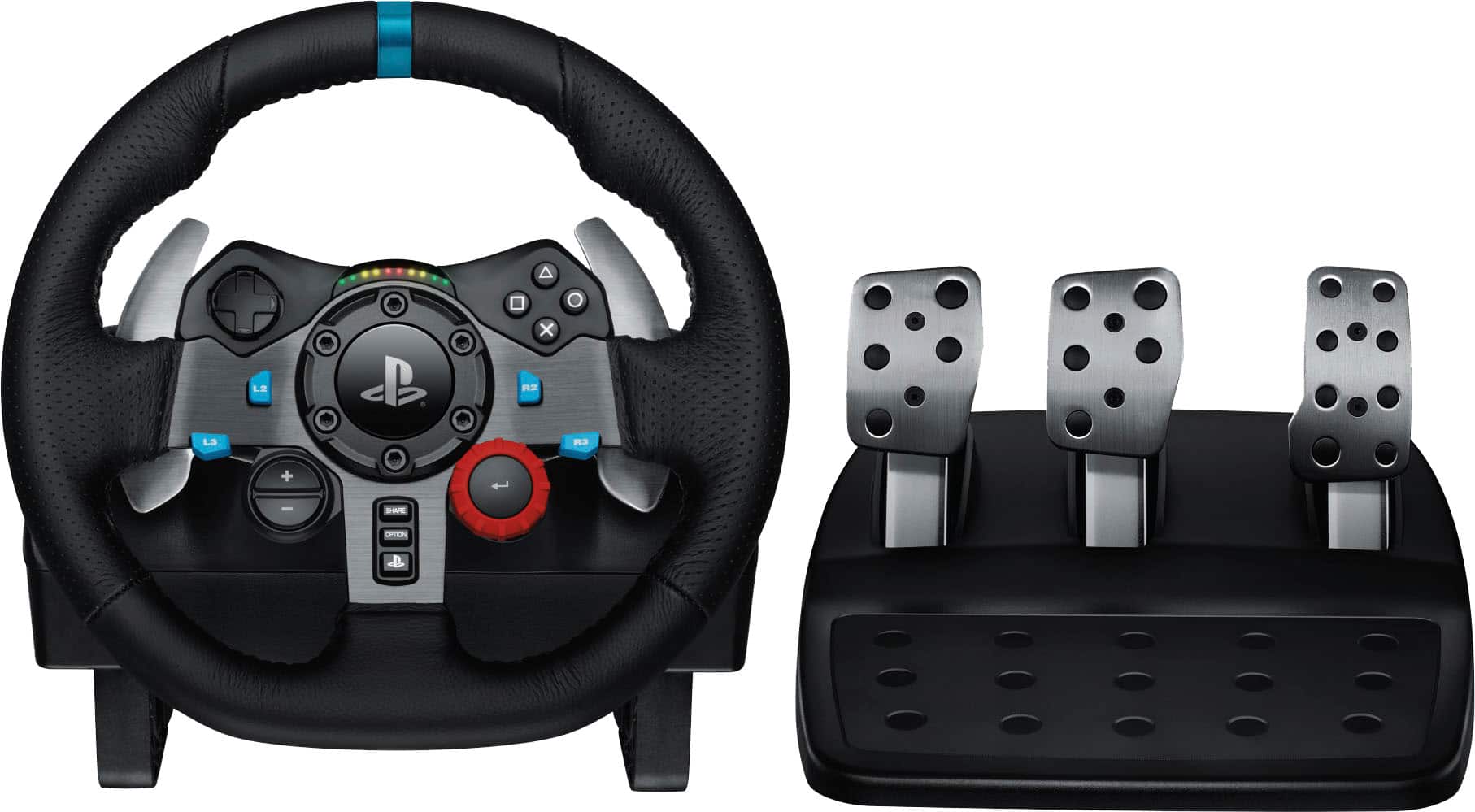
A:AnswerHi Hsum, I suggest downloading Logitech's G Hub software onto your PC and then attach your G29. G Hub will update the firmware and allow you to customize settings. Here's the link to the download: https://support.logi.com/hc/en-us/articles/360024694994--Downloads-G920-Driving-Force-Racing-Wheel.
A:AnswerYou can find the games that are compatible with this steering wheel at the Logitech support web page
https://www.logitechg.com/en-us/products/driving/driving-force-racing-wheel.html
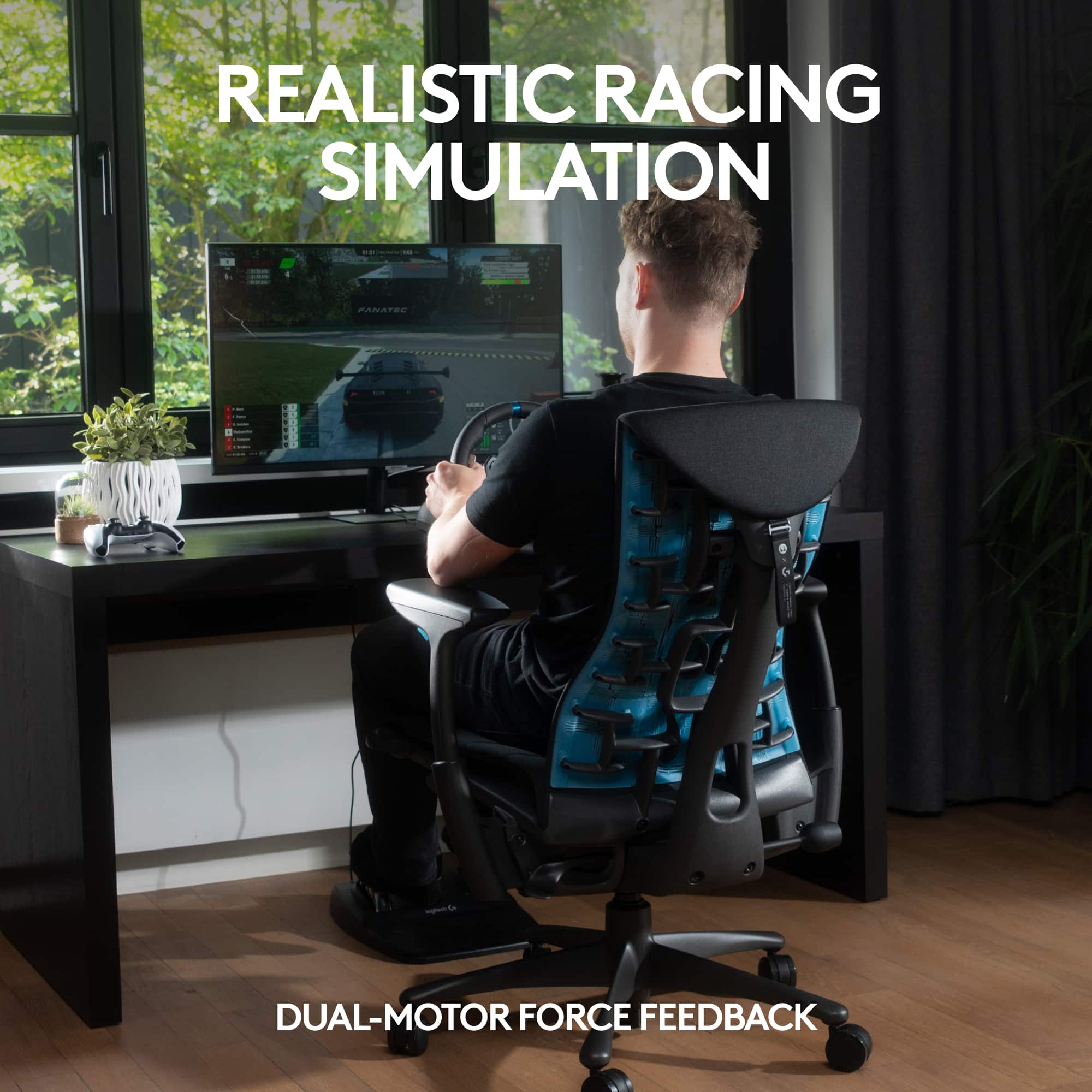
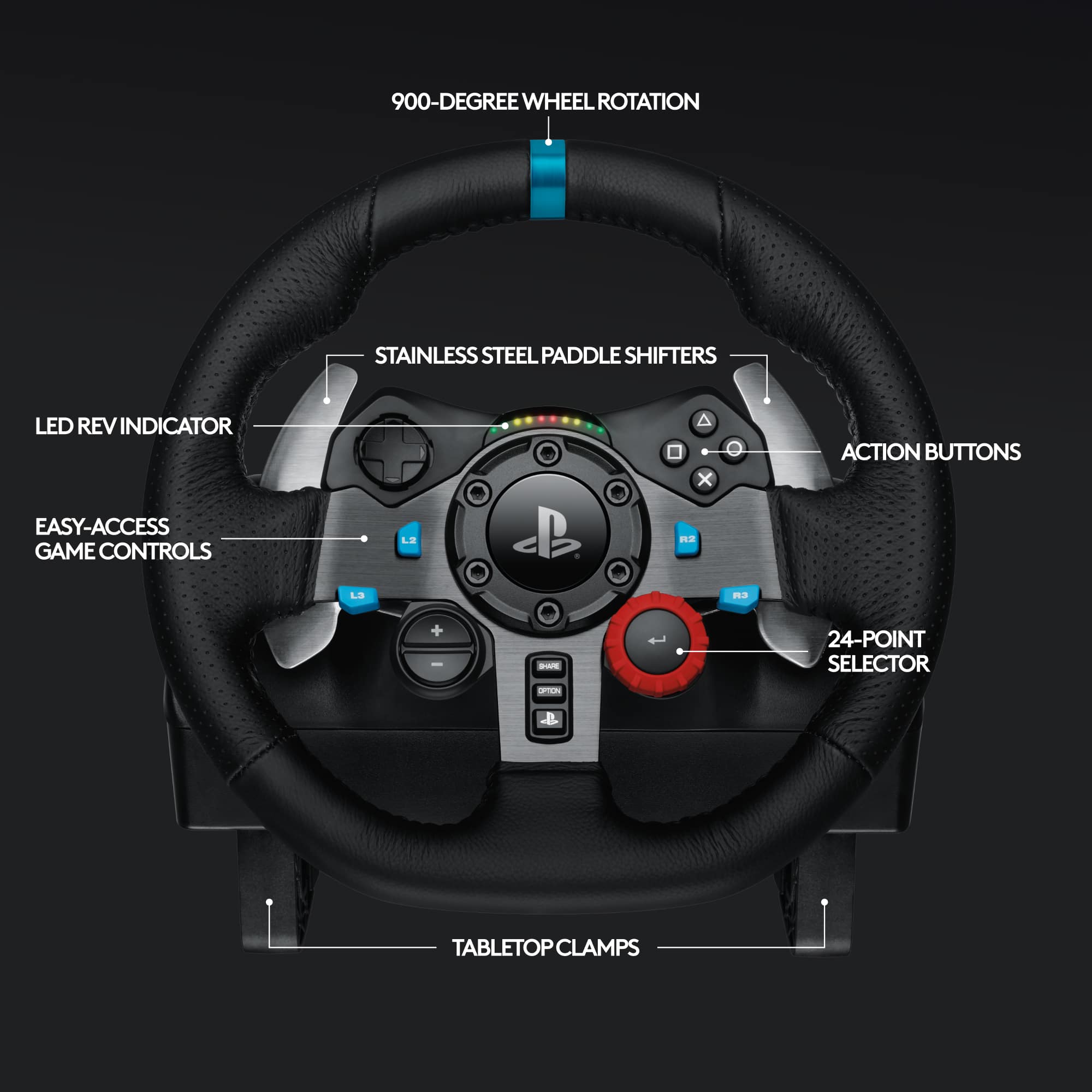
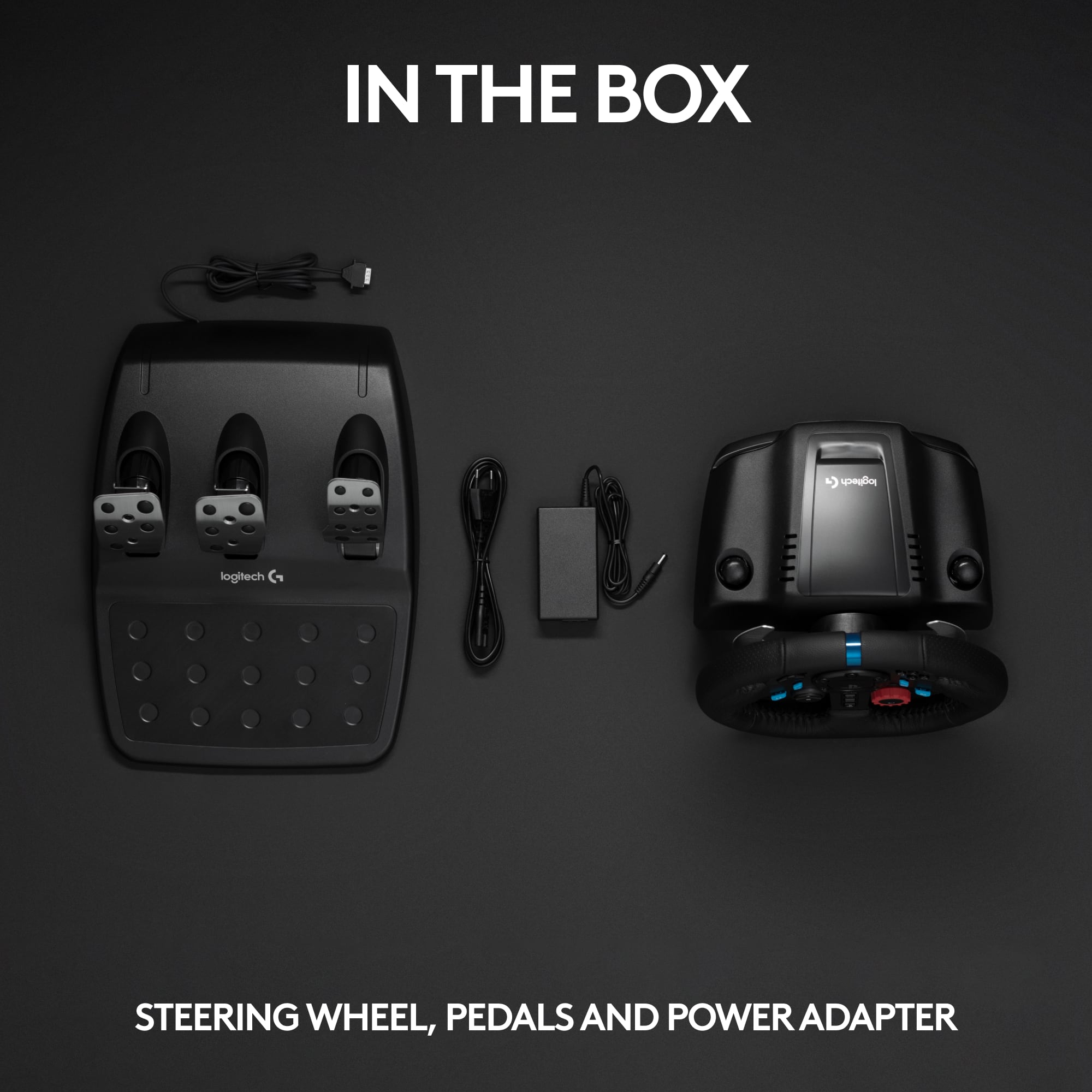
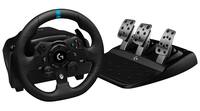
A:AnswerThe steering wheel connects to your PS3/PS4 or PC via a USB plug wired to the unit. Then the console or PC is connected to your TV.
This can be set up to work with many games, however, I think it would be really hard to play the non driving parts of GTA using the buttons on the steering wheel.