A:AnswerThe lowest DPI setting on the Logitech G305 mouse is 400 DPI. This setting allows for slower cursor movement, which can be useful for tasks that require precision.
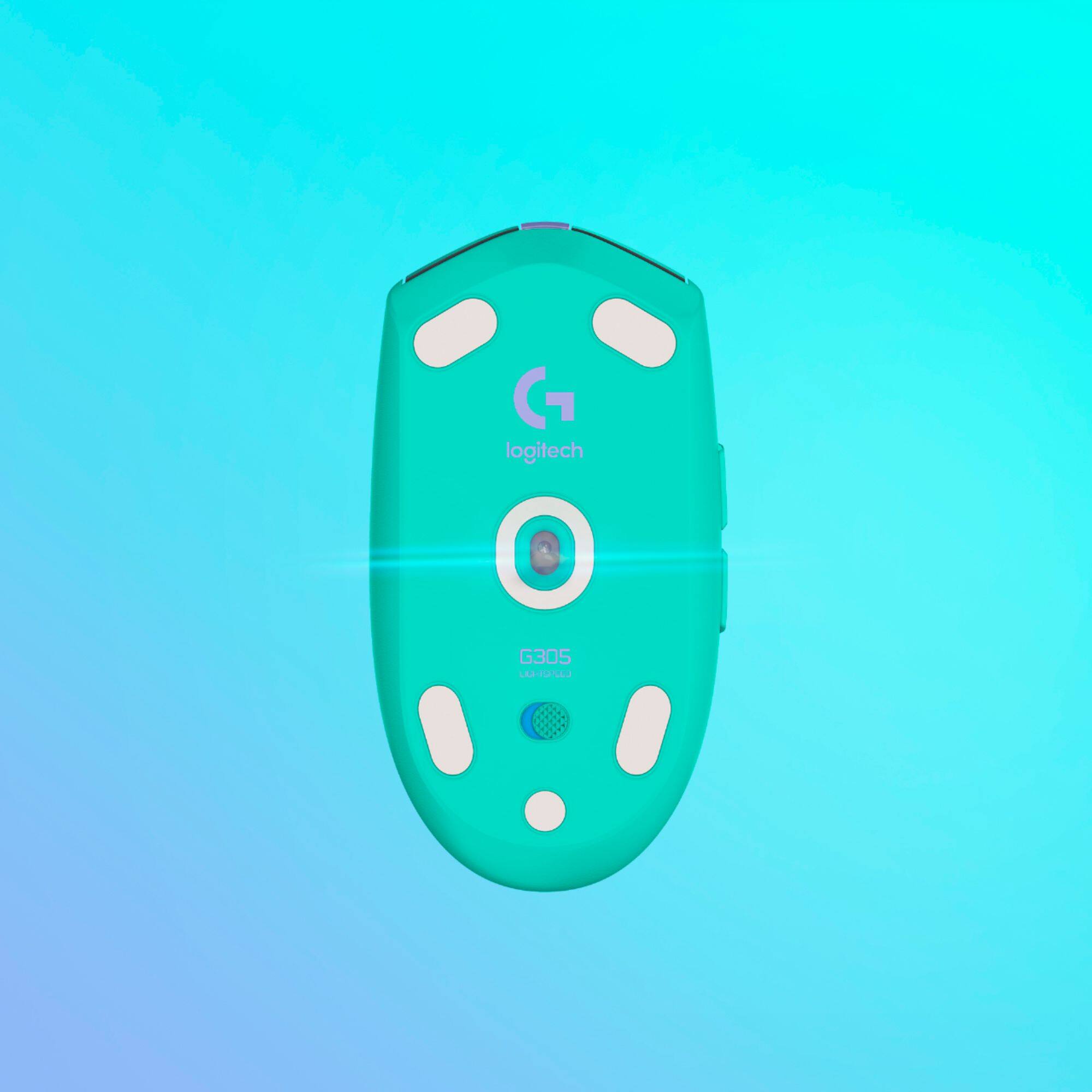
A:AnswerI replaced this mouse with an older, slightly smaller, Logitech mouse. One of the first things that I noticed was that it absolutely glides easier on the mouse pad. When I looked the feet, I noticed that there is a relief on them, whereas the older mouse had flat feet. As a result, this mouse moves with way less effort than the older one. I am happy with this mouse, and am pleased with it overall. I think you will be too.
A:AnswerHello, Unfortunately there's no way of knowing exactly when stock will be replenished at Best Buy of a specific item, but you can be notified on Logitech's website when a white G305 will be available. Here's a link to get notified: https://www.logitechg.com/en-us/products/gaming-mice/g305-lightspeed-wireless-gaming-mouse.910-005289.html.
A:AnswerThe G305 is currently unavailable in White or Lilac as of 11/02/2021. Although every other color option is available including the K/DA White: https://www.bestbuy.com/site/logitech-g305-lightspeed-wireless-optical-6-programmable-button-gaming-mouse-with-12000-dpi-hero-sensor-k-da-white/6455868.p?skuId=6455868 - Will, Logitech G.
A:AnswerI have an old Windows 7 pc and this mouse works fine. It comes with a USB dongle that you have to use. It even works with the last version of G-Hub that runs on Windows 7.
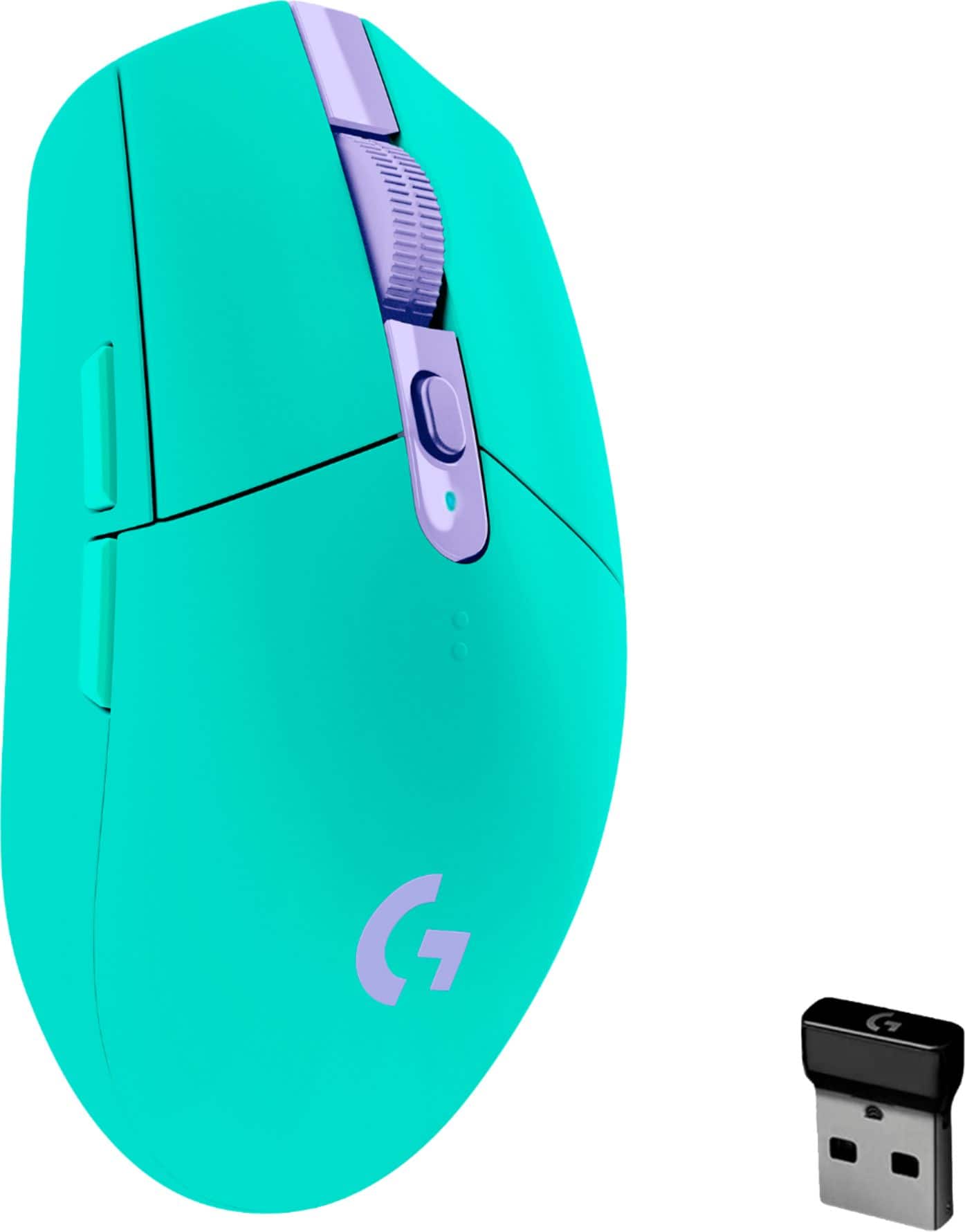
A:AnswerYes, you can get a replacement USB dongle for your Logitech G305 mouse. There are several options available online. Just make sure to get the correct type of receiver for your mouse, which is the Logitech Lightspeed receiver.
A:AnswerThe Logitech G305 mouse has a click lifespan of 10 million clicks. This means that the main buttons are designed to withstand up to 10 million clicks before they might start to wear out.