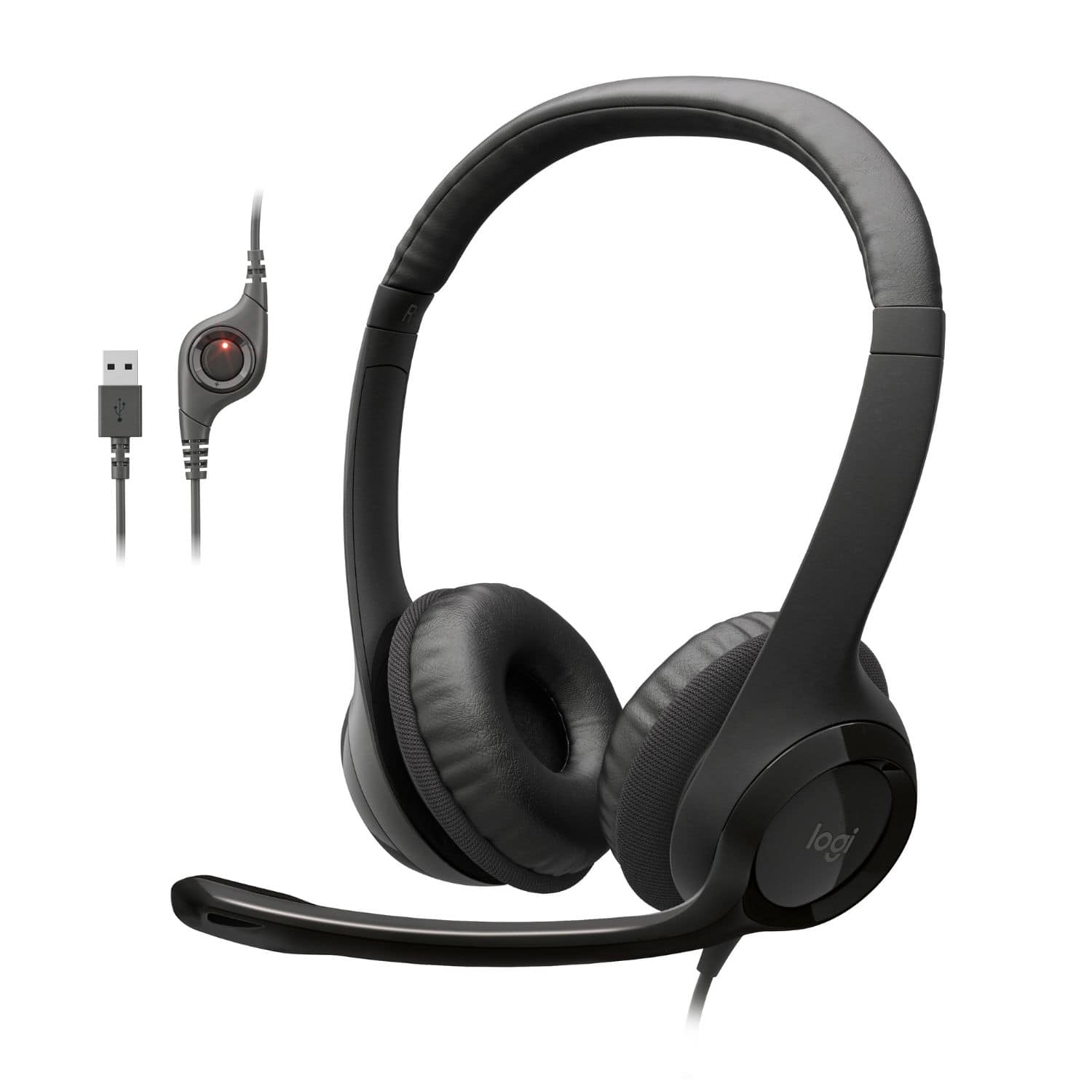
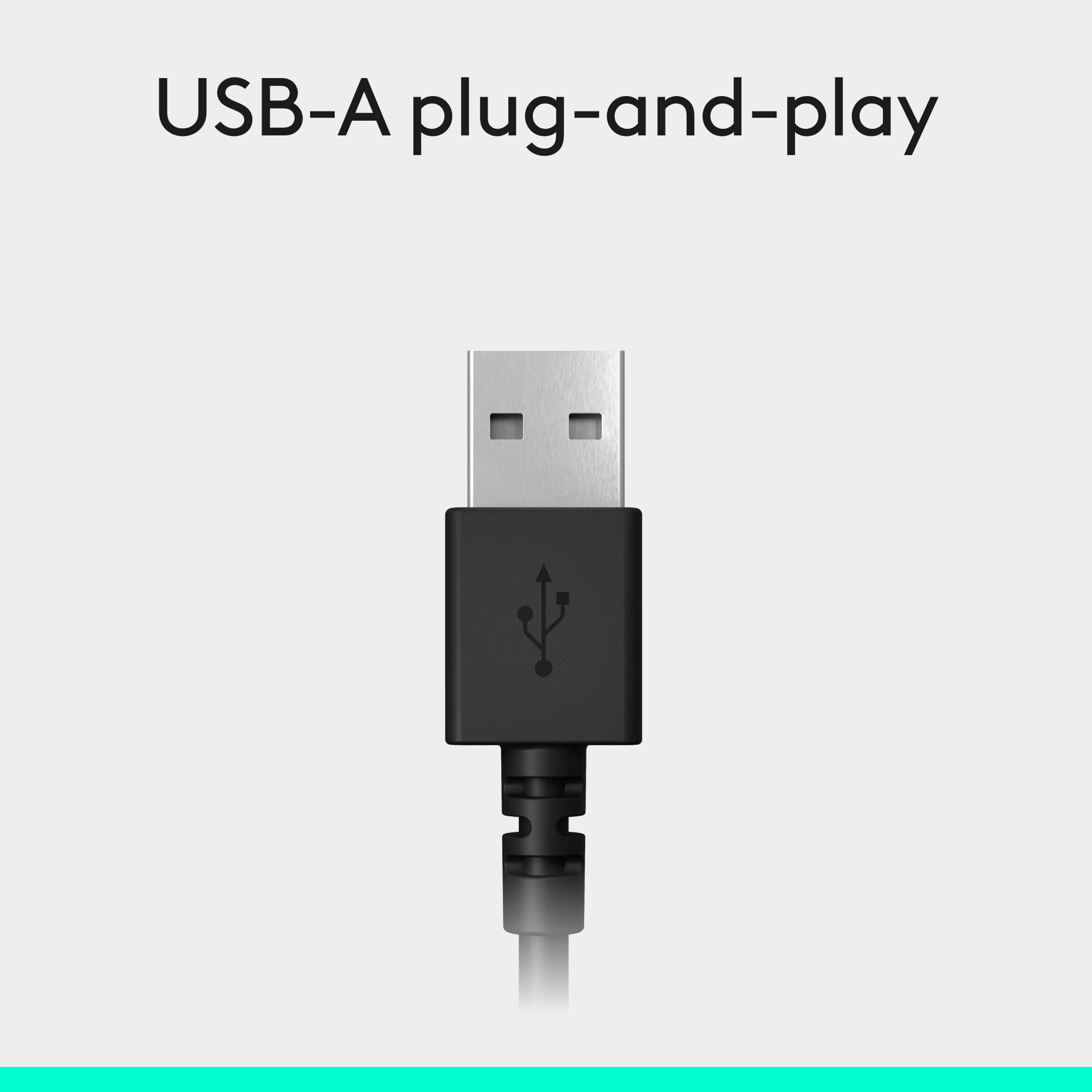
A:AnswerHello Ocala. The 3.5mm port transmits analog audio, while the USB will transmit digital audio. You will get a much clearer sound and less interference noise by using USB.
A:AnswerThe H390 will not since it uses a full size USB to connect. You can get the H800 model that uses Bluetooth, but we don't make anything at Logitech that will physically plug into an iPhone.
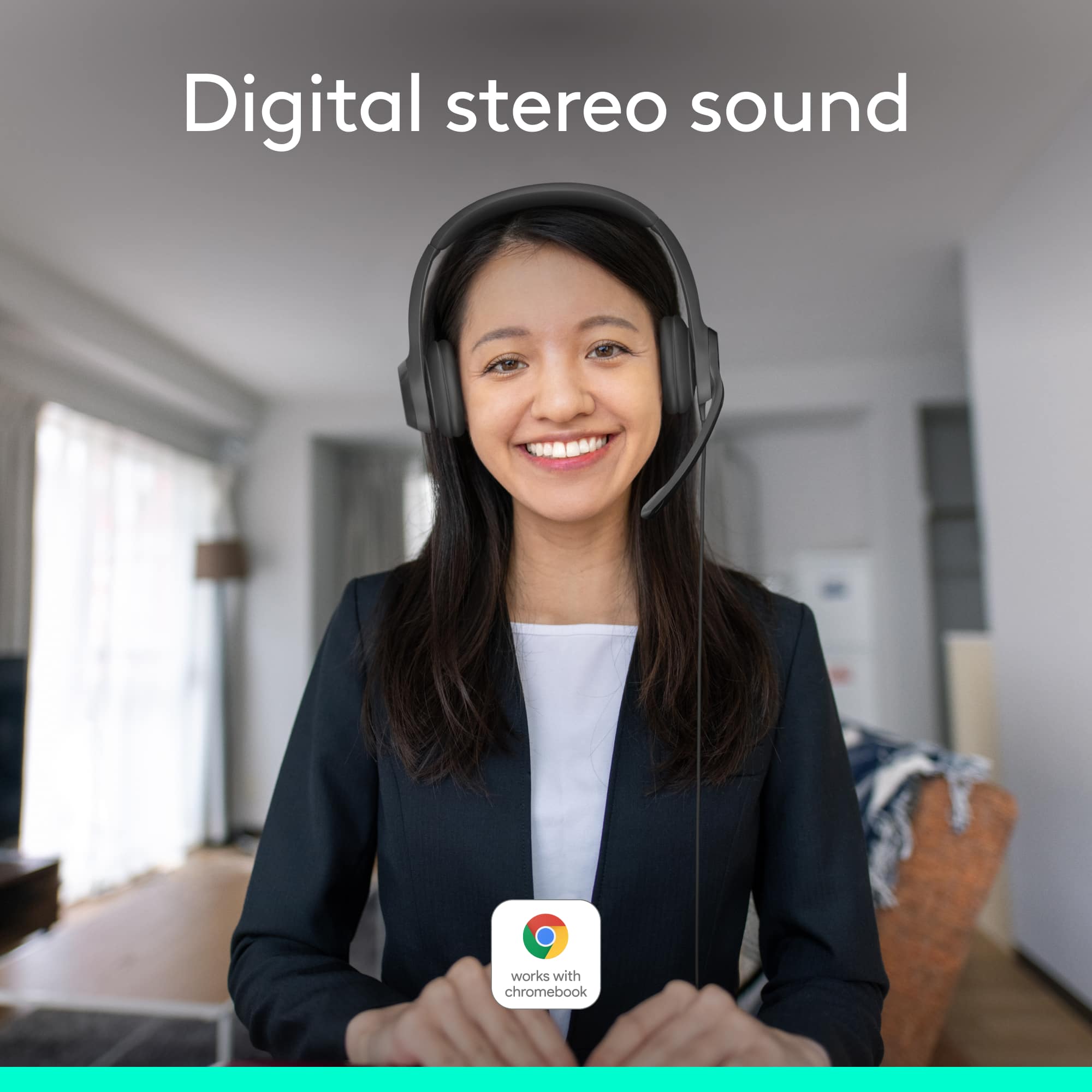
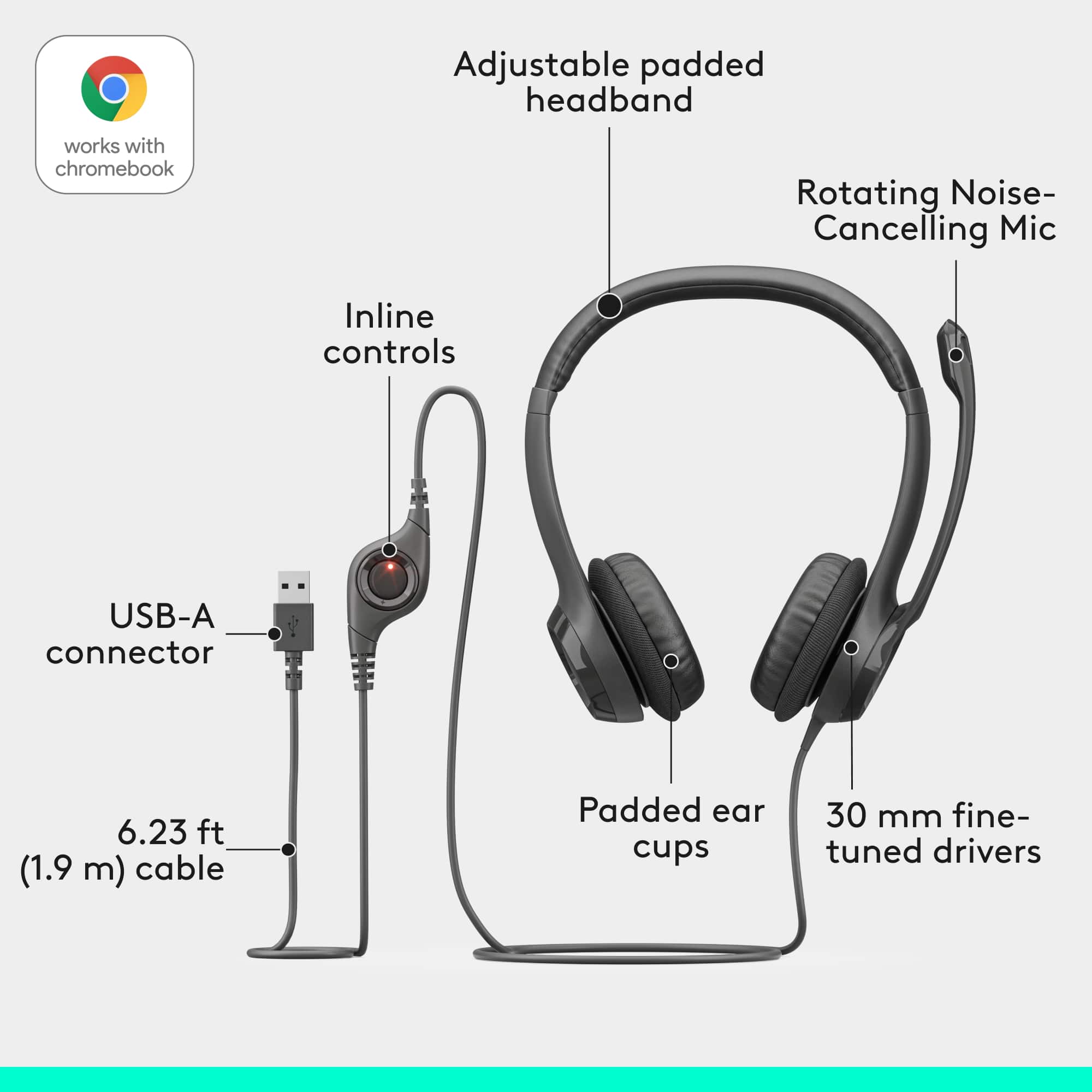
A:AnswerYes this headset will work with Chromebooks. These are the minimum requirements for this headset: Works with Common calling applications across almost all platforms and operating systems.
Windows® or macOS®
Chrome OS™
USB port (Type A port or adapter)
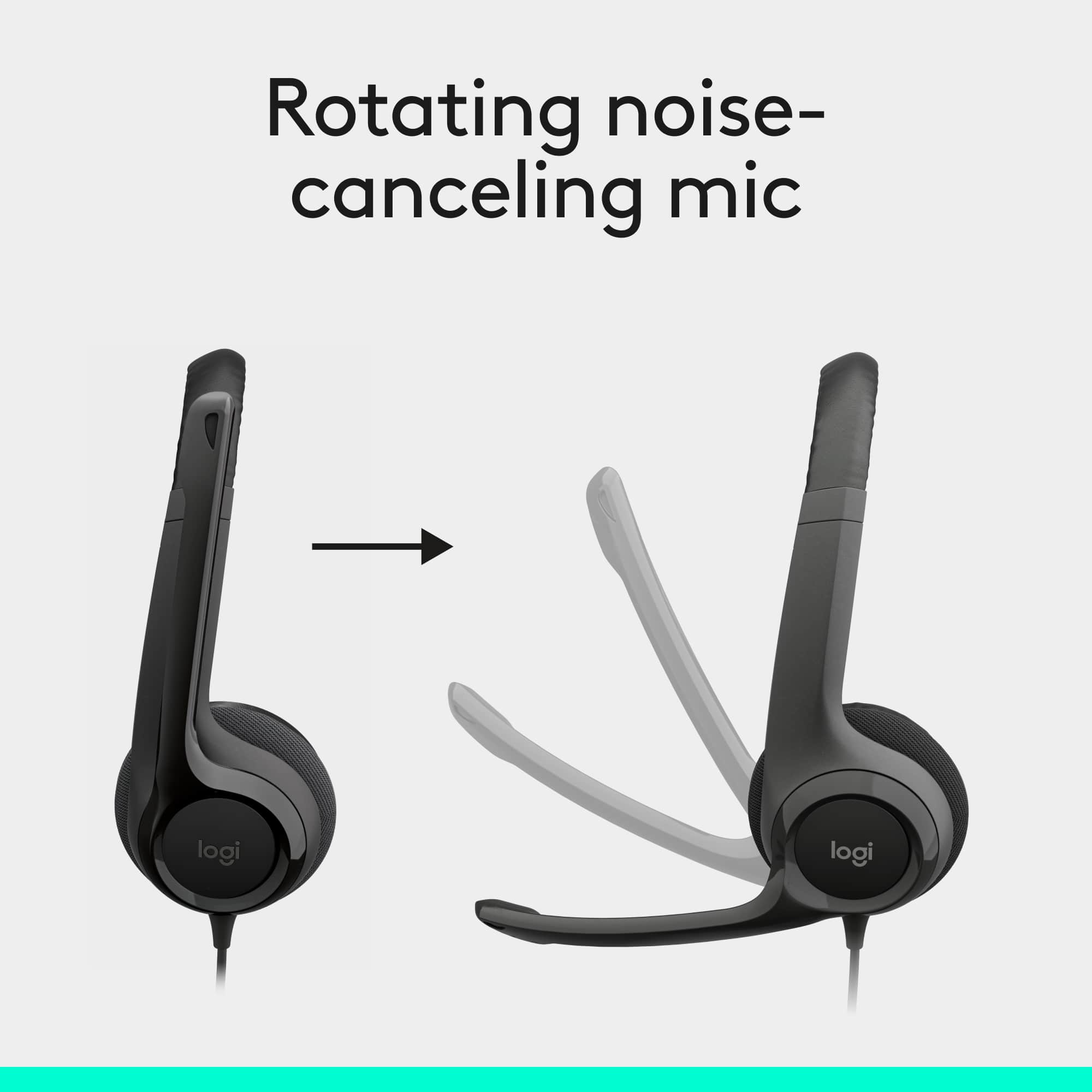
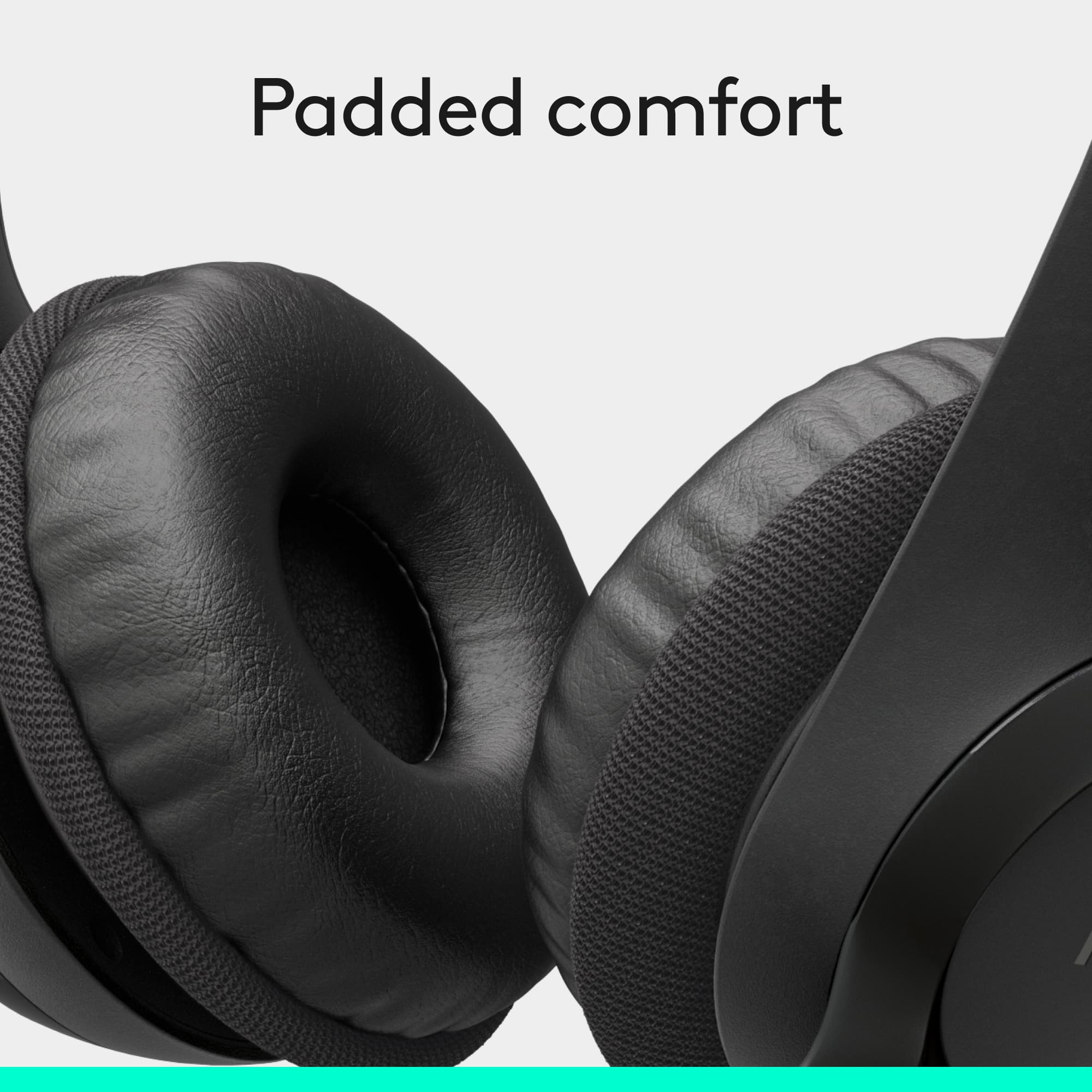
A:AnswerAlthough they are labeled noise cancellation, background noise is still filtered through. I would assume it is because they fit on-the-ear instead of over-the-ear. I use them for the same purpose and really like them, except for how the feel on my ears. I am use to the over-the-ear fit. I have been told that the microphone on them sounds amazing from my co-workers. They are well worth the money, especially coming from such a reputable company.
I hope this helps you in making a sound decision about this product or any other you may have in mind.
A:AnswerHeadset is labeled with an L & R however the mic is flexible enough that users have switched headset with no distinguishable difference comfort.
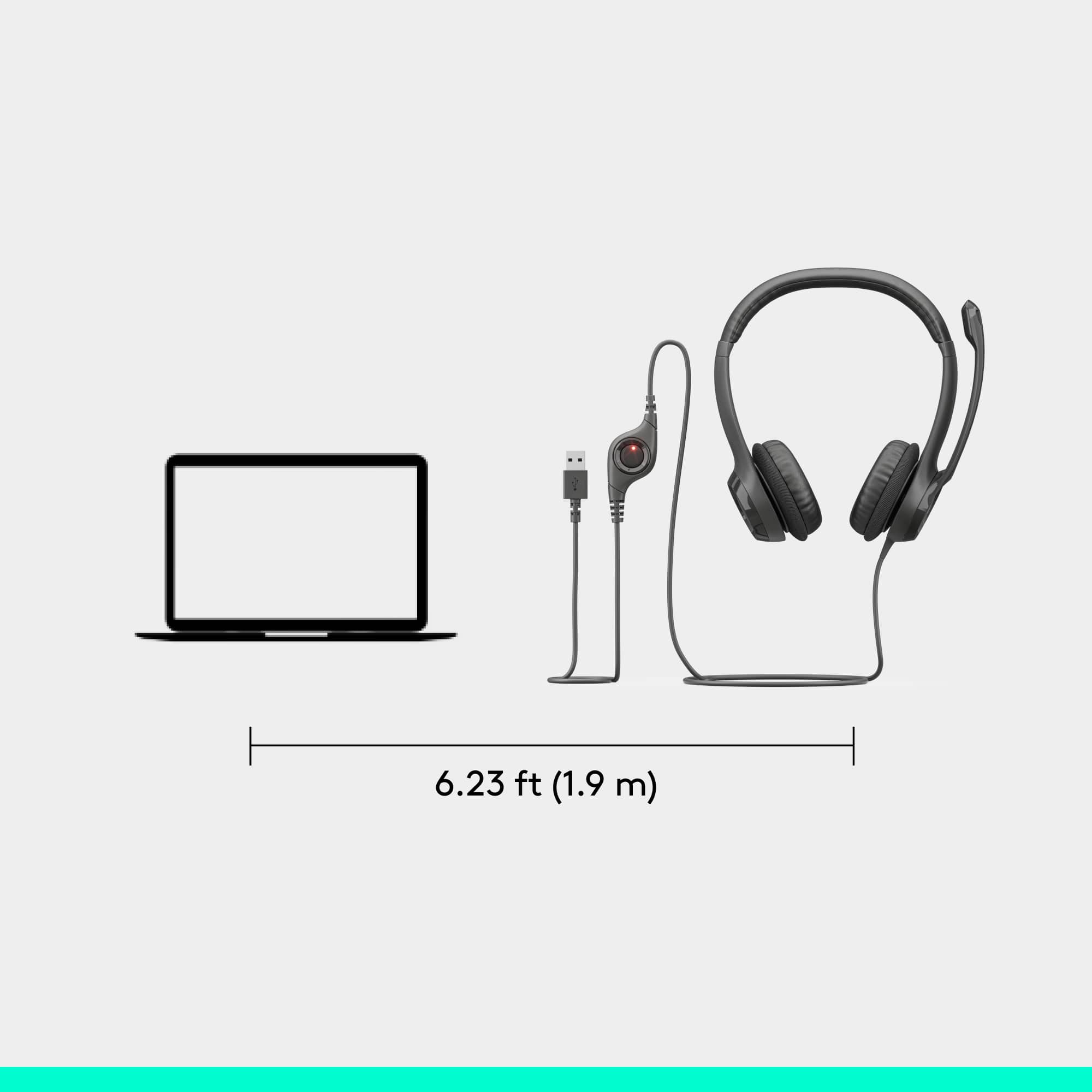
A:AnswerHello Blazingskywoman! The H390 Wired USB Noise-Cancelling Over-the-Ear Headset uses a USB connection, so it needs to be connected to a PC, Mac or Chromebook computer in order to operate. It will work with a lot of business apps on the above platforms, but if you need to connect the headset directly to a phone, you'd probably require something with a RJ9 jack, and this would not work unfortunately.
A:AnswerI use this for Microsoft Team meetings a lot. It does not pick up many background noises. The lawn guys were blowing leaves outside my door and I was surprised it did not pick up the noise.
A:AnswerHello, we are sorry to hear that you are having issues connecting your headset to your Macbook. I have attached a link to our support page to help facilitate the connection process. We apologize for the inconvenience. Have a great day. https://support.logi.com/hc/en-us/articles/360024321073--Getting-Started-USB-Headset-H390
A:AnswerHi Sharon, the H390 does not work with an iPhone. The H390 uses a USB connection that an iPhone does not have. The H800 would work as it offers a Bluetooth connection that would pair with an iPhone.