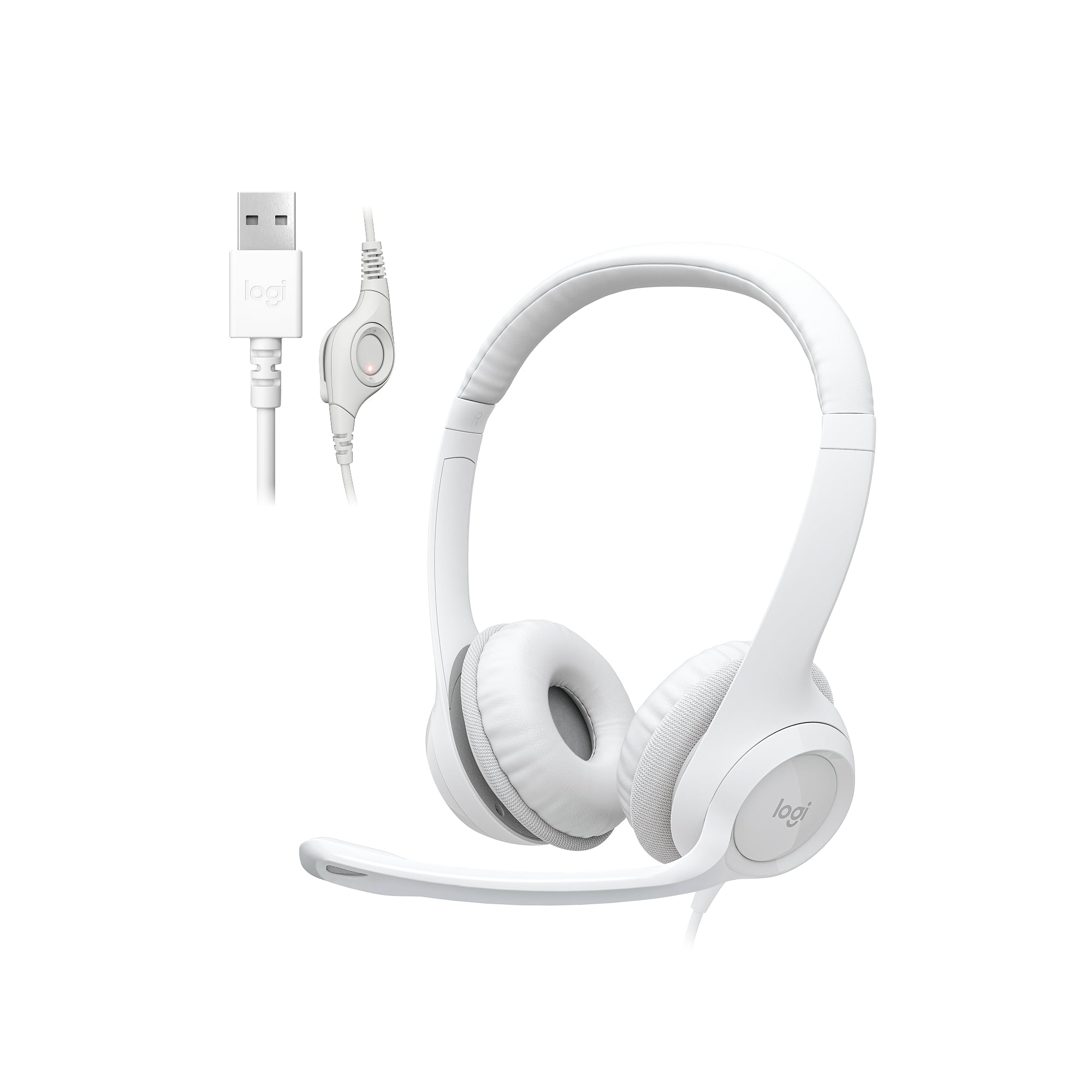
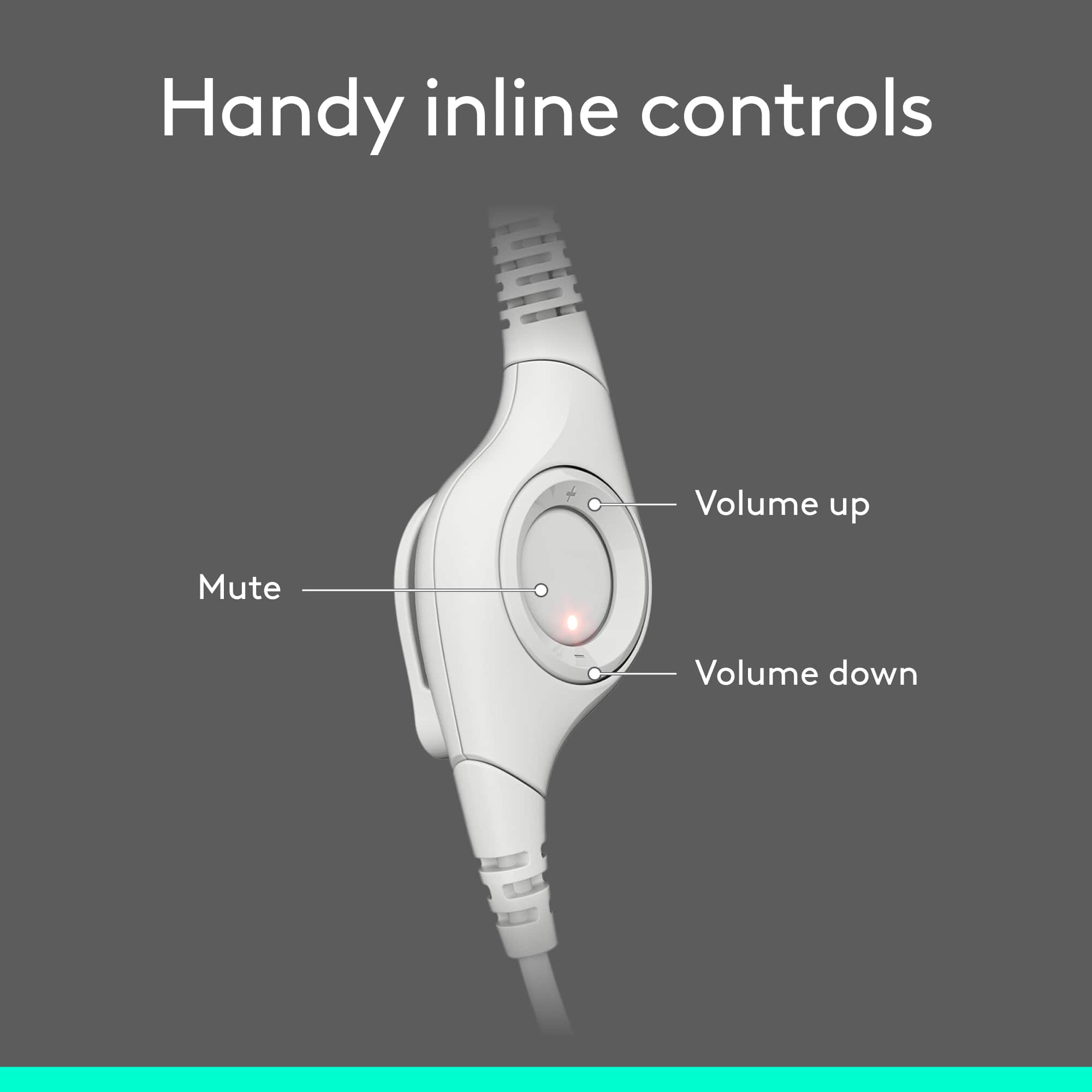
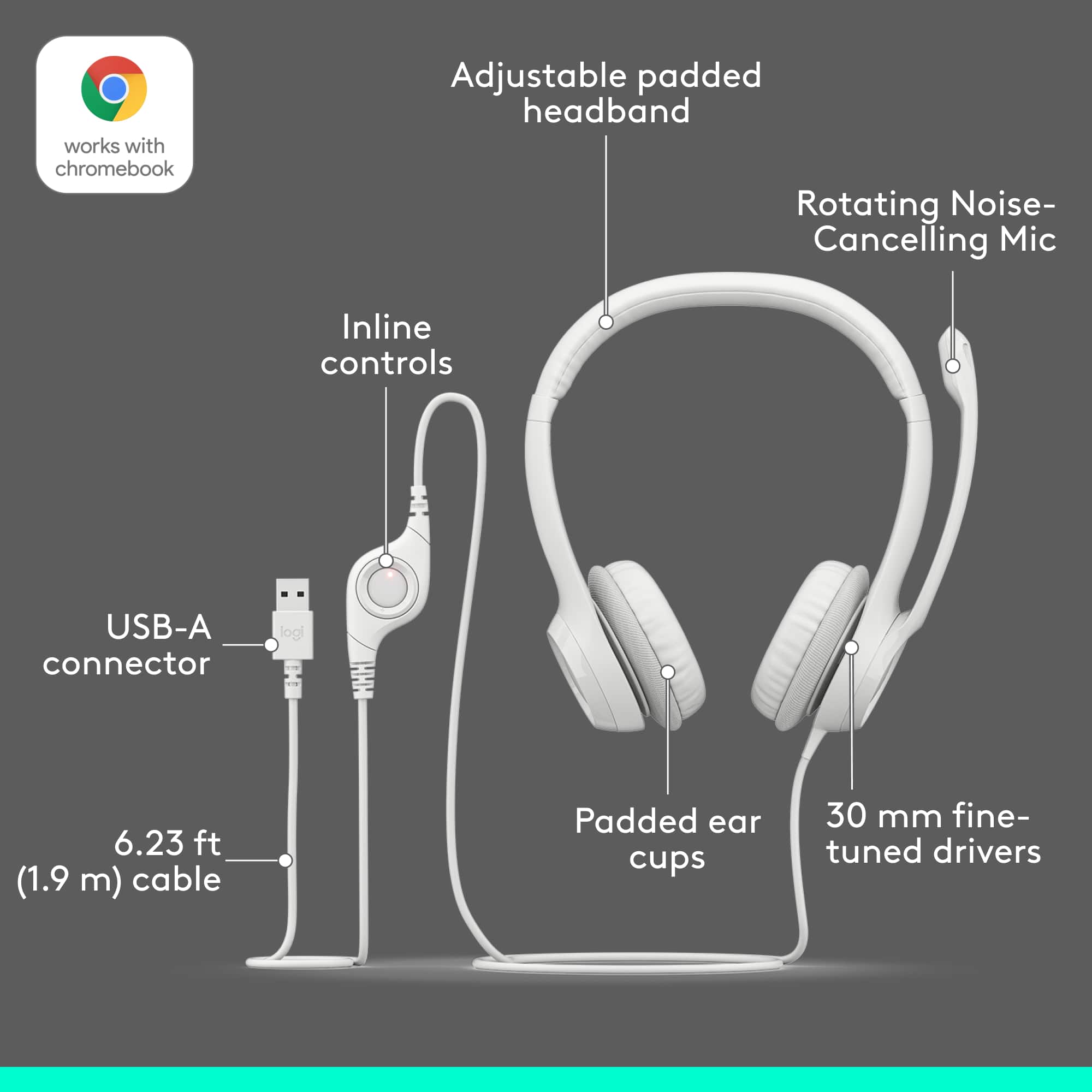
A:AnswerThe headsut volume control id on a button ring on the front with a Plus and minus sign. plress ther plus sign repeadedly to increase the volume.
if your computer is Windows based you can also use the volume control under speaker controls.
A:AnswerUSB Type A Female Adaptor to Telephone Cable End Connector Plugs RJ11
This adapter would need to be in place for connectivity. Software may or may not be finicky.
My research indicates with the adapter you can establish a physical connection.
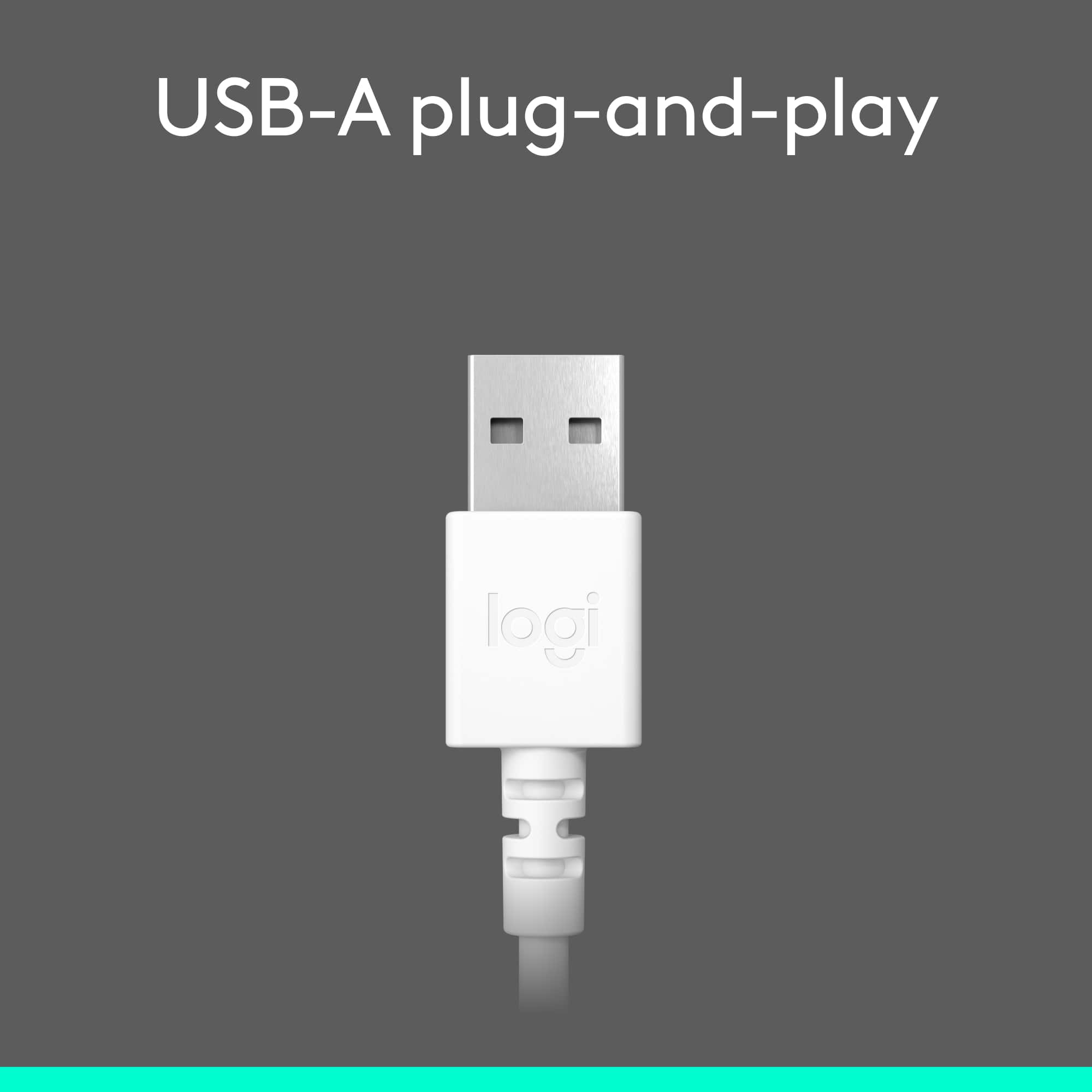
A:AnswerYes, as long as your particular model incorporates usb.
There is a Bluetooth version also. So again, if you want to choose the Bluetooth option your particular model Cisco Phone would need to have the Bluetooth option capability.
A:AnswerTo paraphrase Apple, it should just work. By plugging in. But, I have found that my Dell laptop Win 10 Enterprise (means my company owns and updates) 1809 likes to have the headset plugged in before turning on specific software (such as Zoom or Skype). After you plug in the headset, turn on Dragon. You may have a popup window you haven't noticed that asks if you want to use the headset. That window may not appear in the same window as Dragon, so look carefully.
You should also hear a sound when you plugin the headset, the usual sound for "something has been plugged into this computer."