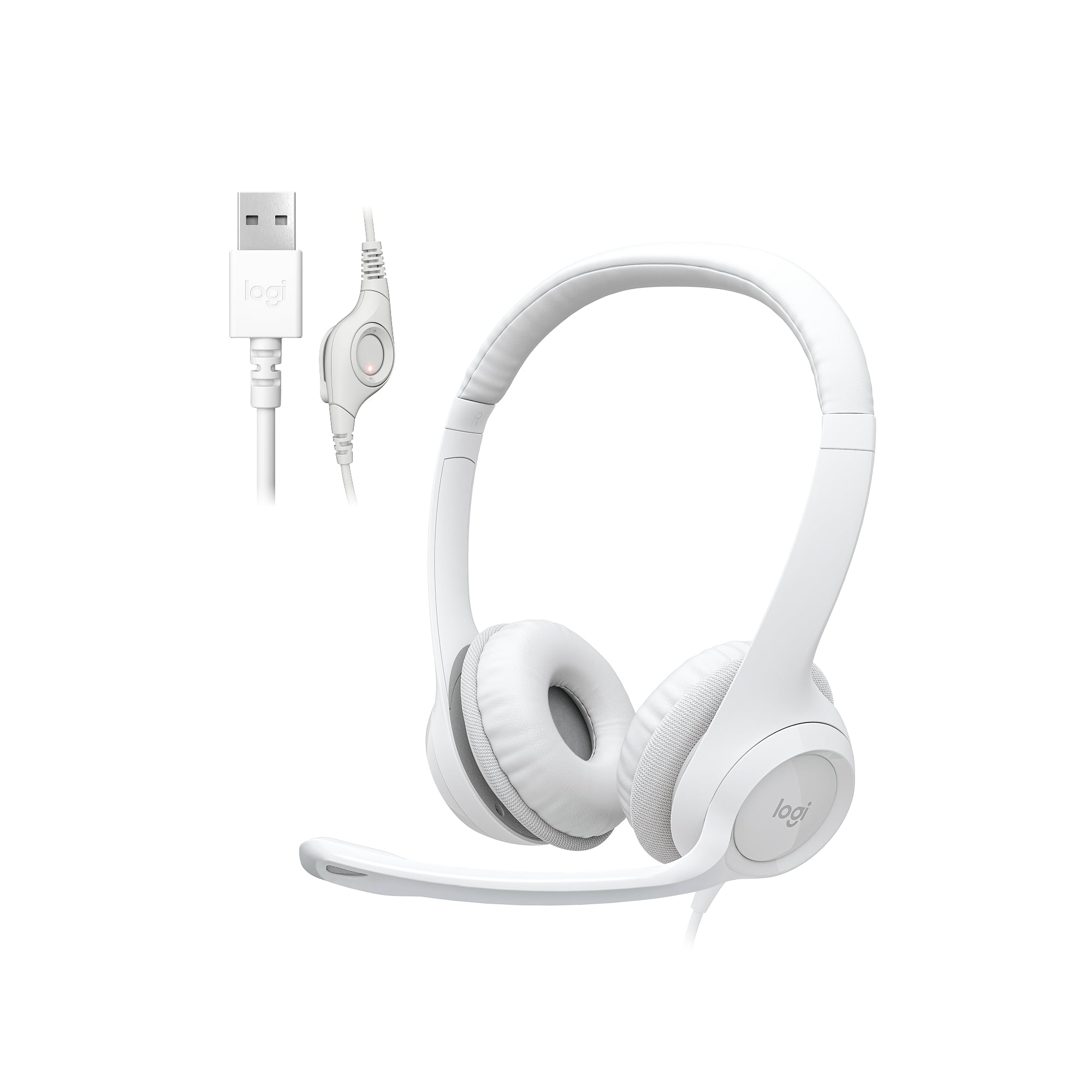
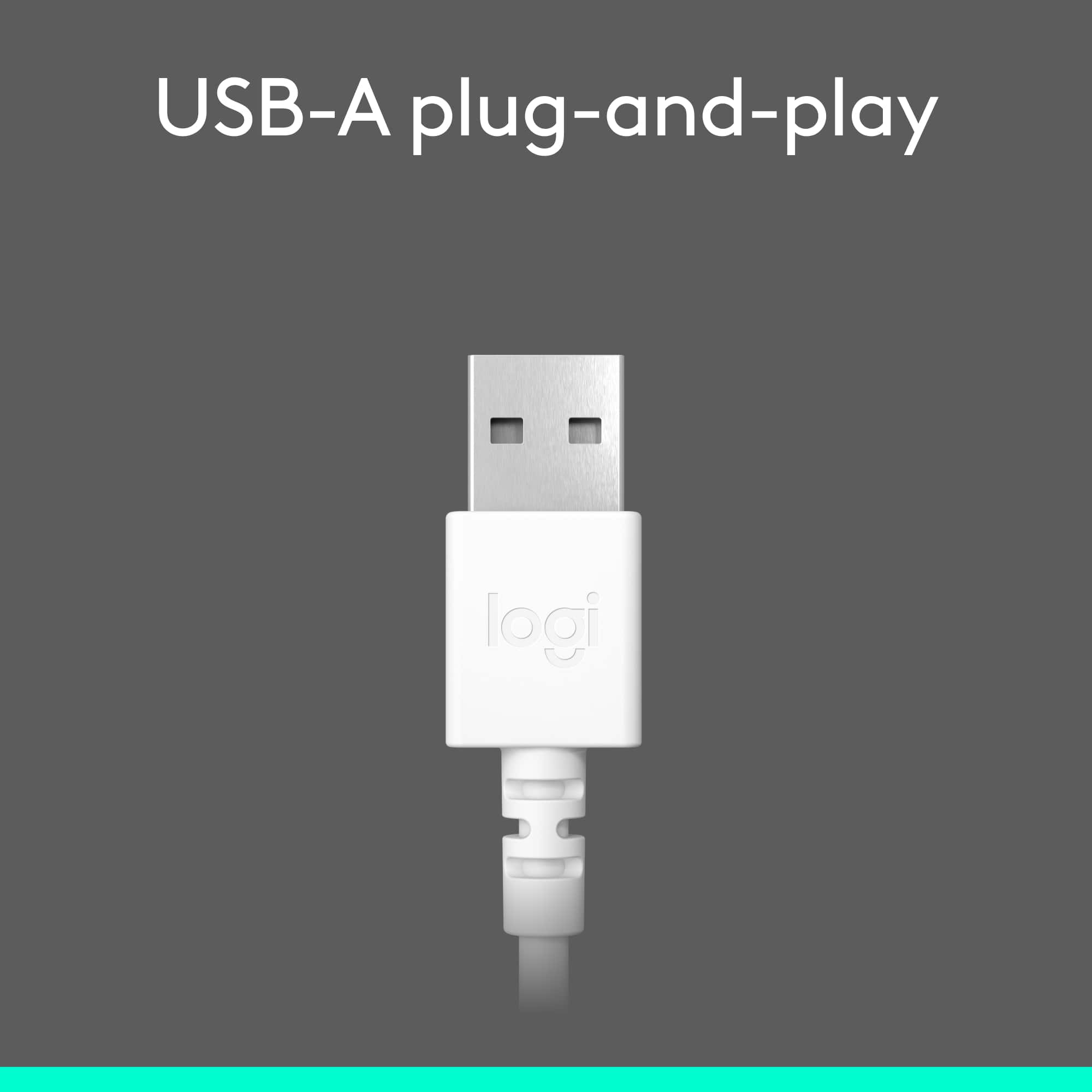
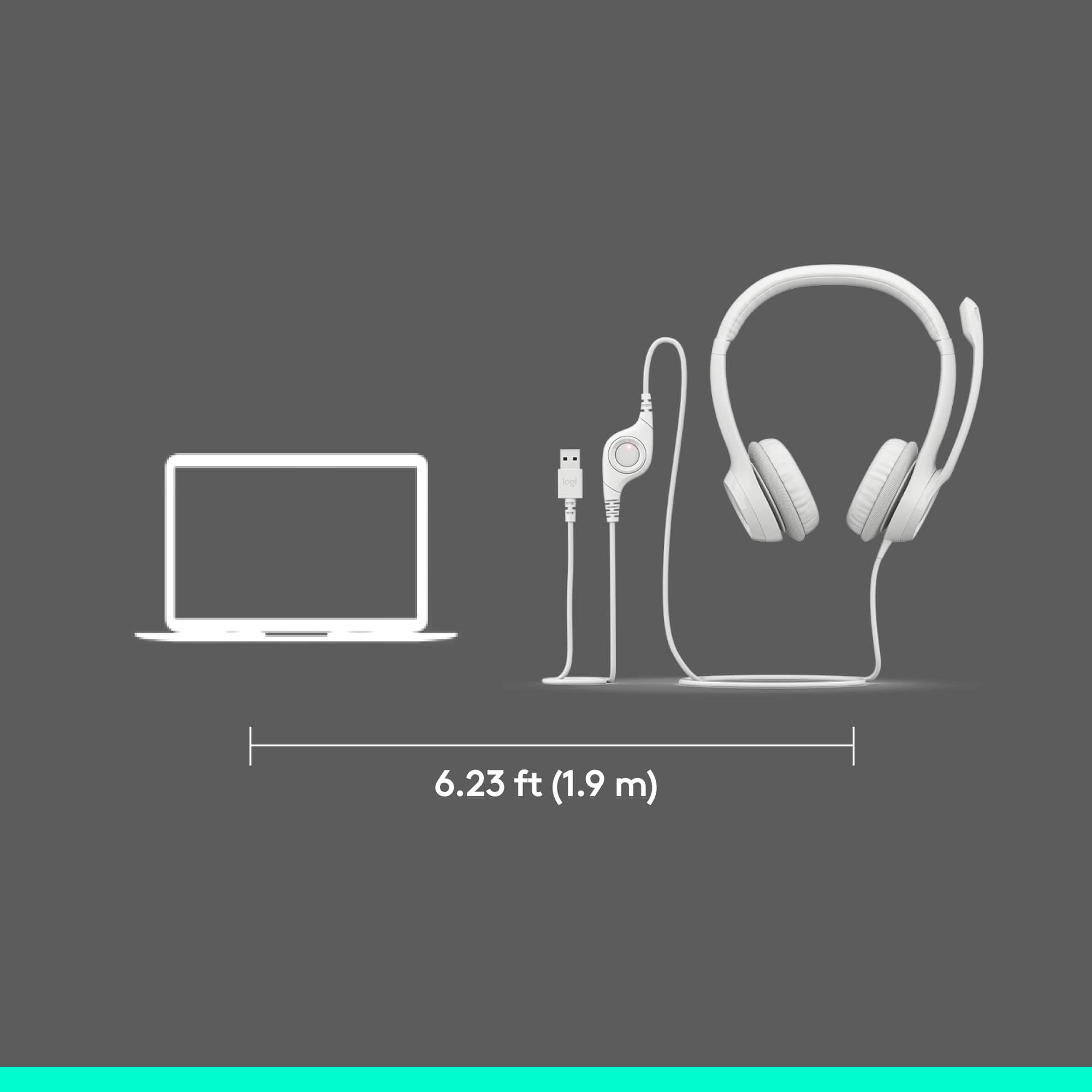
A:AnswerThis headset is compatible with Mac products, because it worked on my MacBook Pro. However it is a wired headset. If your Macbook Air has a traditional usb port, it should work. If it doesn't have any ports, you'll need to use a wireless headset. If your Macbook Air has thunderbolt or usb-c ports, you'll need to buy an adapter. I hope this helps you.
A:AnswerI had the same question, but what the previous answers didn't consider is the existence of USB-A to USB-C adapters. I have not tried it, but even given this fact there would have to be some software or app already installed in the cellphone which would allow compatibility. Given the fact that 99% of apps are created for profit, I doubt anyone has created an app like this. Buying a Bluetooth compatible headset is your best bet.
A:AnswerI couldn't say if it is compatible with an acer chromebook. However, I use them on a desktop and I love them. They are comfortable and I can hear the other people just fine. I wouldn't see why they wouldn't work with your Chromebook.
A:AnswerYes, but be sure to check the type of connection your phone has for a headset, or if you will need a wireless headset. I would also suggest that you may want to purchase one that will allow you to adjust the volume.
A:AnswerWe use the headset with Microsoft Teams and we mute the microphone via Teams. And to the best of my knowledge, if the mic is muted, it would not be picked up by your webcam speaker.
A:AnswerWhy? Unless you're trying to hear something special and/or you're trying to record separate tracks for editing, later, just use the mic on the Laptop.
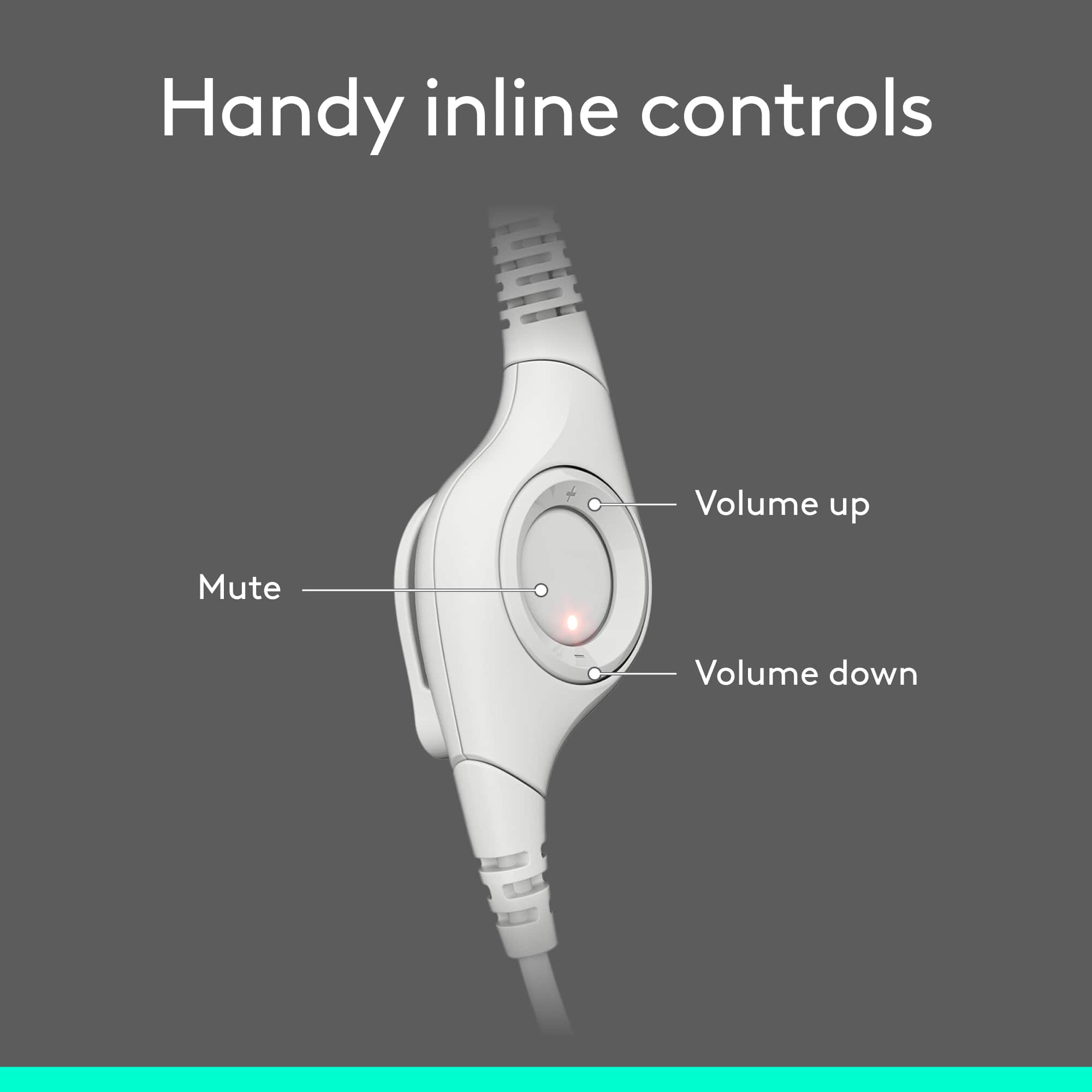
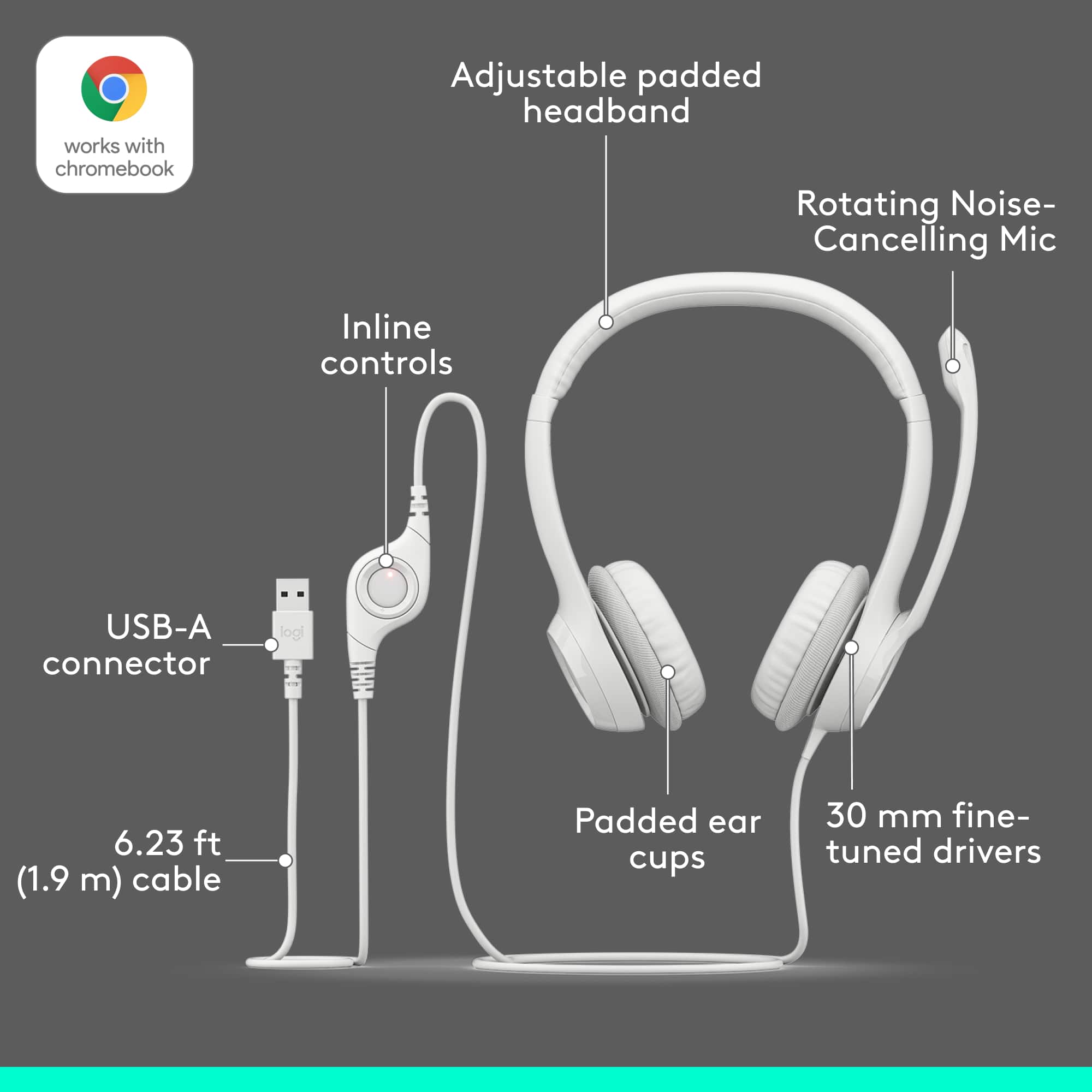
A:AnswerOn outer ring press in on the upper side of dial for up volume, opposite side of button on outer ring below for down volume. Red blinking is mute, red solid mic is on on center button.
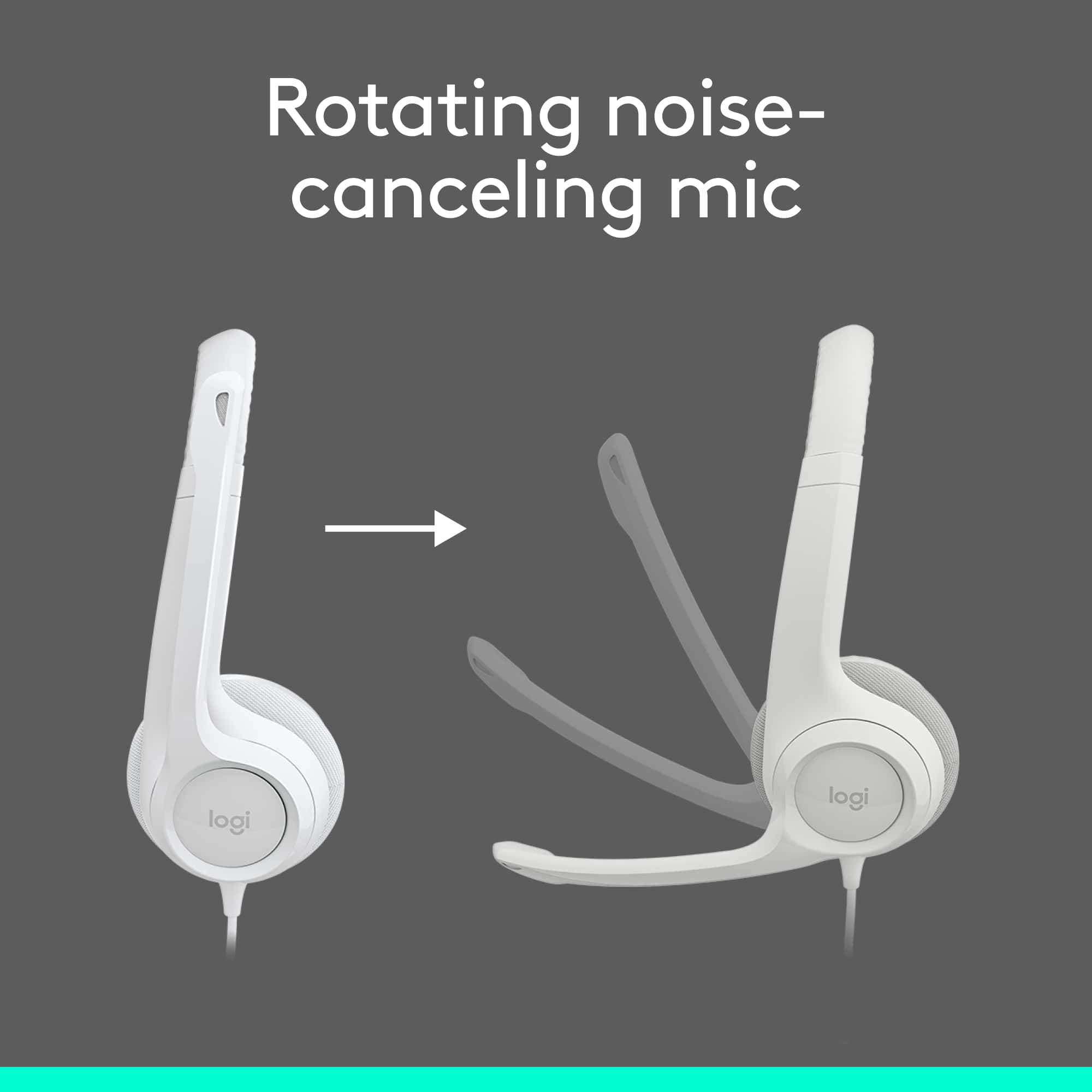
A:AnswerThis product does not have active noise cancellation. Active noise cancellation is a premium feature and it helps with ambient background noise. Not much will help with lawn mowers or booming music in the background.