A:AnswerWiFi is required for installation, updates, and use of the mobile app. I believe the handheld remote will work if WiFi is out providing it was setup properly with working WiFi.
A:AnswerIt depends on your devices. How easily they receive signal is the determining factor. The HUB and remote work over Wi-Fi so closed or open cabinet doesn't matter. You can have two signal repeaters on the Hub. If you can place them properly in the closed cabinet it will work.
A:AnswerUse the mobile phone app. There is a remote synching function and other troubleshooting steps. It is not a rechargeable remote. The battery is under the top bottom portion of the remote. It slides downward to remove the battery.
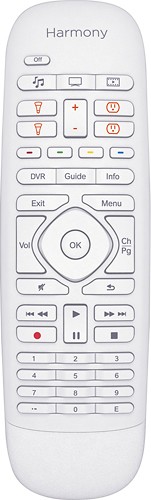
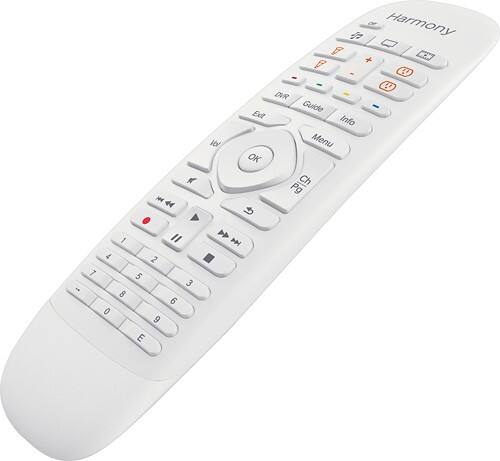
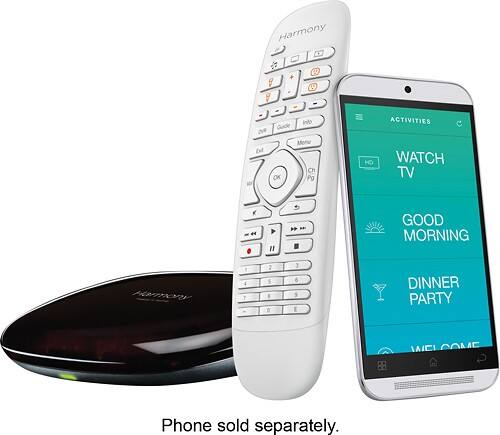
A:AnswerIncluded in the packaging is the Harmony Home Control Remote, Harmony Home Control Hub, IR mini blaster, USB cable for PC software use, and the AC adapter. The Harmony Companion will work with all the devices you have listed. Some will be through IR (infrared), and some will be on your WiFi network.
A:AnswerYou set up the Harmony Companion remote with the Logitech Harmony computer software, or the Logitech harmony app. You will add your devices and can create "activities" such as "TV" or "Tivo". This way the remote will know which device you want to control, when you are using the directional keys.
A:AnswerYes it will control all of your devices. I used my phone to set it up and was able to program remote to control cable box, receiver, tv, and Apple TV all together.
A:AnswerUse a smart device with the "Harmony" app. Toggle to your "SONY XF 900" TV device. Scroll through the available commands, specifically for the TV, to find "Apps". Try to enable this command to a specific key from the available SONY TV options. Although, you may need to upgrade to the Harmony Elite for quicker, easier access to advanced device commands.
A:AnswerHarmony Hub-Based Remotes, like the 950 and Elite, along with the Harmony Express Remote will work with Roku Streaming Sticks. IR Harmony remotes, like the 650 and 655 will not work.