A:AnswerAs I've said in my other answers: As long as there is a USB port to plug the keyboard into, the keyboard should work with that computer (even if it's not a Windows computer).
A:AnswerYes, but be careful with the larger buttons, becasue they have hard metal wires that support the buttons and those wires are attached to plastic that can break.
A:AnswerHP stands for Hewlett Packard. That is the brand of hardware (the actual physical computer).
What you need to know is what Operating System is on it.
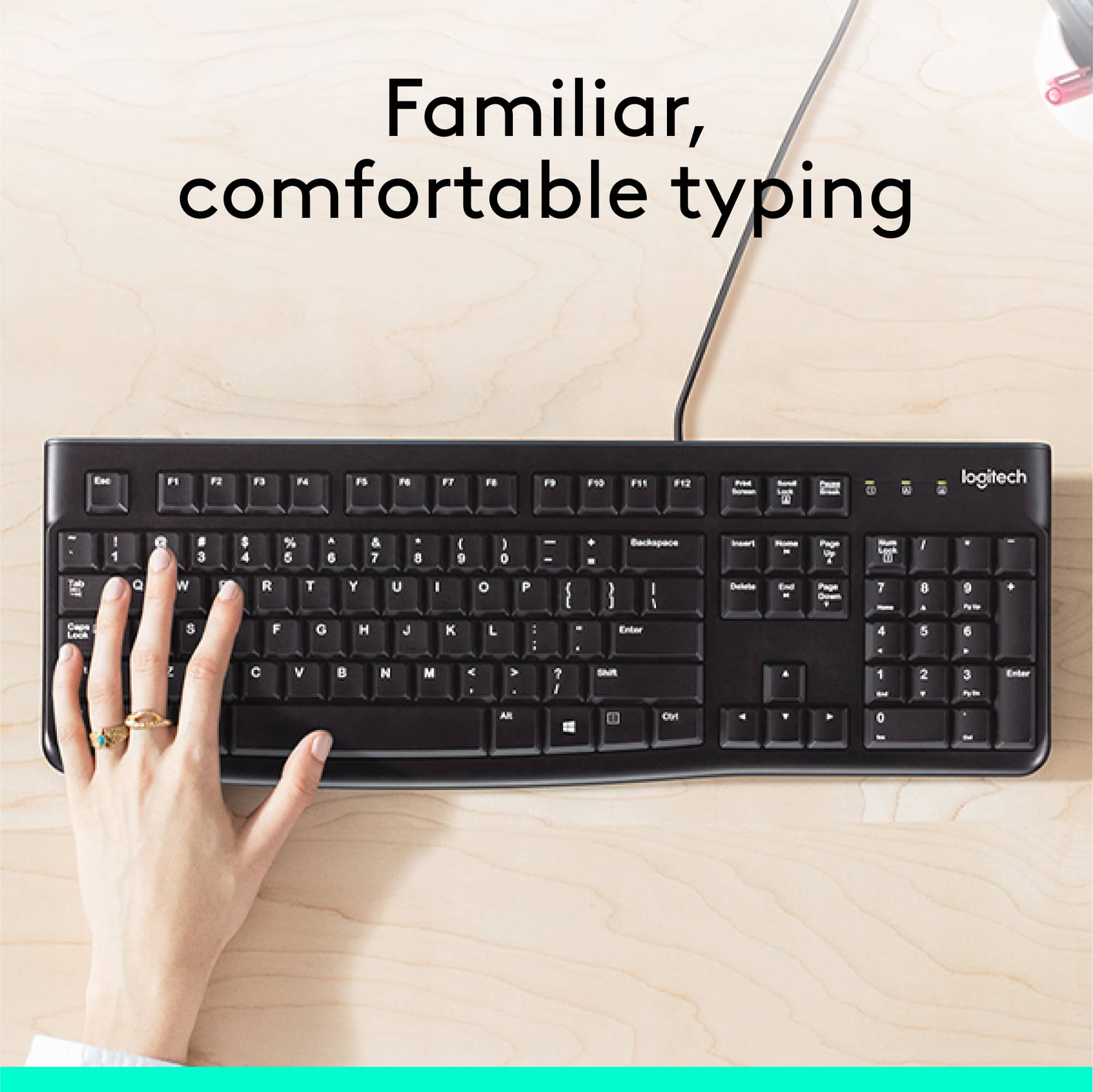
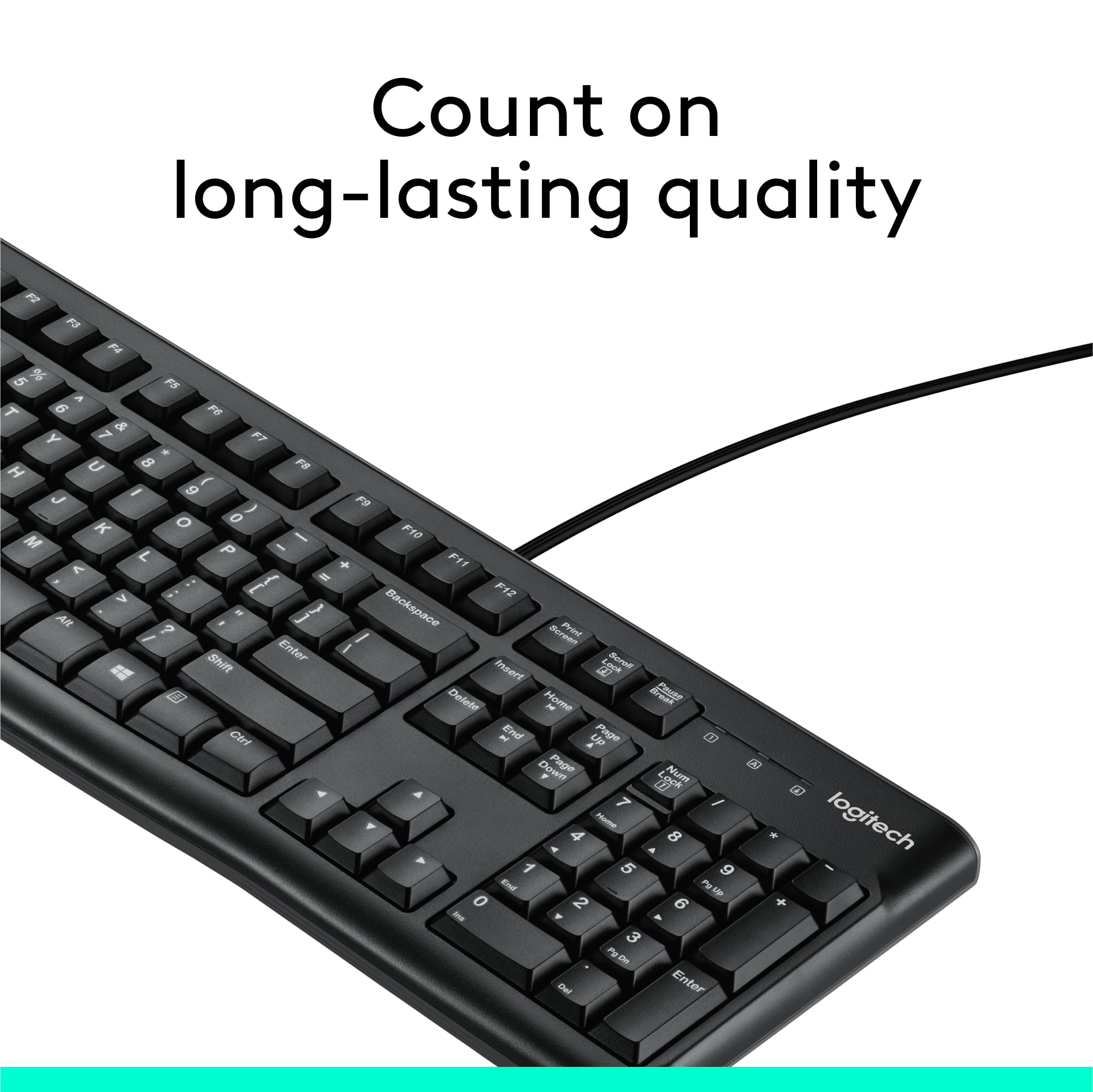
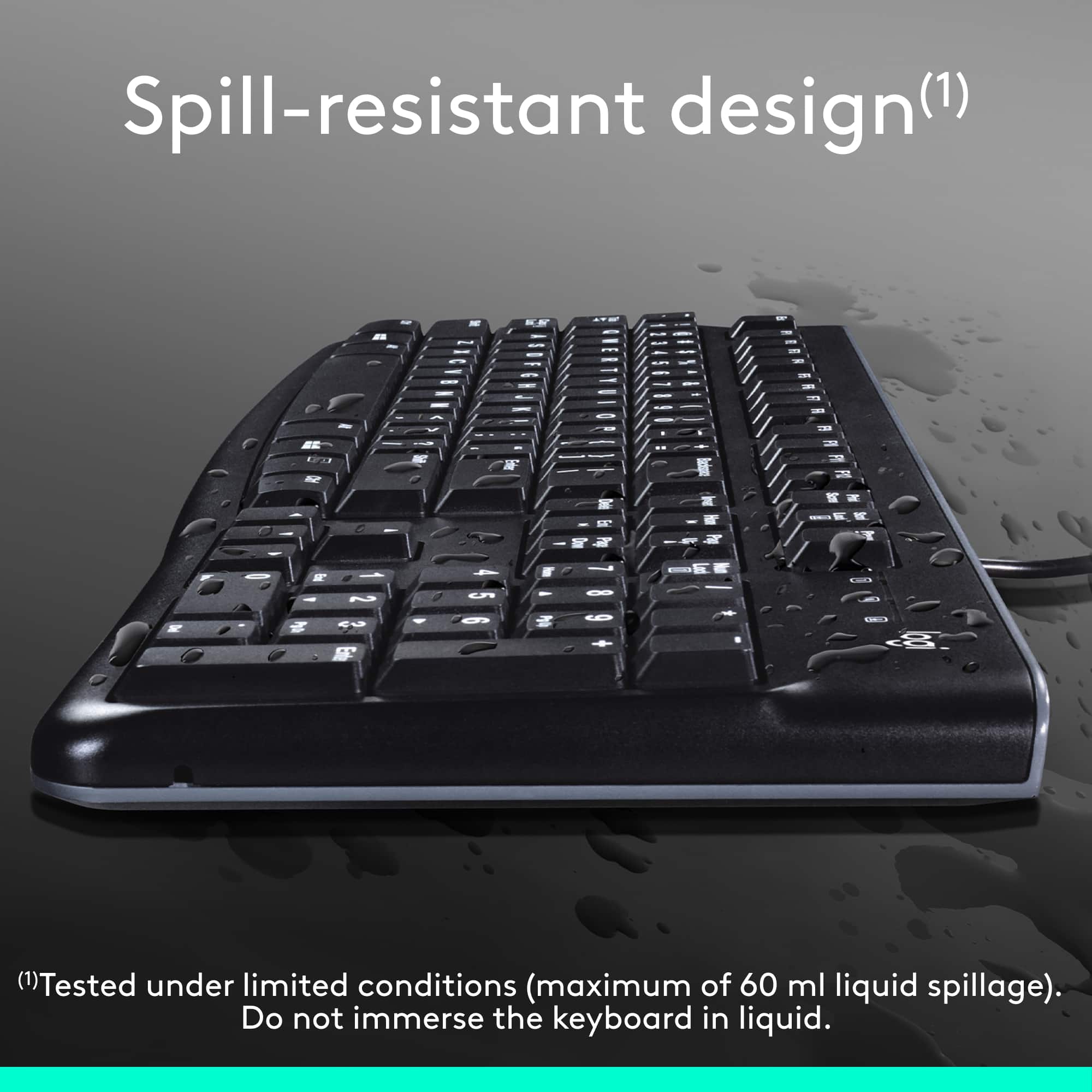
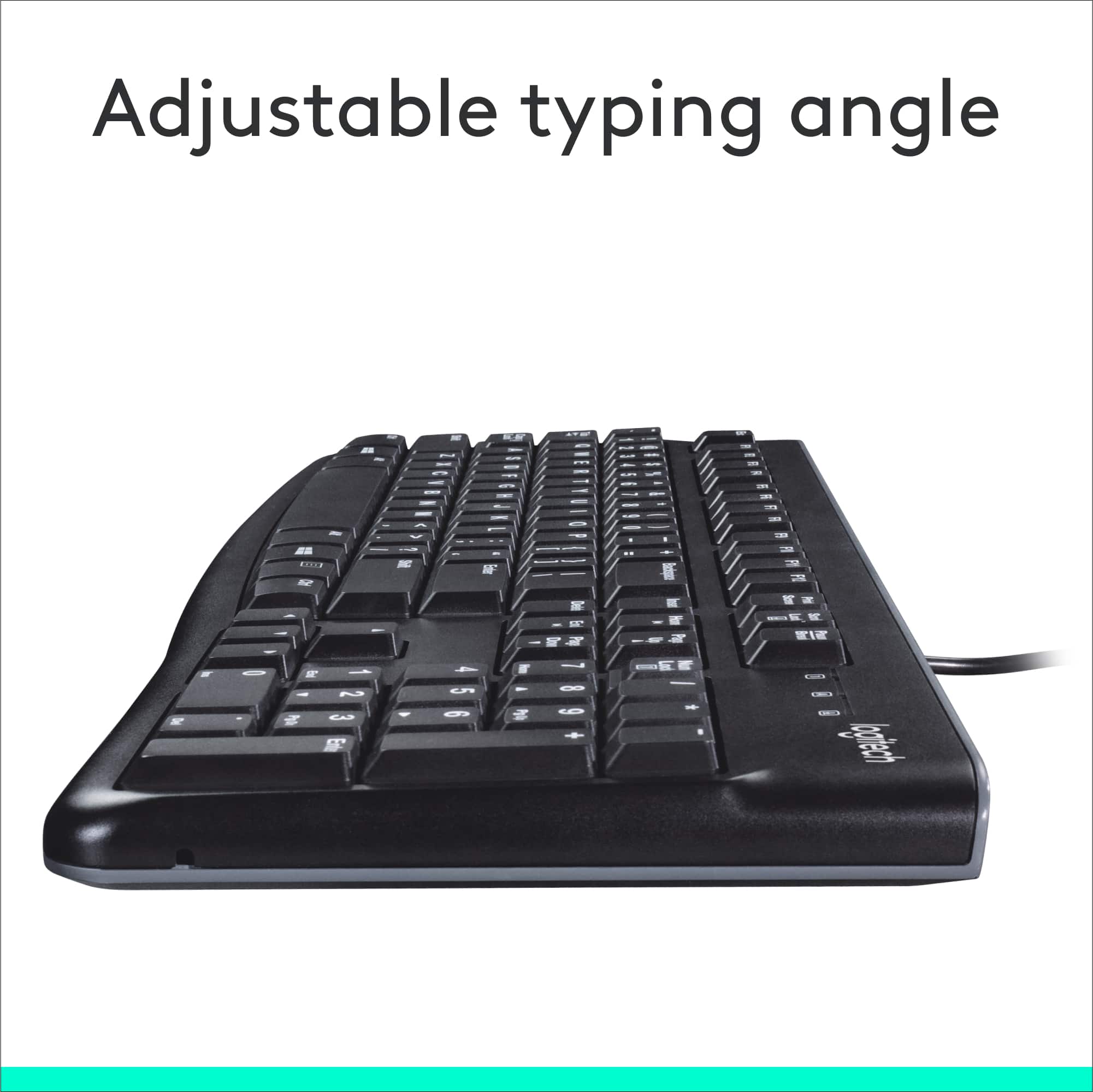
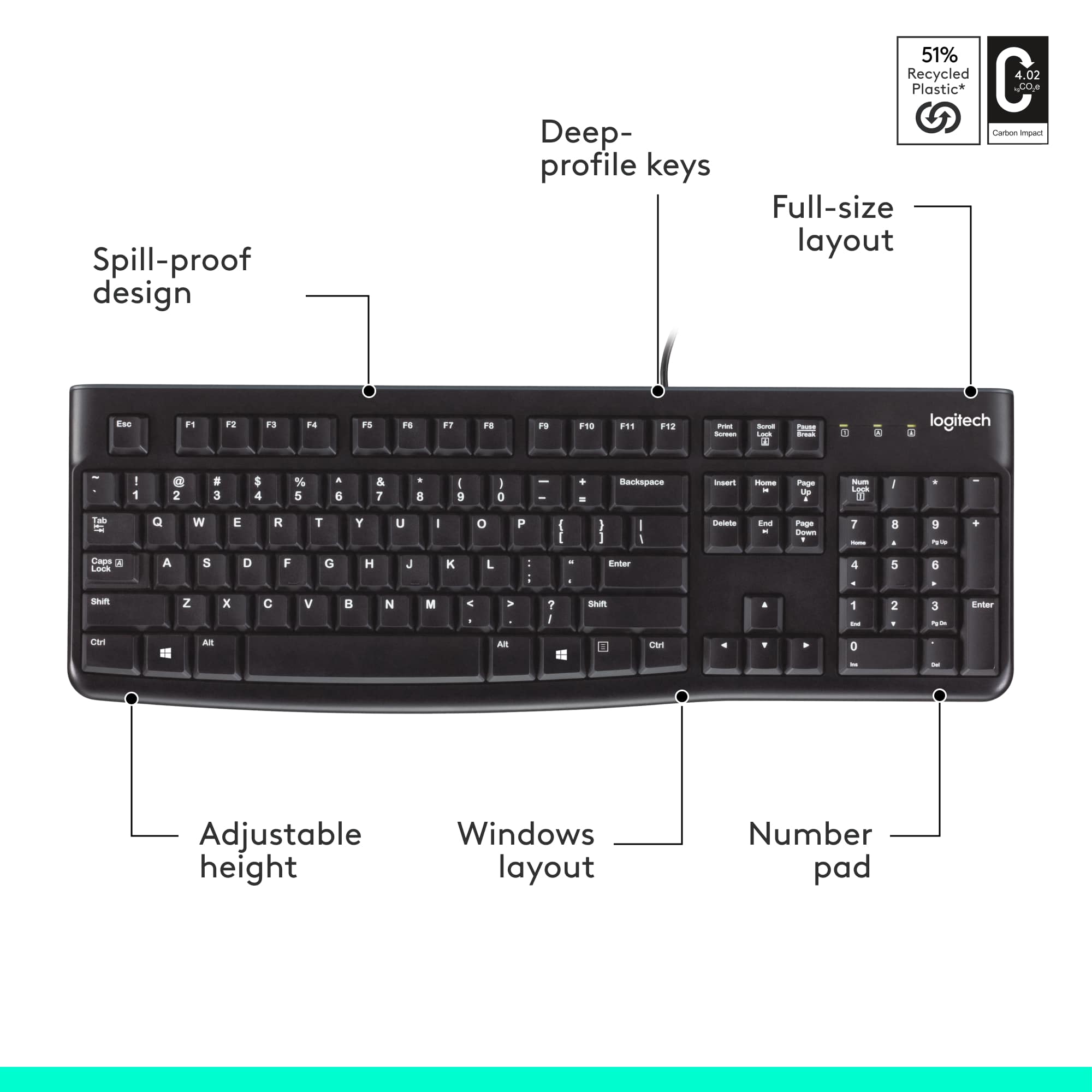
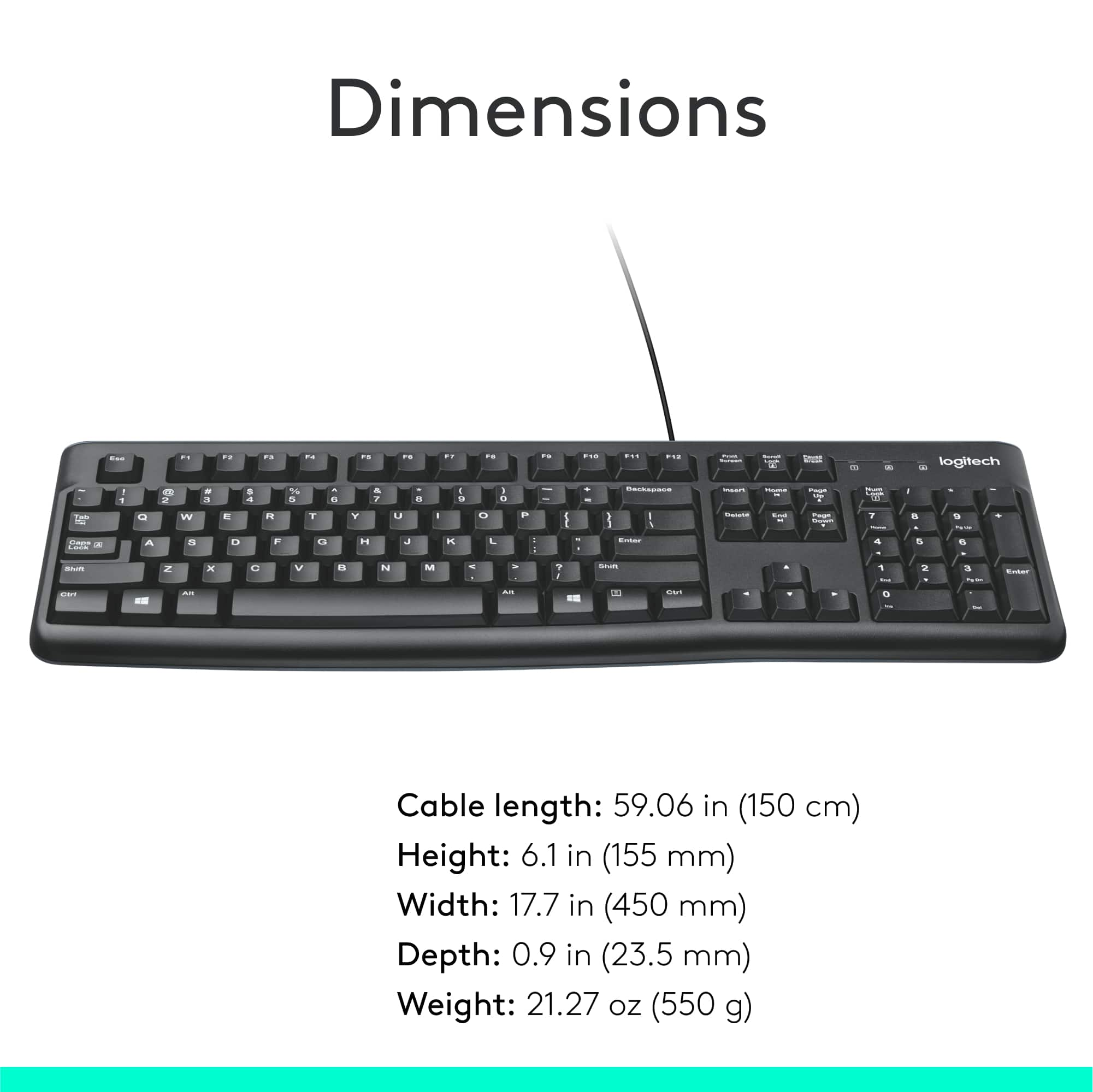
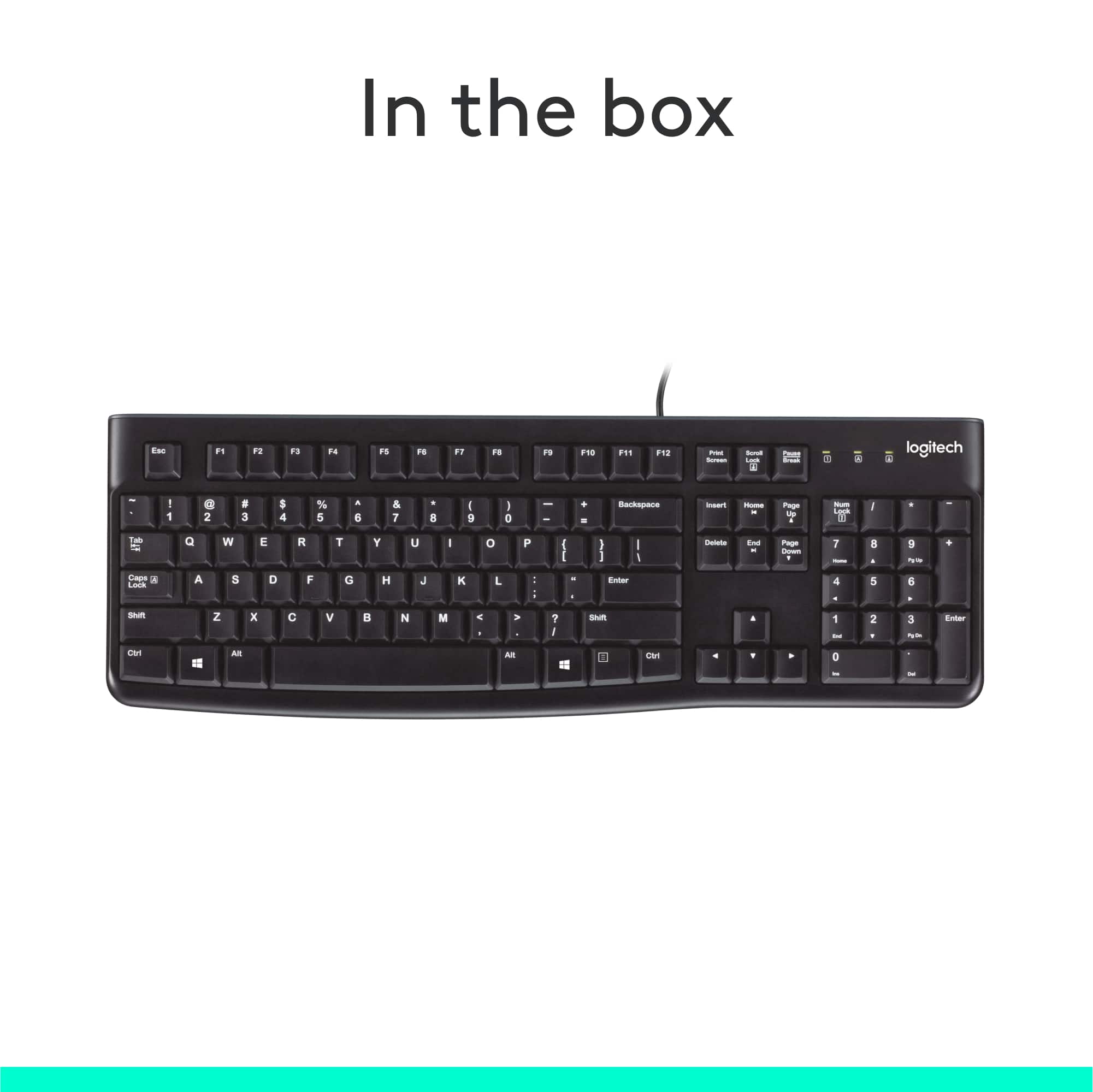
The name of this keyboard is:
"Logitech - K120 Full-size Wired Membrane Keyboard for Windows with Spill-Resistant Design - Black".
That means this is for Windows Operating Systems only.
![Esc F1 F2 F3 F4 F5 F6 F7 F8 F9 F10 F11 F12 Print Screen Scroll Lock Pause Break 1 2 3 4 5 6 7 8 9 0 - + = Backspace Insert Home H Page Up A Num Look 1 I Tab Q W E R T Y U I o P { [ } ] I I Delete End IN Page Down 7 Home 8 9 Pg Up Caps A Lock A S D F G H J K L ; : DE g Enter 4 5 6 Shift Z X C V N M < > ? I Shift 1 End 2 3 Pp Dn Enter Ctrl Alt Alt Ctrl 0 Ins Del](https://pisces.bbystatic.com/image2/BestBuy_US/images/products/a588d446-5678-40ae-86b8-1f15e0026e66.jpg)