A:AnswerGood day and sorry to hear about the inconvenience. In order to help you effectively, please provide your information to our support team by emailing socialcare@logitech.com. Name – Email address – Country – Product name – Brief description of the issue –
A:AnswerHello Lori! We unfortunately don't make casings that will hold the K380 TKL Bluetooth Scissor Keyboard for Mac with Compact Slim Profile in it. We do have iPad Keyboard Cases, which offer a protective casing as well as a keyboard either attached to the casing (such as the Slim Folio, Rugged Folio or Folio Touch) or with a detachable keyboard (like the Combo Touch). You can check the various options on the Best Bu website based on the iPad model you have. - Mathieu from Logitech
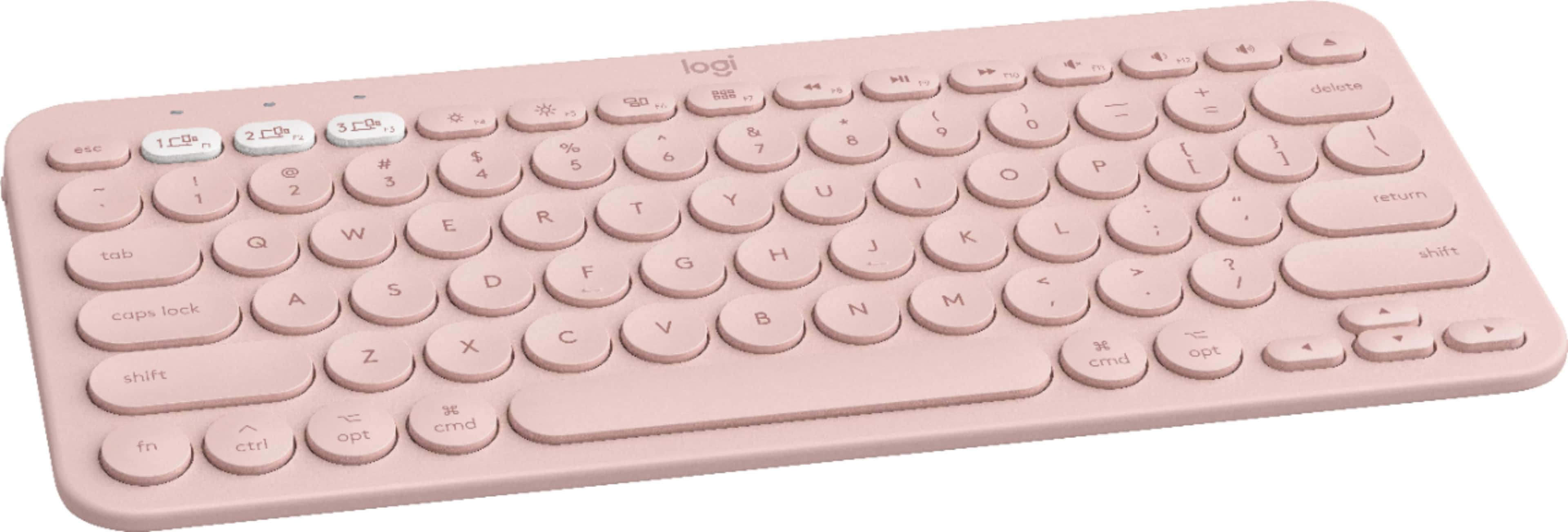
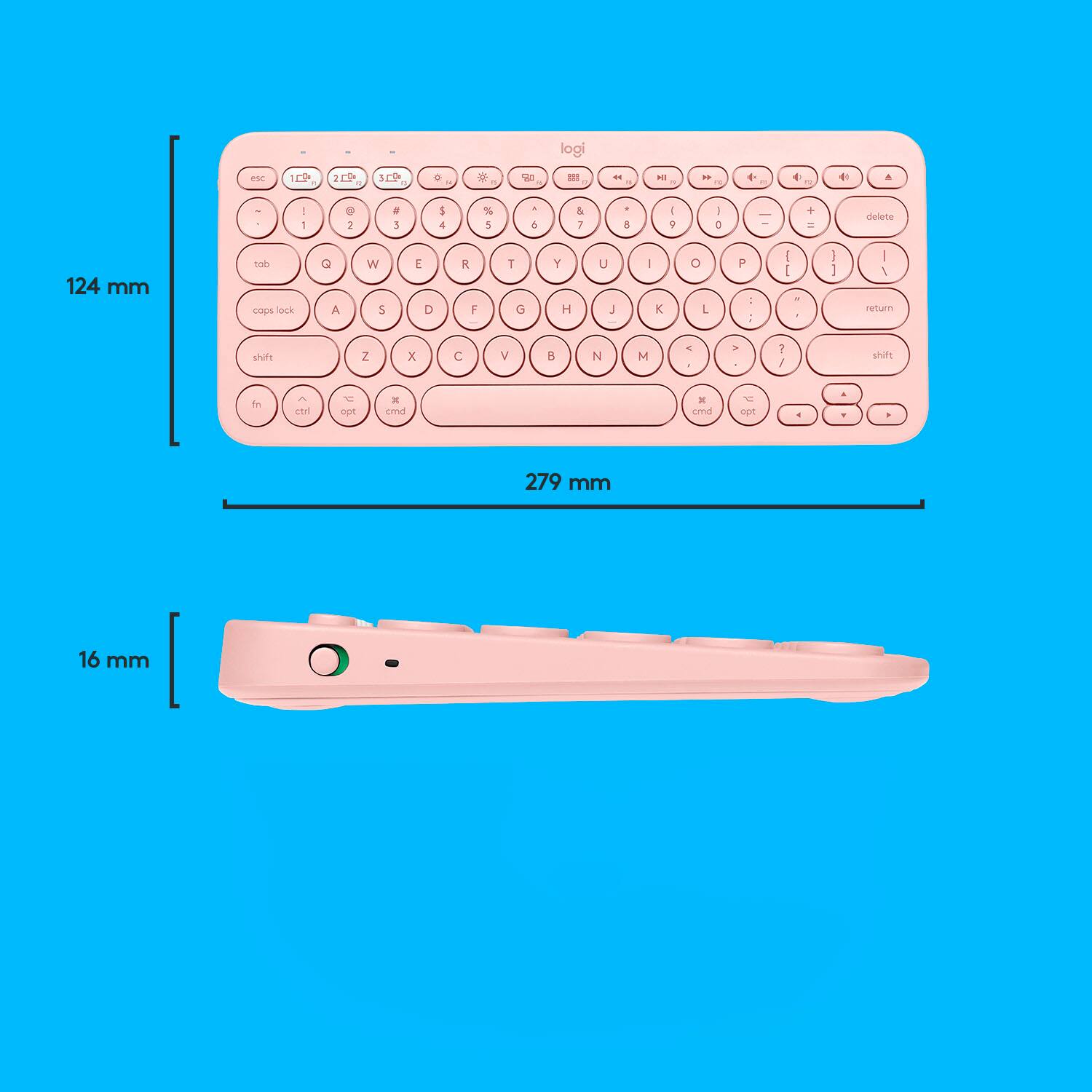
A:AnswerHello lollipopossss! Yes, you will be able to connect the K380 TKL Bluetooth Scissor Keyboard for Mac with Compact Slim Profile to your Asus VivoBook laptop. Please note that since this is the "for Mac" version", it will only show the Mac layout on the keys. What I would suggest you to get instead, is the regular version of the keyboard, which will work for PC, Mac, Android, etc., but that will have both the PC and Mac layouts on the keys: https://www.bestbuy.com/site/logitech-k380-tkl-wireless-scissor-keyboard-for-pc-laptop-windows-mac-android-ipad-os-apple-tv-rose/6411502.p?skuId=6411502 - Mathieu from Logitech
A:AnswerHello morkie2000, Sounds like you've got a connection problem. Make sure that you're device is paired to the K380. To see how to do that, here's a link to the Getting Started support page: https://support.logi.com/hc/en-us/articles/360051435873. This should walk you through the setup to insure you're connected. In order for your keyboard to work with your device, the device must have built-in Bluetooth capability---check your device specification or manual. If your system is Bluetooth-capable and the keyboard still isn't working, the problem is likely a connection caused by low battery power, using your wireless keyboard on metal surfaces, radio frequency (RF) interference from other wireless devices such as: wireless speakers, computer power supplies, monitors, cell phones, garage door openers. Try to keep other electrical devices at least 8 inches away from the keyboard or simply move your keyboard closer to your device. Hope that this helped, but if it didn't go to: https://support.logi.com/hc/en-us/requests/new?ticket_form_id=360000621393. - Richard from Logitech
A:AnswerHello Avery. Do you have Logitech Options installed on your computer? You can customize the keys and also update firmware. You can manually choose MacOS setup by holding down fn and O for 3 seconds. You can find Options here: https://support.logi.com/hc/en-us/articles/360025297893
A:AnswerI am using it with the iPad mini 5ht generation. It connects with bluetooth, all you have to do is to pair the two devices (the iPad bluetooth and the keyboard by pressing a key as the instruction paper says). It works great with the iPad mini, I assume it is the same with the iPad Pro, since it is bluetooth.
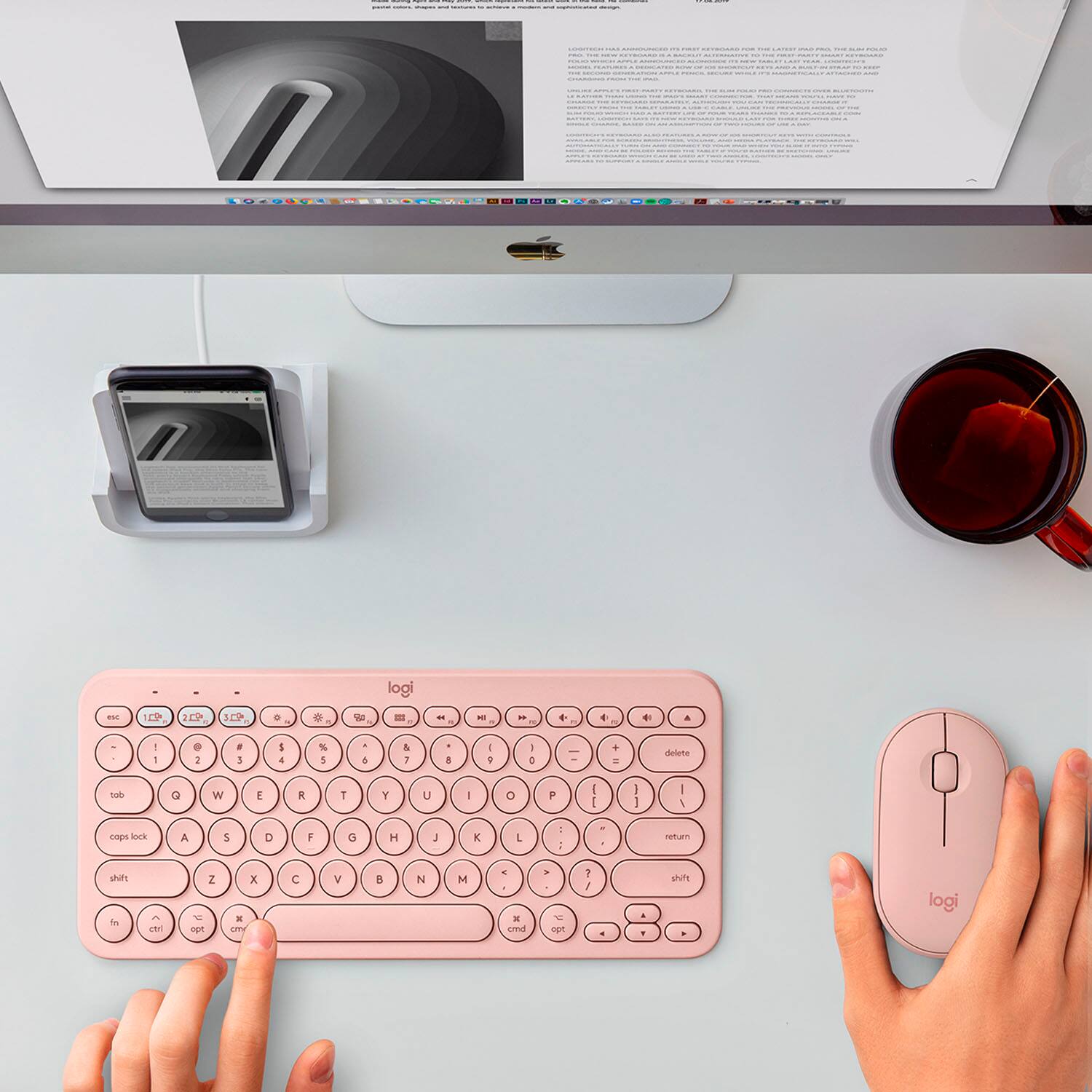
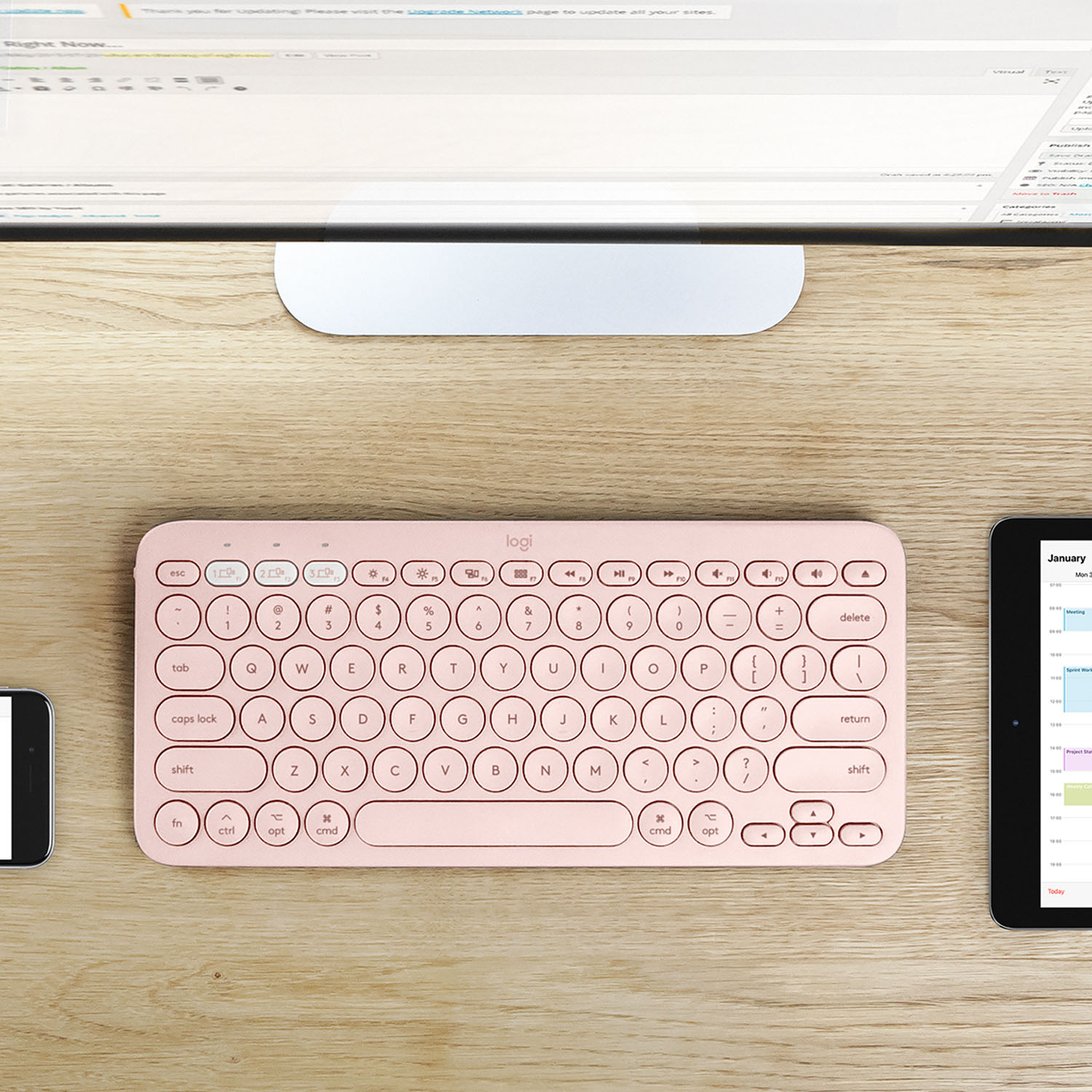
A:AnswerYes. Connect up to three devices—even with different operating systems— and switch between them with a tap. So you can type, switch, and keep on typing. - Logitech.
![esc ~ 3 F3 32 12 1 F1 ! 2 1 Q tab To lock caps shift D 14 # 3 W A ctrl 4 % logi 1 44 / - t I 0 1 * 9 PS & 8 A O % 6 / $ 5 U 4 Y T K R L H I E G F D I B S V C X Z alt 3 start cmnd alt opt fn back + " I 1 1 1 P ] enter R : 1 L ? > I < I M ctrl olt ot oot amd shift](https://pisces.bbystatic.com/image2/BestBuy_US/images/products/6404/6404202_sd.jpg)