A:AnswerYes, although Windows is really bad for bluetooth. When you use a Mac with bluetooth keyboard, you barely notice, but on Windows, bluetooth is prone to crashing, you loose connectivity, there might be lag to connect shortly after boot, etc.
The keyboard is amazing, but mind the limitations of the platform you use it with.
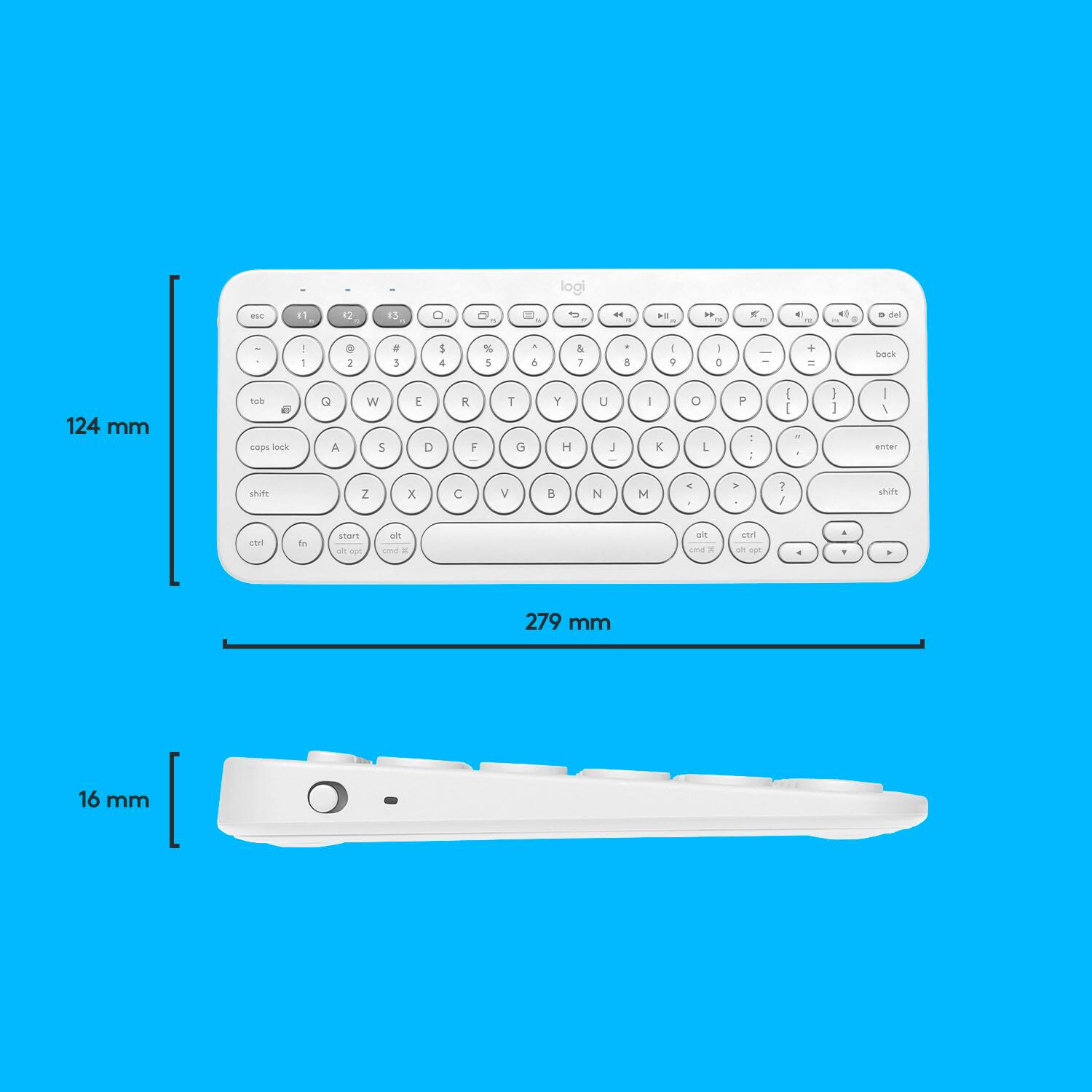
A:AnswerThe Logitech K380 features comfortable laptop style keys. All the keys are in a tight design. The extra-small footprint lets you place your mouse closer for less arm reaching, more comfort, and better body posture. Scooped, low-profile scissor keys love the shape of your fingertips, offering a fluid, quiet, familiar laptop-like typing experience. Plus, it fits in your bag. For more, please refer to: https://www.logitech.com/en-us/manuals/k380-setup-guide - Will, Logitech.
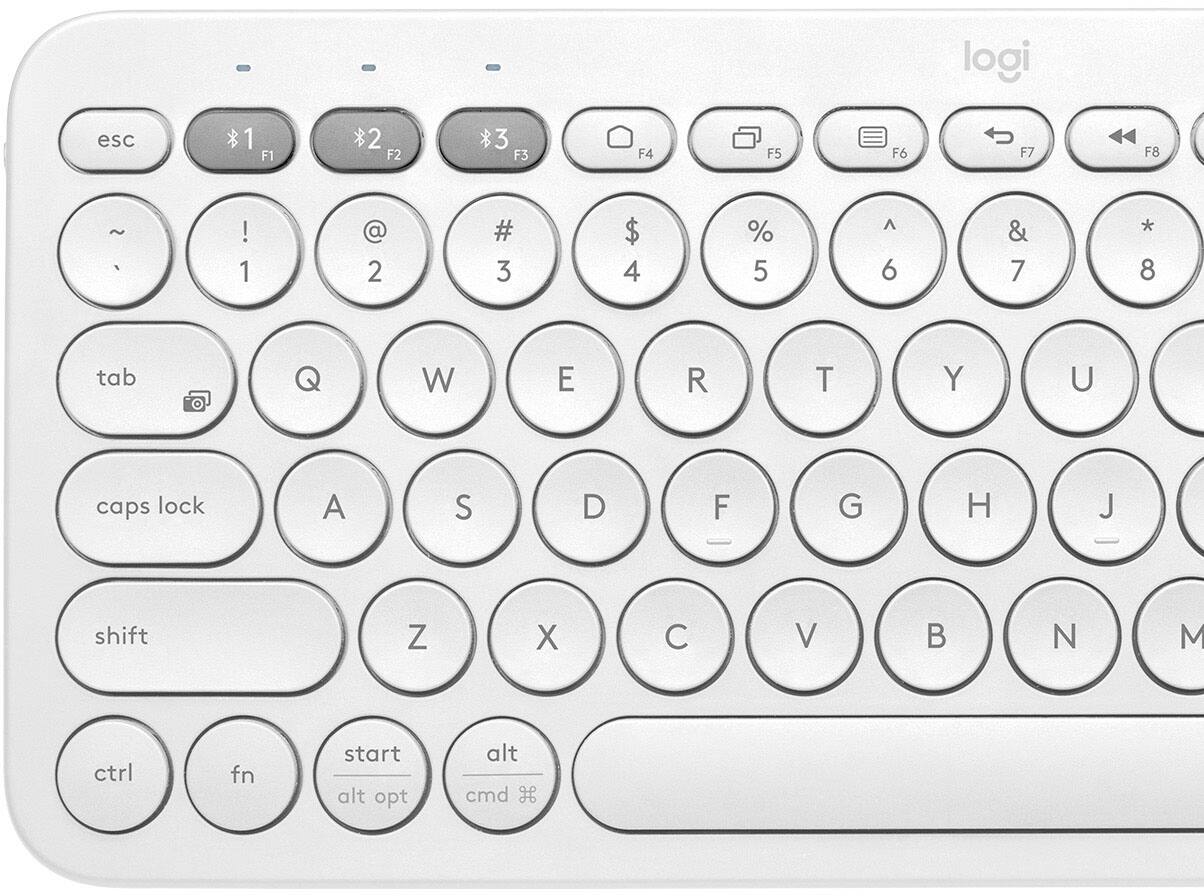
A:AnswerThe characters and symbols can be accessed along the number, and shared command keys. Use "shift" as you would on any keyboard, to use the alternative key commands. This K380 even has split key commands for Apple or Windows software.
A:AnswerYou didn’t miss it. They have a Mac version of this keyboard but it’s only available in white. Not sure if that one has them. I use mine with my Mac without issues. Some features still requires use of Mac keys.
![esc ~ 1 ! 2 @ 3 # 4 $ 5 % 6 ^ 7 & 8 * 9 ( 0 ) - = back tab Q W E R T Y U I O P [ ] \ caps lock A S D F G H J K L : " enter shift Z X C V B N M , . / shift ctrl fn start alt opt alt cmd 26 alt opt](https://pisces.bbystatic.com/image2/BestBuy_US/images/products/6423/6423643_sd.jpg)