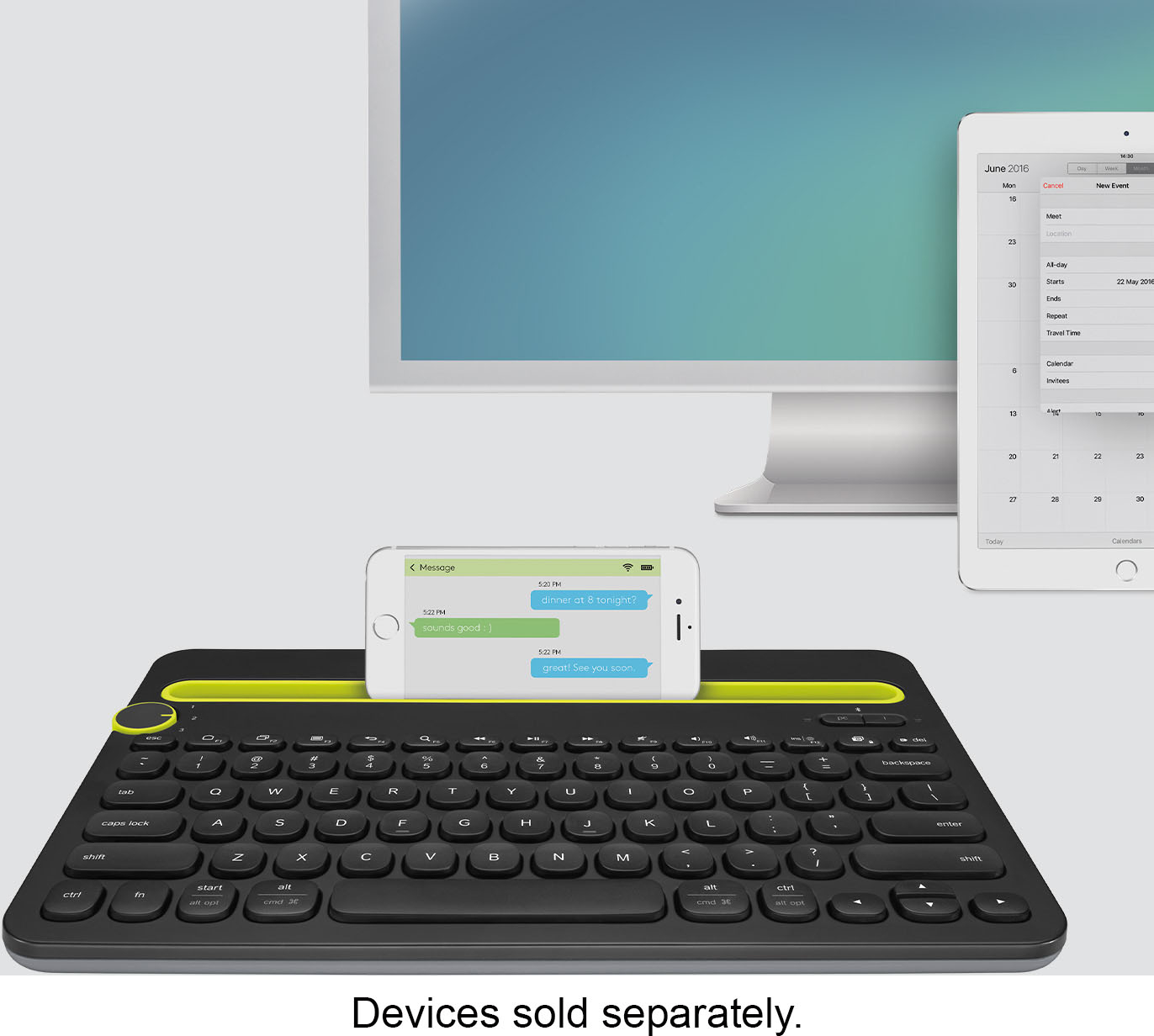
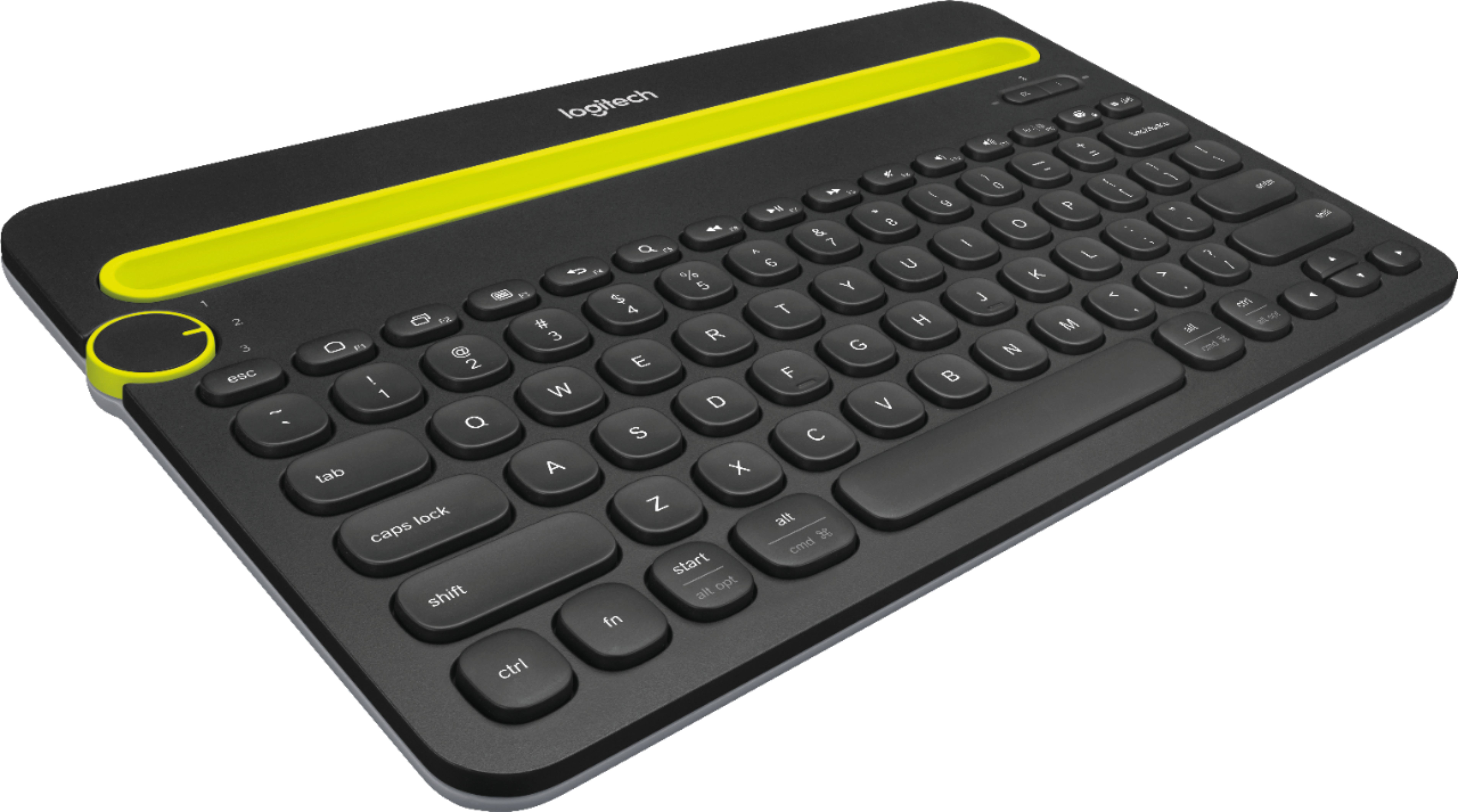
A:AnswerHello Queenof5! You won't be able to pair your keyboard directly to your LG Smart TV unfortunately, you will need to connect it to a computer (PC, Mac, or Chromebook), Android tablet or phone, or iOS tablet or phone. You can connect a computer to your TV and control your computer remotely with your keyboard as well, if that can help you.
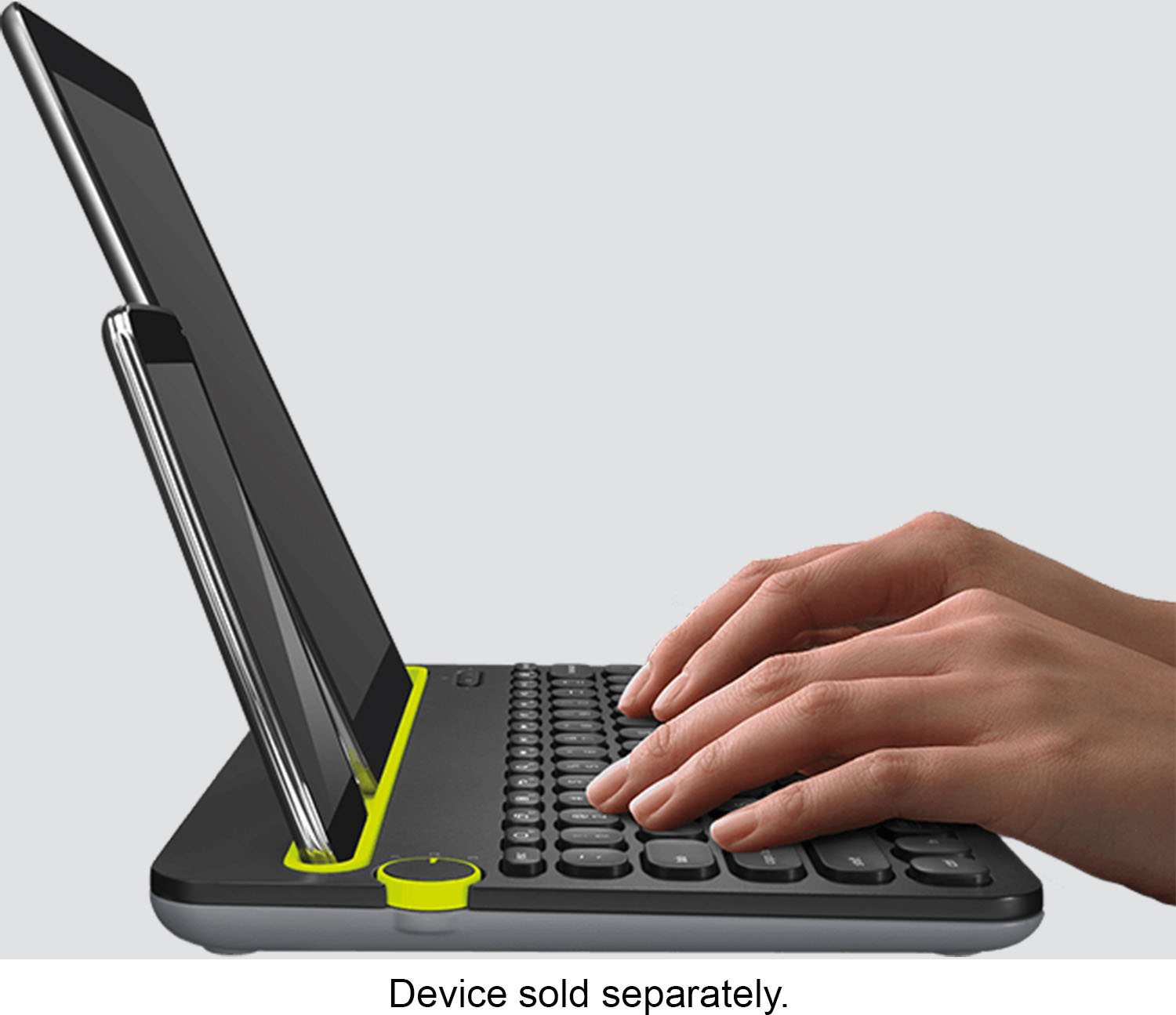
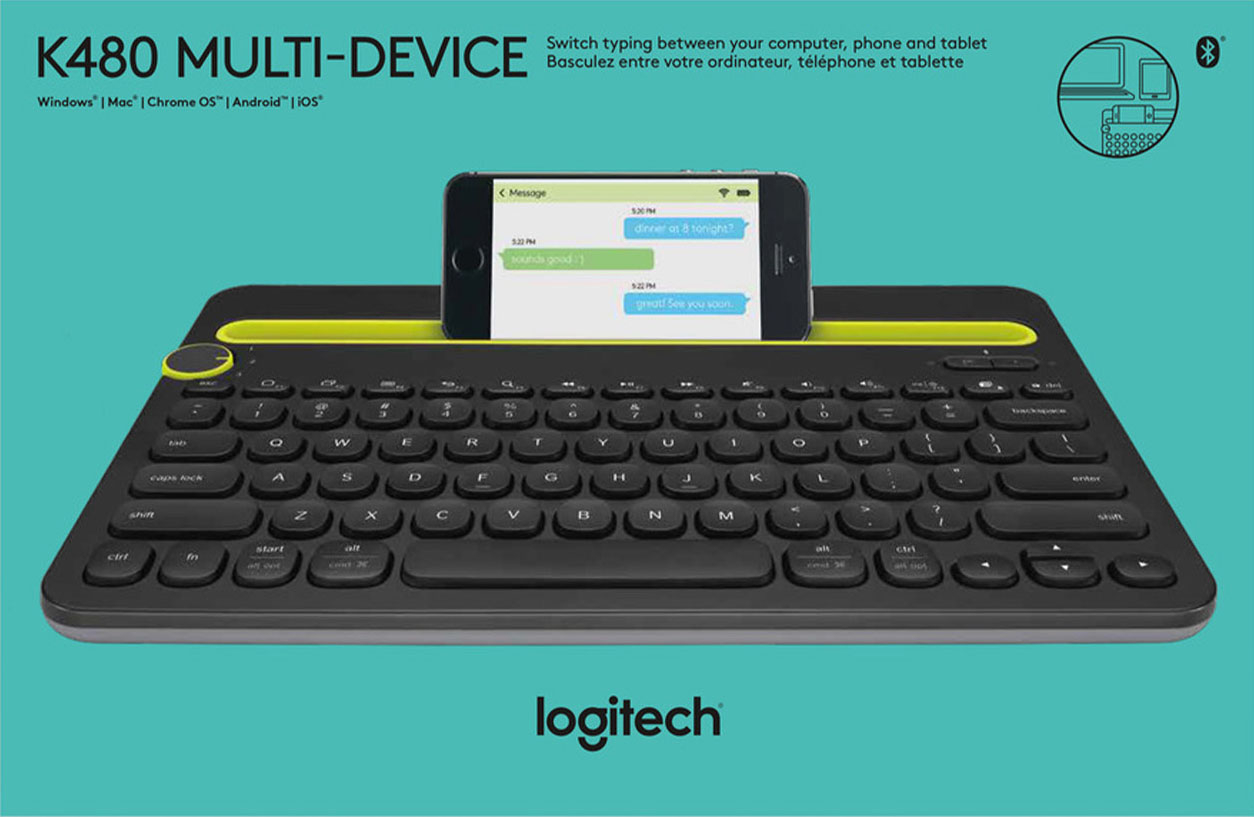
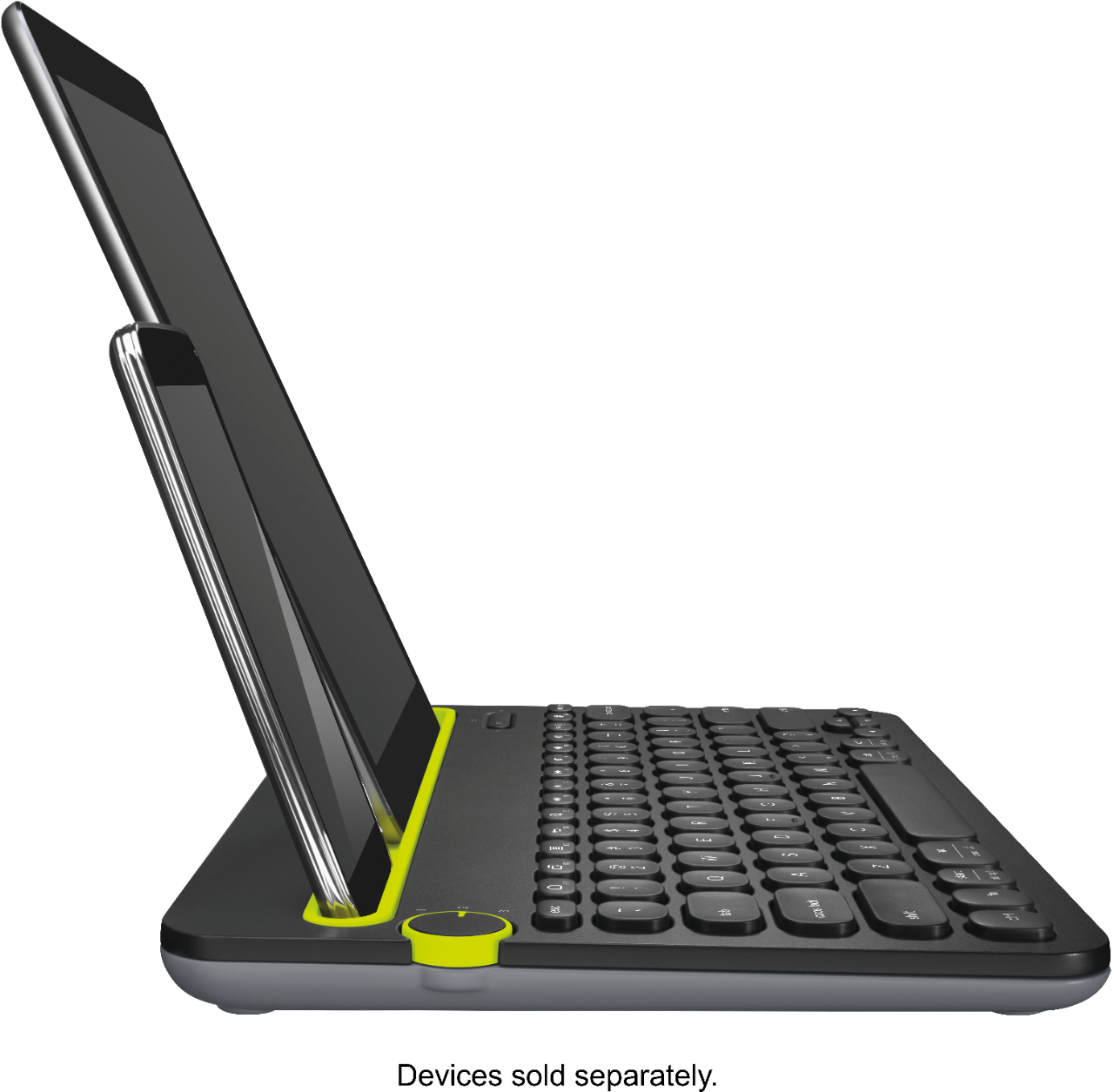
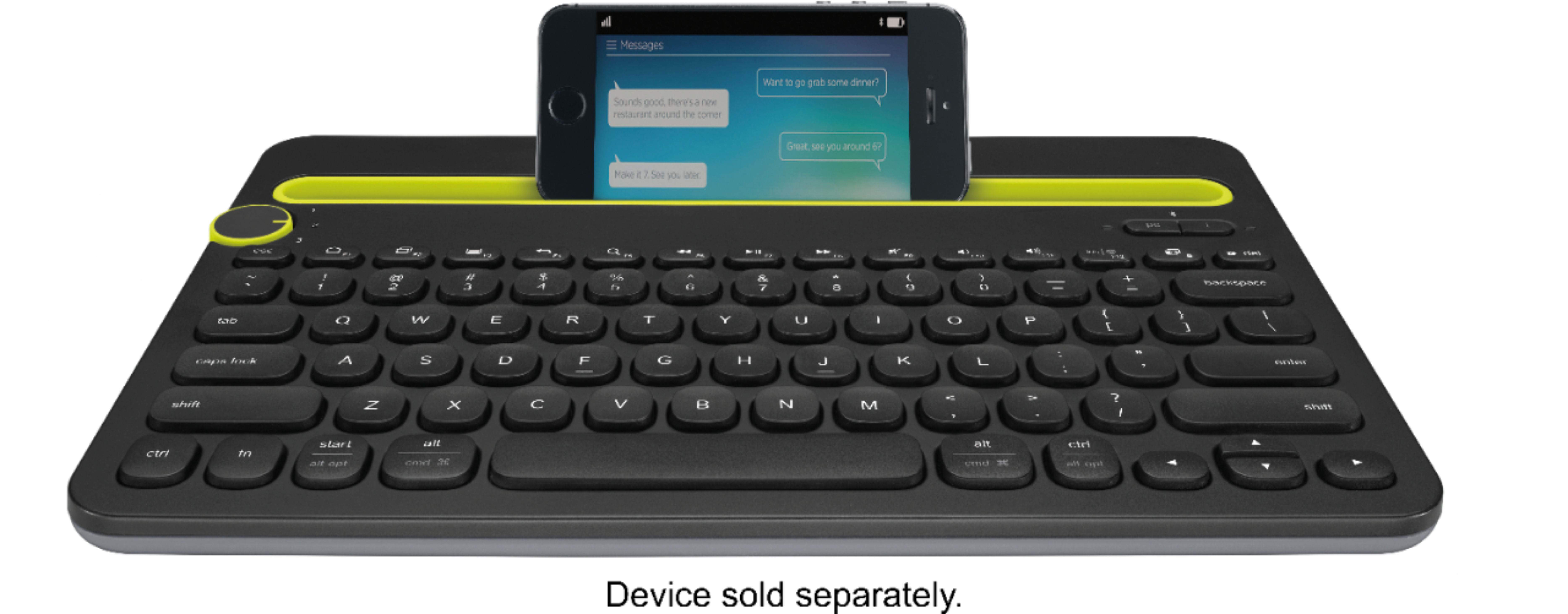
A:AnswerYes, likely so. Pair it through the bluetooth settings on your device and you'll be good to go. Remember to make the keyboard "discoverable" by putting it into pairing mode first. As a bluetooth input device this keyboard will pair with most all tablets, phones and bluetooth-enabled computers/laptops; up to three at a time on this particular model. Best wishes.
![logitech 1 2 pc I 3 esc F1 F2 F3 F4 F5 F6 F7 F8 F9 F10 F11 F12 del - . ! 1 2 # 3 $ 4 % 5 A 6 & 7 * 8 ( 9 ) 0 = e + backspace tab Q W E R T Y U I O P { [ } ] | / caps lock A S D F G H J K L : : 9 enter shift Z X C V N M < > ? / shift ctrl fn start alt opt alt cmd alt cmd ctrl all opt](https://pisces.bbystatic.com/image2/BestBuy_US/images/products/9201/9201104_sd.jpg)
![logitech 1 2 3 4 5 6 7 8 9 0 + backspace tab Q W E R T Y U I o P { [ } ] | / caps lock A S D F G H J K L ; : - enter shift Z X C V N M < 1 > ? / shift cmd alt opt all opl](https://pisces.bbystatic.com/image2/BestBuy_US/images/products/9201/9201104cv13d.jpg)