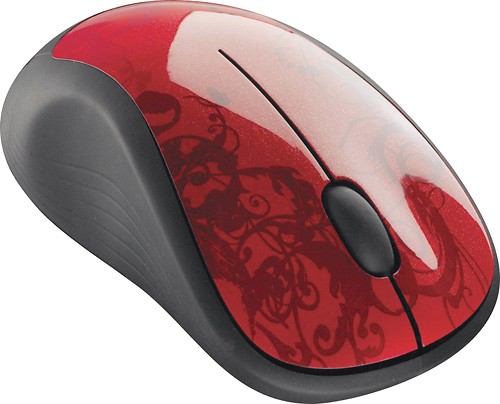
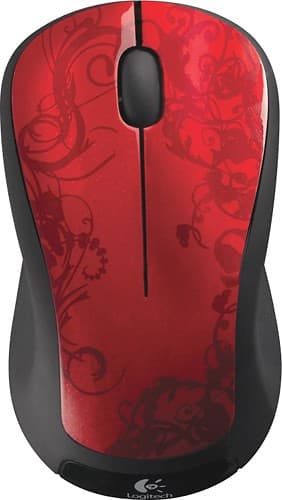
A:AnswerThe Logitech M310XL (and the M310) does not support Bluetooth connectivity. It uses a 2.4 GHz wireless connection through the included Plug-and-Play Nano receiver, so you need a USB port to connect the mouse to your computer.
You do not need internet for the M310XL to work. The mouse simply connects to your computer wirelessly via the receiver, without requiring Wi-Fi or any other internet connection. Just plug the Nano receiver into your computer’s USB port, and it will work as long as your computer has a functioning USB port.
A:AnswerNo, this does not come with a unifying receiver. It is the nano receiver, which is designed to pair with one device. The unifying receiver will have an orange asterisk on it that indicates it can pair with more than one device. The M325 comes with a unifying receiver, but it is a smaller mouse.
This is NOT a bluetooth device, as another responder stated.
A:AnswerYes it does have a battery. Easy access, just turn it over, a picture of the battery is there with the direction on how you slide part of the base to get it off. I have bad hands and it was easy. Great mouse, had an older model for many years.