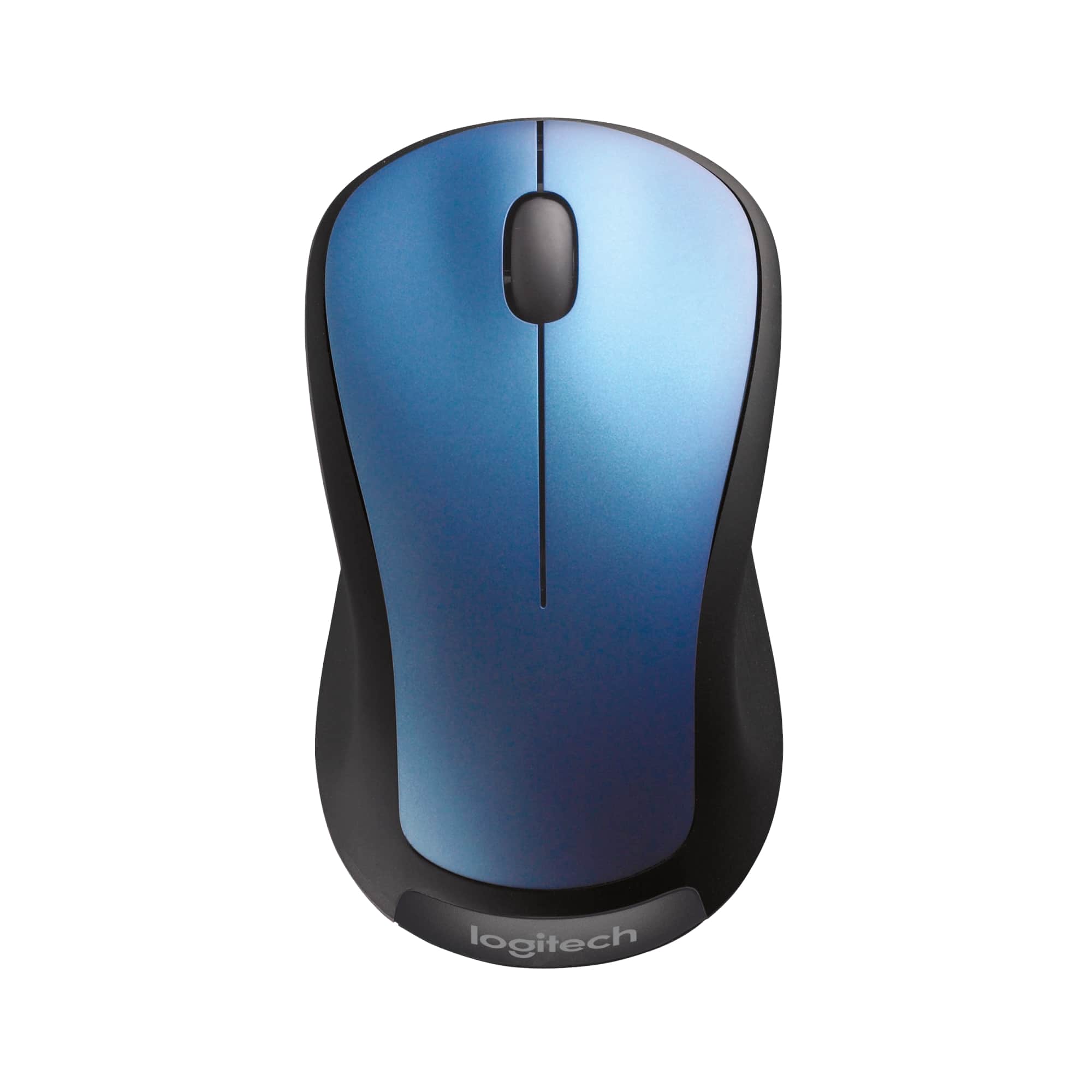
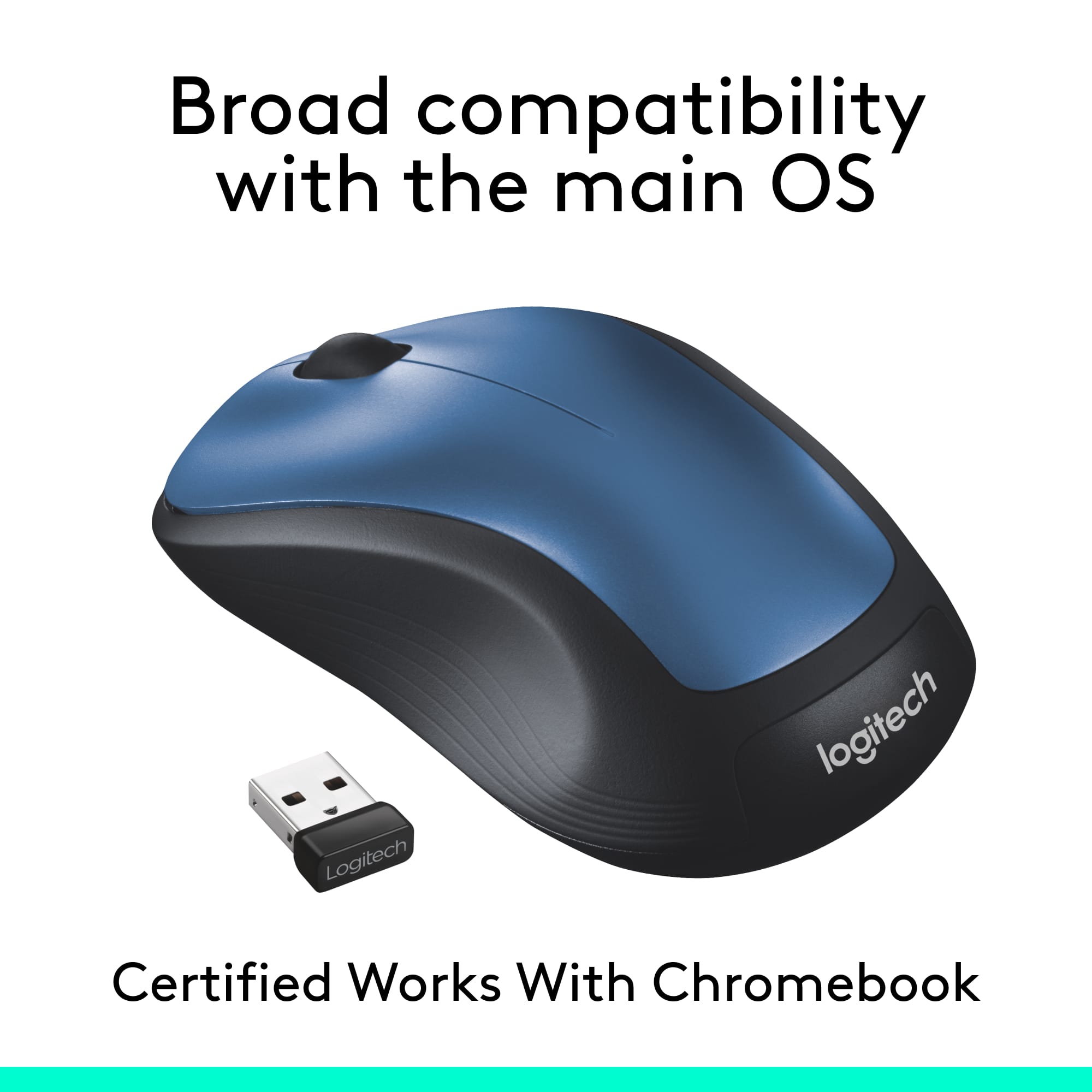
A:AnswerHi, the M310 comes with a USB A receiver. If your Macbook Air does not have a USB A port and only has USB C ports you would need to purchase a USB C to USB A adaptor or hub. You could also purchase a mouse that is Bluetooth ready and be able to connect the mouse to your Macbook Air that way. A good option for that is the M720.
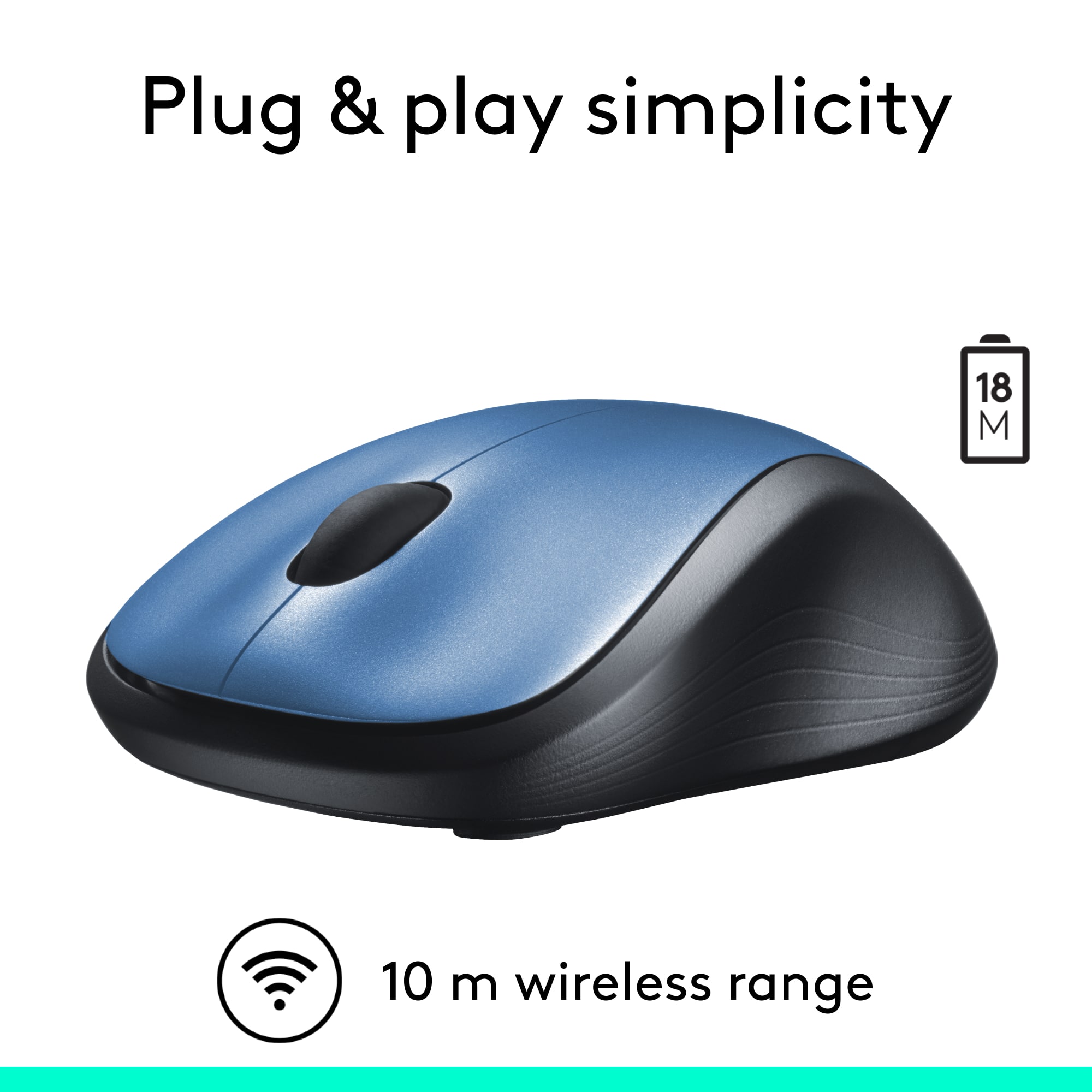
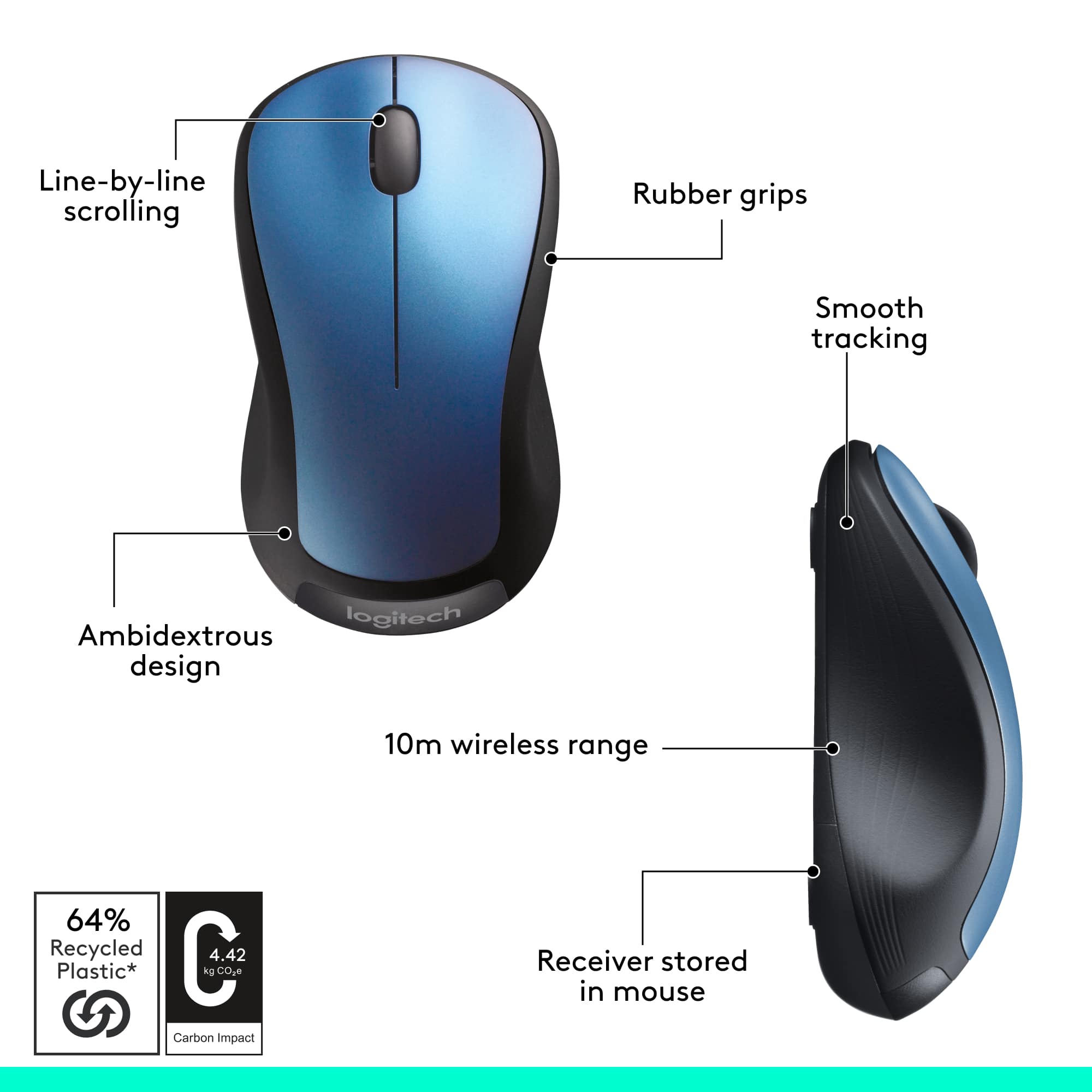
A:AnswerI just tried to see how far it worked. I have my laptop on my kitchen table, and went to the kitchen counter using this mouse about 12 feet or more, and it worked. I didn't bother backing up any more then that, but I'm sure it would have worked as well. Great mouse!
A:AnswerThe Logitech M310 mouse does not support customization through SetPoint software. It is also not compatible with Logitech Options. As a result, the scroll wheel button cannot be reprogrammed—for example, to perform a zoom function like on the M525. The M310 is designed for basic functionality with limited customization options.
A:AnswerHello, Rachael! Yes, if you are planning on purchasing two M310 mice. The M310 mouse comes with a Unifying receiver, which allows you to connect up to 5 devices to one receiver. If you are looking at mice and keyboards in general, make sure the mouse, keyboard, or mouse/keyboard combo's receivers have an orange star on it. This indicates that it is a Unifying receiver and can have 5 devices paired to it. You will need to install this software https://support.logi.com/hc/en-us/articles/360025297913 in order to pair your devices to the receiver, as well. - Maggie from Logitech
A:AnswerThe ones I received only have the mouse, battery and I guess you call it the receiver that plugs into the computer or Chromebook, I think what your referring to is just a stand for display, it is empty and sealed.
A:AnswerThese mice (the 310's) have a place to store the adapter under the battery cover. Most wireless mice I've seen also have a place to store the wireless adapters, but I own this mouse and can say for sure that it has a nano adapter storage spot. :)