A:Answeryes it will. you can also download the logitech multi connect driver off the web and make it work with multiple keyboards and mice. You'll see.
A:AnswerI am not an expert. However, the sales people said it was their most popular mouse. I suggest that you take you and your computer to the local Best Buy and try the mouse. It has a hideable tiny USB that plugs into the computer. Have the sales people help you test it. Then you will be certain of a successful purchase.
A:AnswerAs far as I know, there are no mice which work with an iPad, but this one definitely won't because there is no way to plug in the USB receiver for it. I don't think the iPad would have the correct drivers for it anyway. If you need a mouse with your iPad, ask the Geek Squad if the Apple mouse will work. It uses bluetooth, and the iPad has support for BT devices built in. I think an Apple Pencil would be a better choice though if your finger is not a good enough pointing device.
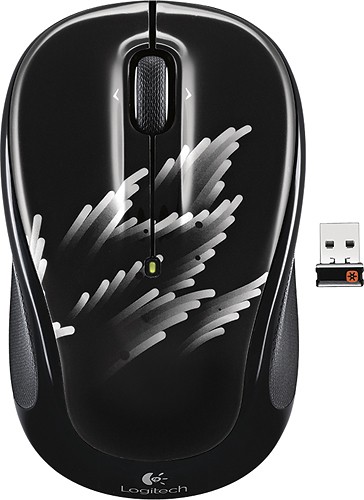
A:AnswerNo because that MacBook Air has USB C so you can’t connect the USB A receiver that the mouse has, you could use a USB C to USB A dongle or get a Bluetooth mouse










