



Holiday deals. Holideals?Either way, start saving.Shop now

Skip to contentGo to Product Search
Main Content

Questions & Answers

Page Showing 1-10 of 10 questions
  • QuestionDoes this mouse require batteries to operate?

    • Answer Yes, this mouse is battery-powered.
    This question and answer was generated by AI based on customer and product data.
  • QuestionIs this mouse suitable for both left and right-handed users?

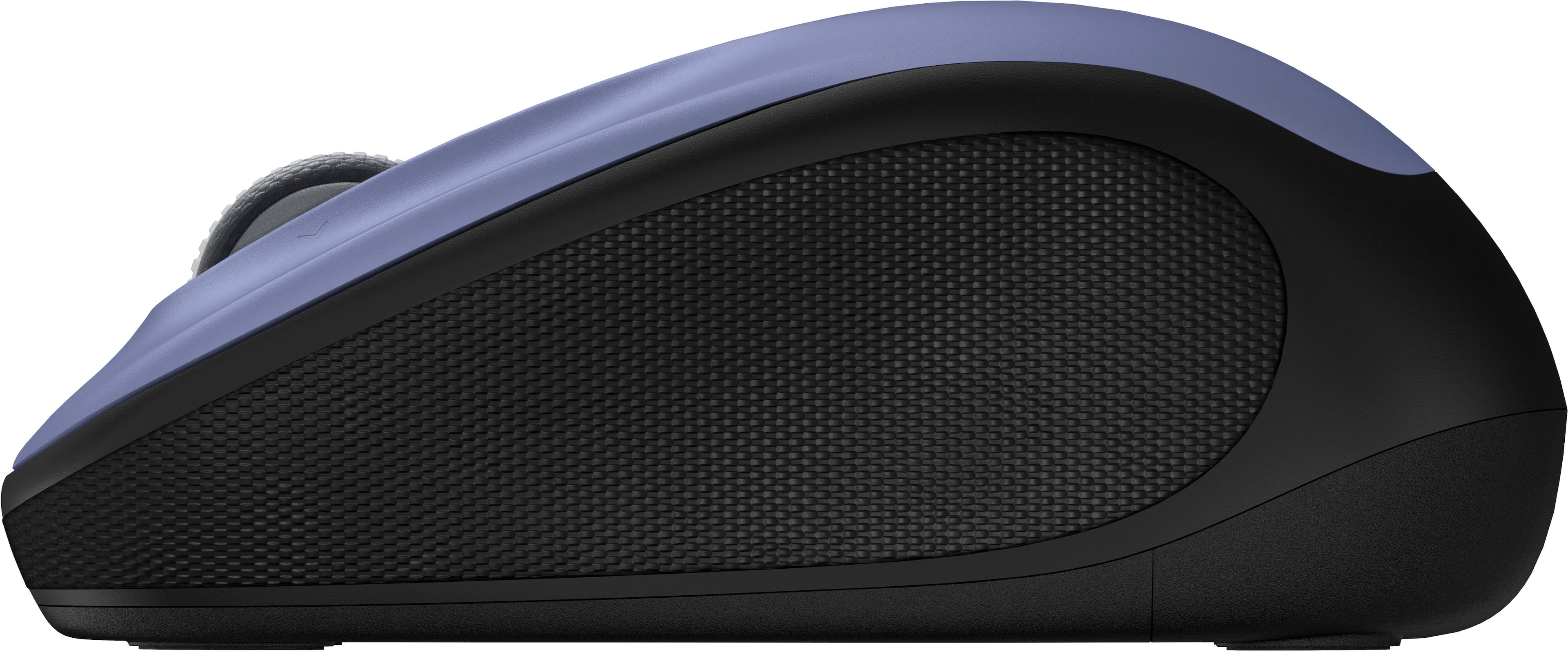
    • Answer Yes, this mouse has an ambidextrous design.
    This question and answer was generated by AI based on customer and product data.
  • QuestionAre batteries included with the purchase of this mouse?

    • Answer Yes, batteries are included with the mouse.
    This question and answer was generated by AI based on customer and product data.
  • QuestionDoes this mouse have an on/off switch?

    • Answer Yes, this mouse has an on/off switch.
    This question and answer was generated by AI based on customer and product data.
  • QuestionCan I use this mouse with a Chromebook?

    • Answer Yes, this mouse is certified to work with Chromebooks.
    This question and answer was generated by AI based on customer and product data.
  • QuestionHow many programmable buttons does this mouse have?

    • Answer This mouse has five programmable buttons.
    This question and answer was generated by AI based on customer and product data.
  • QuestionWhat kind of wireless connection does the mouse use?

    • Answer The mouse uses a radio frequency wireless connection.
    This question and answer was generated by AI based on customer and product data.
  • QuestionDoes the mouse work with a Microsoft Surface Laptop?

    Asked by Loveit.

    • Answer yes

      Answered by BEVERLY

  • Questioncan alogitehc wireless mouse be programed to use the right click

    Asked by DanM.

    • Answer Yes, I own this exact Logitech M325s mouse in Lilac and I can confirm that this mouse can be used with either button as the main button. I have done this change myself. To do this for any mouse - go to your Start button on your computer type in "Control Panel" - then click "Mouse" - in these settings on your computer you can setup your mouse very easily to be left click or right click and you can change it back and forth as often as you like. Your computer will remember these settings each time you reboot. You only need to do it once no matter how many different mice you use.

      Answered by daxd

  • QuestionIs this Bluetooth capable?

    Asked by MLS52.

    • Answer No, the Logitech M325s Wireless Mouse is not Bluetooth compatible. It connects only via the included receiver.

      Answered by Logitech