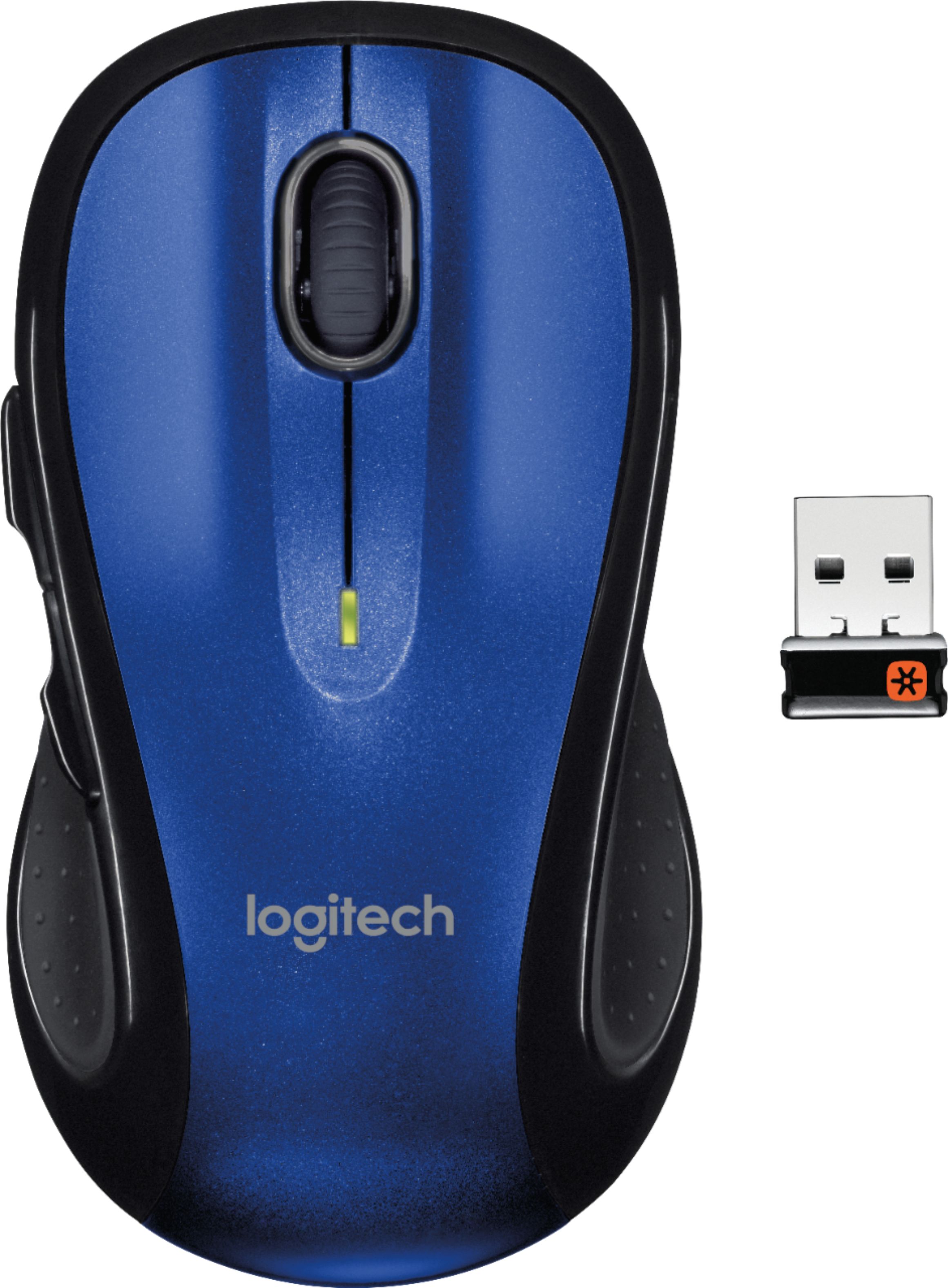
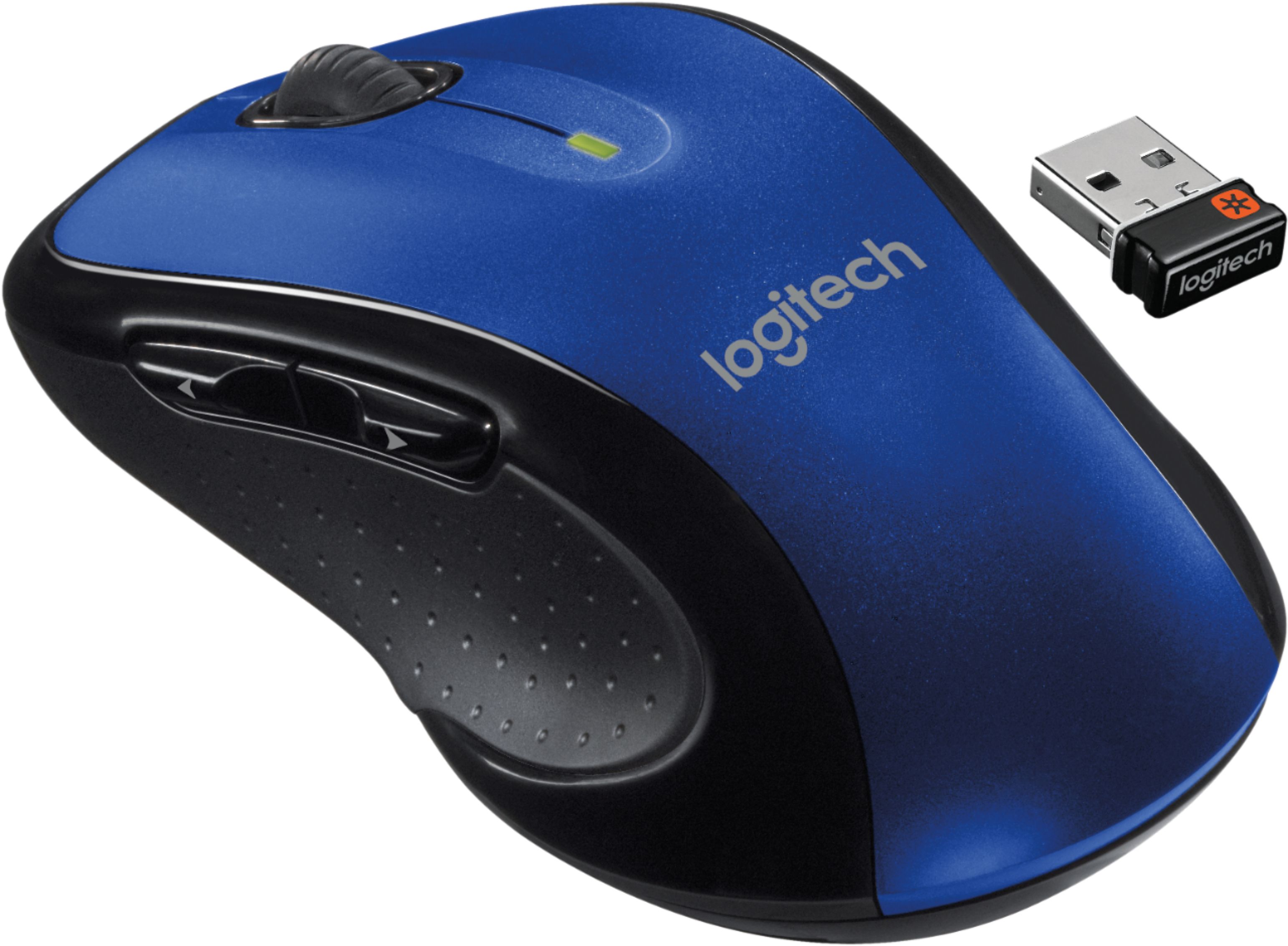
A:AnswerWill not work with an iPad because there is not a USB port to attach the paired receiver, but it will work with a Mac. I plugged the receiver into a USB port on my MacBook and it work immediately. It will probably work on the MacBook without the attached receiver through the machine's Bluetooth connection.
A:AnswerFortunately this is a Unifying device, it should work with another Unifying receiver.
If you lost the receiver, you can purchase it separately. You can contact the manufacturer or purchase it online, its called "logitech unifying dongle" or "logitech unifying receiver".
A:AnswerDid you check to see if the batteries in the mouse were good? Also, make sure the switch on the back of the mouse is set to "on". Otherwise, it doesn't work.
A:AnswerIt's comfortable for left hand use however the scroll buttons on the left side feel weird to use because they naturally rest on the ring finger. It's easier to use those buttons with the pinky without changing the grip of the mouse depending the size of your hand.