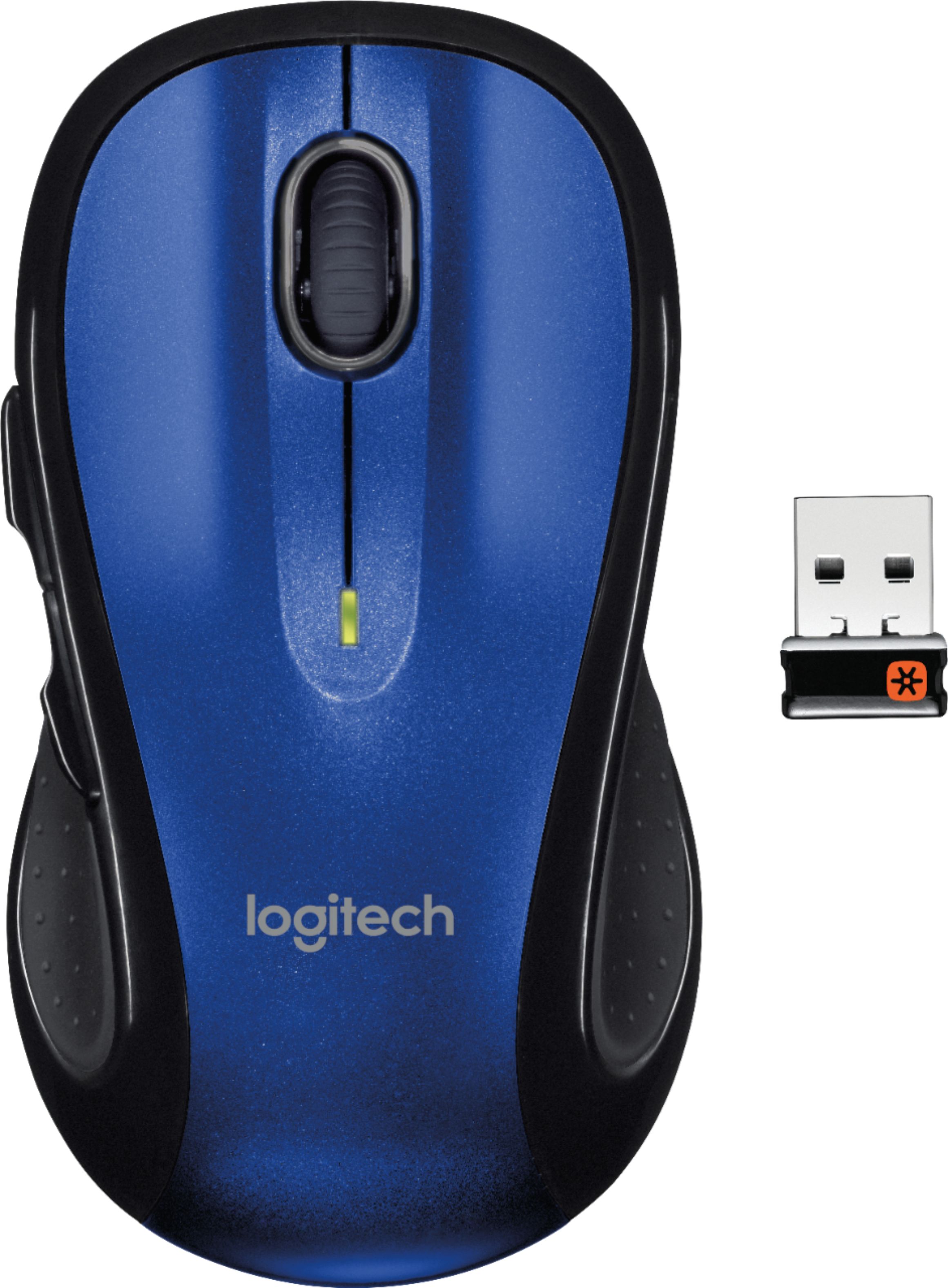
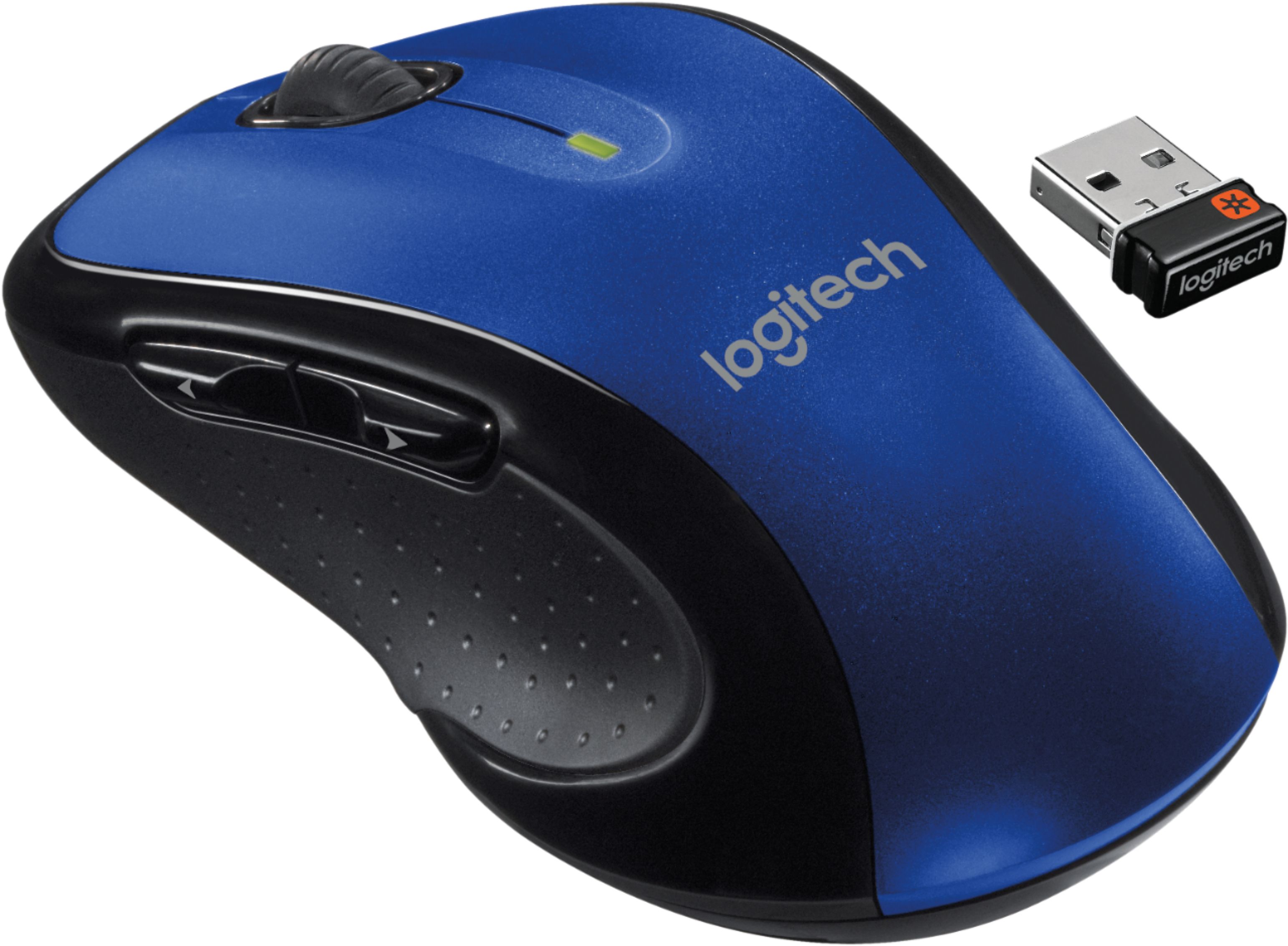
A:AnswerReliability is going to be dependent on the manufacturer, and not necessarily the light source used by the mouse. Optical uses LED lights for tracking and laser, like its name implies, uses lasers. The laser version allows it to be utilized on any surface, where the optical might run into problems over glass and other variations. The laser also typically has more DPI (dots per inch), which allows it to be more "sensitive" to movements, something that gamers will typically require.
A:AnswerThe Logitech K380 utilizes bluetooth to connect to your device of choice, whether laptop, cellphone or smart tv. This mouse utilizes the ubiquitous Logitech USB dongle that many of their peripherals use. They are not necessarily "compatible" with each other, I think the more pertinent question would be can I use them with my particular setup, and by and large, as long as you have a usb port available and you can connect with Bluetooth normally, you should be fine.
A:AnswerIt's compatible with anything that uses the unifying receiver, otherwise, you will have two separate USB ports taken up (which isn't the end of the world if you're on a desktop)
A:AnswerThey're programmable to do any of about 25 tasks. Mine are set to back and forward when browsing. You might want them for volume up and down. Lots of possibilities.