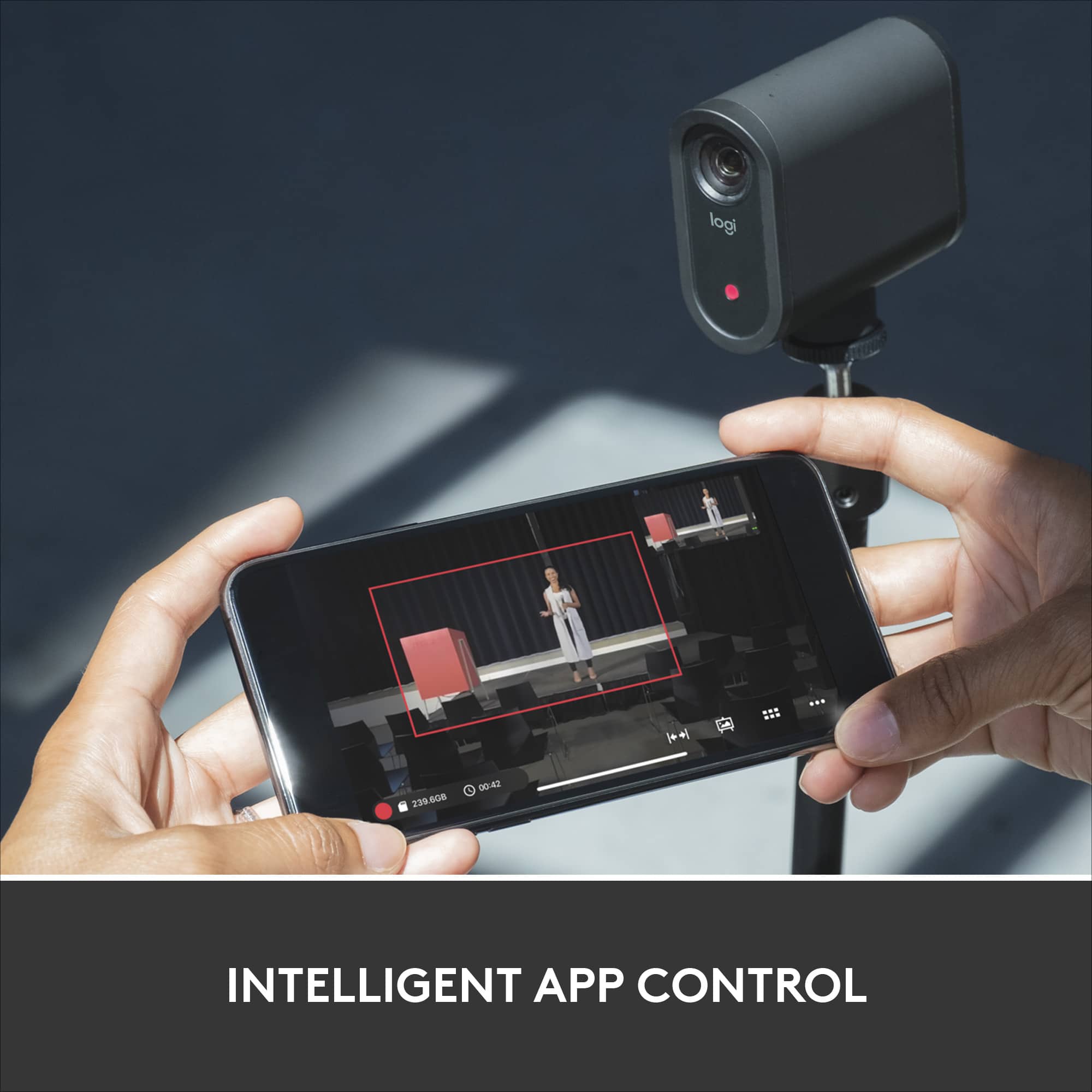
A:AnswerHey there! The Mevo is designed for on the go live streaming, so you should have no problem streaming a church service. The Mevo app also gives you all sorts of customization options, so you should be able to pick up picture and sound easily. -Weston from Logitech
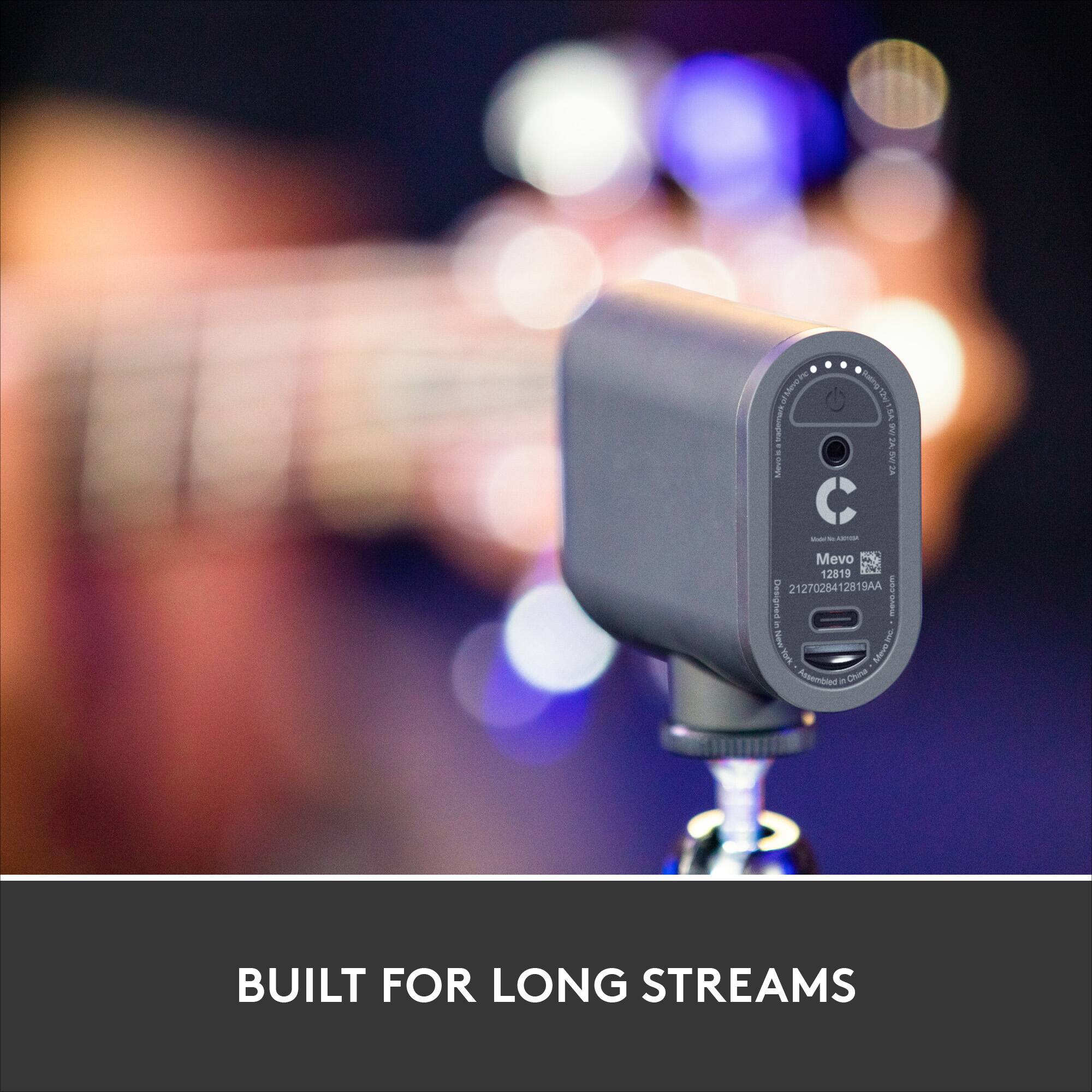
A:AnswerI once used it to do a live broadcast for 35 hours and it never gave me any issues. Aside from having to charge it. But my guess is that it would be the same with recording
A:AnswerYes. Laptop optional. It will stream with only a strong wifi connection. With the laptop it can be either a wired or a wireless webcam.
We use it in OBS software via a laptop as an NDI camera to add another camera angle to our multi-cam setup.
Very versatile wide angle camera and the quality is great!
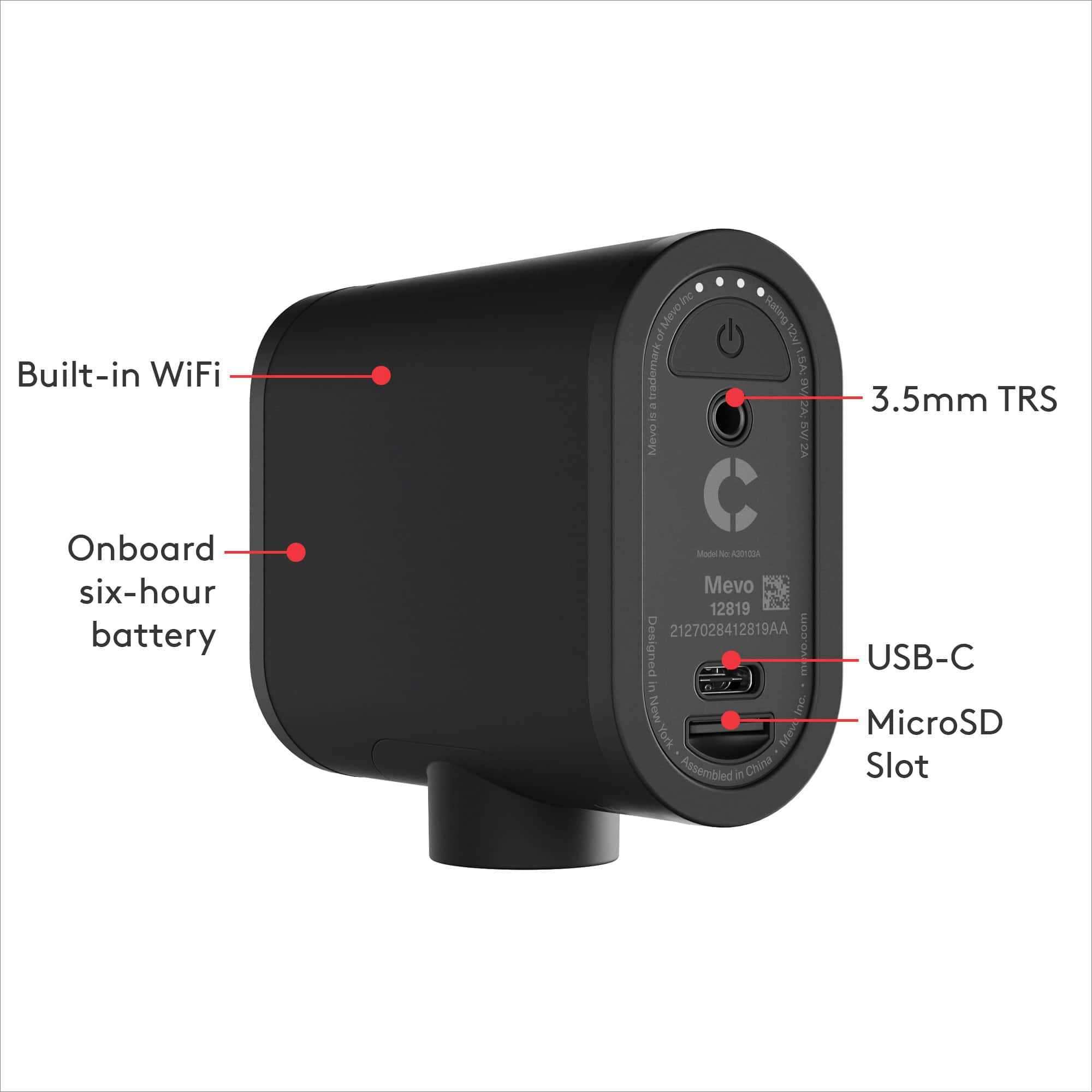
A:AnswerIn the manual, it says that the camera can stream for up to 6 hours. Based on my experience, I think that we are getting about 4-5 hours of streaming.
A:AnswerHello DustinReno, The Mevo Start does work with Twitch. Here's a link to the product page that will show you more: https://mevo.com/products/mevo-start. - Richard from Logitech
A:AnswerHello, Sam! Yes, you can pair the Mevo Start with your phone and use it to go live on Instagram. Make sure, in your Live settings, you turn off Default to Front Camera. - Maggie from Logitech
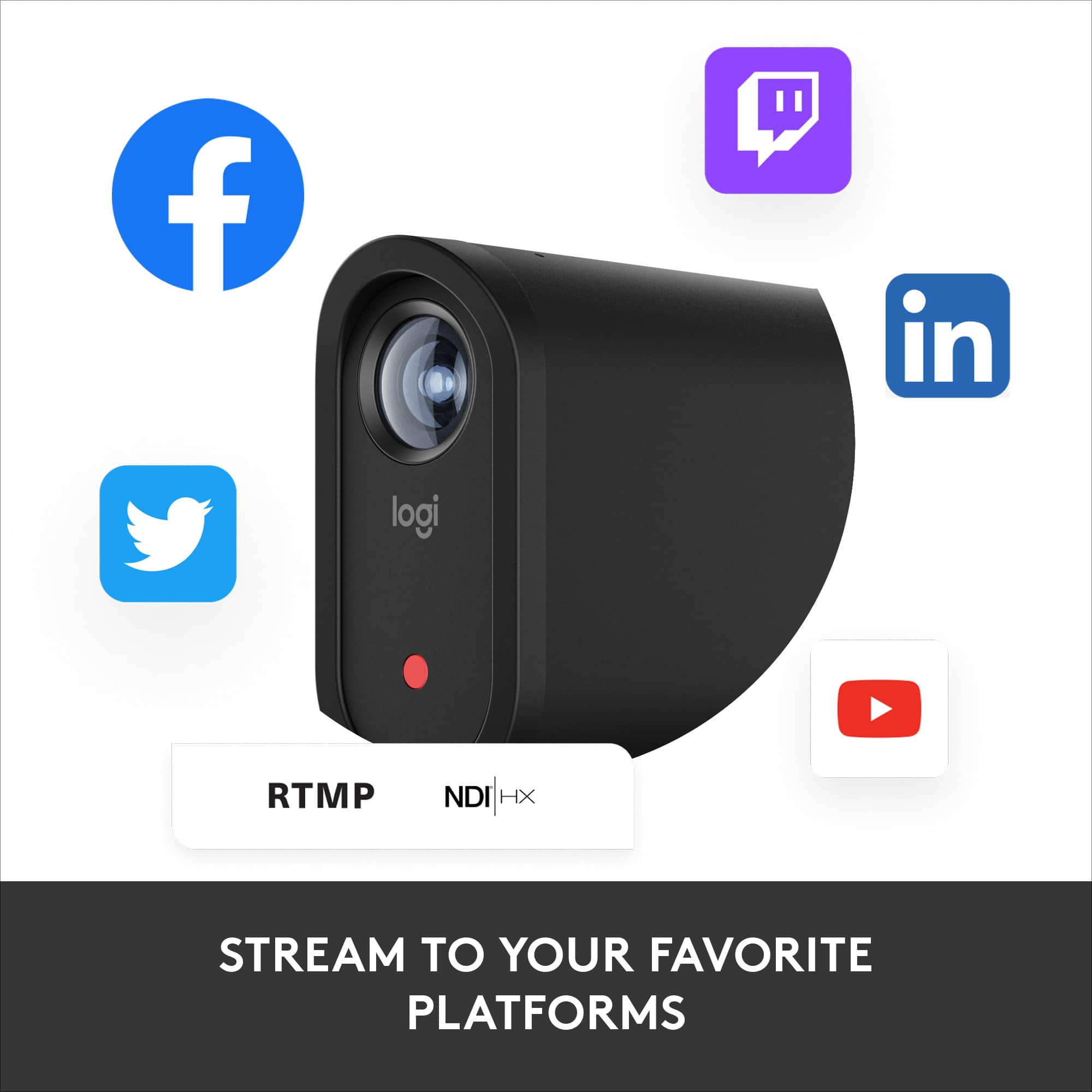
A:AnswerHello Zoom! You'll be able to use the Mevo Start LIVE Streaming HD Action Camera as a webcam with Zoom (or other conferencing software like GoTo Meeting, Teams, etc., when connected to your PC, and livestream to services like Facebook LIVE, YouTube LIVE, Twitch, etc. - Mathieu from Logitech
A:AnswerIt is small enough that it could be set up under and umbrella and do the job for you. I believe it can handle humidity, just not rain directly on top of it. If you have a 10x10 tent set up it can be set up there.
The only part of the camera that cant be wrapped in plastic would be the lens so you get a full view of the action.