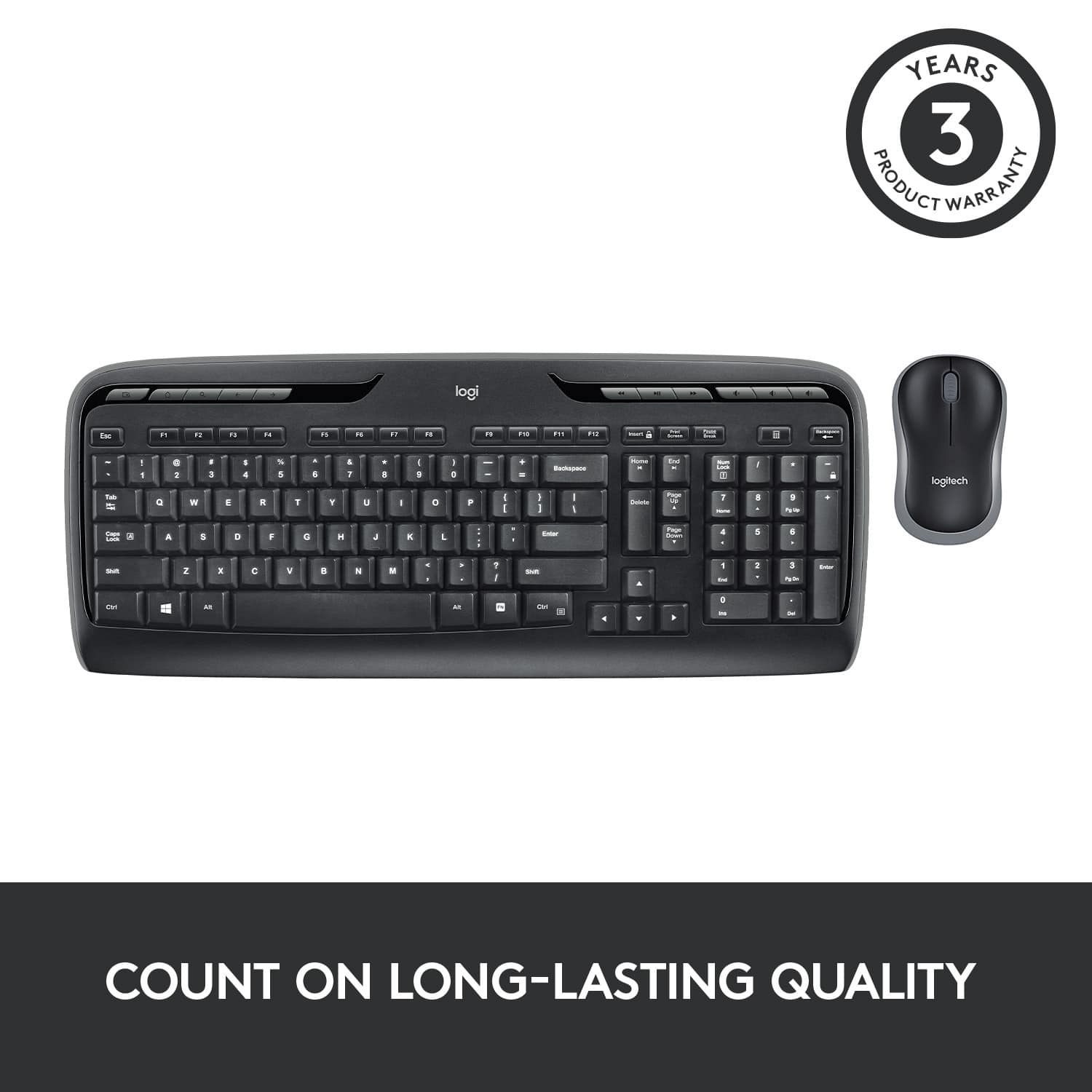
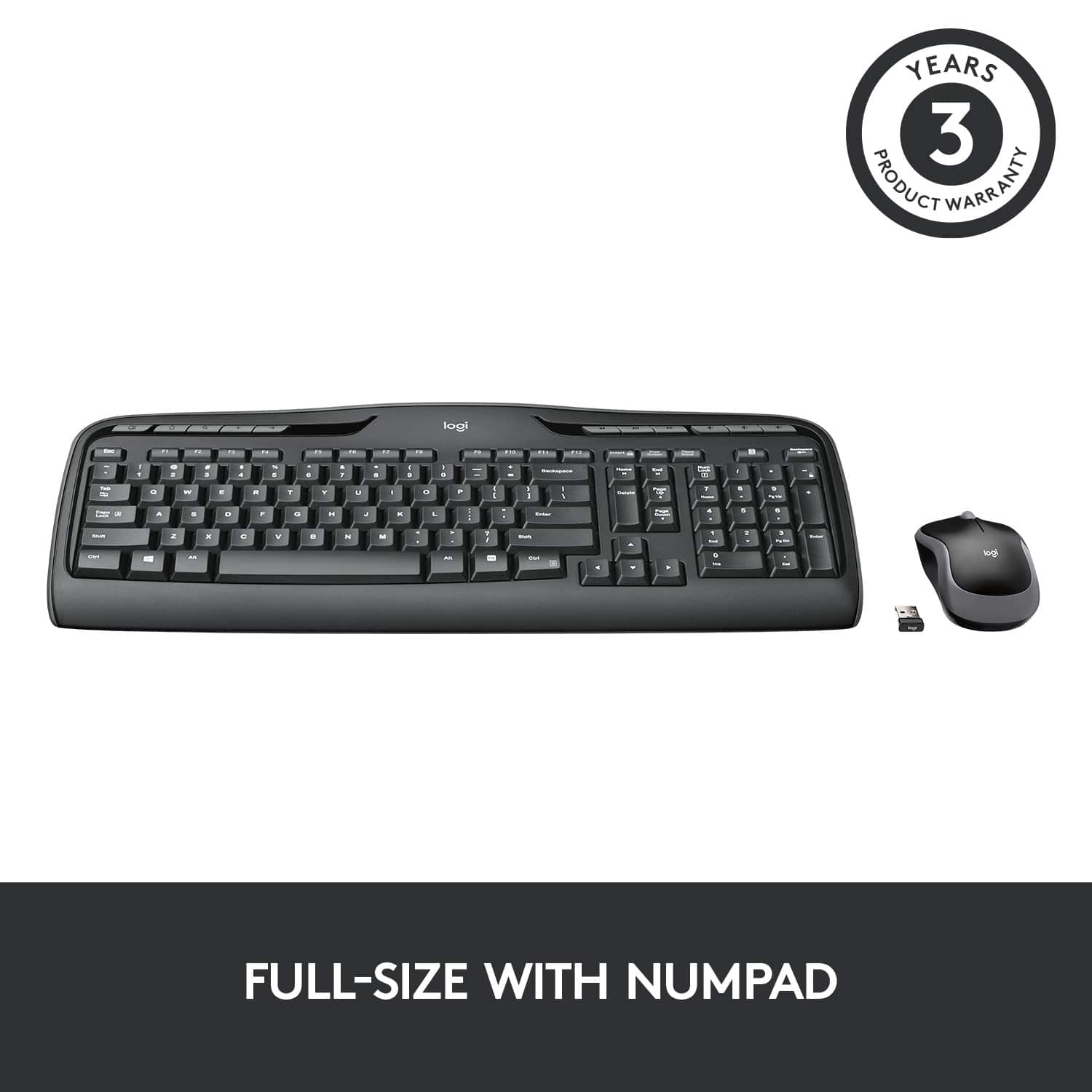
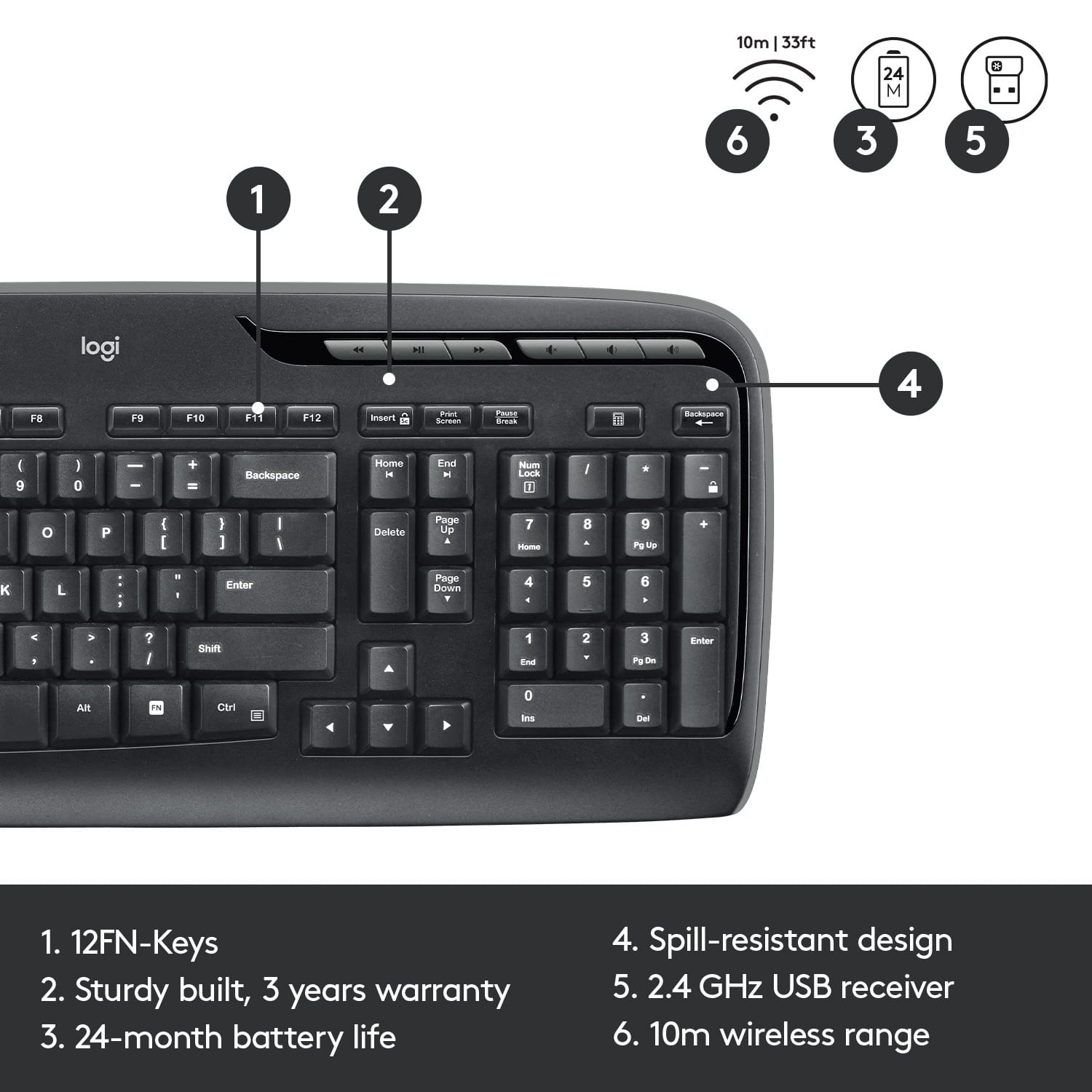
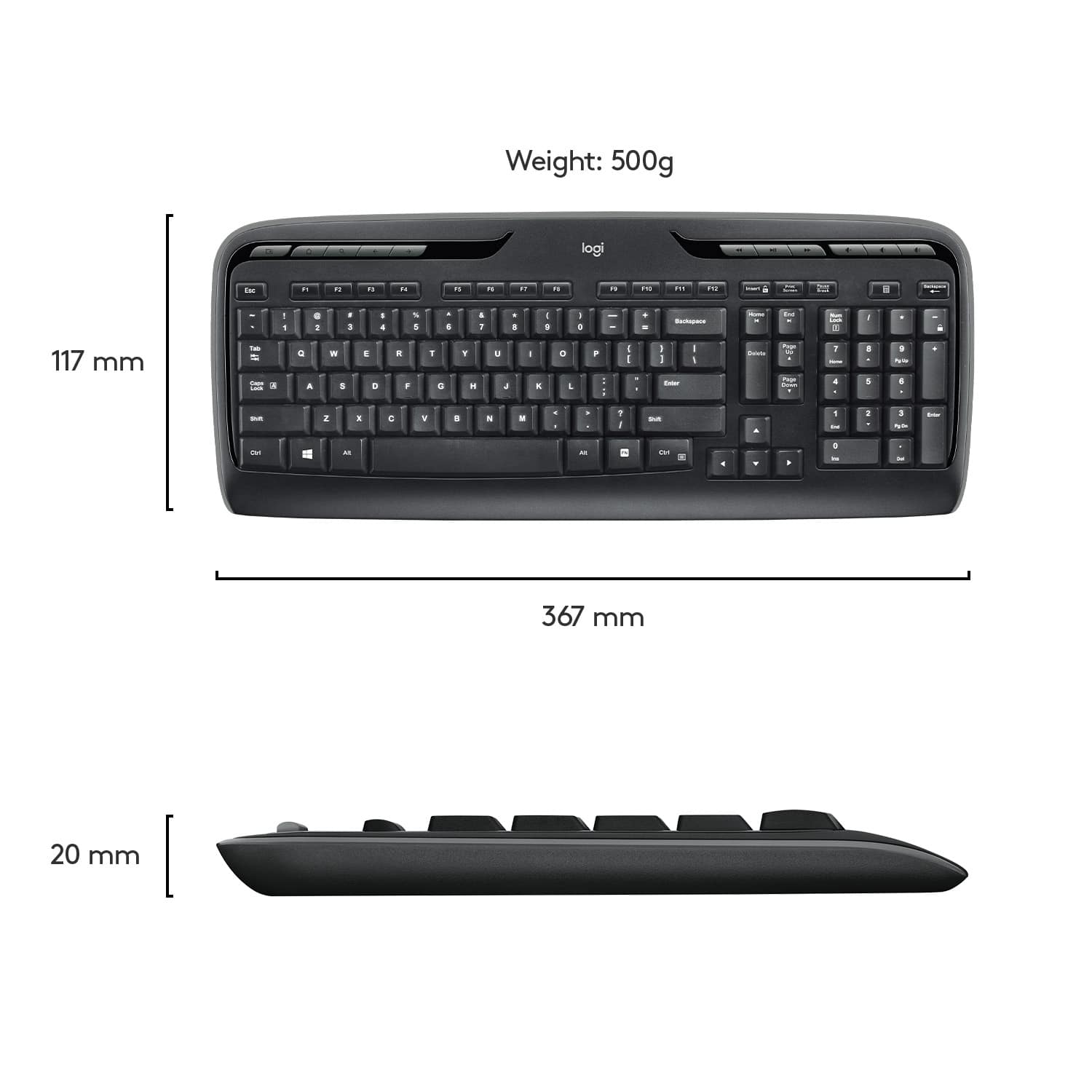
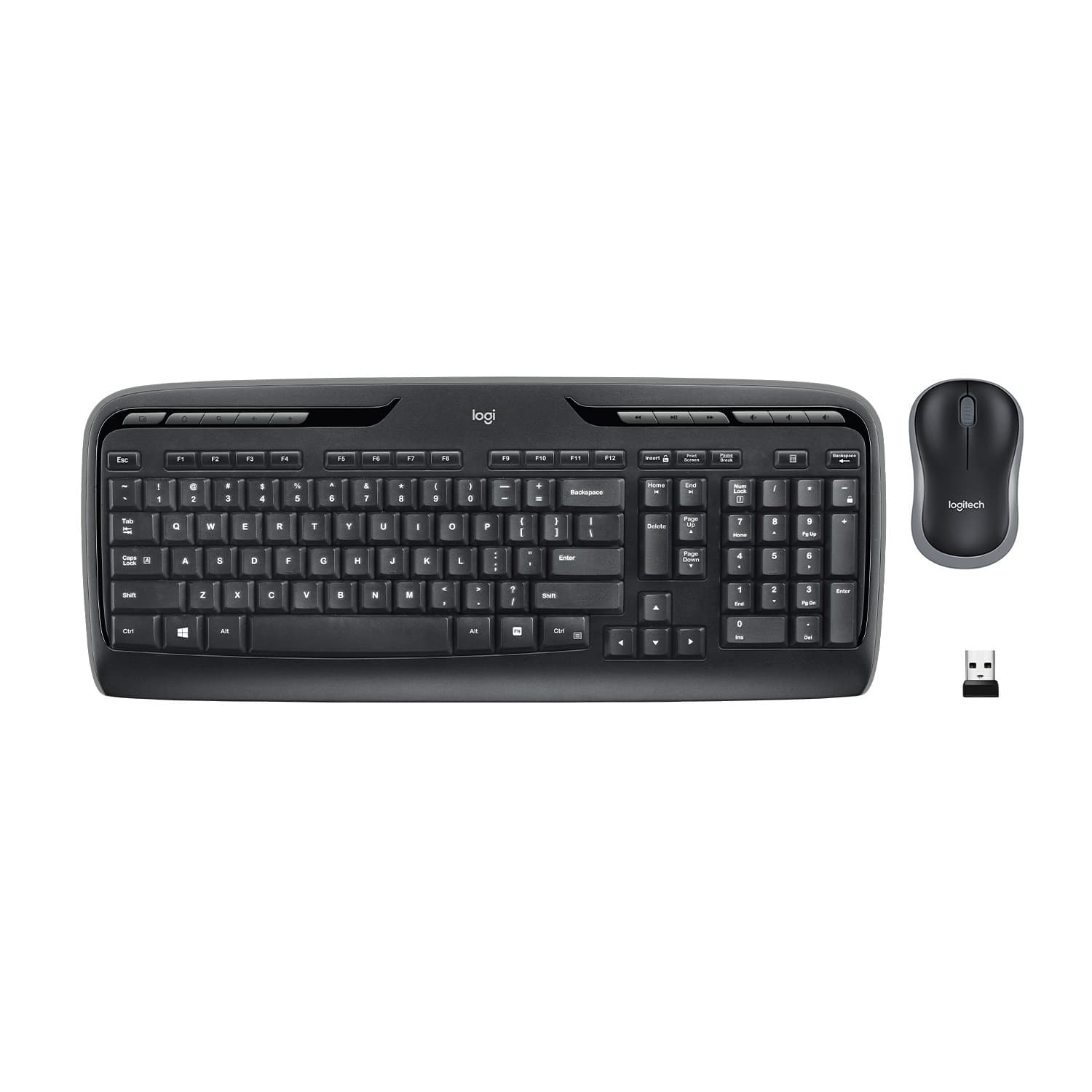
A:Answerthere are actually 5 buttons on the left and 6 on the right.
1. Focus on the next window (Same as "Alt Tab")
2. brings up mail
3. ?
4. brings up media player
5. minimize windows so you can see your screen.
6-11 are for controlling playing media
6. <<
7.pause/play
8.>>
9. mute
10. decrease volume
11. increase volume
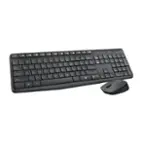
A:AnswerWhen samwise answered this question, it was about the LOGI keyboard and M185 mouse (which is what best Buy gave me when I picked it up at the store) which do not use the unifying software. Best Buy has me listed as purchasing a MK320 however.
The MK320 that I do have IS compatible with logitech unifying software.
![% 5 T 6 Y H F5 & 7 U J M F6 * 8 I K < Alt F7 logi F8 { 9 F9 ) 0 F10 - o - F11 + P = { L E Backspace ) ] . I > I ? Enter Shift IN Ctrl A F12 .. Inseri i Smian PS Home H Break Par End I Delete Num Page Lock Up 7 Down Page Ho 8 4 5 1 End 2 0 3 Ins Po Dn / * 9 Pg -e 6 Enter f + Beckspase Det 11 SHORTCUT KEYS FOR PRODUCTIVITY](https://pisces.bbystatic.com/image2/BestBuy_US/images/products/808ee562-6ece-46d3-b599-9023a655f797.jpg)