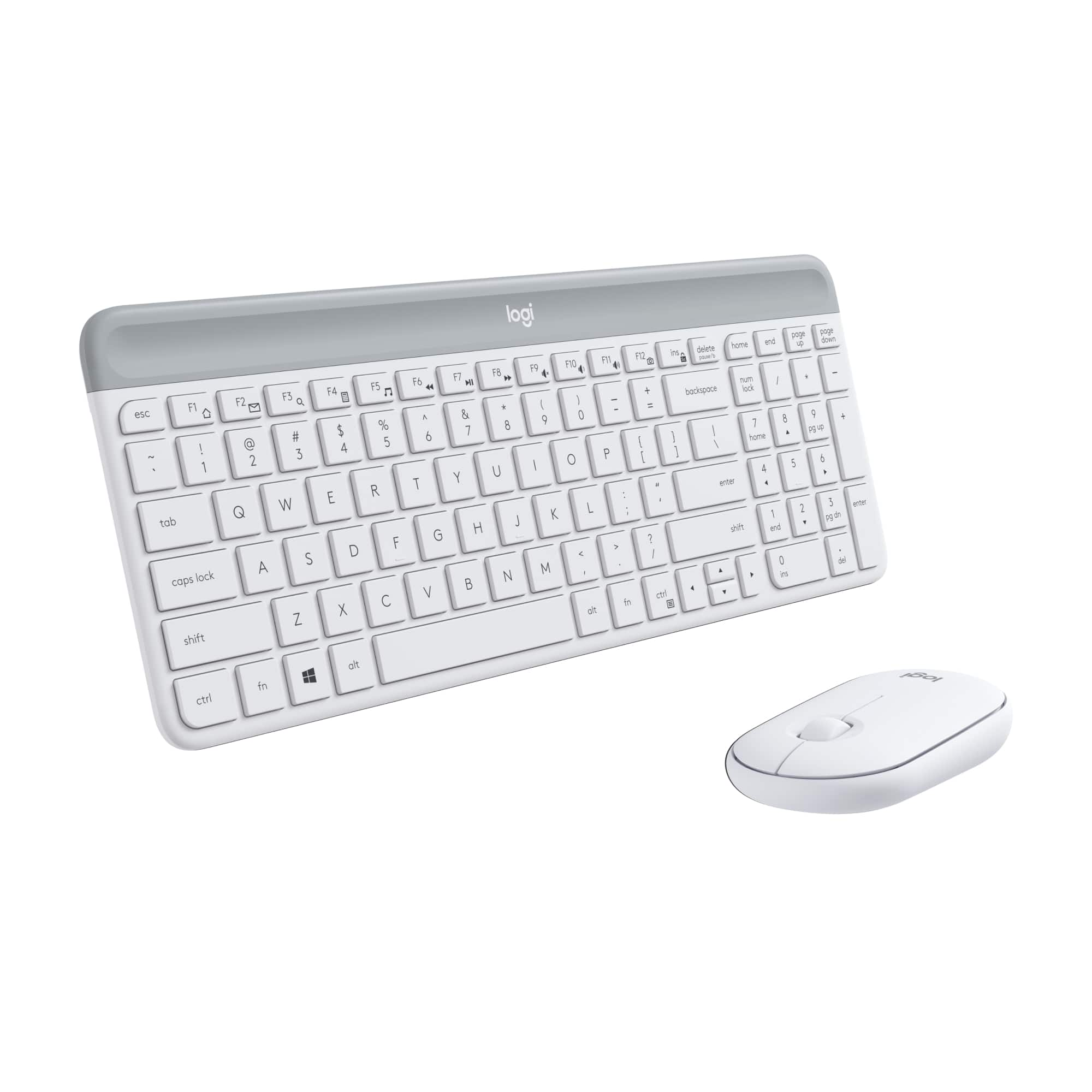
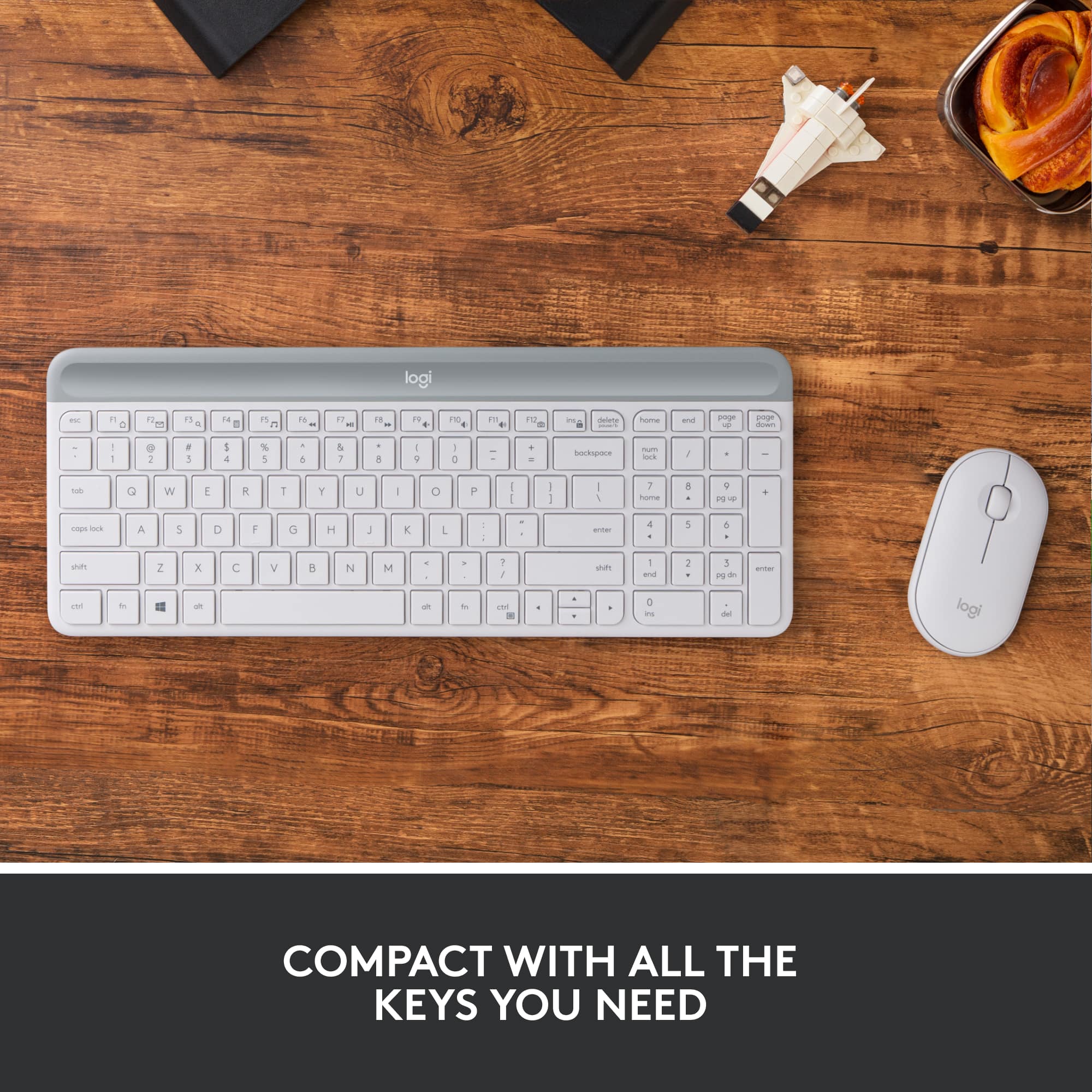
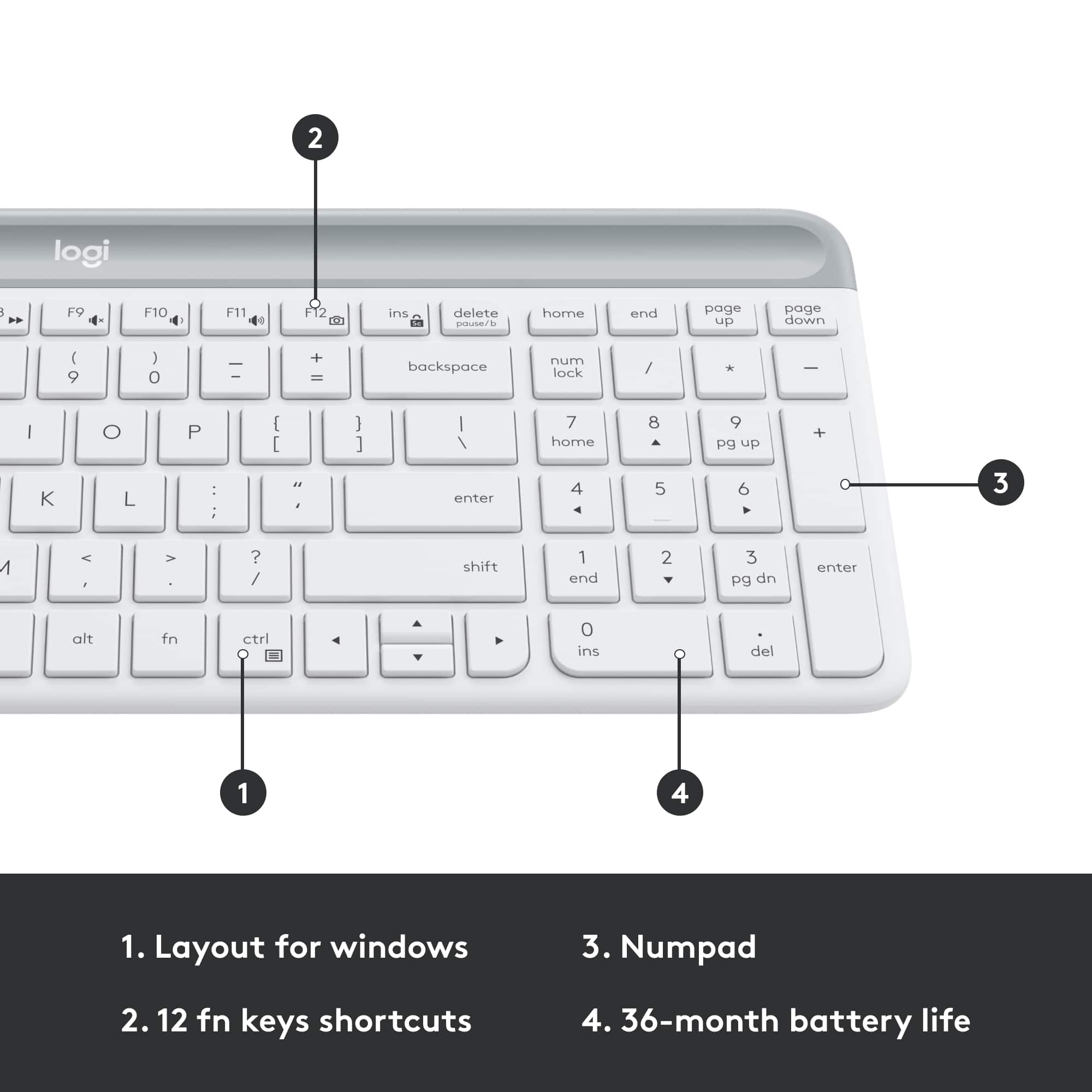
A:AnswerOPEN the SILVER Full Width "Plastic Strip" at the TOP of the Keyboard.
Kinda hard to open.
Must SLIDE this Silver Strip FORWARD and AWAY From the Keys.
Takes some fiddling to get the "hang of it".
Found instructions on Logitech Website ... because I could not figure it out. Keep pressing forward on Silver Strip (with "logi" in center) ... NOT LIFTING UP ... you will get nowhere ... then SUDDENLY the stupid things slides open.
DUH!
A:AnswerThe red light you refer to is the light for the optical sensor system. Newer mice use infrared light which allows better tracking accuracy on different surfaces. If the mouse is doing its thing, it's working as intended.
A:AnswerHello, this is not compatible with iPad as it needs a USB port in order to function. Here are some iPad compatible keyboards: https://www.logitech.com/en-us/ipad-keyboards?filters=3843.
-Danielle from Logitech
A:AnswerHello solisflores! You can definitely use the mouse on its own without using the keyboard if you want to when it comes to the MK470 Slim Wireless Mouse and Keyboard Combo. The one USB receiver that comes with the combo will pair both peripherals to your computer, so you can simply put the keyboard aside if you're not using it (it wakes up when you touch any of the keys), but if you want to make sure the keyboard is fully turned off, you can simply remove the batteries under the top cover if need be.
A:AnswerHello. The MK470 or MK540 are both USB wireless keyboard/mouse combos. They will not connect via Bluetooth. You will need a Bluetooth combo or a USB-C to USB-A adapter to plug in the receiver.
A:AnswerHello Mike. The MK470 keyboard does not have Bluetooth compatibility, so it will not connect to an iPad (without specific dongles to plug it in). I would suggest a keyboard like the K380 for Mac which also comes in White or Pink.
A:AnswerHello MidlandPC,
Thank you for choosing Logitech. I apologize for the difficulties you have experienced with the mouse of the MK470; I would like to help. There should be a protective pull tab between the battery and contact if you are setting up this combo for the first time. If you have not already done so, please check that the battery is making proper contact. I recommend downloading the Logitech "Options" software for customization and best experience. Please check that the USB receiver is making proper contact, and check your computer for system and driver updates. Please also restart your computer. If you are still experiencing issue, please download the Logitech "Connection Utility" software to see if there are any updates, and you can use this software to reestablish a connection with the included Nano USB receiver. I have attached a link to the support page for your MK470 mouse & keyboard combo where you will find product guides, software downloads and further support. The downloads option on the top of the page will bring you to a full list of Logitech software downloads, including "Connection Utility". I hope these suggestions are helpful and that you will enjoy your MK470 mouse and keyboard combo.
Best regards,
John at Logitech
https://support.logi.com/hc/en-us/articles/360026084174-Getting-Started-MK470-Slim-Wireless-Keyboard-and-Mouse-Combo
A:AnswerHello Betty. The MK470 uses a USB receiver to communicate with the device, so it will not work with the iPad Air 3. You will need a Bluetooth keyboard.
A:AnswerHey! The MK470 keyboard and mouse combo may not work with the Samsung tablet as the combo is only compatible with Windows® 7, 8, 10 or later, ChromeOS and Surface.
A:AnswerHello! Unfortunately, this combo will not work with the iPads due to the fact that it requires a USB receiver to connect. I would recommend taking a look at some of our Bluetooth enabled mice and keyboards. For example, the K380 keyboard and the Pebble i345 mouse. These will not need a physical USB receiver to be compatible. - Maggie from Logitech
A:AnswerIt is a Bluetooth mouse. I have the tiny Bluetooth receiver plugged into the uSB port of my hub connected to my laptop, and it works beautifully.
A:AnswerHello, the MK470 is designed to work with Windows OS and not mac. The K380 is available and designed for use with macOS. https://www.bestbuy.com/site/logitech-k380-multi-device-bluetooth-scissor-keyboard-for-mac-off-white/6404200.p?skuId=6404200
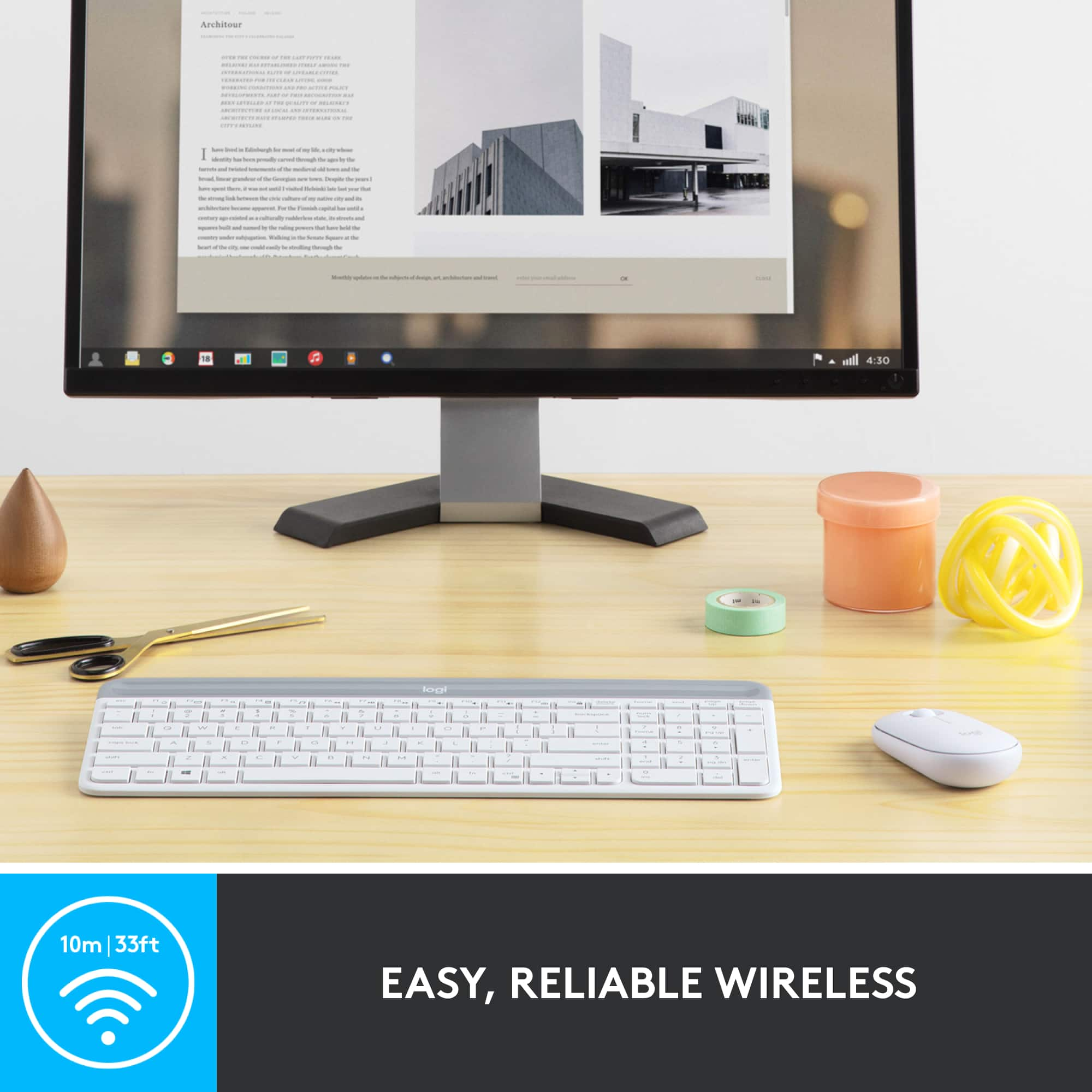
A:AnswerHello Logan! Yes, the MK470 Wireless Scissors Keyboard and Mouse Bundle will work with your ThinkPad laptop no problem, as long as there's one free USB port to connect the wireless receiver to.