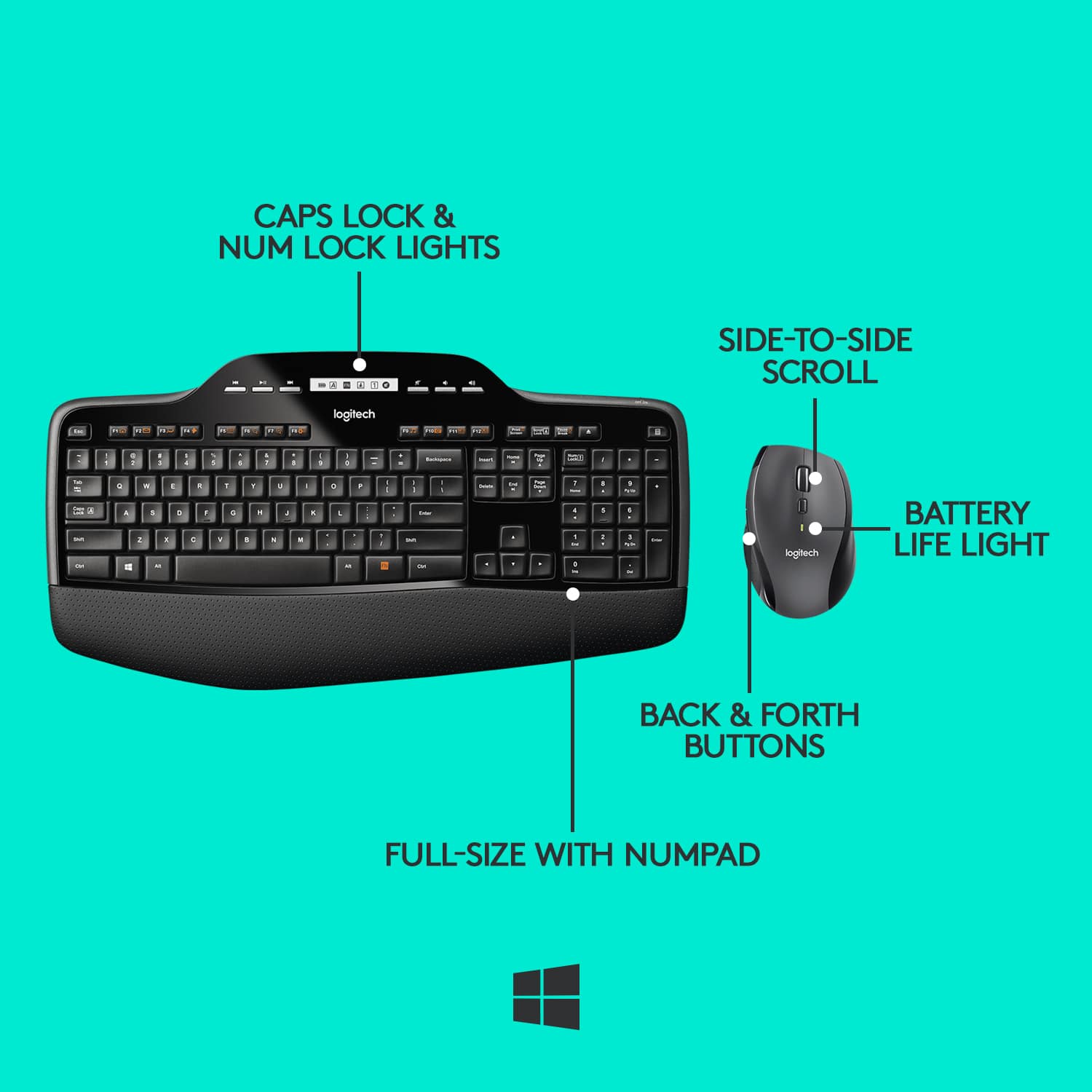
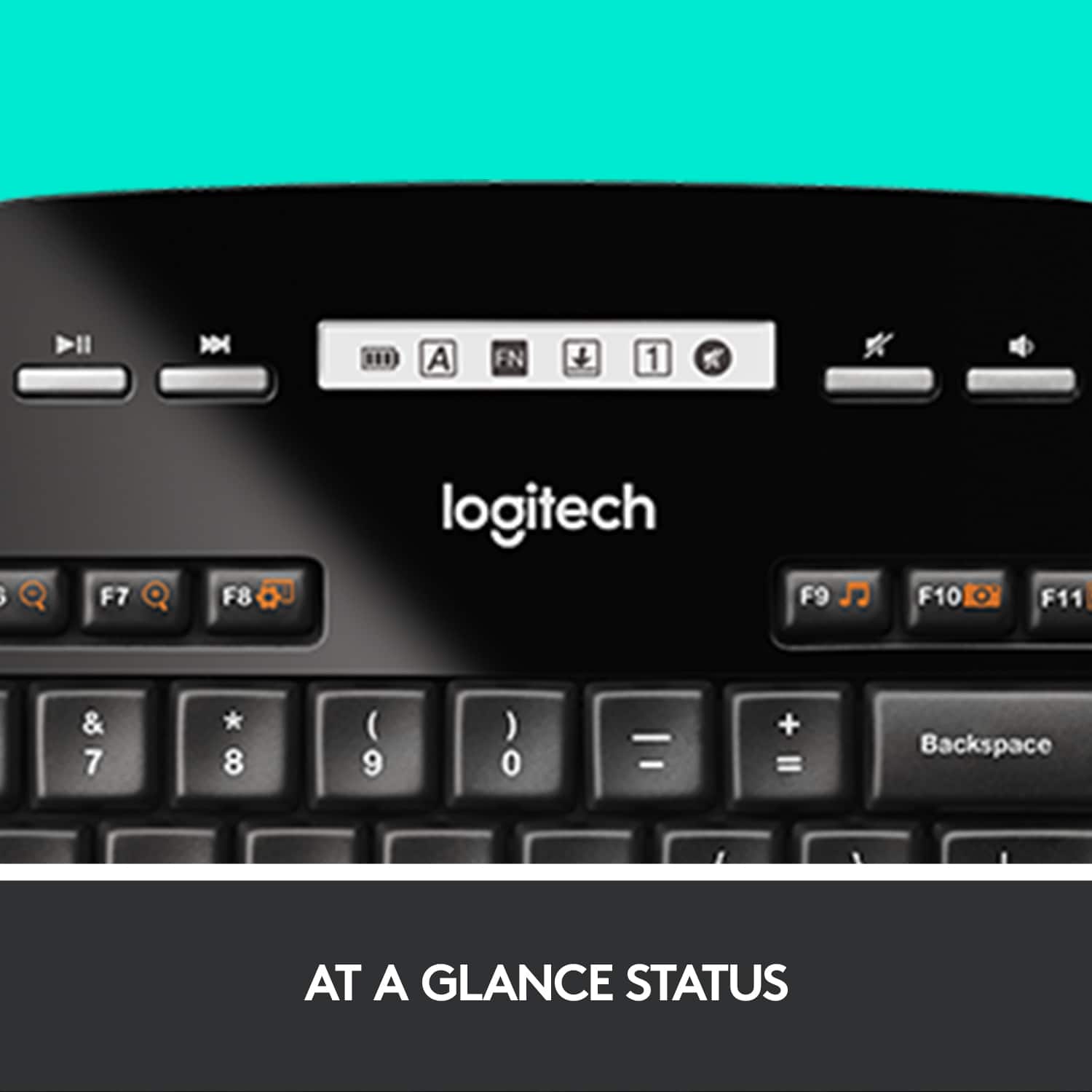
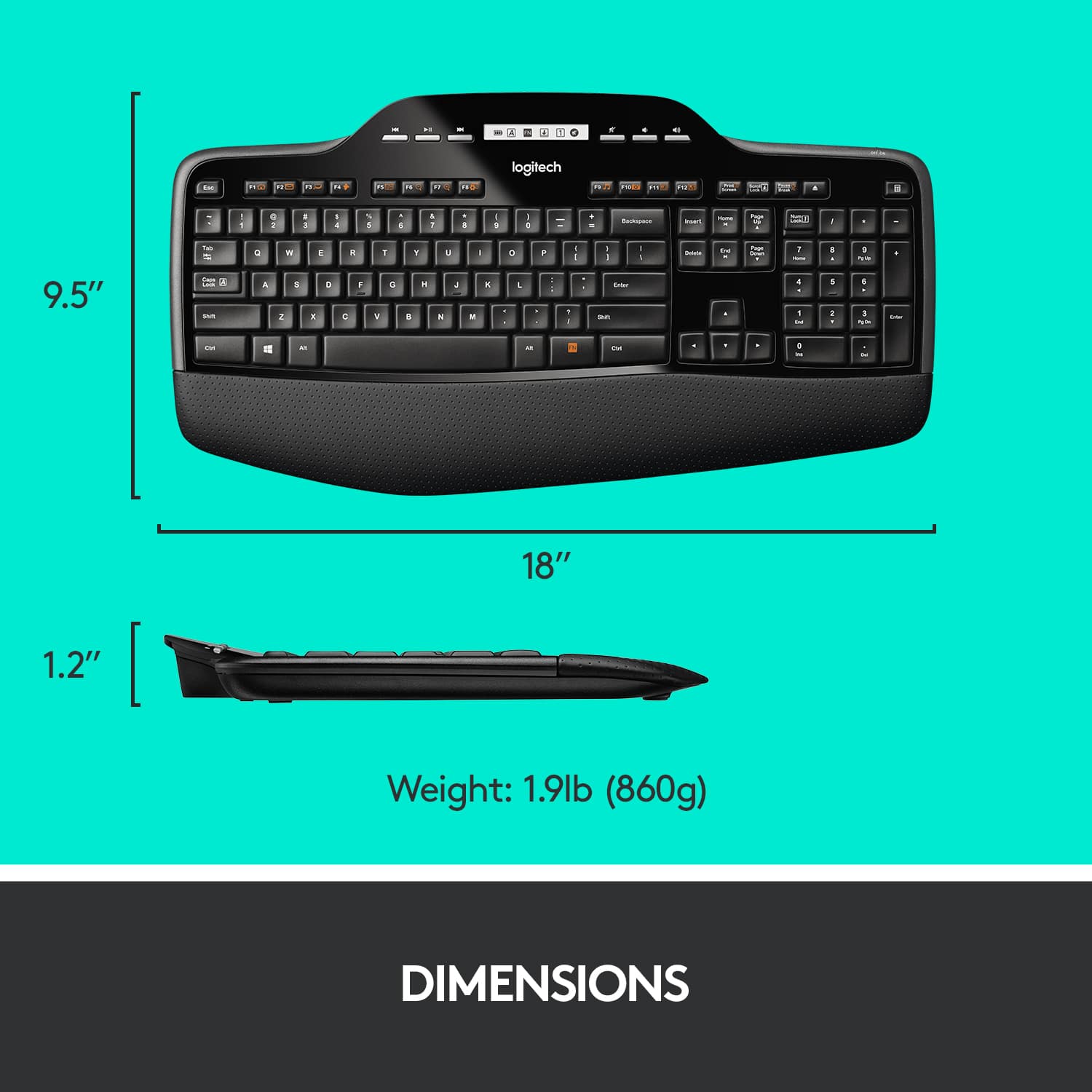
A:AnswerI have the same issue with MK710, the print screen button is not working when i try to print the screen. After clicking the button, i tried to copy to paint or word, it doesn't copy the print screen. I tried using with windows key, function key, Alt key etc... it doesn't work.
I also tried using the combo of windows key, function key & space bar as recommended in one of the microsoft page, it is not working either. I want to know how to print screen using logictech MK710 keyboard.
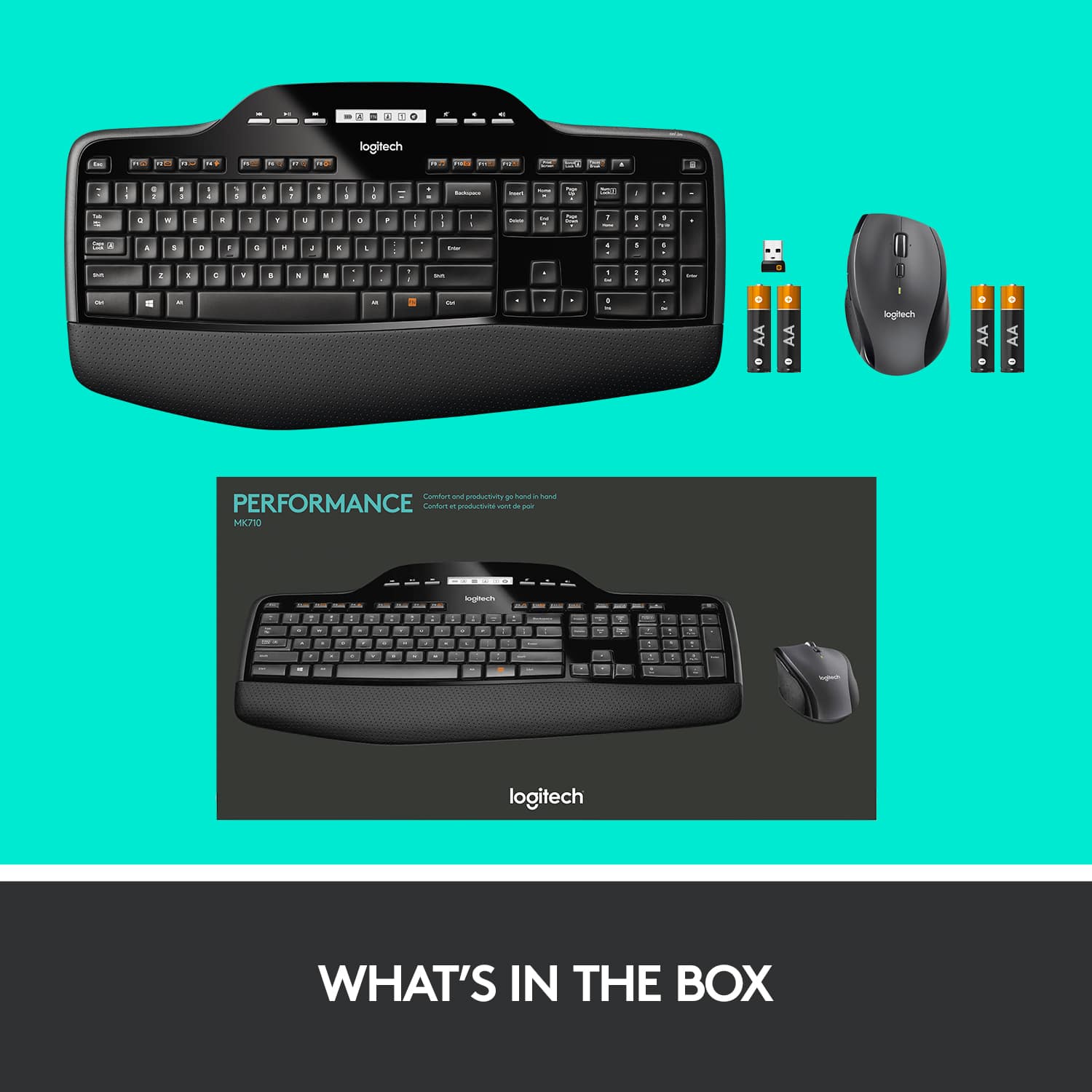
A:AnswerHello, Wiz! The MK710 is plug and play. The USB receiver should be in the bottom of the keyboard or the bottom of the mouse. Then all you have to do is plug the USB receiver into an open USB port on your computer and turn on your mouse and keyboard!
![FI Eee! - 1 Tab Cape F.1 LA F2 @ = Q A F3 # a w S Z KA 4 E D x IN - FC FS 2o A % G 5 T R G F V C - F7 & 7 Y H B A 41 TH 10 A logitech FS ) D . D a P o 1 U L . K J A A M AM L 1 FEA No PAY Paoe FOS u FS Midreve - Ieart 7 Fng I + Backspace Endi Guurem M - Deiatm 4 I I { ] t - Eoter ? Shint I NO Fn I a 5 1 Enal O -a 12 + N/ 6 Ener a 2 FIOe - Set Shift Ait Ctri](https://pisces.bbystatic.com/image2/BestBuy_US/images/products/9928/9928336_sd.jpg)