A:AnswerNot sure what your experience was with this keyboard but I've owned several other brands of wireless backlits and this by far sets the bar. It costs more because it has more. You truly get what you pay for. This unit is well worth the price IMO and I'm not a paid troll. I'm answering this on my own dime and time.
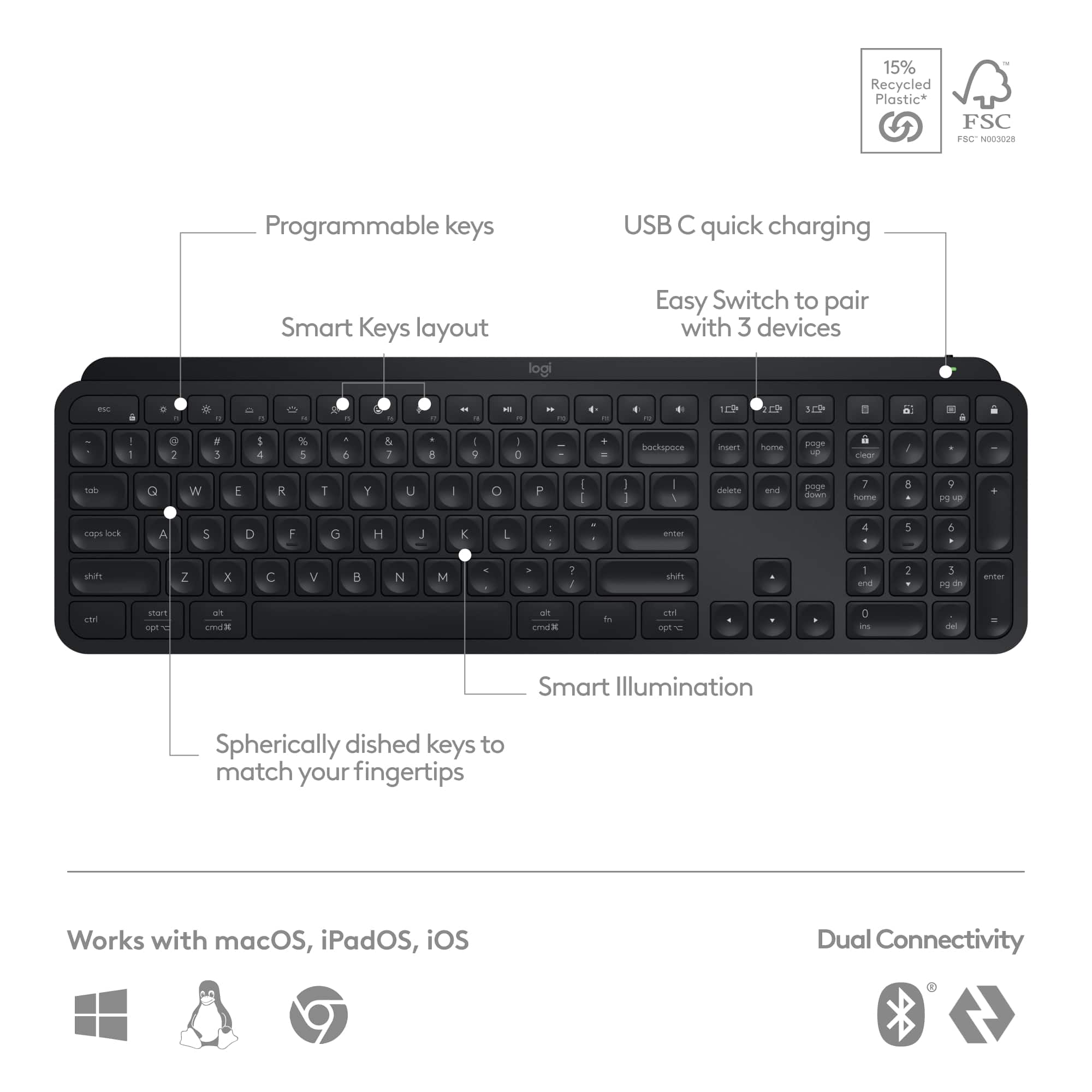
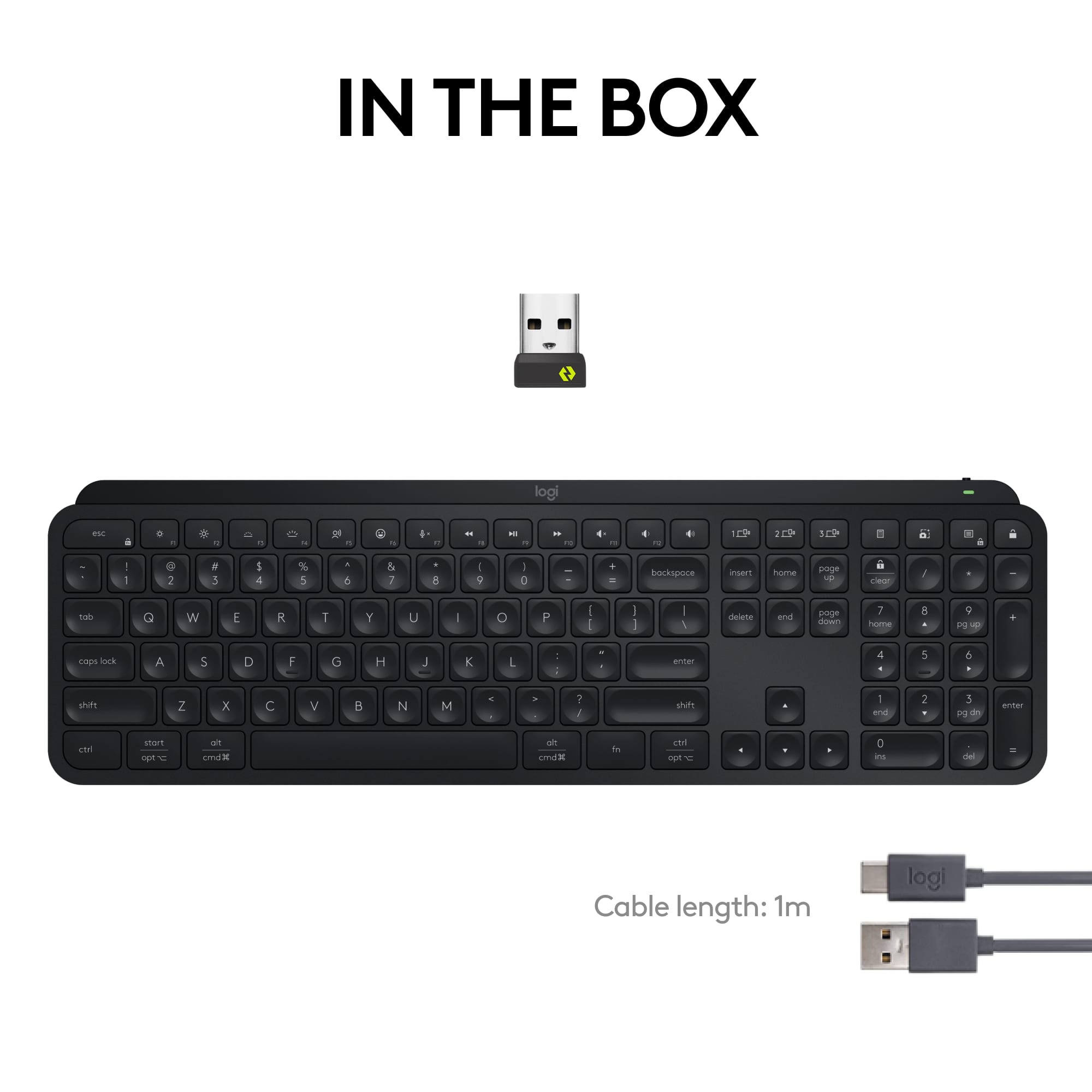
A:AnswerNo, the Logitech MX Keys S keyboard is not compatible with charging mats. The Logitech MX Keys S charges via a USB-C cable, which is included in the box. It does not support wireless charging. Therefore, you will need to use the provided USB-C cable to recharge the keyboard when the battery is low.
A:AnswerThe exact polling rate of the Logitech MX Keys S is not officially specified by Logitech. However, based on user reports and tests, it seems to operate at a polling rate of around 125Hz. This means the keyboard sends input data to your computer 125 times per second.
A:AnswerIf you’re going from red to full charge probably a couple hours. Plug it in when you go to bed and it will be fully charged when you wake up. It has pretty amazing battery life even if you leave it on all the time.
A:AnswerYes, we do have Spanish layout for MX Keys S. The part number for this product are
- Pale Gray Spanish (Qwerty) Keyboard only : 920-011578
- Graphite Spanish (Qwerty) Keyboard only : 920-011577
![esc ~ ! 1 tab caps lock shift ctrl F2 Fl # 2 3 Q W A S Z start opt L F3 $ 4 E D X alt cmd3 ) FS F4 A % 5 6 R T F G V C logi 44 HI & F9 FID FB F7 F6 * ) - - & 0 8 9 7 O P U I Y K L H J > < N M 1 B PM + = { [ : I ; ? I alt cmd D 2 4 300 3 1 F12 . * page I insert home up clear backspace 8 9 + 7 page A pg up end down home } I delete ] / 6 4 5 4 enter 2 3 enter 1 dn Pg end shift = 0 del ins etrl fn opt](https://pisces.bbystatic.com/image2/BestBuy_US/images/products/6539/6539505_sd.jpg)