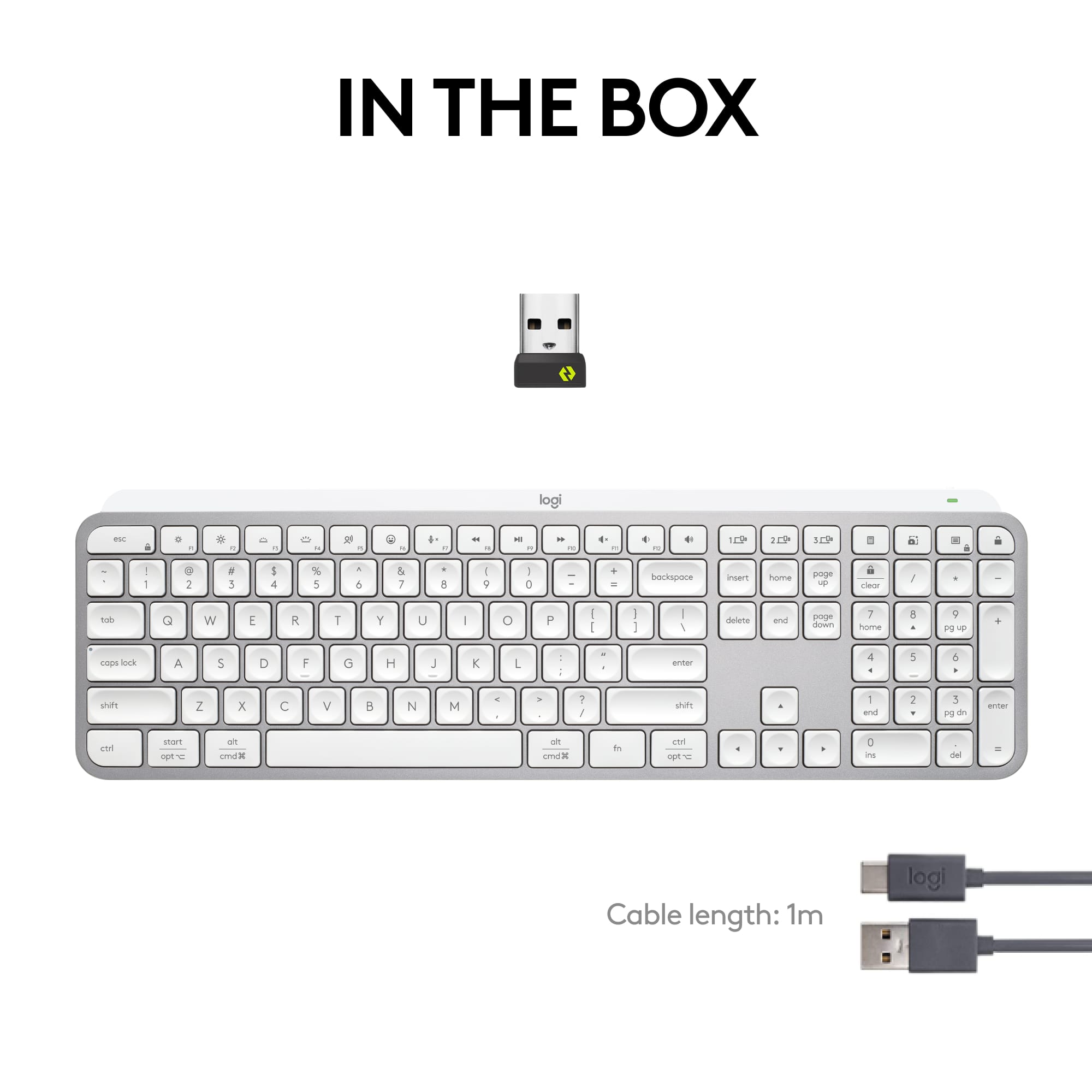
A:AnswerYes, the Logitech MX Keys S comes with a Logi Bolt USB receiver. If you need a replacement, you can purchase a new Logi Bolt receiver online through our website or from various third-party retailers.
A:AnswerScissor keyboards use a scissor-like mechanism under each key for stability and a more responsive, quieter typing experience compared to traditional membrane keyboards. They're common in slim keyboards like the MX Keys S.
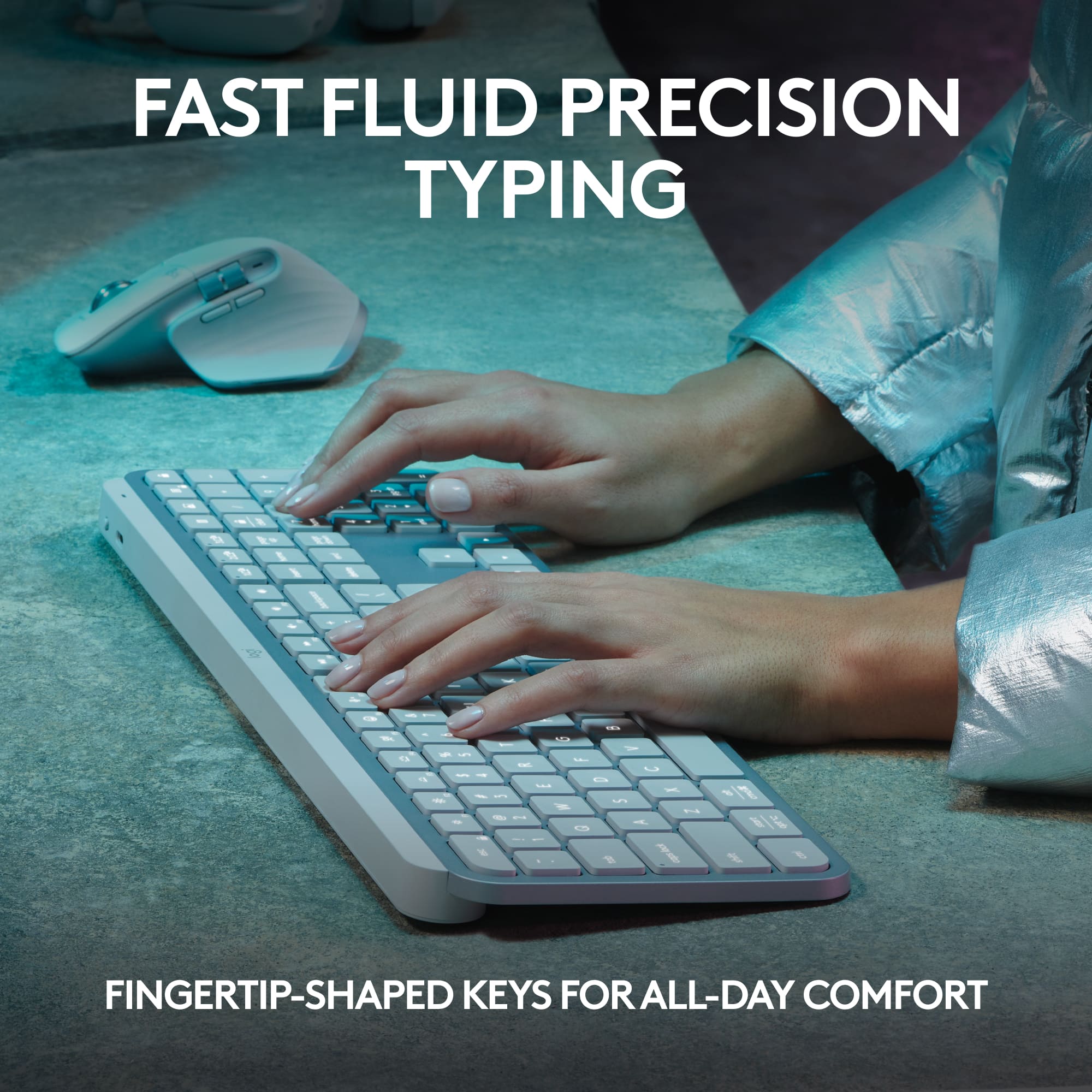
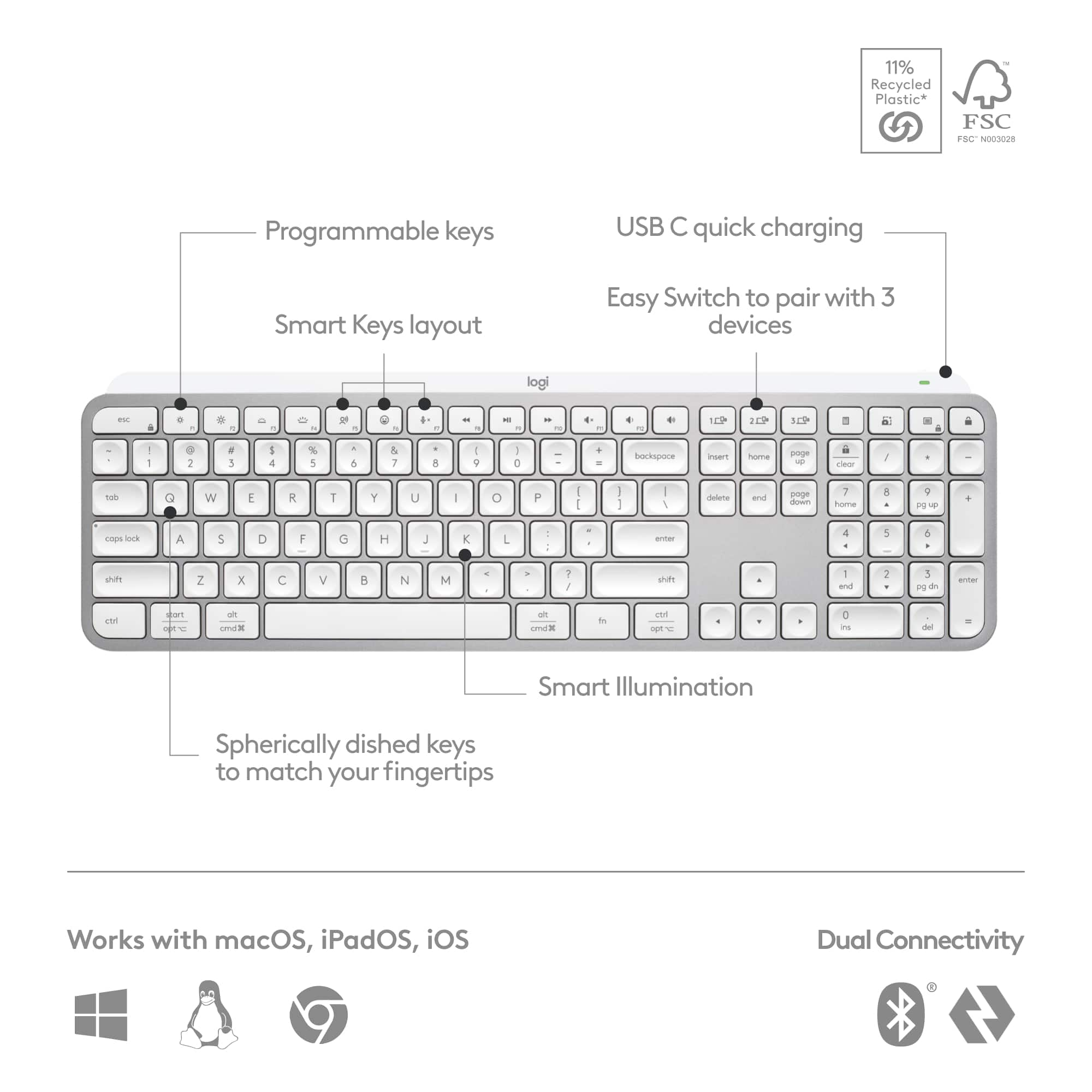
A:AnswerScissor-switch keyboards are a type of keyboard mechanism that uses a scissor-like mechanism to actuate the keys. This design offers a low-profile, quiet, and responsive typing experience. You can type with more precision and speed with spherically-dished keys that match the shape of your fingertips, minimizing the chances of a mistype, while increased key stability reduces noise. The rounded edges provide satisfying feedback—no matter where you strike the key.
A:AnswerNo. You can get a keyboard tray for it. I was used to having a raised keyboard, but I like this one being flat, I didn’t realize that my wrist cramps were most likely from my raised keyboard.
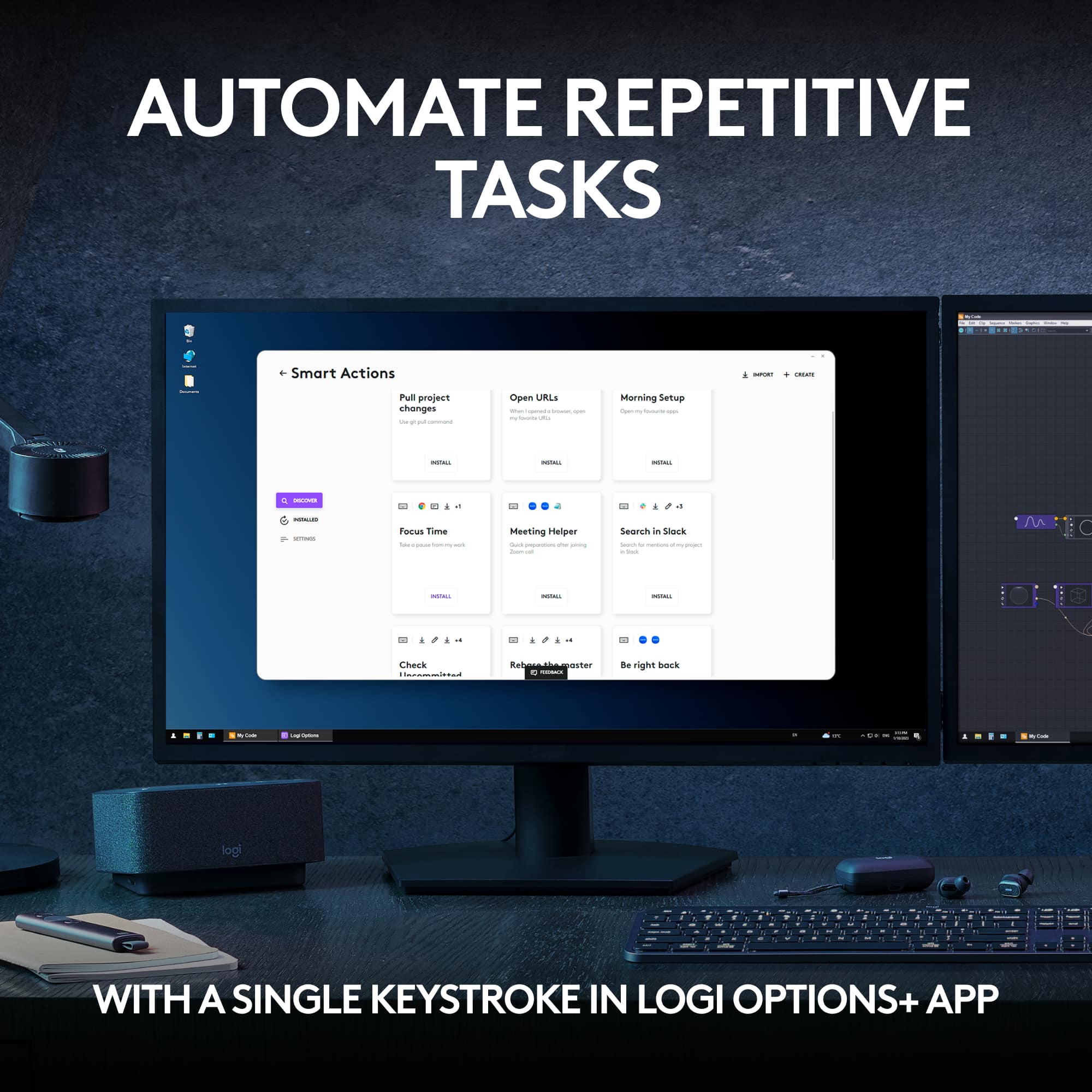
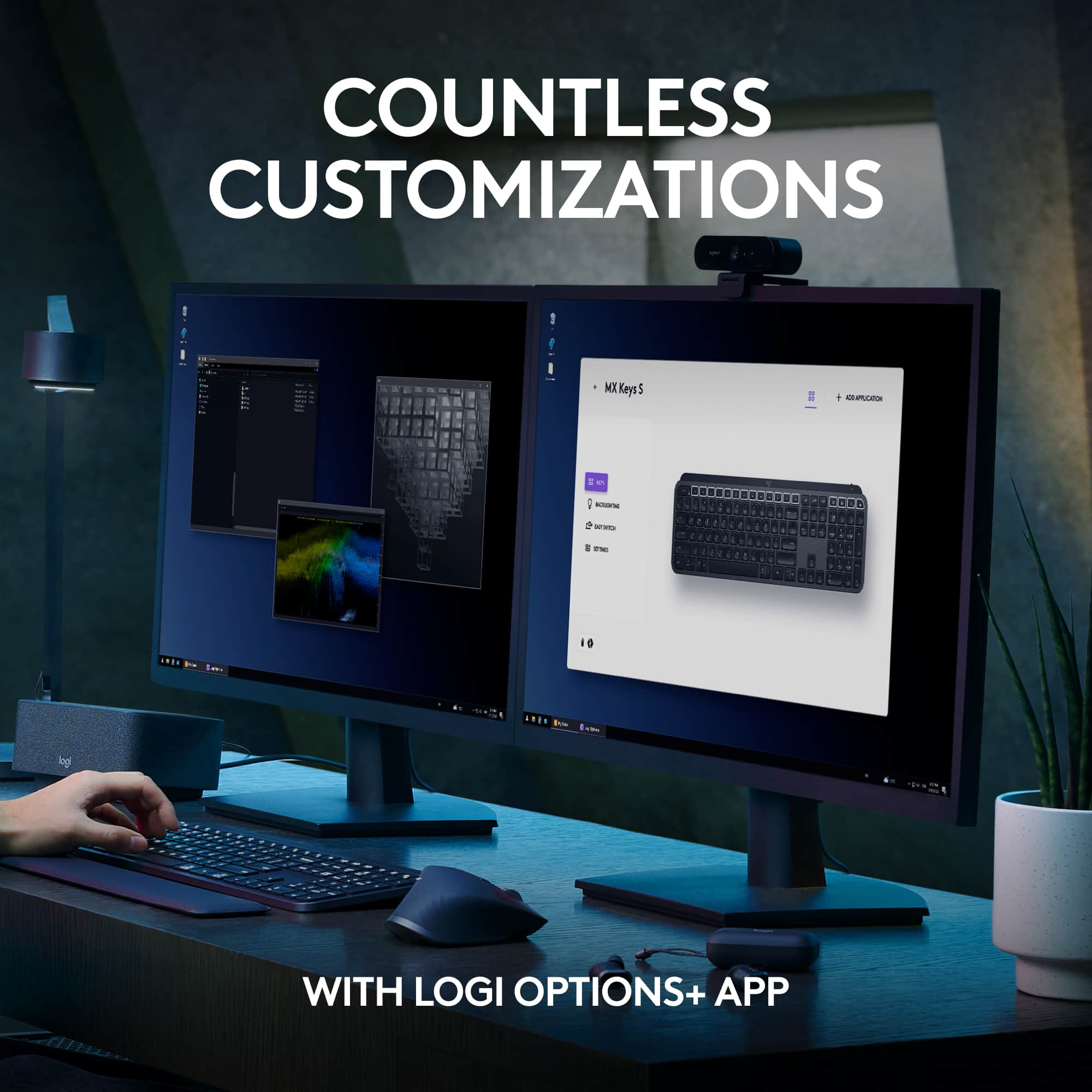
A:AnswerHey! No, the Logitech MX Keys S keyboard's customizations are stored in the software and will revert to default without it. However, you can use the Logi Options+ app to save your settings and use them on other computers.
A:AnswerIt's both. You can use Bluetooth like you would with headphones or a mouse. Or you can just plug in the USB dongle. If you're using two or three devices, you can use the dongle for a computer and Bluetooth for the other two.
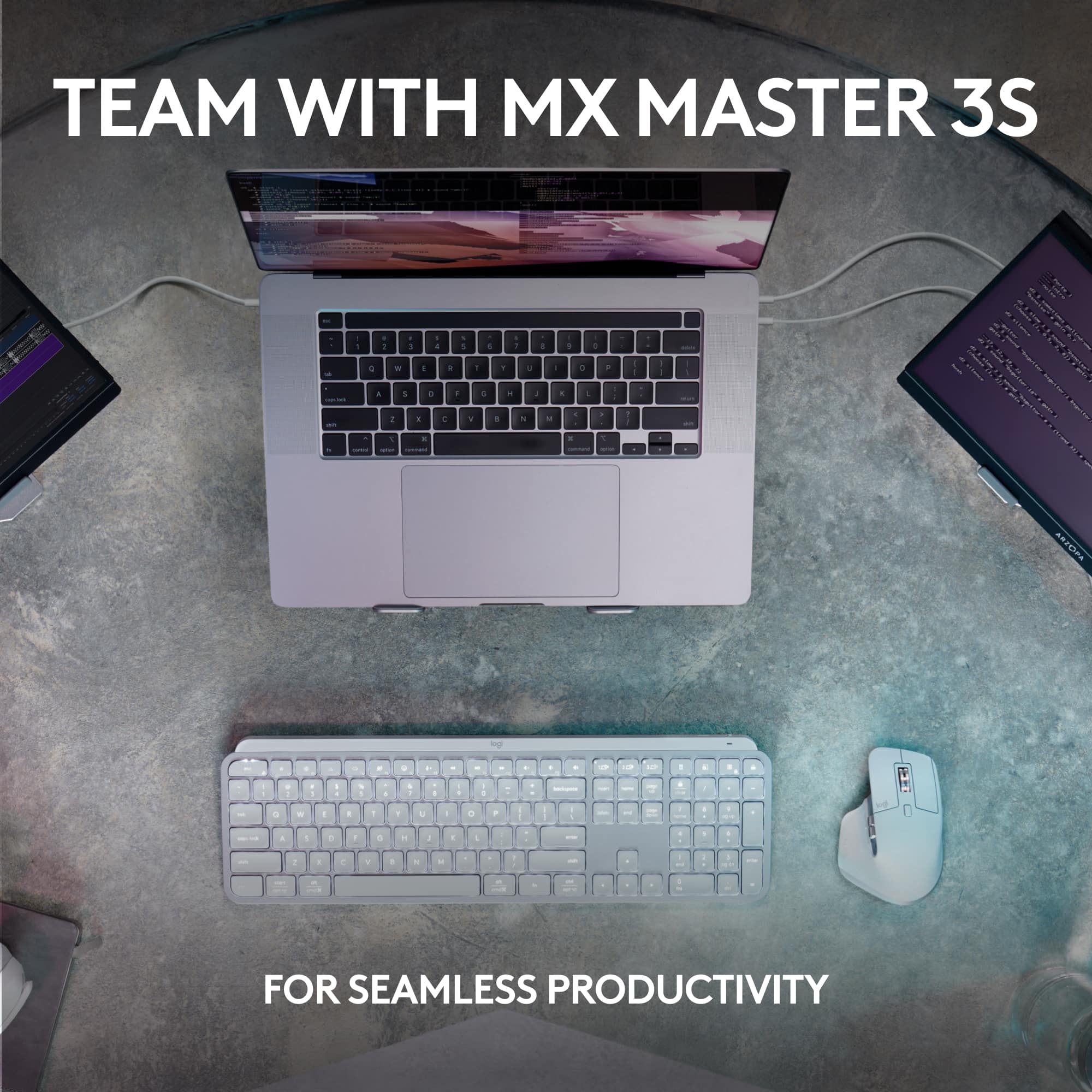
A:AnswerHi, my MX Anywhere 3 paired okay with the new Logi Bolt USB receiver. I did an AI search for your answer, and AI says the following: "Yes, the Logitech MX Master 3S is fully compatible with the Logi Bolt USB receiver and can be paired with it for a stable, high-performance connection, often out of the box or easily with the Logi Options+ software. You can even connect up to six Logi Bolt devices (mice and keyboards) to a single receiver, saving USB ports."
A:AnswerNot sure what your experience was with this keyboard but I've owned several other brands of wireless backlits and this by far sets the bar. It costs more because it has more. You truly get what you pay for. This unit is well worth the price IMO and I'm not a paid troll. I'm answering this on my own dime and time.
![esc ! - 1 tab caps lock shift ctrl F2 F3 # 2 3 Q W E R T Y U I O P A S D F G H J K L Z X C V B N M start opt alt cmd logi 44 HI . F10 F8 F7 F6 * ( ) - - & 0 8 9 7 O P U I Y K L H J > < N M B F + = { [ : I : ? I alt cmd 2 30 3 1 FQ page insert home up backspace page 1 delete end down ) ] / I I & shift ctrl fn opt 6 / + / clear 8 9 + 7 & P9 up home 5 6 4 a 4 2 3 enter 1 dn pg end = 0 del ins](https://pisces.bbystatic.com/image2/BestBuy_US/images/products/6539/6539508_sd.jpg)