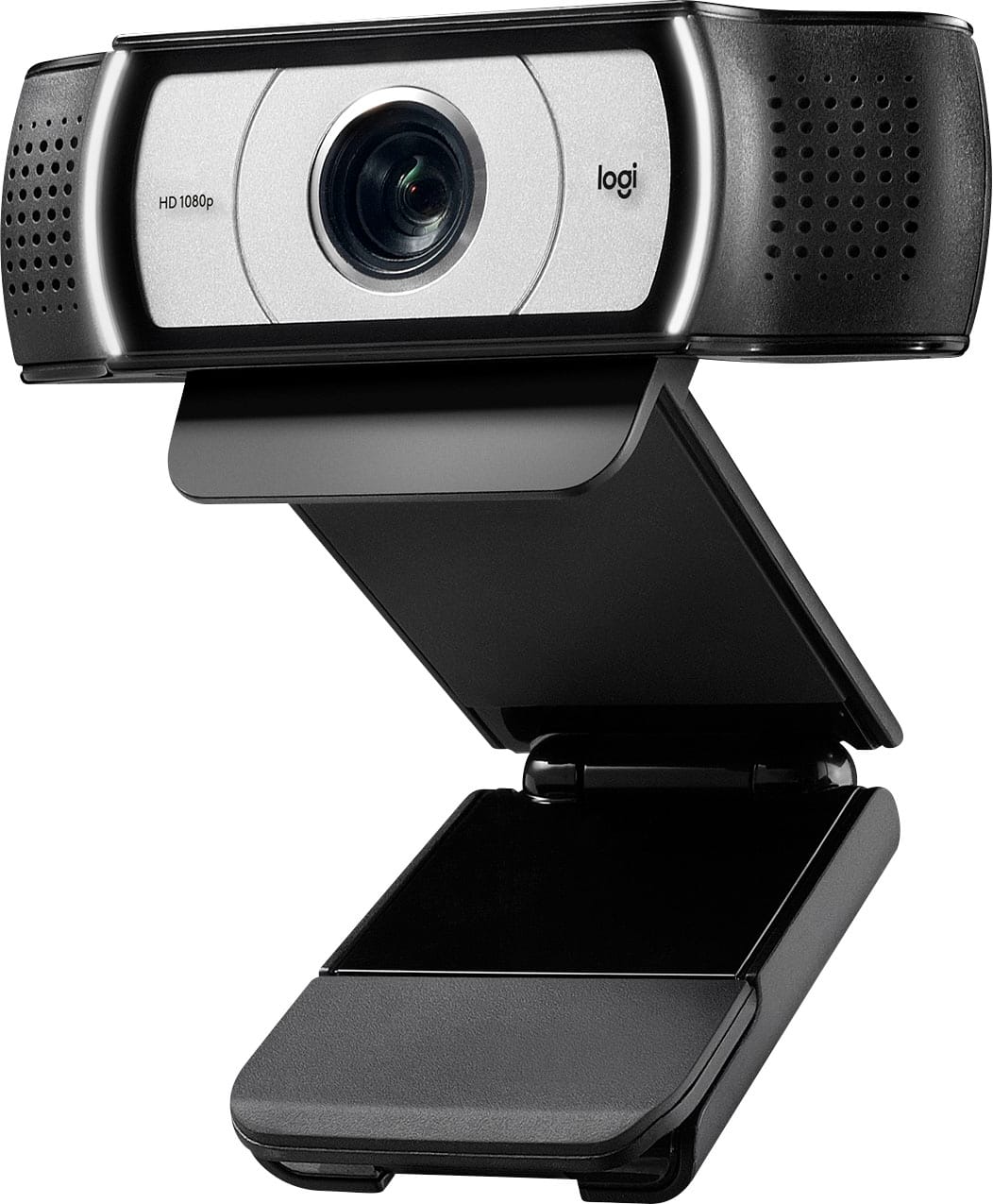
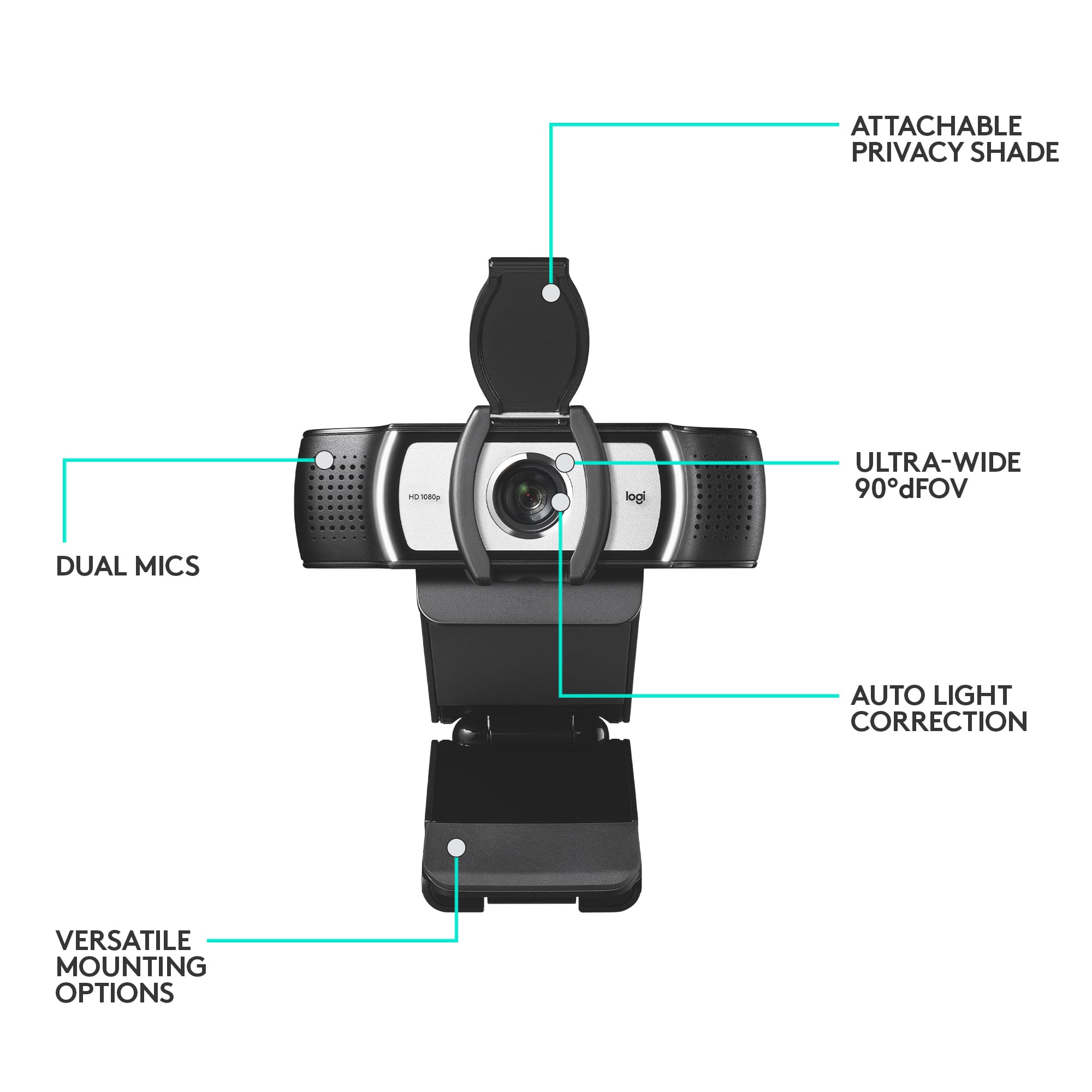
A:AnswerHello prof2000! The aperture details of webcams isn't indicated unfortunately, but in the case of the c922/c920/Pro Webcam, it's would be around f/2.8 with a 78-degree field of view.
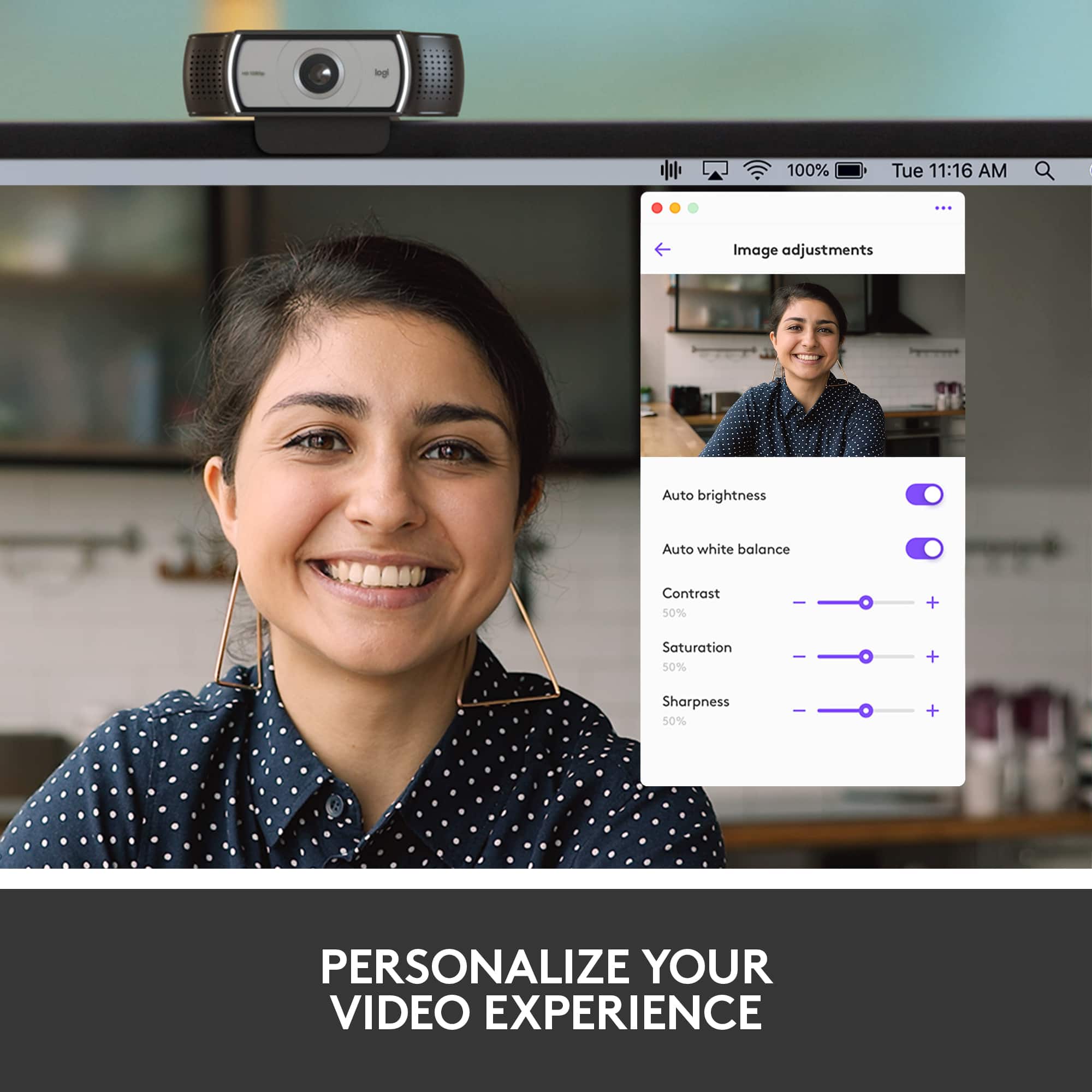
A:AnswerHello saras! The Camera Settings software from Logitech can be downloaded here (2nd option on the list): https://prosupport.logi.com/hc/en-us/articles/360040083133-Downloads-Webcam-C930e. That software will allow you to customize your settings for the camera before using it in a video conferencing software like Zoom or Skype in example. If you're looking for a software to take photos and shoot videos, we have a newer software called Logitech Capture, which can also be downloaded using the same link mentioned above (1st option on the list), although the Pro Webcam isn't listed in the compatible models as it's a bit older, but worth giving it a try. Otherwise, you can simply click the Search bat the bottom left of your Windows Desktop, and search for "Camera". That will bring up the free Windows Camera App you can use with our camera as well.
A:AnswerHello, you may connect headphones to your computer to use in unison with the Pro Webcam. The Pro Webcam does not feature any USB or Aux inputs.
A:AnswerHello, with the Pro webcam, you are able to adjust the tilt to fit your desired position. Which would help with the positioning you need for the whiteboard to show in the background. Have a great day.
A:AnswerHello Duber. The Pro Webcam is meant to be used with a computer to receive power and control it. It will not work as it is supposed to with an iPad Pro.
A:AnswerHello Mike, the Pro Webcam is compatible with Windows Hello. Just make sure that in your video settings on Windows Hello, you have the Pro Webcam selected as your video source. Have a great rest of your day.