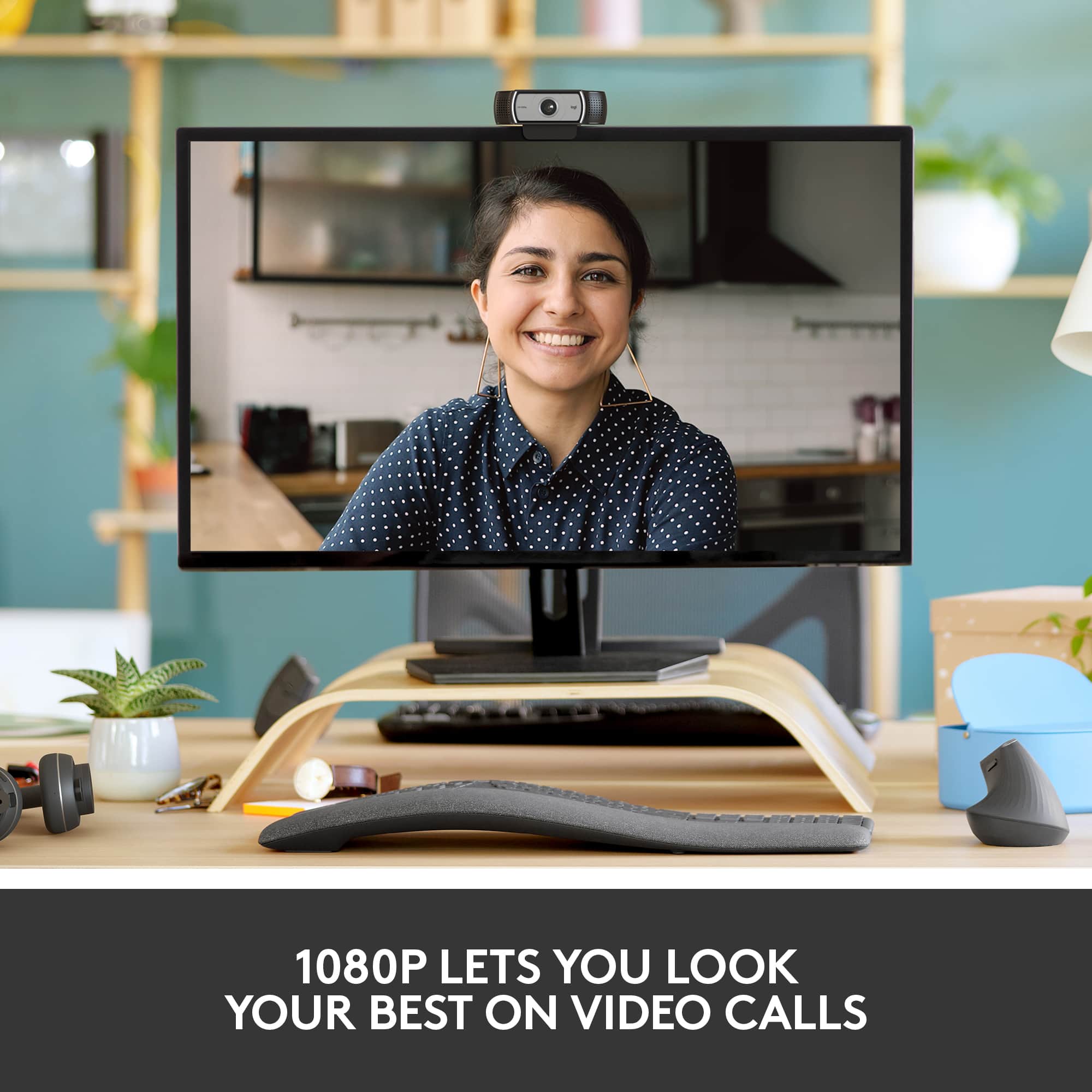
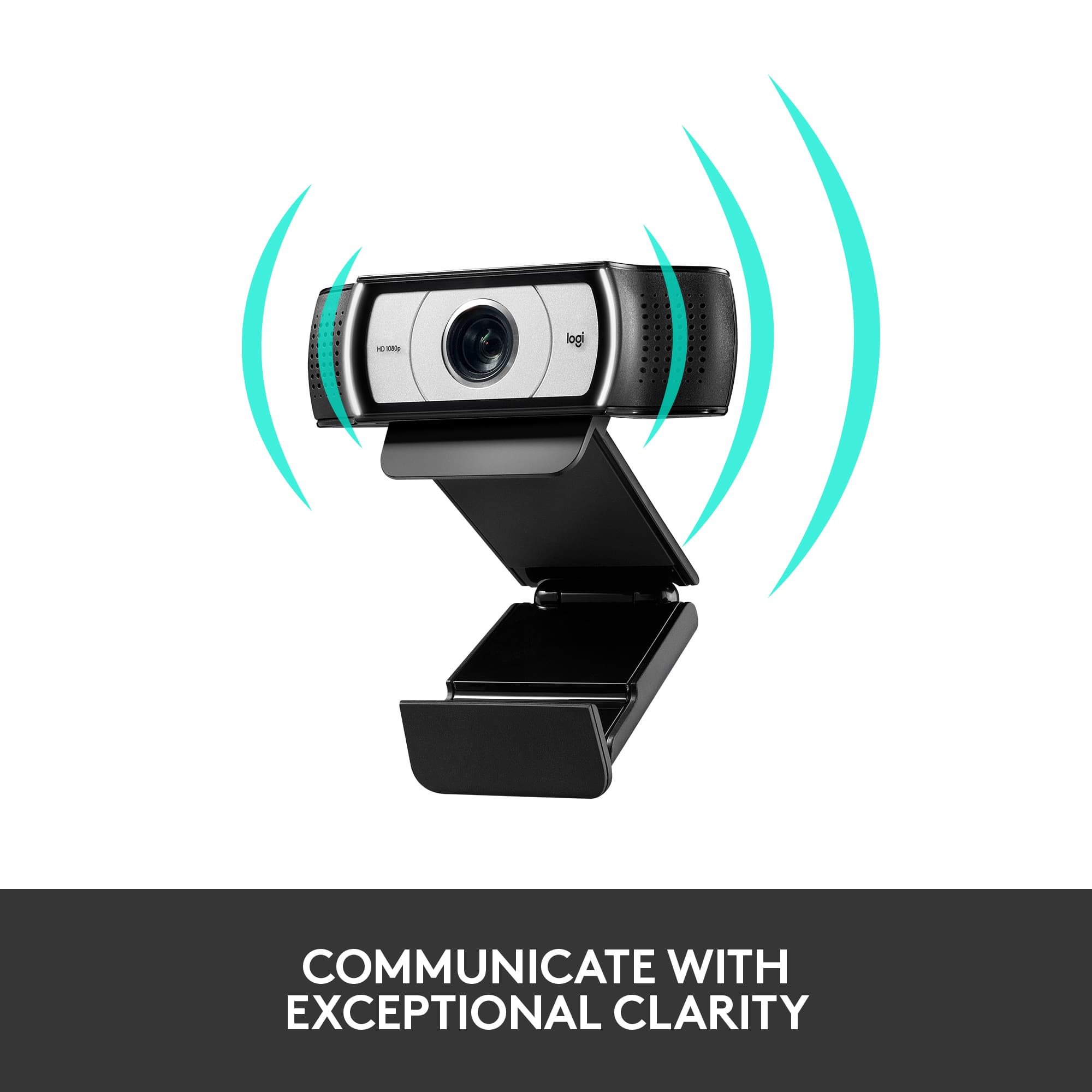
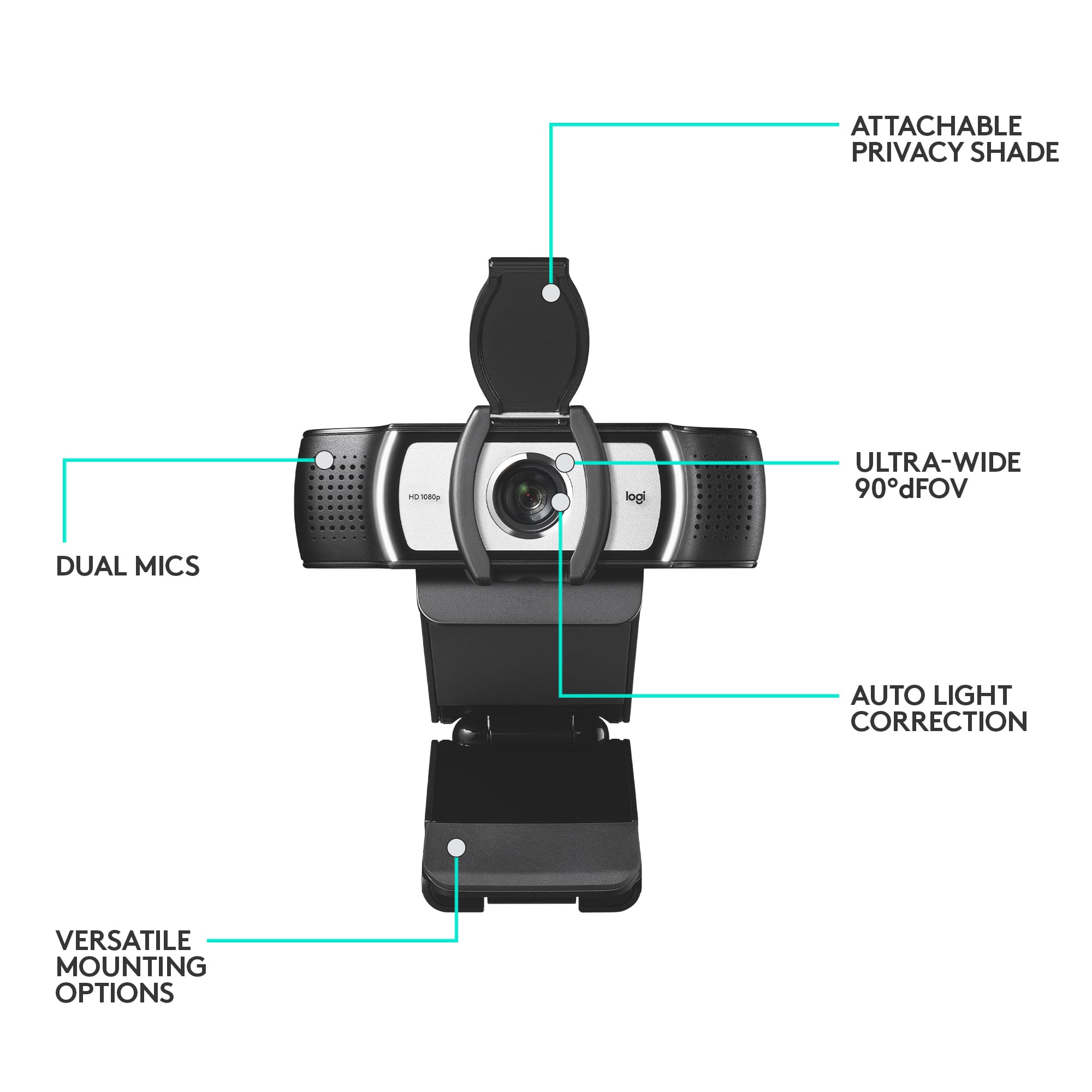
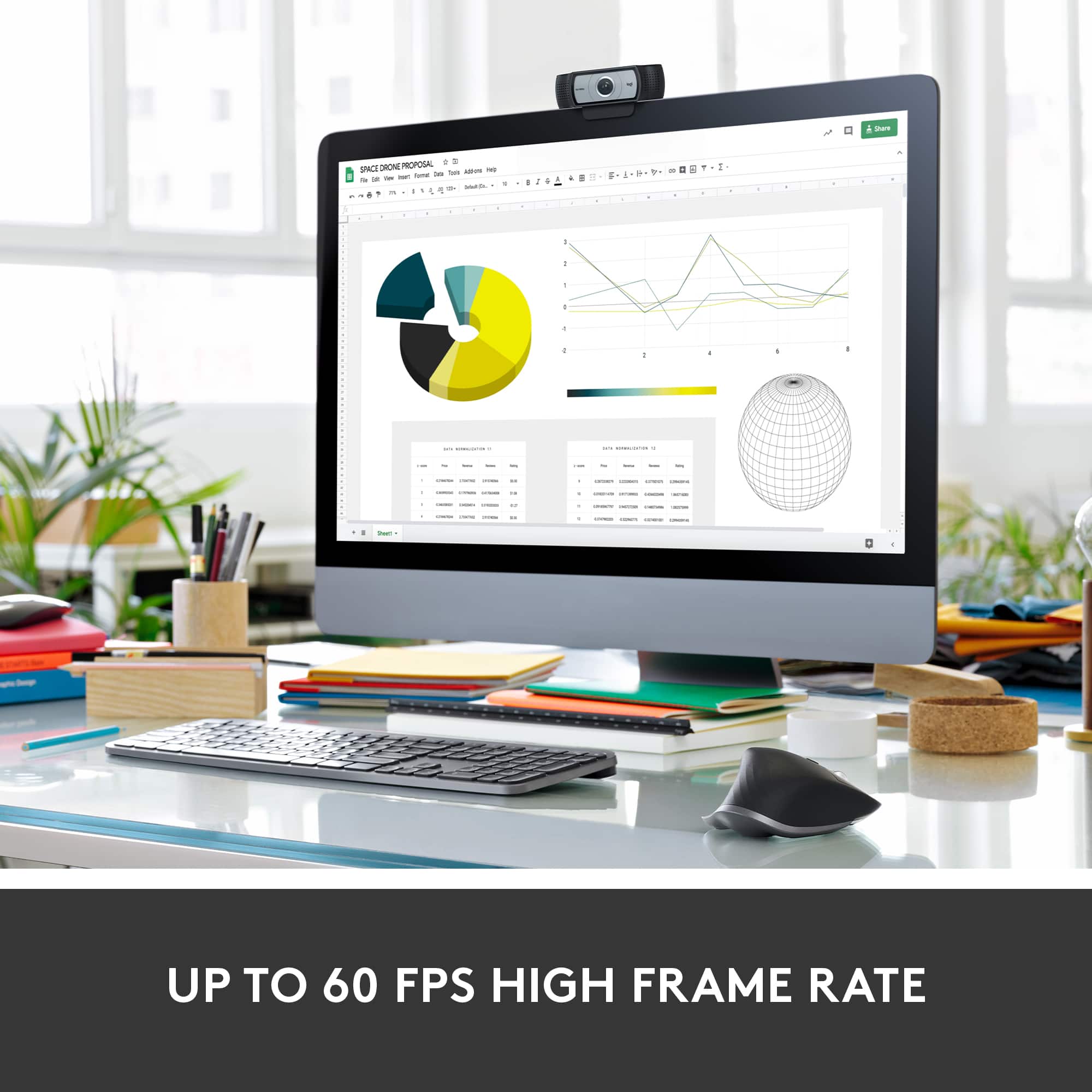
A:AnswerI use it for MS Teams and it works great. Just remember that if your PC has a MIC that you may want to turn off one of the 2 or you will get feedback through the speakers.
A:AnswerHello. This page shows an old image of the Pro Webcam. You can find the specs for the webcam here: https://www.logitech.com/en-us/products/webcams/c930e-business-webcam.960-000971.html?crid=34
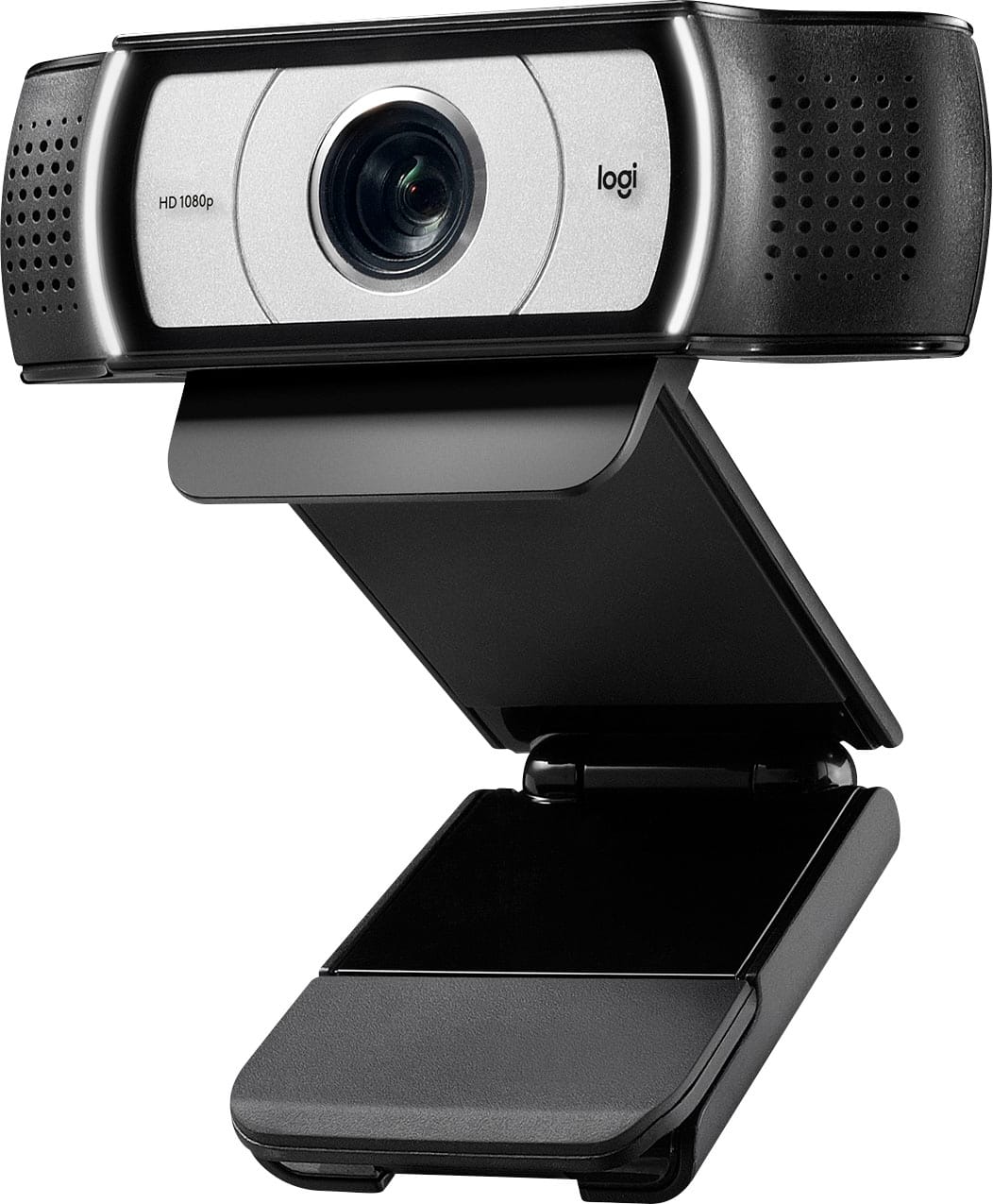
A:AnswerNormally green screen capability is provided by the program connected to the webcam, not in the camera itself. It should transmit the green appropriately to your video capture software. The capture software is where you replace the green with the alternate background - normally "chroma key" is the phrase used in that software to match the green.
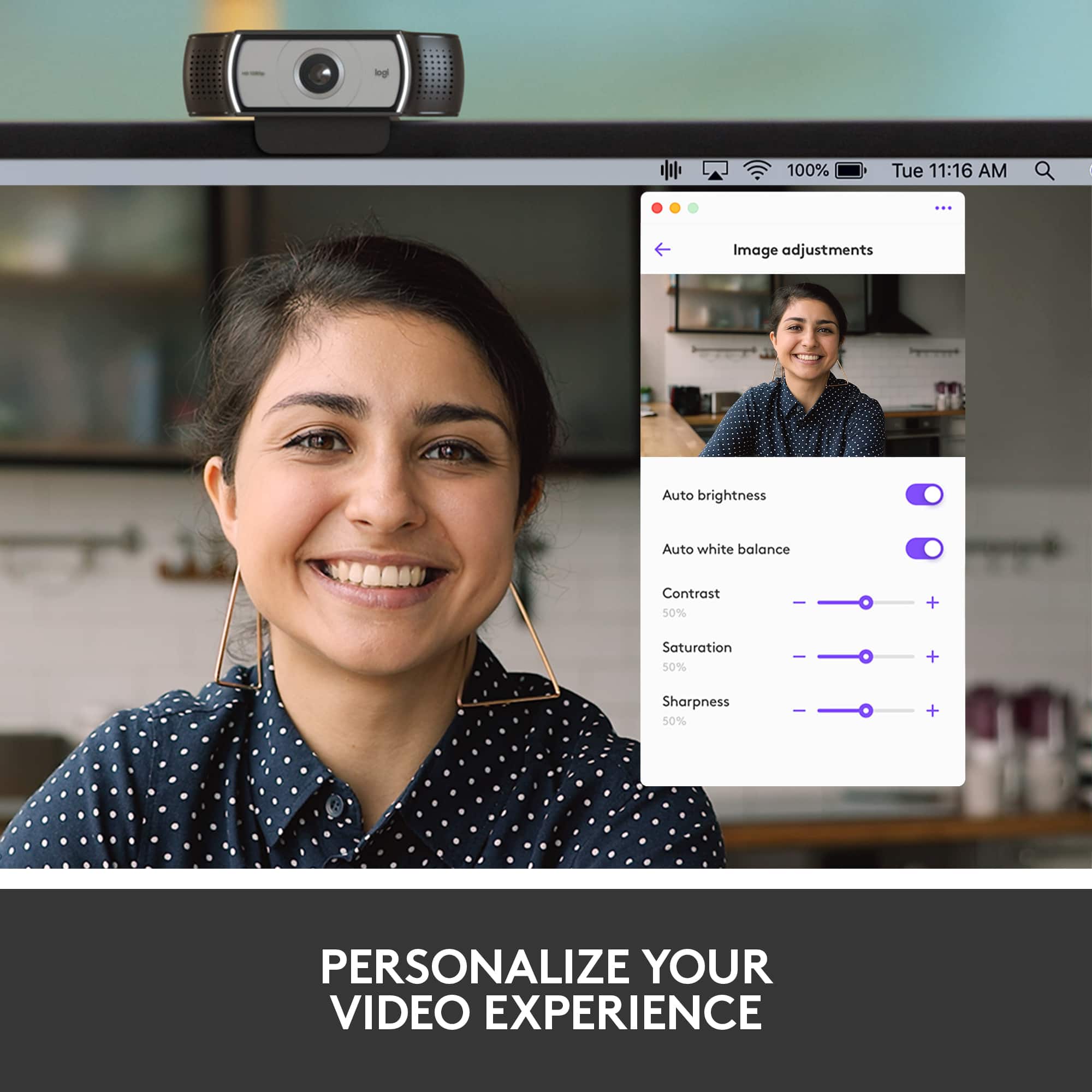
A:AnswerHey there Alex! Yes, you can adjust the zoom/angle of your camera if you download our Logitech Capture software. Please note that you'll have to make the changes in the software, then select the software and not the camera as a video source in whatever program you're using.