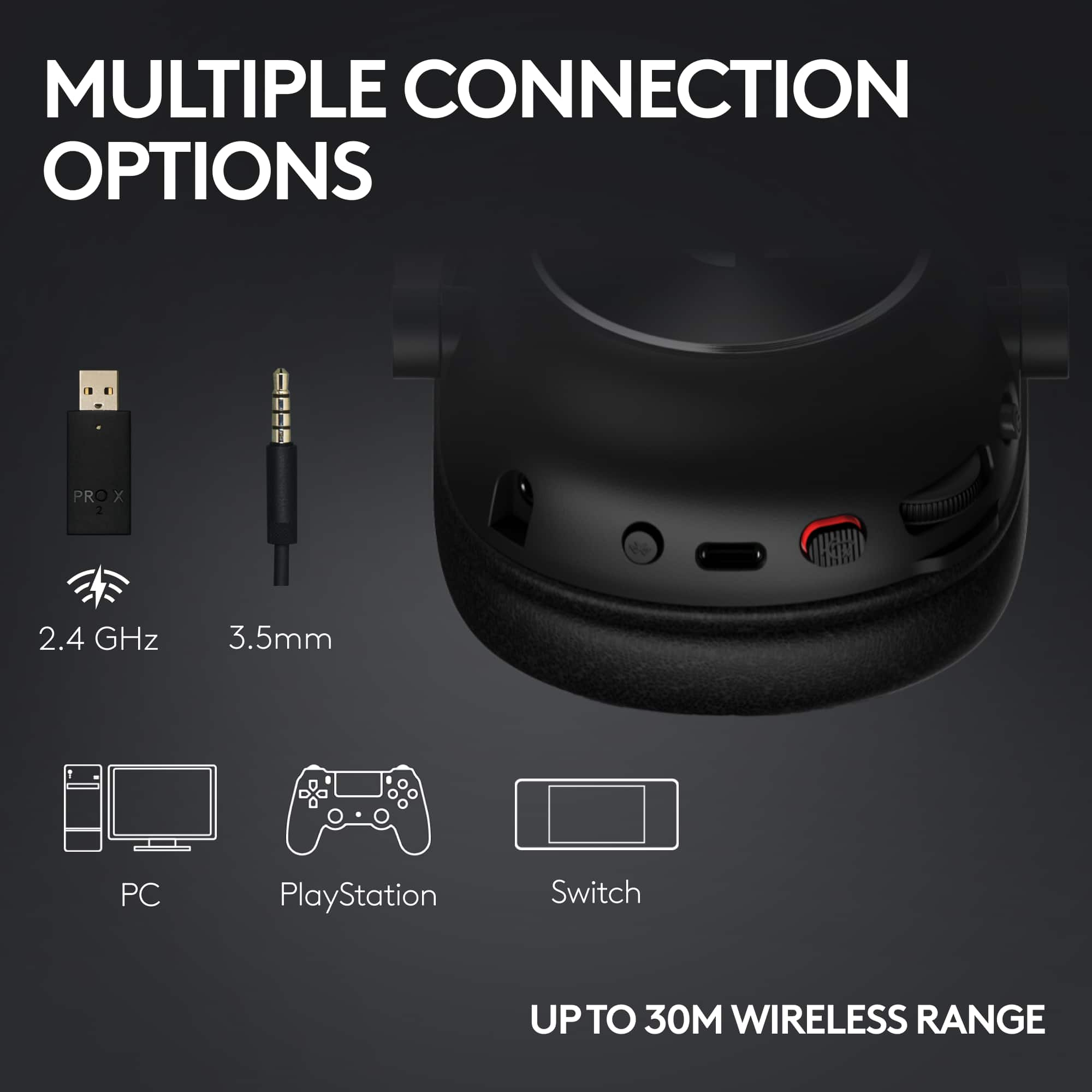
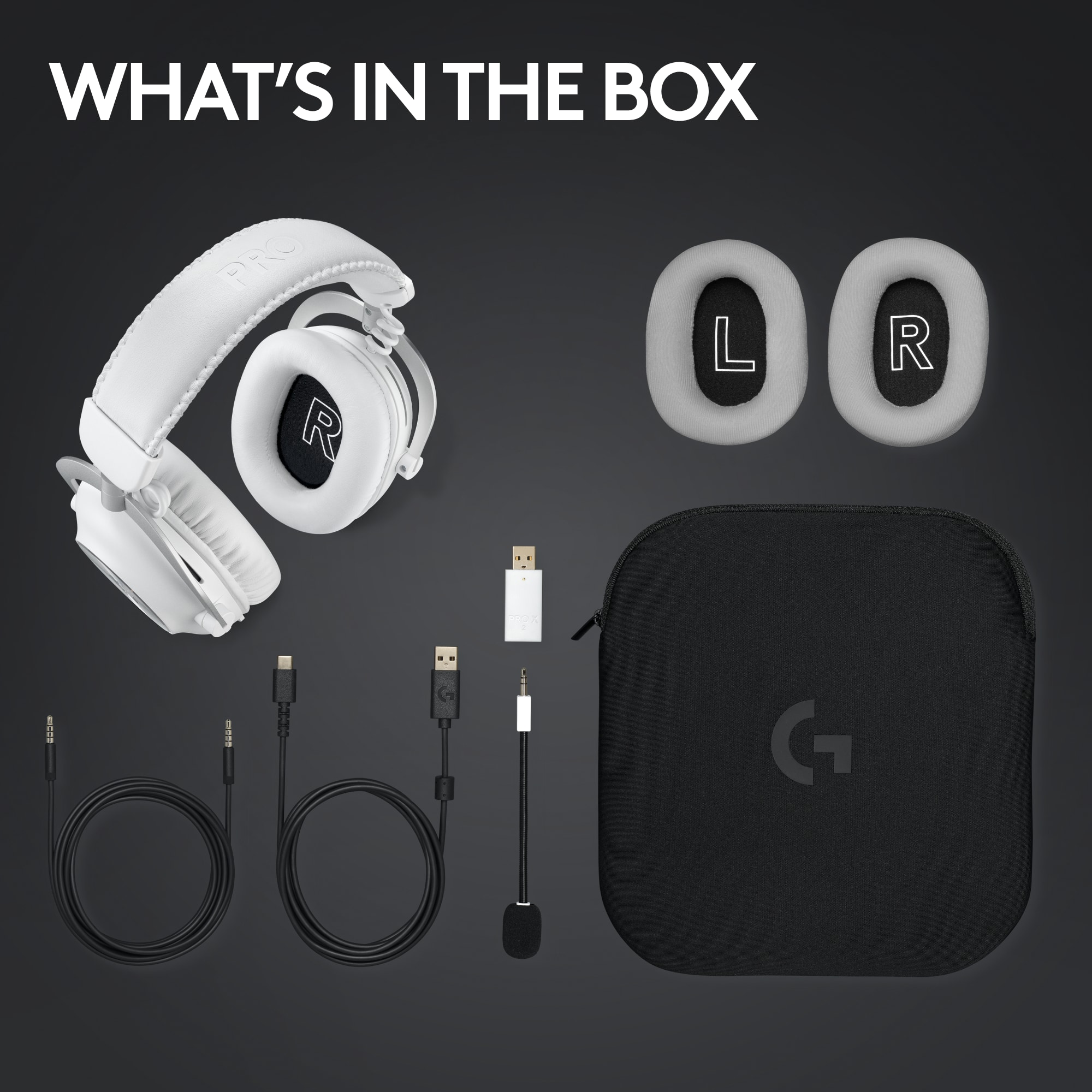
A:AnswerReplacement USB-A LIGHTSPEED adapters aren’t sold separately in stores. To address this issue, we recommend reaching out to our social care team via email at socialcare@logitech.com with your
- Name:
- Email Address:
- Country:
- Product Name:
- Brief description of issue:
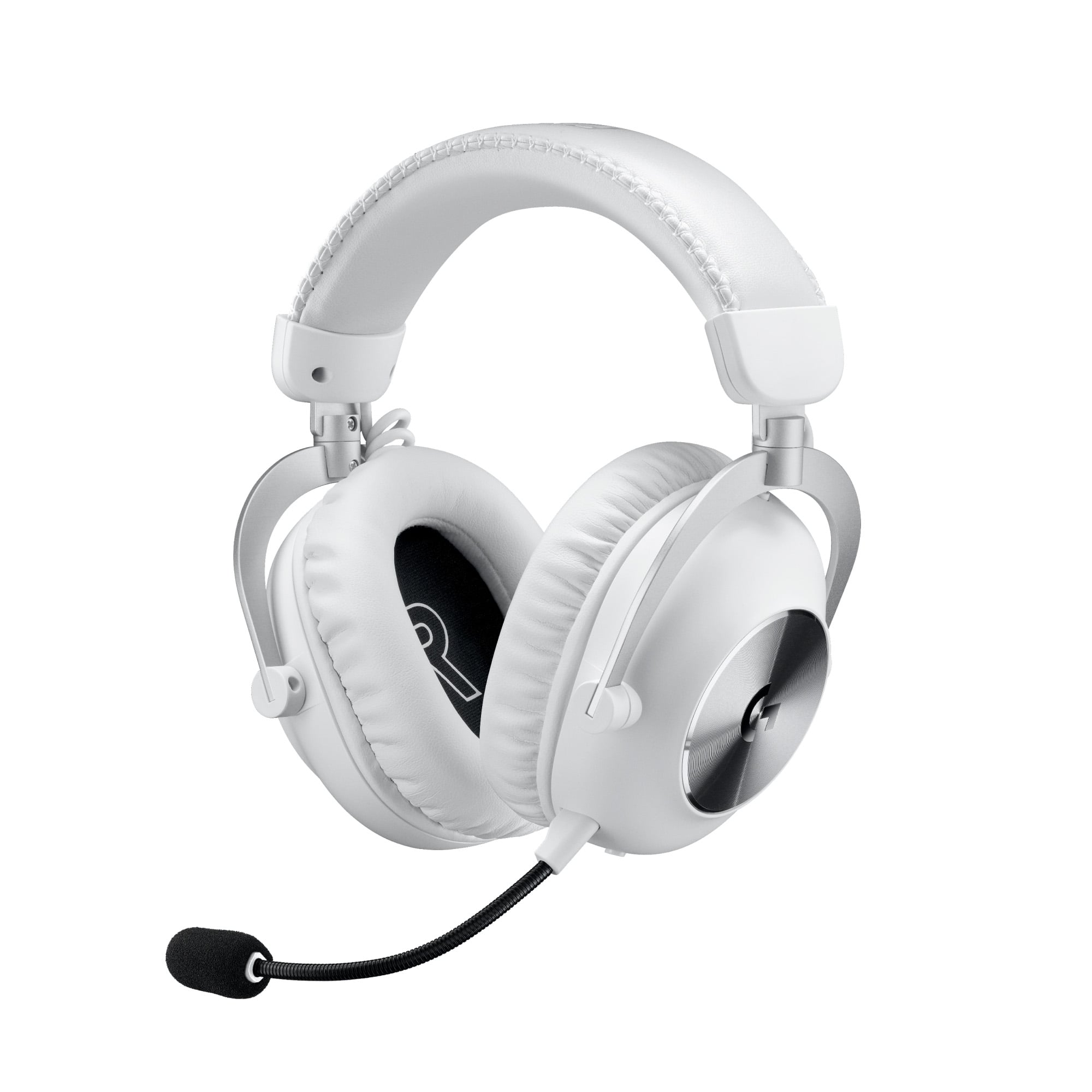
A:AnswerHey! Play comfortably at any angle, with a rotating durable hinge and soft memory foam earpads—available in leatherette or breathable velour. PRO X 2 LIGHTSPEED achieves the perfect balance of comfort and strength with durable aluminum materials and a steel frame.
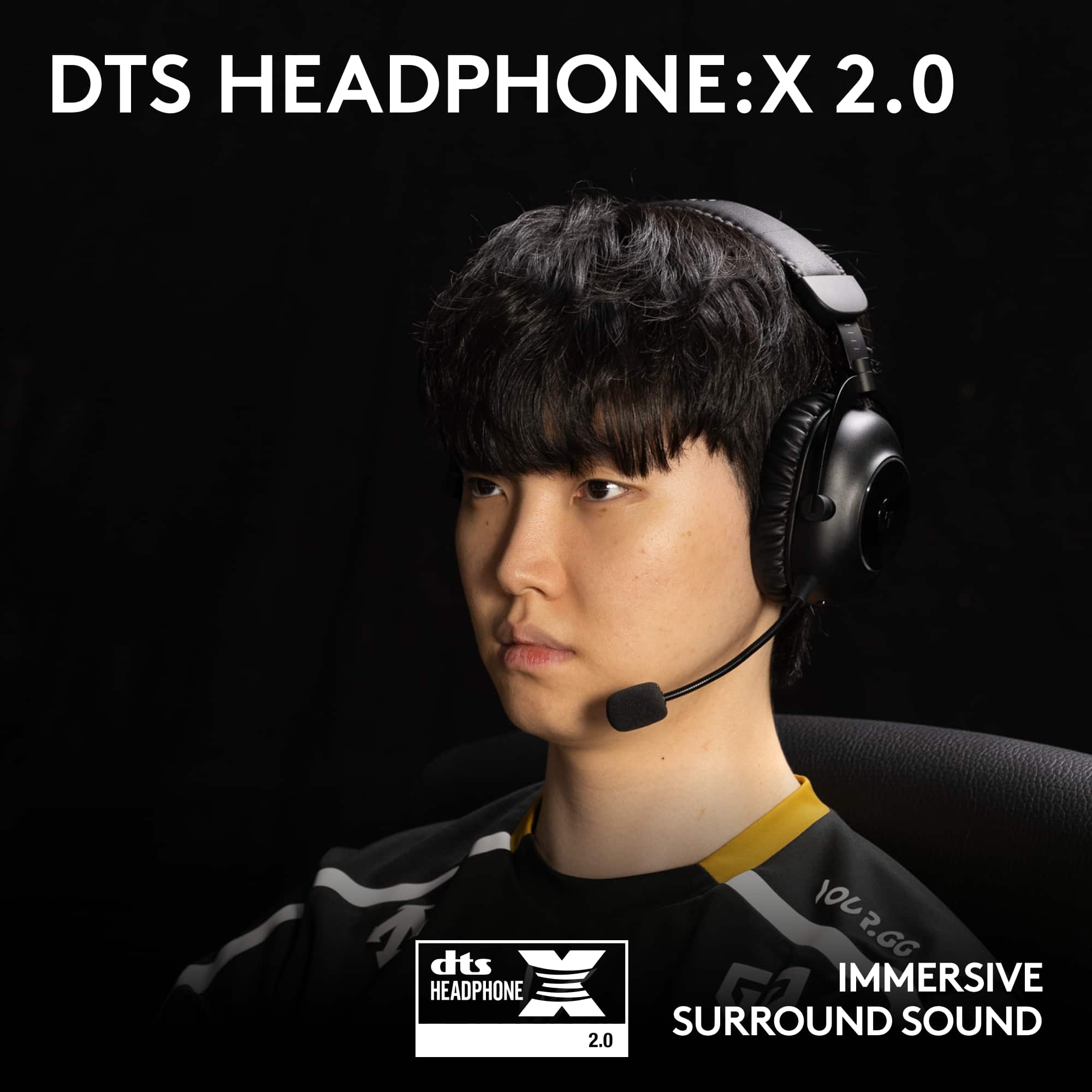
A:AnswerThe Logitech audio driver/G Hub disables all the Windows spatial sound (Atmos/DTS/Sonic). This is a years old issue they haven't fixed. The DTS:X in G Hub sounds terrible & also seems to be broken. Only the Front Left/Front Right virtual speakers output sound. And even though it's supposedly a DTS:X headset it still doesn't work with the DTS Sound Unbound app. Headset hardware is great but the software/firmware is atrocious.
A:AnswerHi, thanks for asking. Many Logitech products are in high demand and we're working to meet the increased need as fast as possible. Be sure to check back often as we update with stock daily in some regions!
A:AnswerHey there! In order to help you effectively, please provide your information to our support team by emailing socialcare@logitech.com. Name – Email address – Country – Product name – Brief description of the issue –
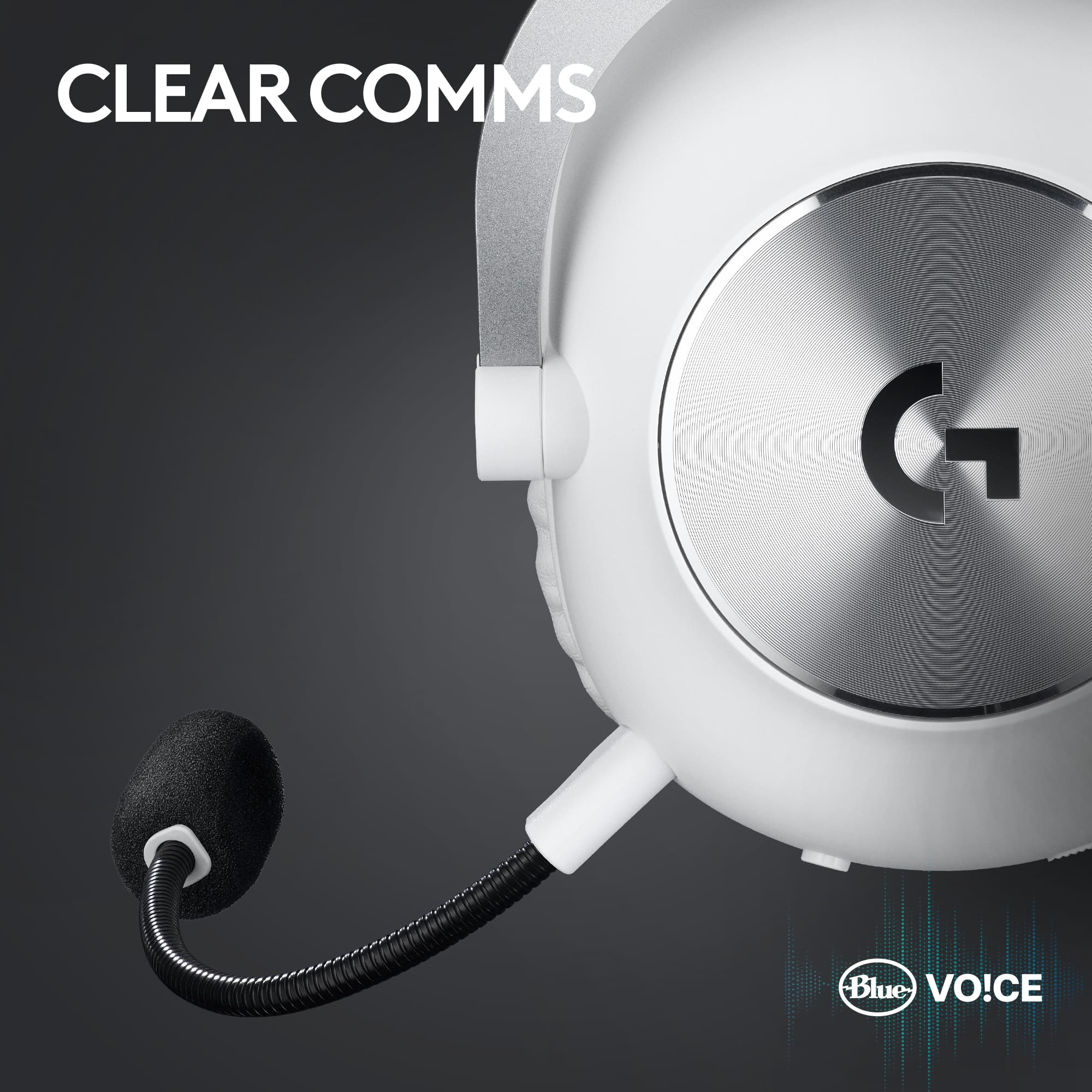
A:AnswerHello, Hack! The original G Pro X wireless and wired headsets do already have Blue Vo!ce available. To turn on this feature, you will need to go into our G Hub software and go to Microphone and click the box next to Enable Blue Vo!ce. Otherwise, the G Pro X 2's microphone does plug into the older G Pro X. - Maggie from Logitech G