A:AnswerHello T! Sorry I'm not sure I understand your question, are you asking why your Slim Folio Keyboard won't let you answer emails? As in it's not typing when trying to write an email or? If that's the case, I would try to power cycle your iPad (holding down the Sleep and Home buttons until the Apple Logo appears, then powering on the device again), see if that works. If not, try redoing the pairing of the Slim Folio Keyboard with your iPad. Those could be 2 possible solutions to your problem is the keyboard isn't responding. Hope it helps!
A:AnswerHi, unfortunately you have an iPad Air 1st Gen, so this case will not be compatible with it. You can use any universal 9-10 inch tablet case, or a Bluetooth keyboard. Here are some keyboard options: https://www.logitech.com/en-us/ipad-keyboards?filters=3846. Hope that helps.
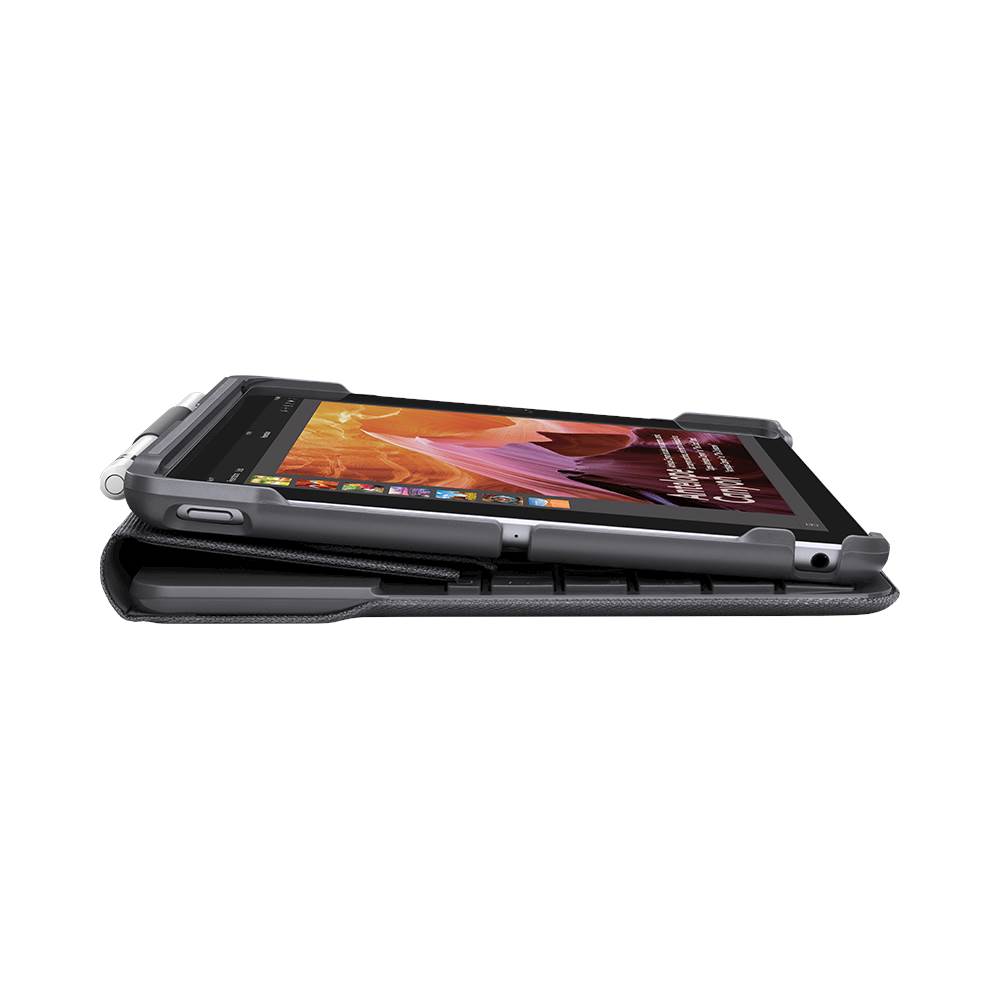
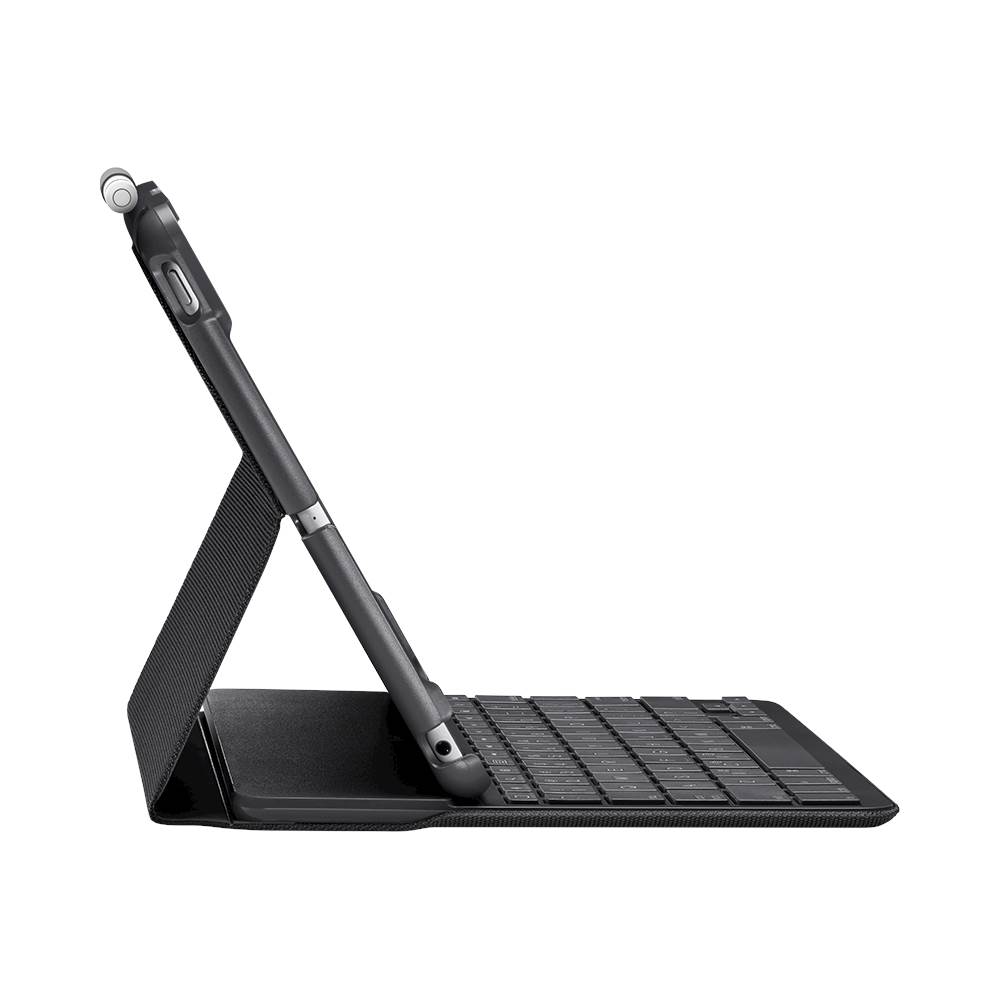
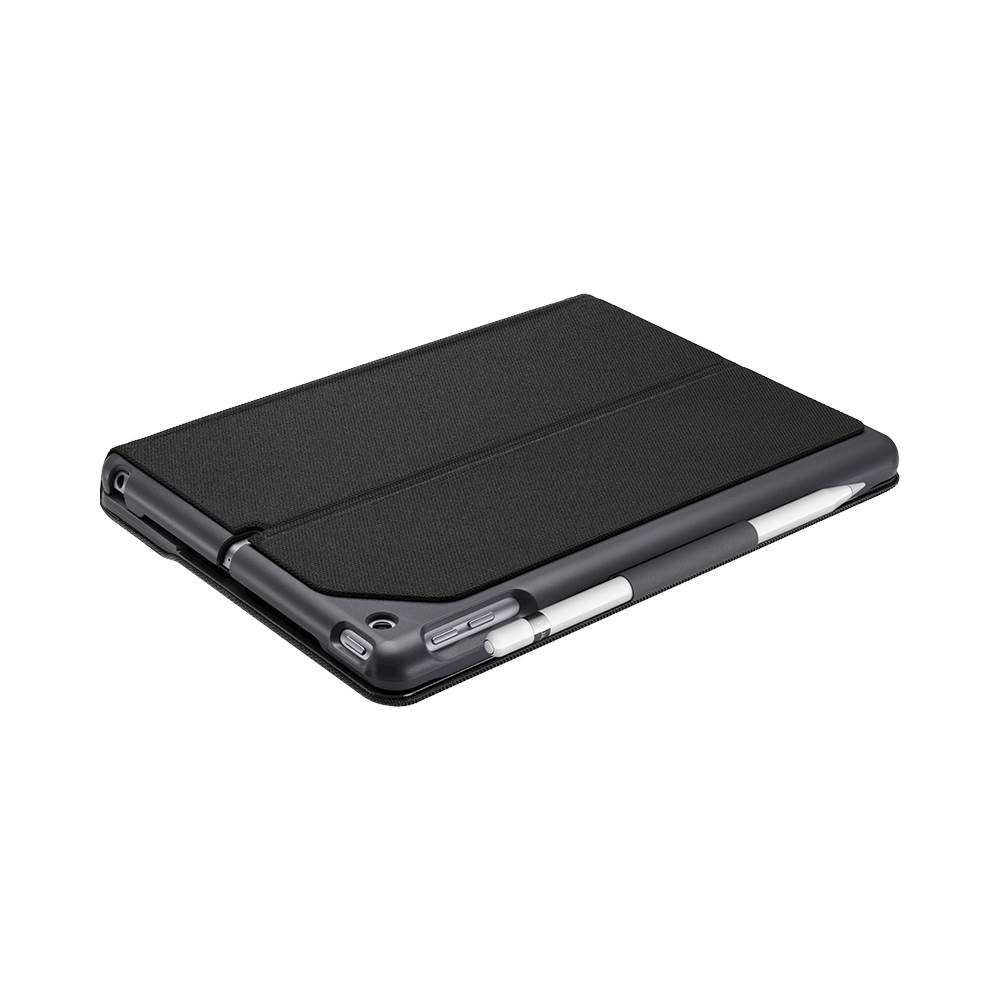
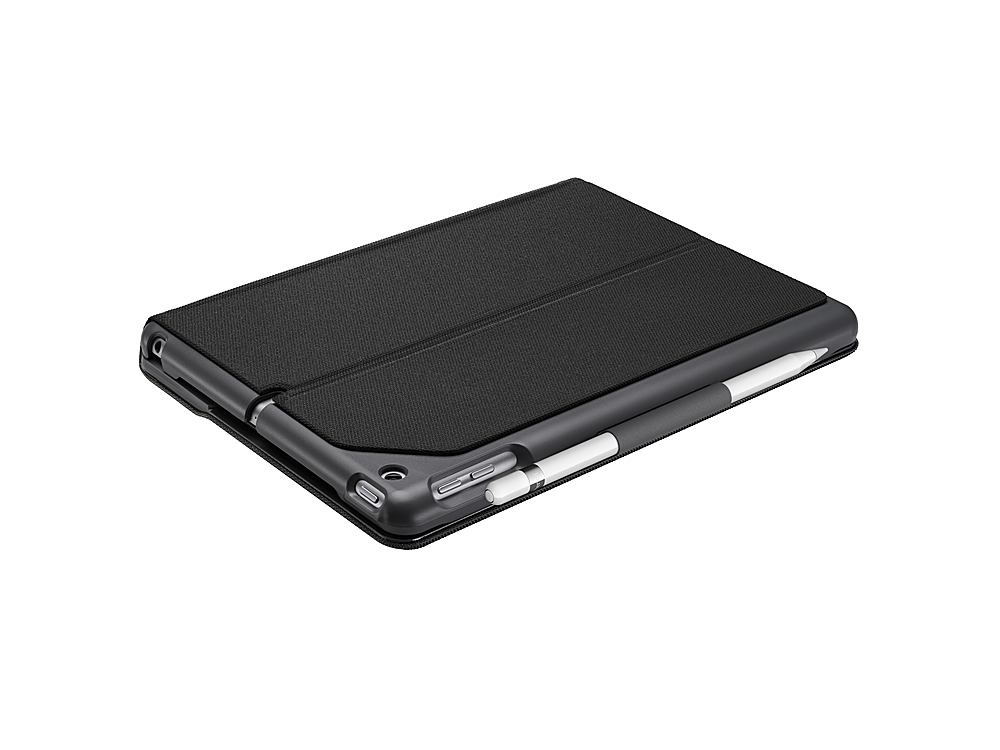
A:AnswerI just purchased the Logitech-Slim Folio Keyboard Case #51897.I love this this case. It has a great feel on the keyboard. It also has a slot to hold your Apple pencil. 4 year battery life. bluetooth technology. I have a 5th and 6th generation ipad and it fits both.
A:AnswerHere is a link to list of compatible keyboard cases for your model: https://www.logitech.com/en-us/ipad-keyboards?filters=3852. Hope that helps!
A:AnswerYou need to check and see which version of ipad you have and then select the case. The cases look the same but vary according to your ipad version. I was 6. Hope this helps.