A:AnswerHello Nj, the StreamCAm Plus webcam was built and designed for PC's in mind. Although it doesn't say it supports Xbox, you'll have to look up how to connect an external webcam to your Xbox. You won't have access to any of the extra features the StreamCam has to offer, since you aren't connected to a PC. I'd suggest looking at a C920 webcam, that one is a plug and play webcam that is half the price and will work with your Xbox. Have a great day.
A:AnswerHey! Yes, the Logitech StreamCam Plus has two built-in microphones. However, you can use a separate microphone instead, depending on the program you're using.
A:AnswerHello, Yes you can zoom in and out with this camera through the Logitech Capture Software. Here is the link to download if you have not done so already: https://support.logi.com/hc/en-us/articles/360025141614.
-Danielle from Logitech
A:AnswerAt this time, the StreamCam Plus Webcam is only compatible with either a Windows or Mac computer. You will have to use a Playstation Camera if you want to be able to broadcast to YouTube.
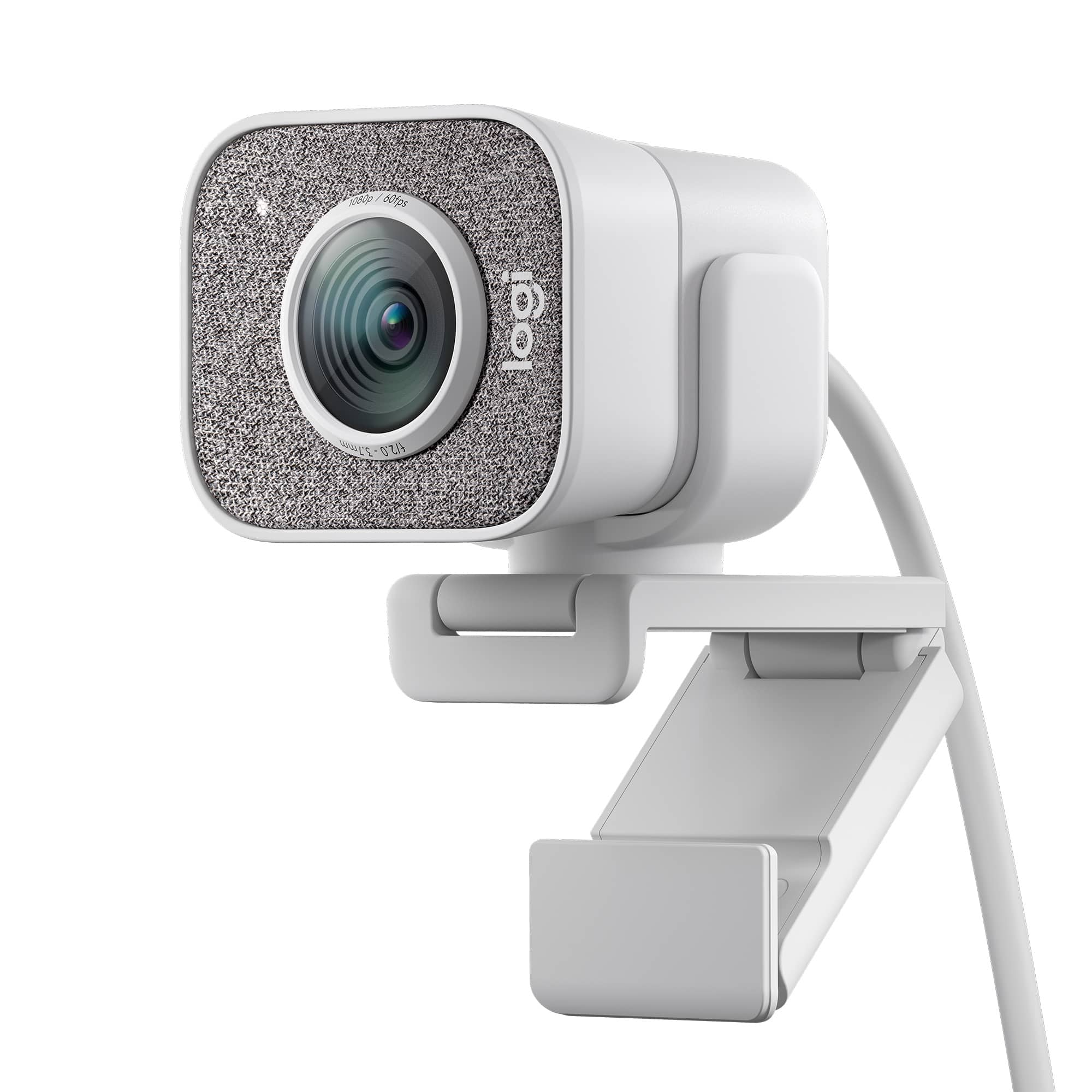
A:AnswerHi, here are the lens specs for the StreamCam Plus Webcam: Premium Full HD Glass lens
f/2.0 - focal length 3.7mm
Field of View: 78° (diagonal).
A:AnswerHello Rob! It absolutely does, I would suggest downloading our free Logitech Capture software to use with your StreamCam Plus Webcam, that can be downloaded here: https://www.logitech.com/en-ca/product/capture
A:AnswerNo, the Logitech StreamCam Plus is generally not compatible with the PlayStation 5 for direct live streaming; it's designed for PC/Mac streaming platforms.
A:AnswerUnfortunately, the Logitech StreamCam is not officially certified for Windows Hello facial recognition. It's primarily designed for streaming and content creation, not biometric security.
A:AnswerIt's likely that the adapter you're using is causing the glitches on Streamlabs and Discord. To get that issue resolved, we recommend reaching out to our social care team via email at socialcare@logitech.com with your
- Name:
- Email Address:
- Country:
- Product Name:
- Brief description of issue:
A:AnswerHey! Logitech stream cam plus comes with the field of view covering 78° (diagonal). Hence the object visual and orientation depends upon the distance and the field of view.
A:AnswerHey! Yes, the Logitech - StreamCam Plus 1080 Webcam does have a built-in microphone. The microphone can be disabled while still recording or streaming. You can typically control the microphone through the software you are using to record or stream.
A:AnswerHey! Yes, you can connect the Logitech - StreamCam Plus to your computer. However, it doesn't record or film on its own, and you need to run Logi Tune software where you can also customize the settings on your PC to do so.


![COMPATIBILITY [TWITCH, YOUTUBE GAMING, DISCORD, STREAMLABS OBS]](https://pisces.bbystatic.com/image2/BestBuy_US/images/products/abdf9958-99ed-45d9-aa63-02c17c181c7e.jpg)