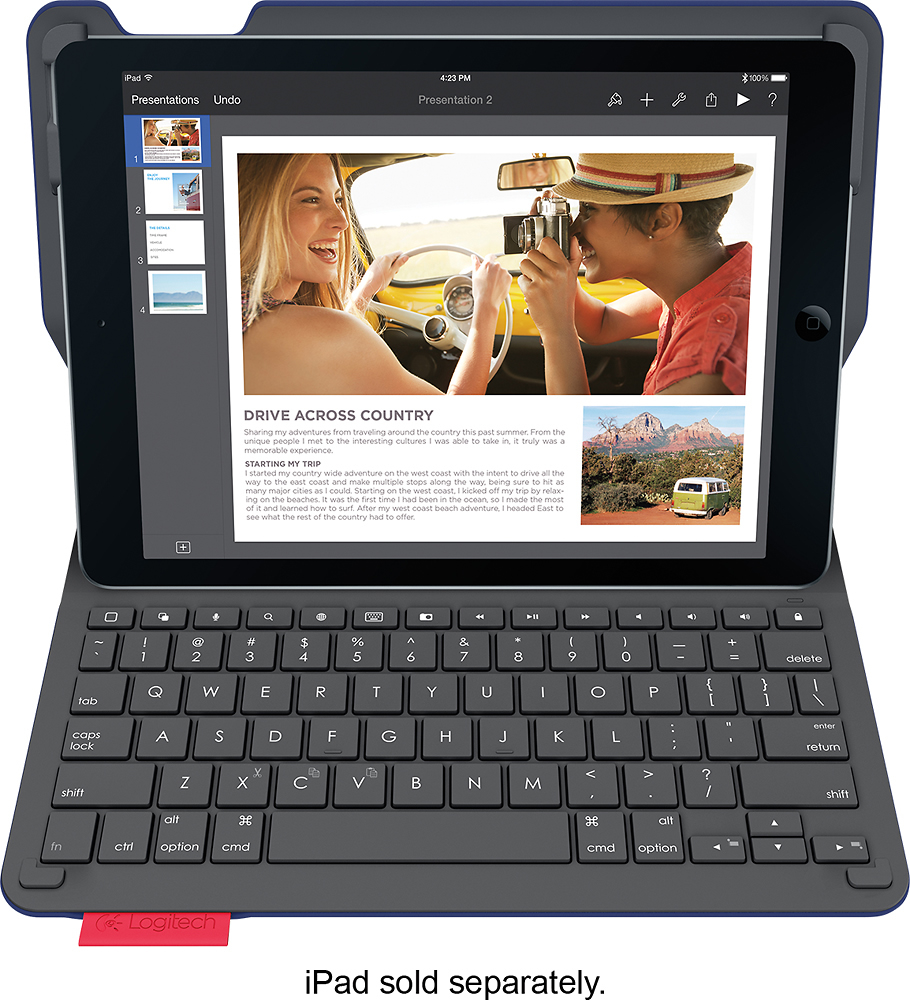
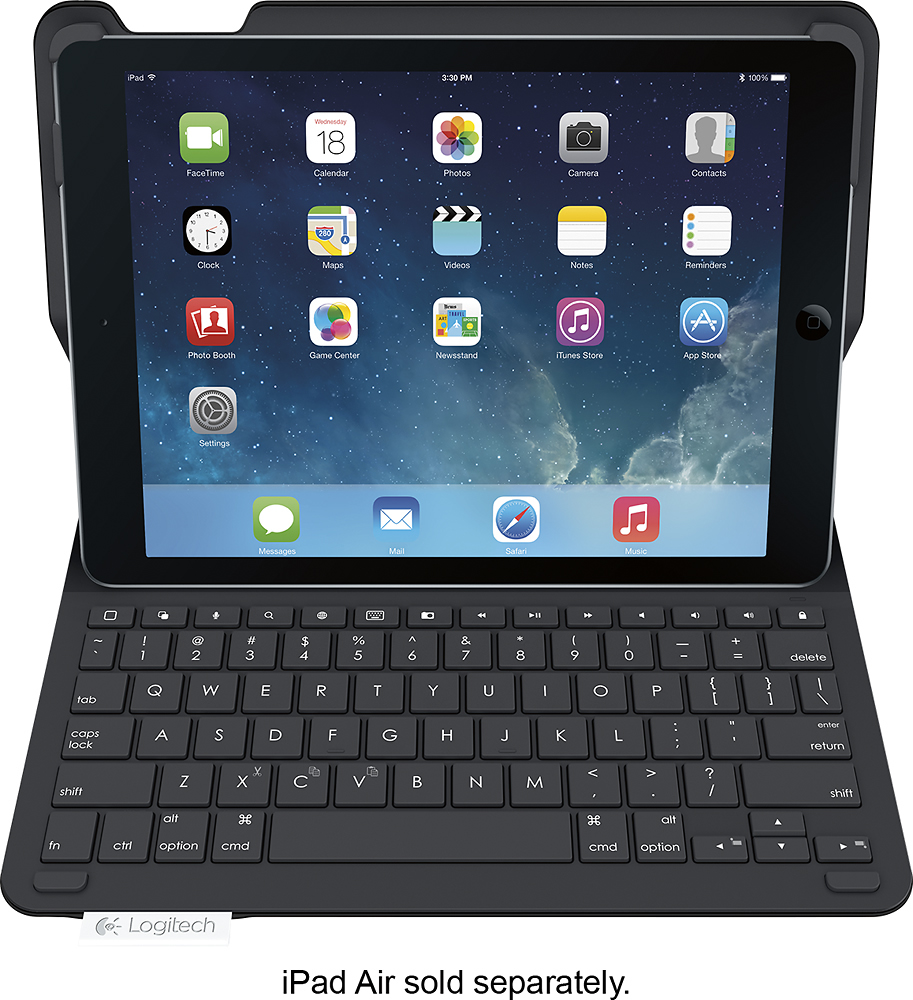
A:AnswerThe answer to your question regarding whether there is a glass protector that will fit this is unavailable. However, a screen protector is not necessary because when you are transporting your Apple Air, it will be folded in the case without the screen being exposed.
A:AnswerI just put the iPad into the holders on the top flap of the keyboard. There is a push-button switch on the right side of the keyboard section, next to the micro-USB charging port. Push it in and it should just turn on. I think I may have needed to pair it to the iPad, but I don’t really remember. You may need to charge it before use.
A:AnswerI found the keyboard works well for a small keyboard. I have large hands and can easily touch the keys using all my fingers to touch type. I don’t need to hunt and peck. The pressure needed to activate each key is perfect for me. I’m not a great typist. I often need to correct mistakes. I can easily hit delete and backup to do a correction. It’s not like a great full size keyboard. There is no breakin for it. You just have to adapt to it. Keep working on your typing with the keyboard, and you will get used to it. It’s much better than the virtual keyboad.
A:AnswerMine pops out sometimes when I am moving the Ipad around. I found that if I take the time to carefuly set it up on a flat surface, it stays in place. But you are right, the corner clamps dont’ hold it tightly and of course they are only at the top, and there are none at the bottom. On the other hand, they are easy to release the IPAD. My last case required me to pry out the ipad and I was always concerned, I would break the glass, but flexing the frame too much.