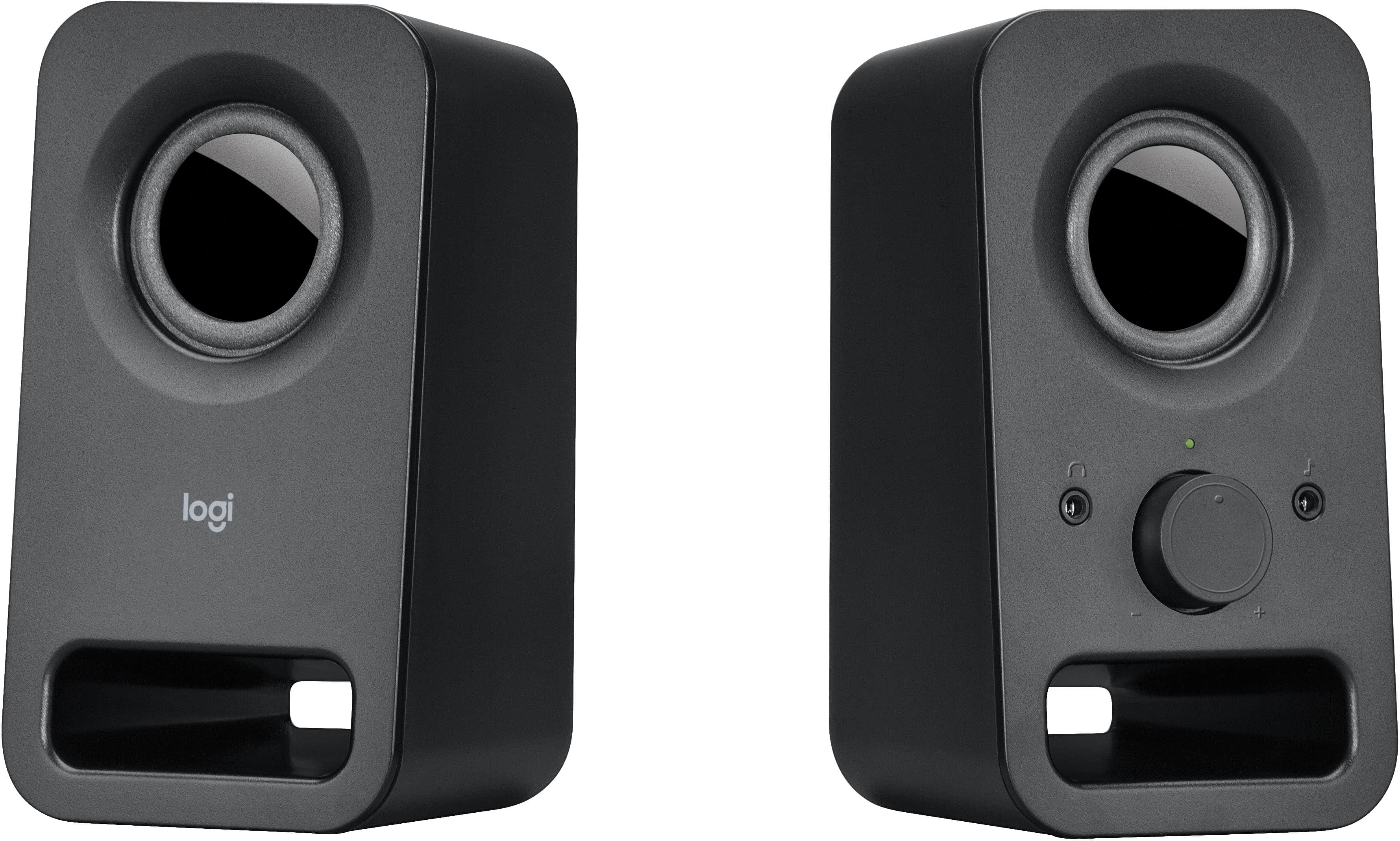
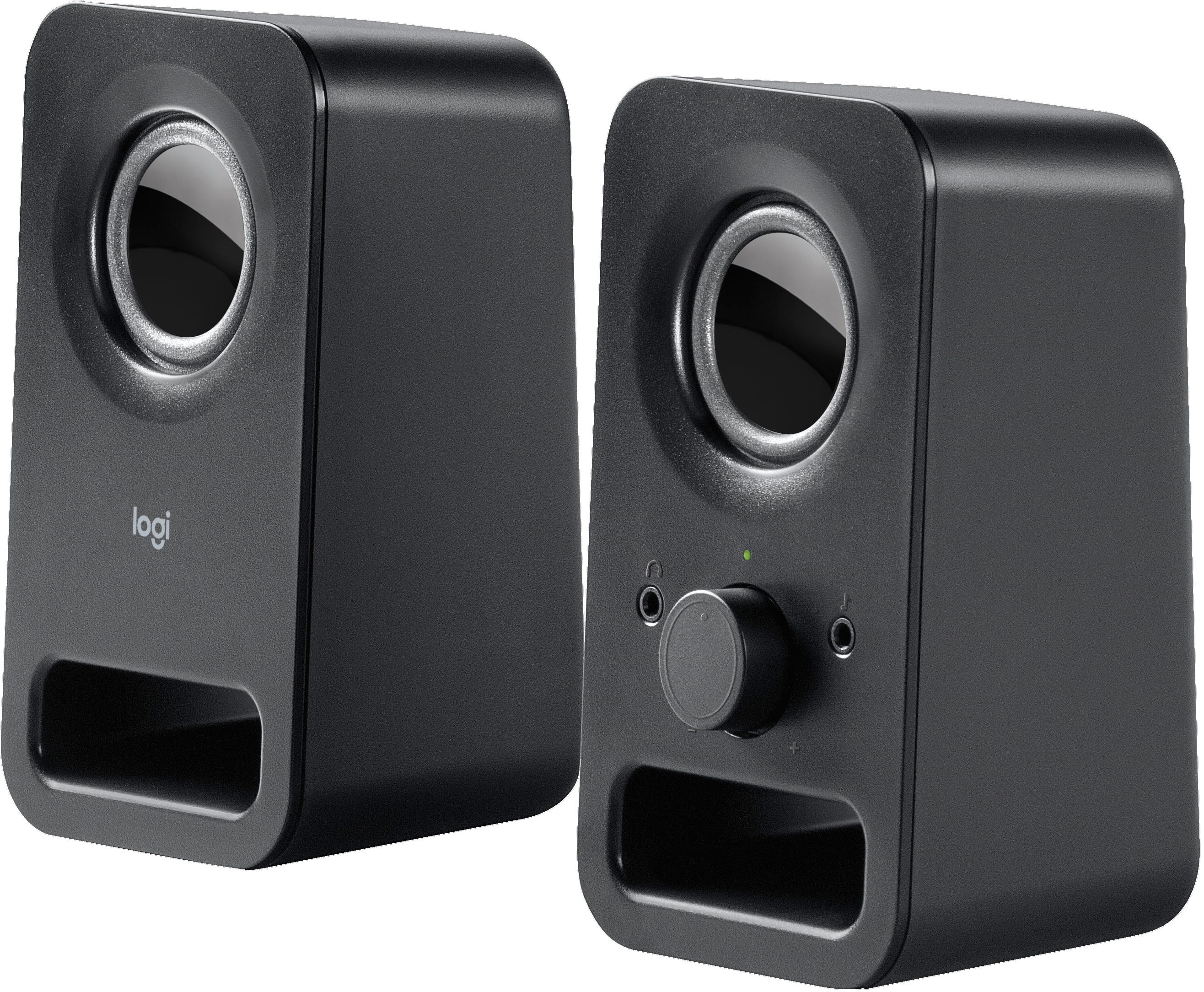
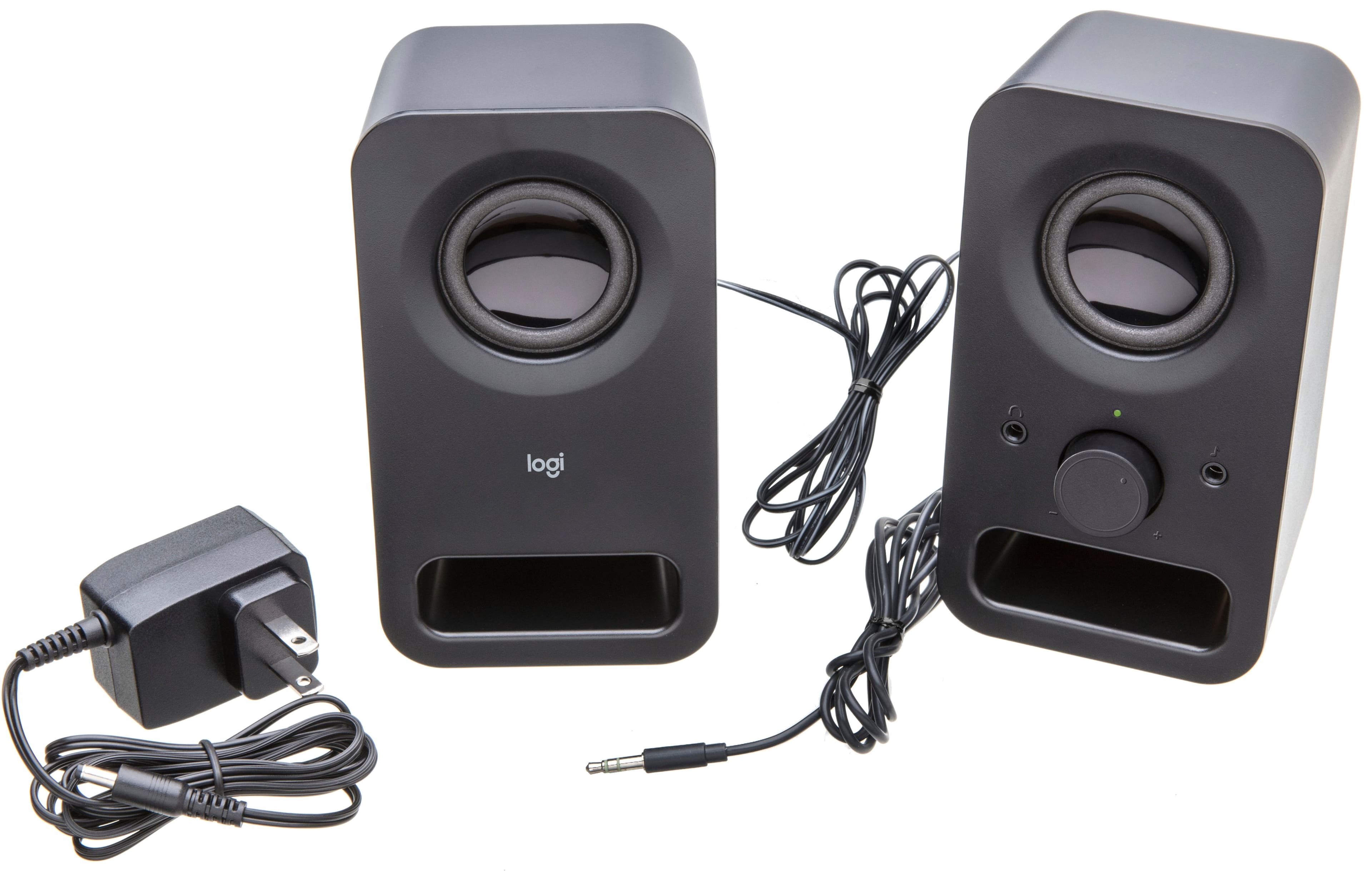
A:AnswerHello! The z150 2.0 Multimedia Speakers don't have any type of built-in mounting solutions no. You could possibly have them sit on a shelf or look for a custom support, but nothing official designed from Logitech. - Mathieu from Logitech
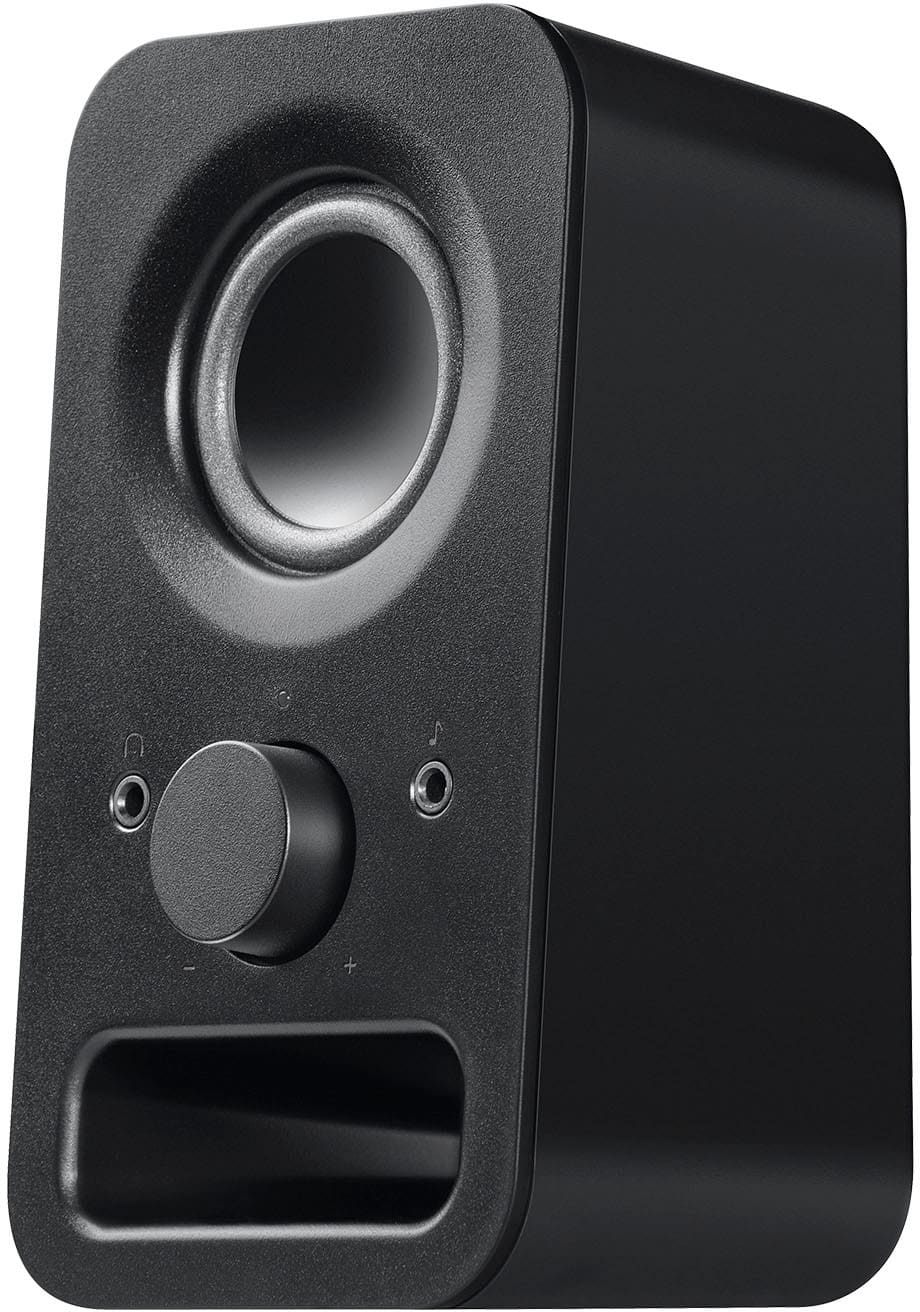
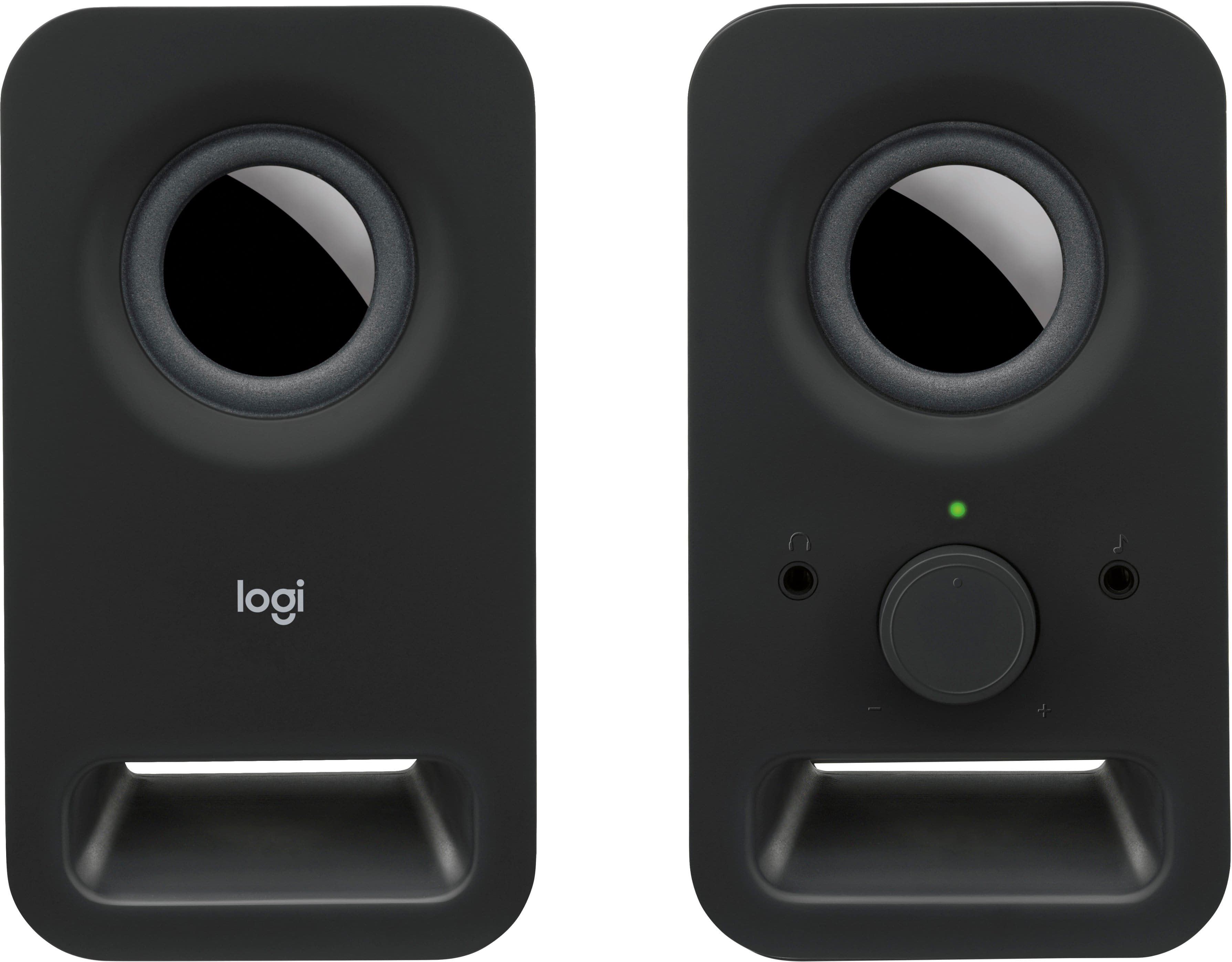
A:AnswerHello RushFan, The z150 Speakers don't have an on/off switch---the knob is simply for raising or lowering the volume. For more specifications, here's a link to the product page for the z150: https://support.logi.com/hc/en-us/articles/360024152174-Getting-started-Multimedia-Speakers-Z150. Hope that you find this helpful and that all is going well. - Richard from Logitech
A:AnswerIt depends on the turntable. There are 2 possible issues, the physical connector and RIAA equalization.
1). RIAA equalization. When LPs are recorded, the low frequencies are reduced and the high frequencies are boosted. On playback, the process is reversed. This method solves some problems, but your playback setup has to incorporate it and these speakers do not. Many modern turntables have this built in to their circuitry, but all older turntables relied on the electronics of the receiver, amp, or preamp to take care of this. See wikipedia, "RIAA equalization."
2). These speakers have a single 3.5 mm stereo plug. Many older turntables are designed with a pair of "RCA connectors." There are adapters available to convert from one to the other. See wikipedia, "Phone connector (audio)" and "RCA connector."
A:AnswerTo get higher volume, make sure the speakers are connected to a powered audio source and the volume knob on the right speaker is turned up fully. If they still sound quiet, check your computer or device’s audio settings — often the system volume is limiting output.
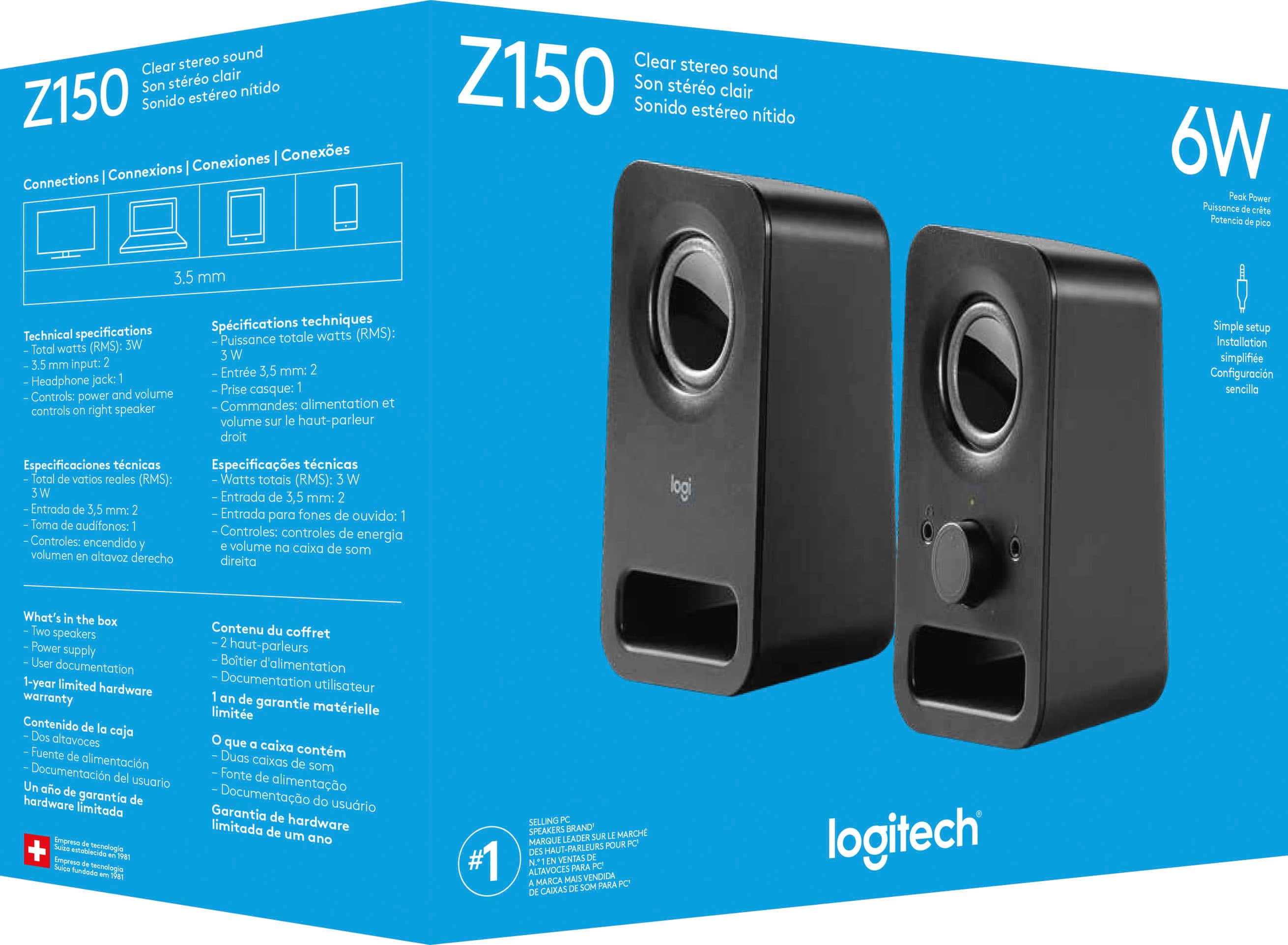
A:AnswerThe Z150 speakers are wired only — they connect via a 3.5mm audio jack. They don’t have Bluetooth capability, so they won’t pair directly with a Sony Bluetooth sound system. You’d need to connect them to a headphone jack or audio‑out port instead.
A:AnswerThe Z150 speakers connect using a standard 3.5mm audio jack, so you don’t need USB ports. Your Mac Mini has a headphone/audio out jack, and you can plug the speakers directly into that. No extra adapters required unless you prefer digital audio output.
A:AnswerThe Z150 speakers don’t support HDMI. They use a standard 3.5mm audio jack, so they’ll connect to computers, phones, or any device with a headphone output.