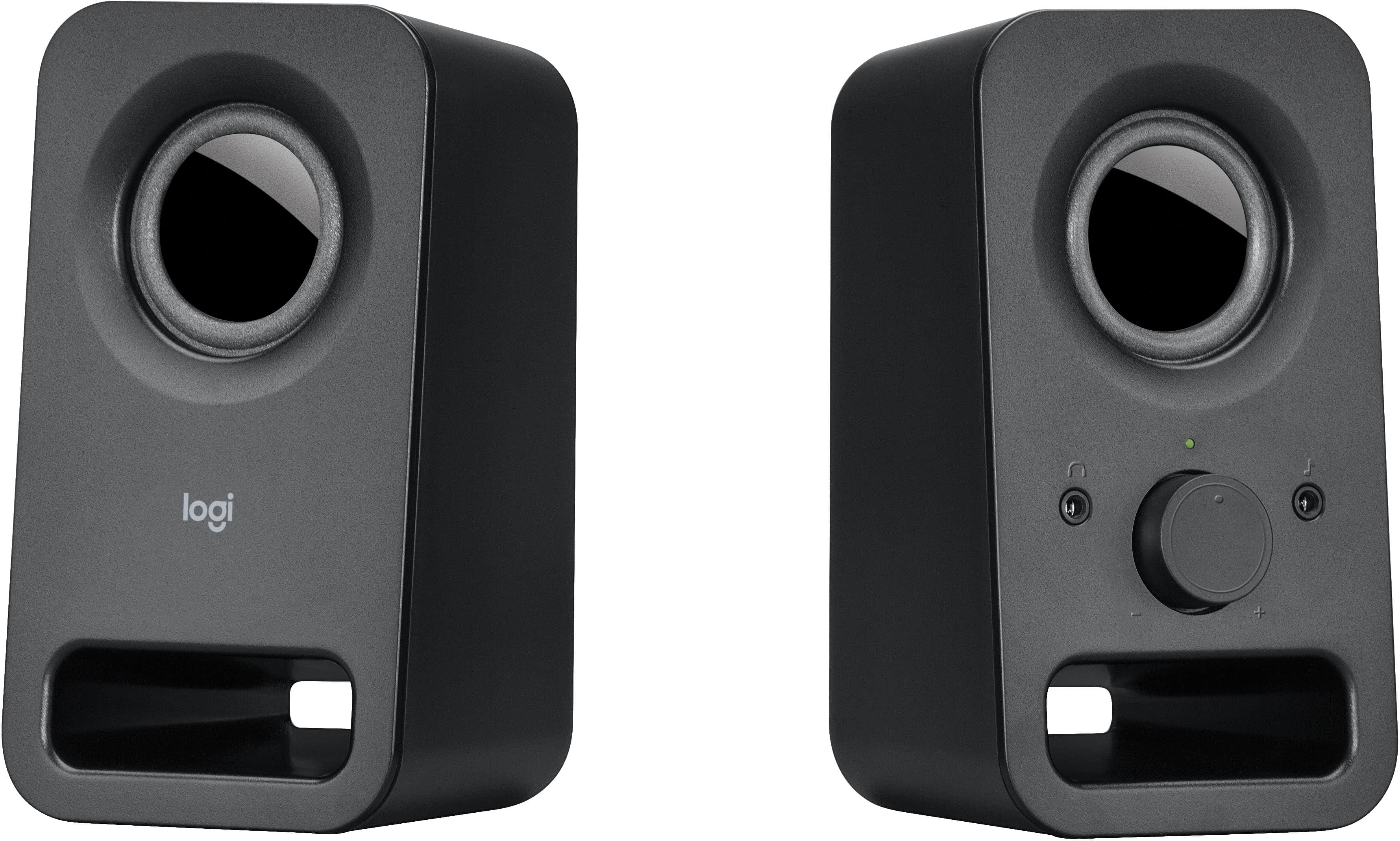
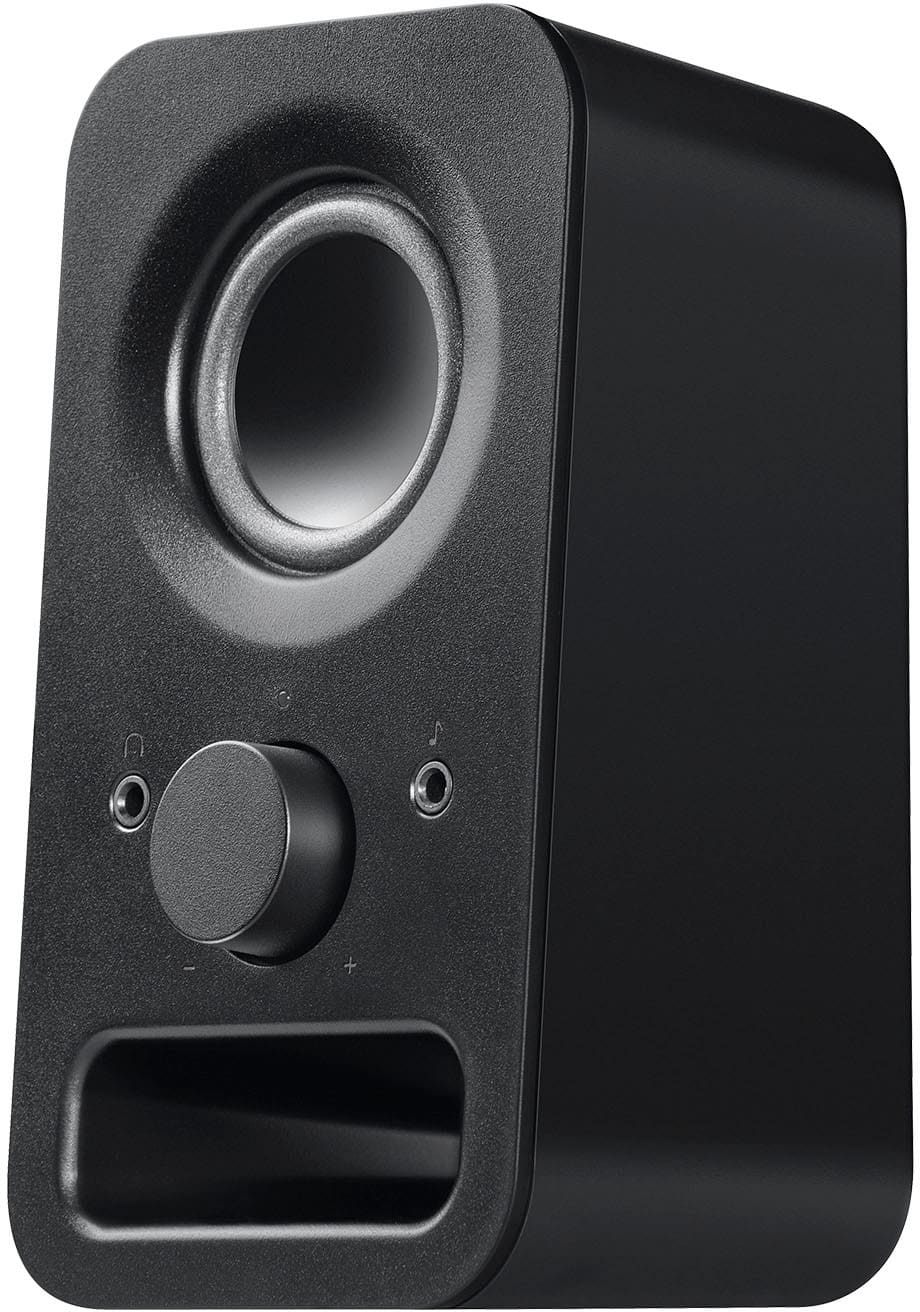
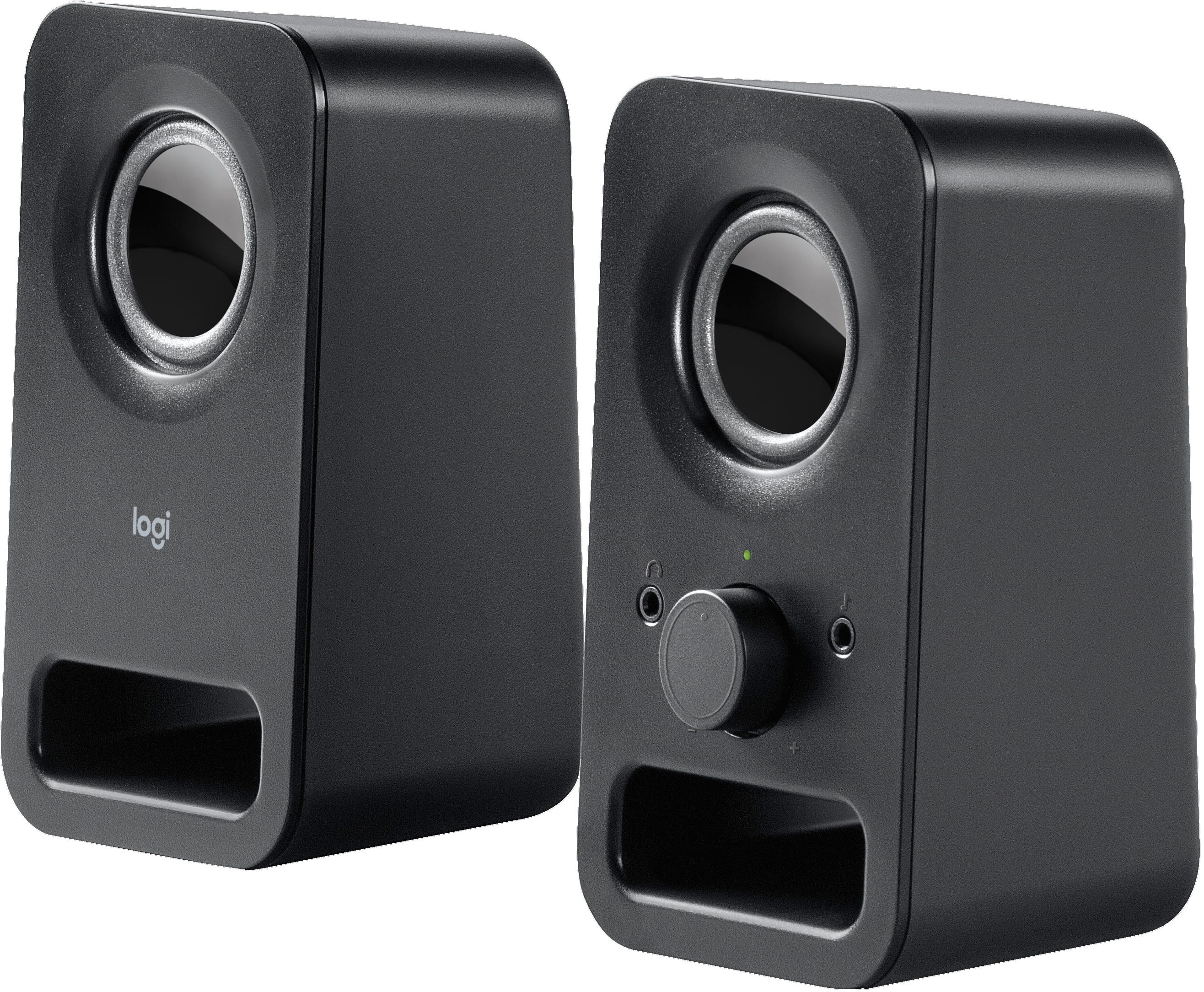
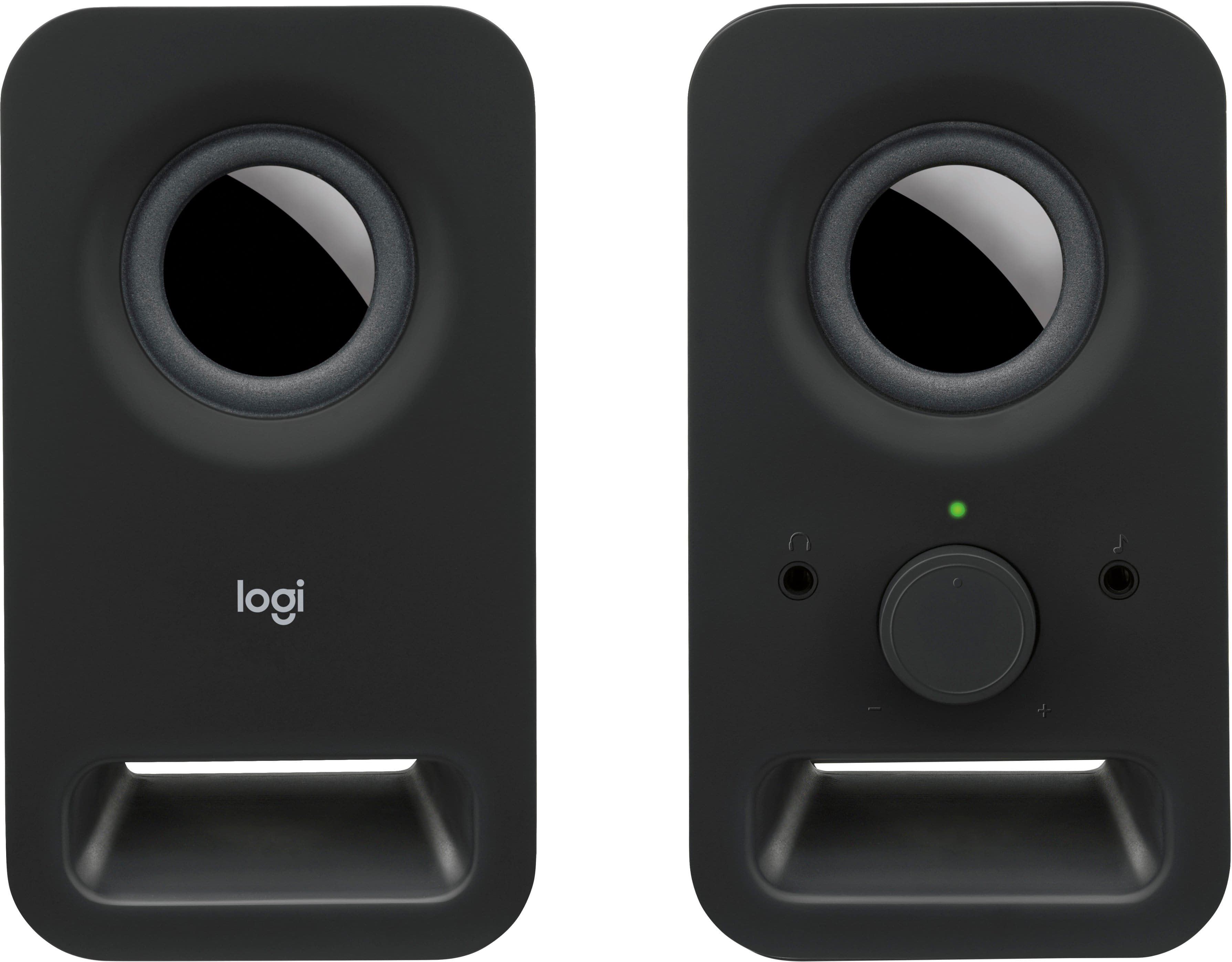
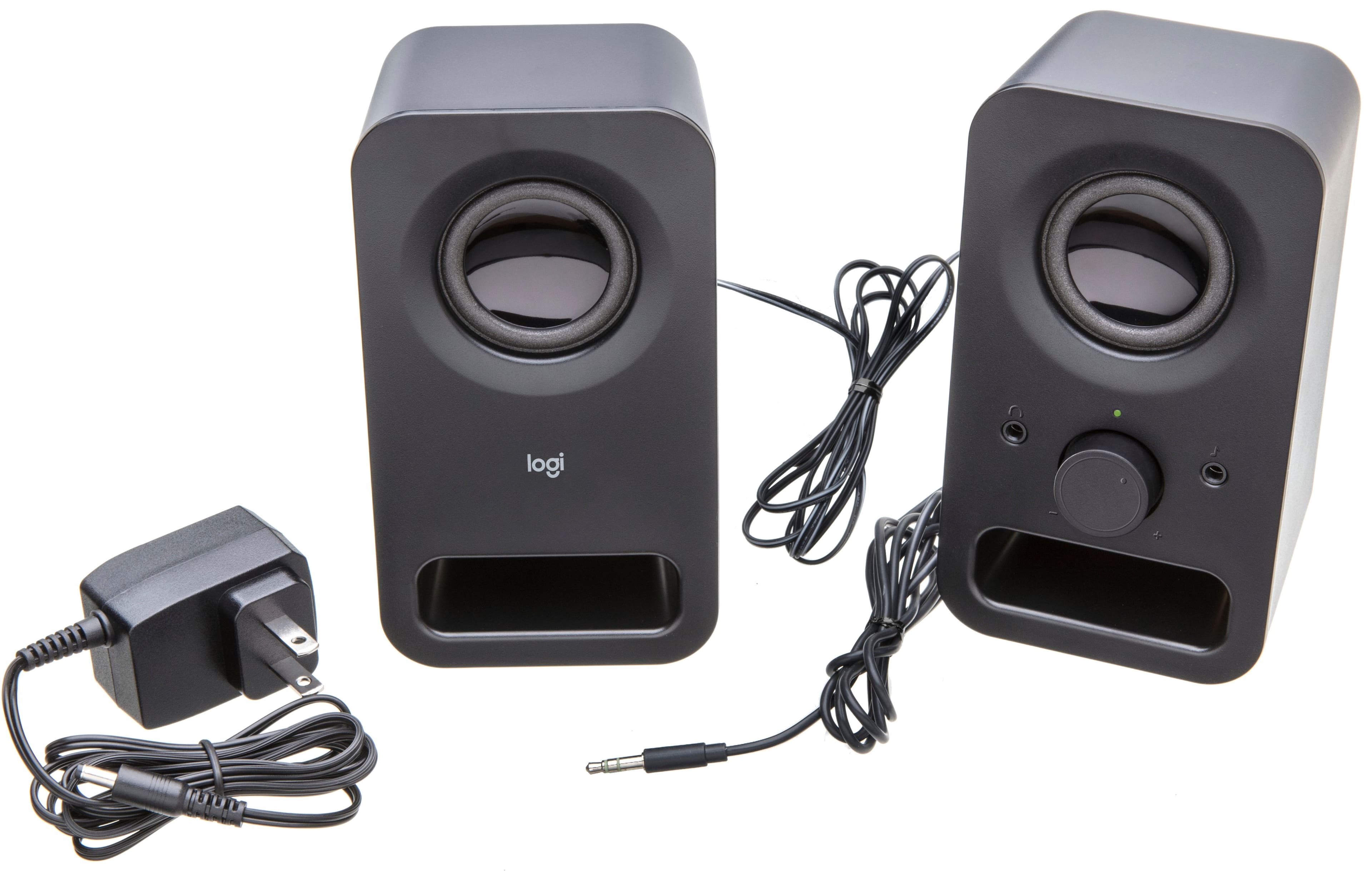
A:AnswerHey! No, the audio jack on the Logitech Z150 speakers, located on the front of the right speaker, is specifically designed for headphones and does not support microphone use.
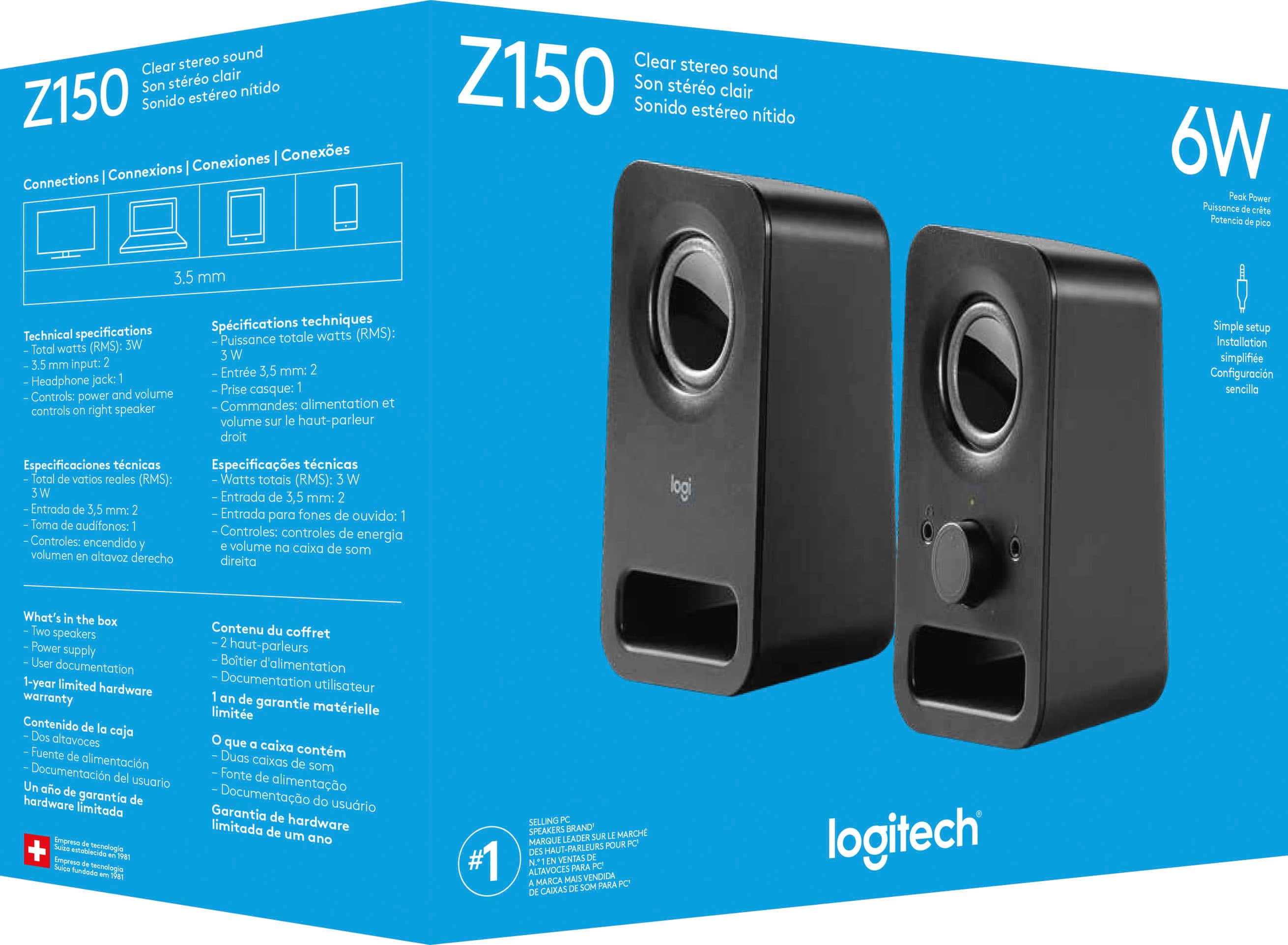
A:AnswerHey! The Z150 speakers works with any device with a headphone jack 0.14 in (3.5 mm) input including
Television
Computer
Smartphone
Tablet
Music player
A:AnswerHey! We do not recommend using adapters as this may hinder the hinder the functionality and can cause connection issues. We'd suggest you to directly plug the speakers into a headphone jack 0.14 in (3.5 mm) input.
A:AnswerHello Cowpoke! The z150 2.0 Multimedia Speakers need to be plugged in to a wall outlet for power, so that won't with a car radio unfortunately. - Mathieu from Logitech
A:AnswerHello! You won't be able to connect the z150 2.0 Multimedia Speakers directly to your console no, as the console doesn't have a 3.5mm port. What you can do, is connect your Xbox One via HDMI to a monitor that has a 3.5mm jack, and then connect the z150 Speakers to your monitor for sound. - Mathieu from Logitech