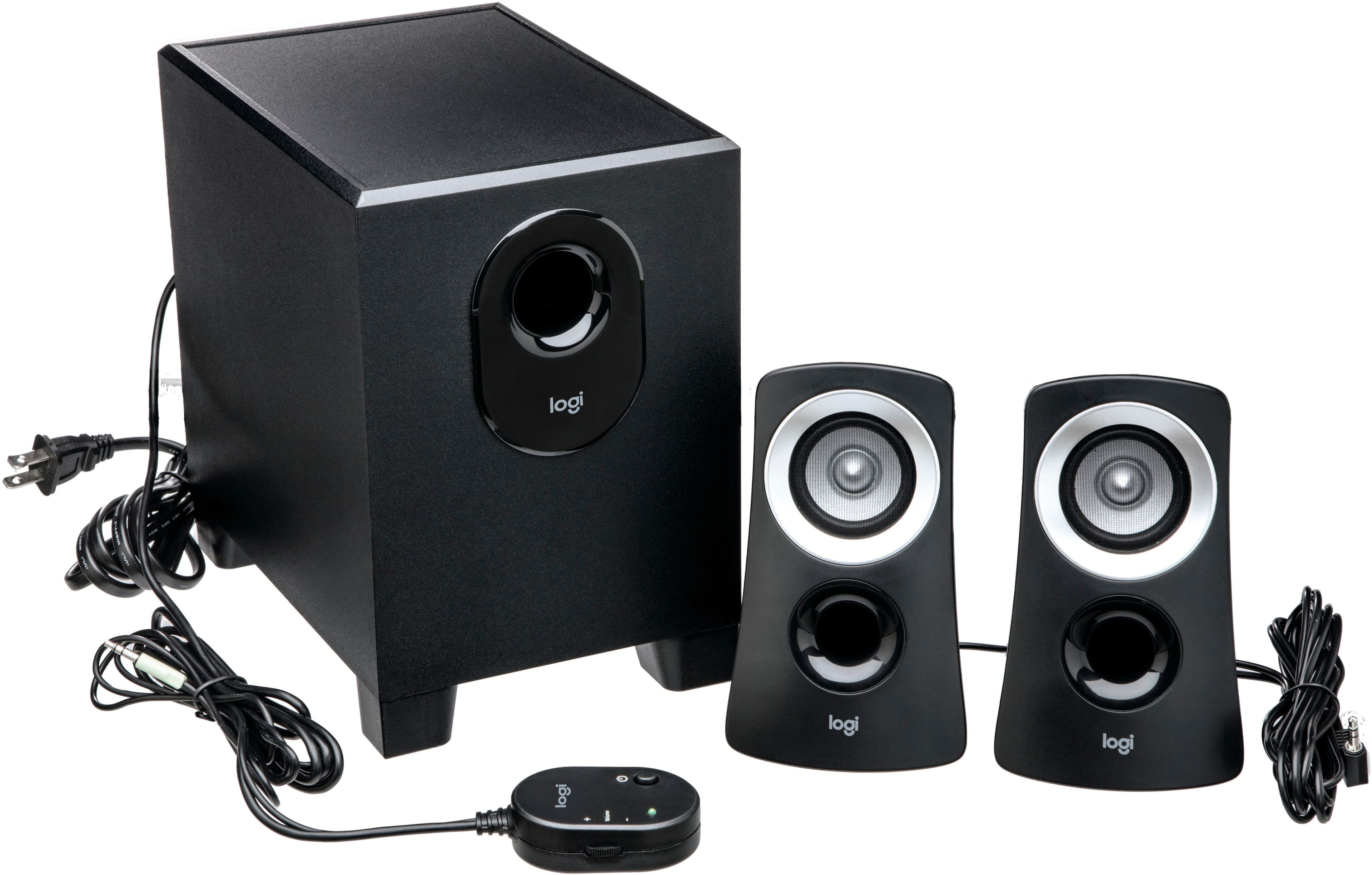
A:AnswerI believe you will need a converter for the speakers to work outside the USA. For the price of a converter you might as well just get new speakers in the country you're going to. There is no visible switch for the speakers to swap between 110 and 220.
A:AnswerYes as long as your computer tower has a 3.5 mm Jack insert on the back of it or where you hook up all your wires and everything so it just it's just like a standard headphone jack you basically plug it in right there so wherever you would plug your headphones into there you would plug these in right there and it would work just the same
A:AnswerYes there is a wire to plug it into a computer this could be a 3.5 mm Jack so basically the same thing that's on the headphones wired headphones that is it's going to be what's going to be on the unit itself and you'll just plug that directly into the headphone jack of your device
A:AnswerNo these speakers are not Bluetooth they are a plug and play simple easy to use you just hook them right into the headphone jack of whatever device you want to use to listen to audio from
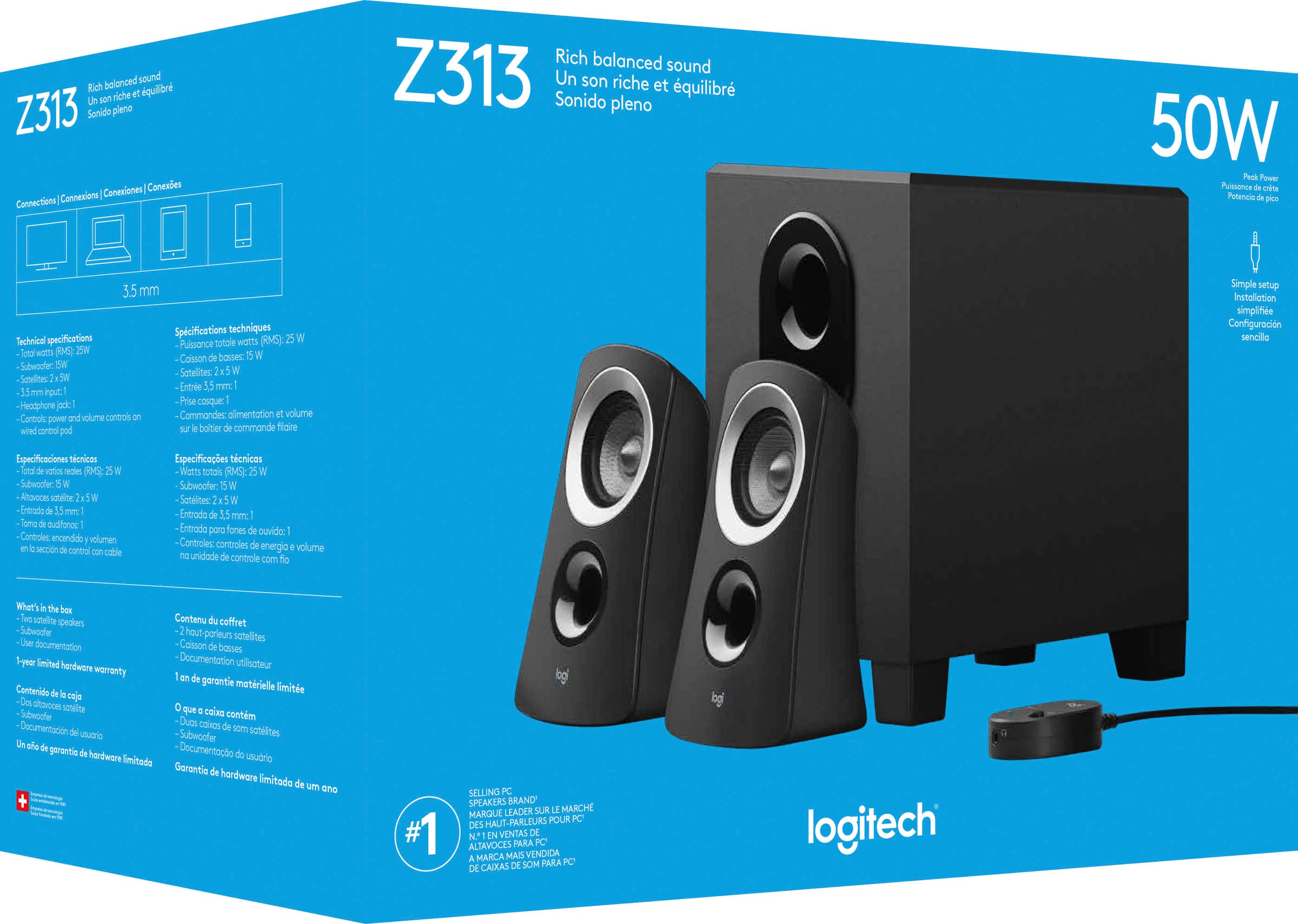
A:AnswerThe Logitech Z313 speaker system connects via a single 3.5mm audio jack, typically plugged into your computer or primary audio source. But, it cannot be directly connected to two monitors simultaneously.
A:AnswerThese are desktop speakers, they aren’t meant to be used on a tv. Which is why it only uses a 3.5mm jack. It’s meant for a pc or monitor. I’d suggest getting a soundbar. It’s slightly pricier but you’ll get better sound out of HDMI, and you’ll have a hassle free setup.