Questions & Answers
- Model:
- 981-001411
- |
- SKU:
- 6571808
Highly rated by customers for: Sound Quality, Comfort, Battery Life
$69.99
Page Showing 21-31 of 31 questions
Q: QuestionIs Logitech zone 300 wireless headset compatible with Xbox?
Asked by Anonymous.
- A:Answer The Logitech Zone 300 wireless headset is compatible with common calling applications on Windows, macOS, ChromeOS, iOS, iPadOS, and Android devices via Bluetooth. However, it is not compatible with Xbox consoles.
Answered by Logitech
Q: QuestionWill this work with Five 9 Softphone
Asked by kate.
- A:Answer The Logitech Zone 300 works with common calling applications on Windows, macOS, ChromeOS, iOS, iPadOS, and Android devices via Bluetooth. Therefore, it should work with Five9 Softphone, provided your device and the Five9 application support Bluetooth audio.
Answered by Logitech
Q: QuestionWill the headphones work with my tv and where do they connect to the tv.
Asked by Anonymous.
- A:Answer The Logitech Zone 300 is primarily designed for use with computers and mobile devices. It is not directly compatible with TVs.
Answered by Logitech
Q: Questioncan this be used with the webex app on a Mac for phone calls?
Asked by Kris.
- A:Answer Yes!
Answered by BrooklynB
Q: QuestionLooking for headset to wear at races and communicate with spouse.
Asked by Helen.
- A:Answer The Logitech Zone 300 Wireless Bluetooth Headset is a good option for communicating with your spouse during races.
Answered by Logitech
Q: QuestionWill this headset work to answer calls on my cellphone.
Asked by Anonymous.
- A:Answer It is bluetooth capable, so it should. I have never connected to my phone only PC
Answered by Bear12
Q: QuestionCan it pair with phones too?
Asked by K.
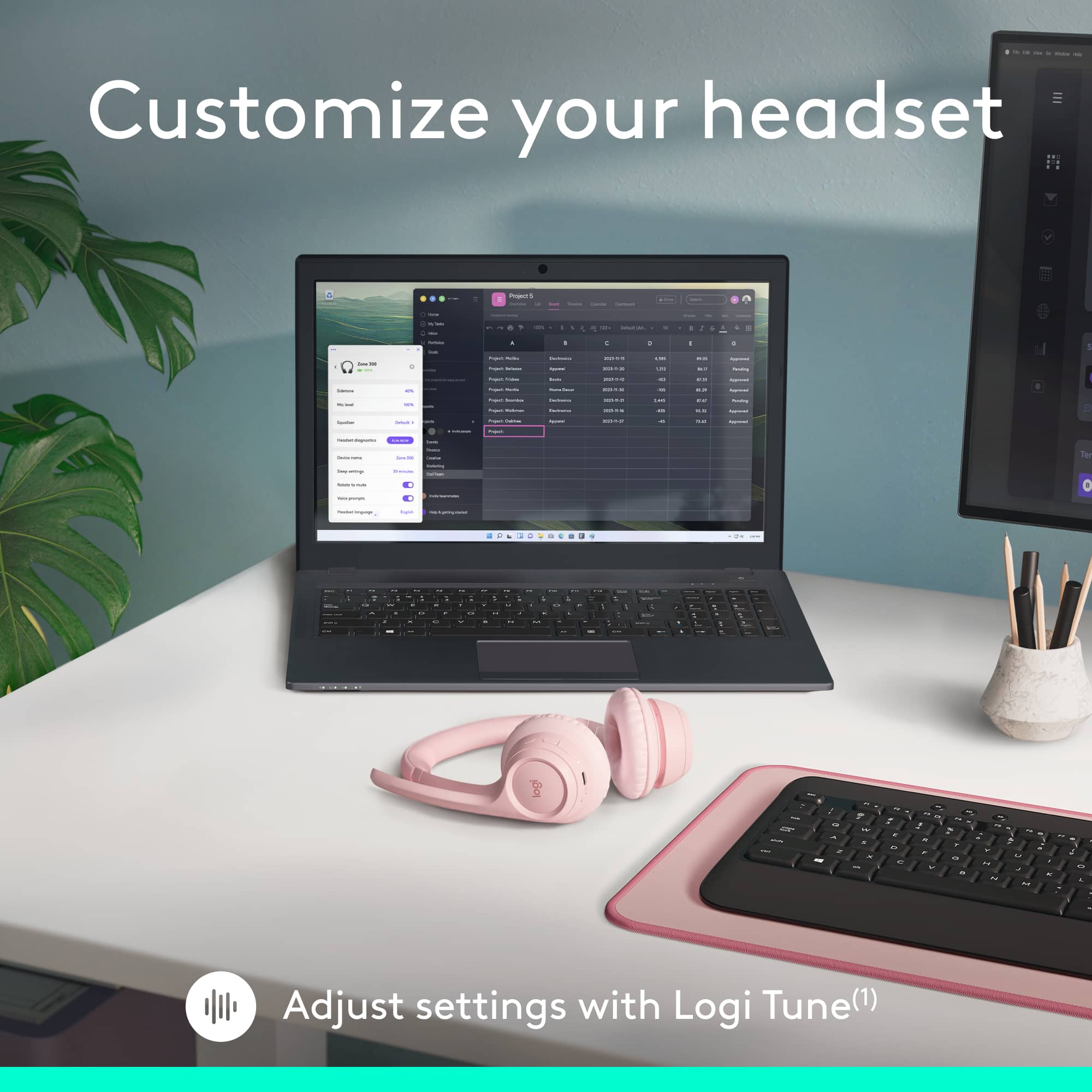
- A:Answer Yes but you have to download an app. Idk if worth
Answered by BrooklynB
Q: QuestionIs this compatible for avaya desk phones?
Asked by Jema.
- A:Answer Yes. I work with avaya using headset, disconnects a lot but it works
Answered by BrooklynB
Q: Questionis it required to download the application to the computer to use the headset or can i just use the USBC dongle to connect? my work doesnt want us using wireless headsets so dont want to have to download the application and request for IT to install it
Asked by Anonymous.
- A:Answer Hello, no there is nothing to download. It will be visible in your available bluetooth devices as soon as you turn on the headset.
Answered by DJEddy
Page 2, Showing 21-31 of 31 questions