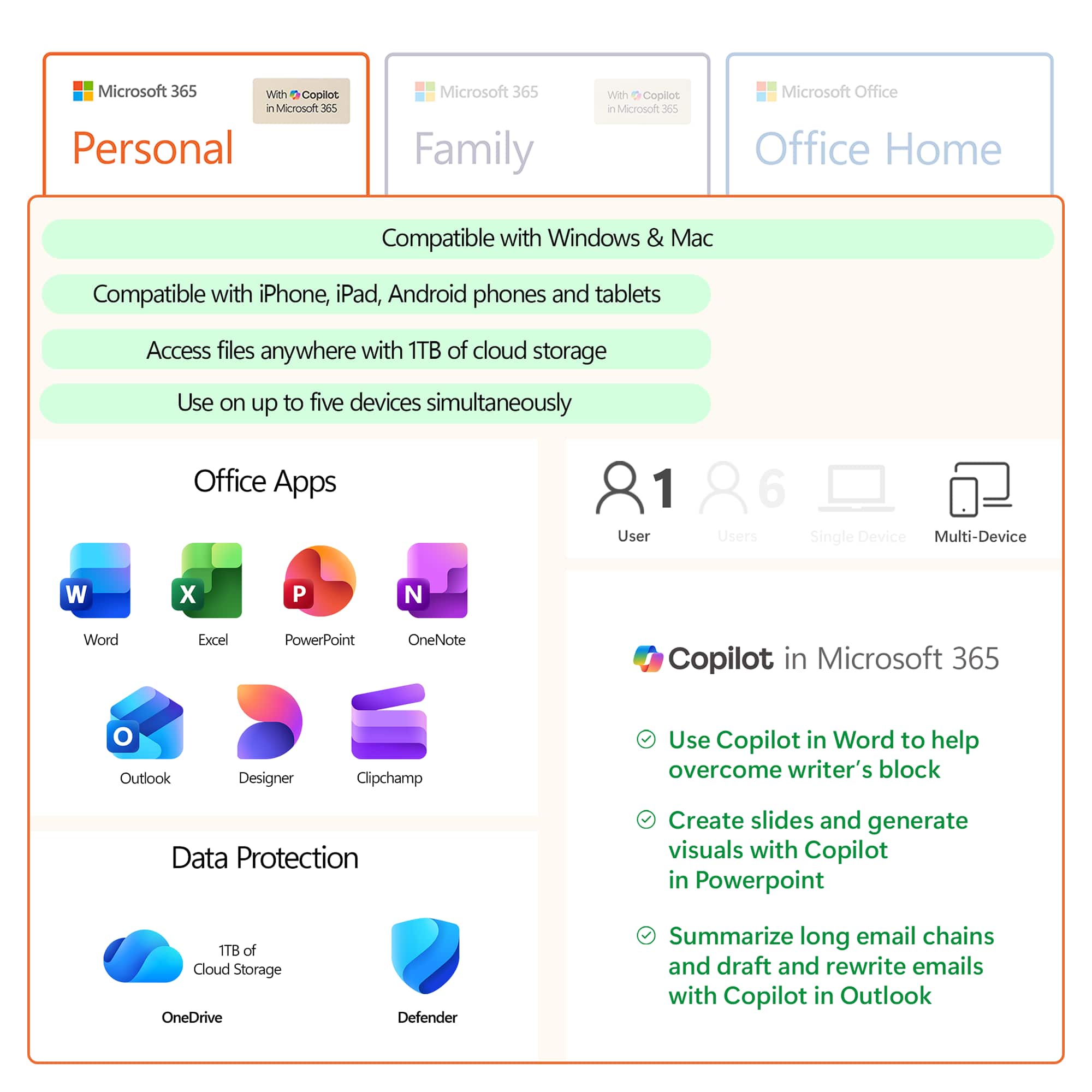
A:AnswerYes, you can install Office 365 Personal on multiple devices. To install Office 365 Personal on any device after the first you don't need the activation code, you simply log into your Microsoft Account on the new device and follow the instructions in our help page here: https://aka.ms/AA4rq32. You can also connect your Microsoft Account to the Office Apps on Android so that your files can sync across all your devices.
A:AnswerYou can install Office 365 Personal on multiple computers but you can only use it on one device at a time. If you want to be able to share your subscription with others you will need to purchase Office 365 Home.
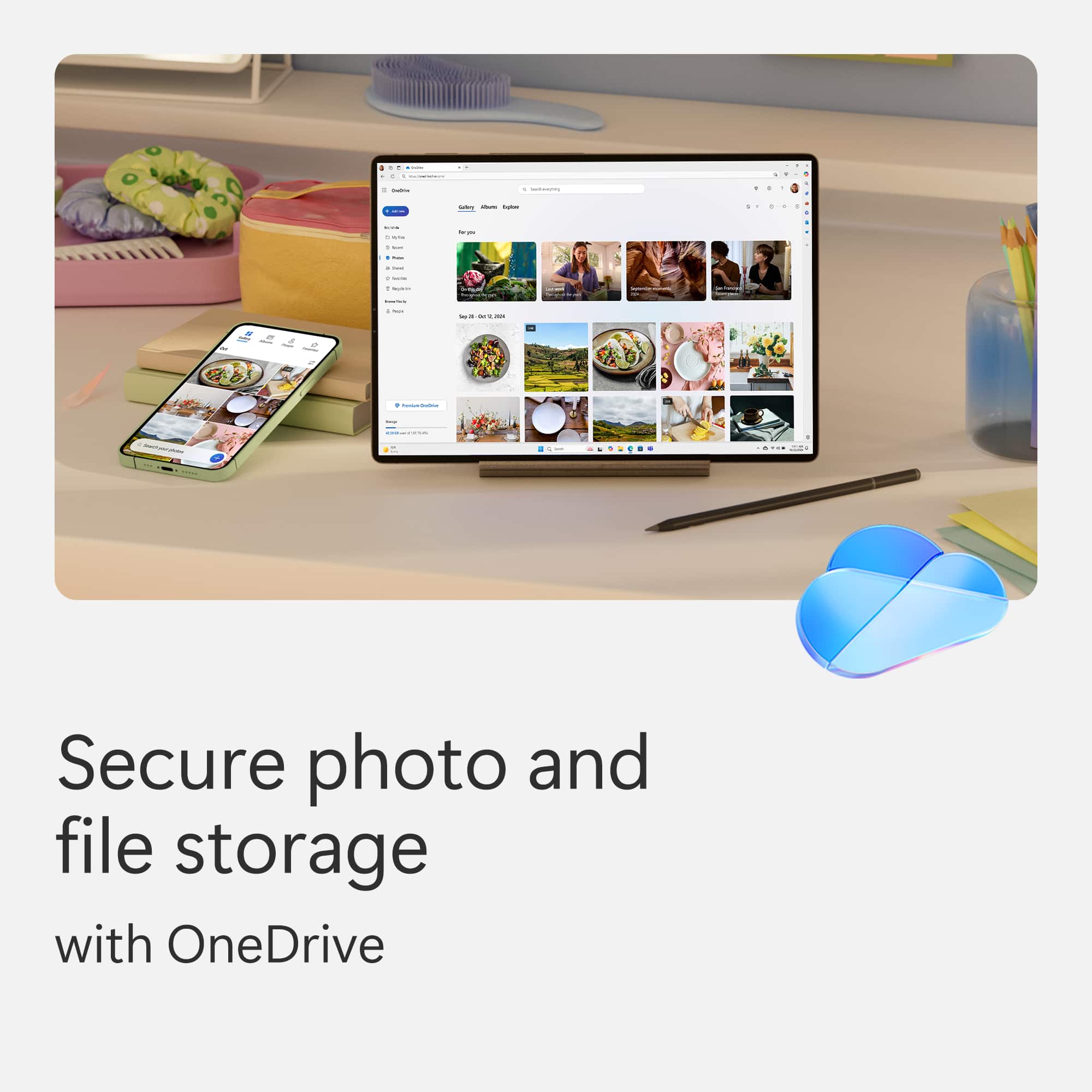
A:AnswerYou only need internet if you want to sync your files with OneDrive. You can always work on the files and they will sync the next time you use the internet.
A:AnswerOffice 365 is a subscription based version of Office but we do have a student version. Learn more about it here: https://www.microsoft.com/en-us/education/products/office.
A:AnswerIf you registered the product you should be able to call customer service and explain the issue and typically they will reissue that key code or give you a new one. This happens whenever I replace computers at the office and have to reload the software. In the future I suggest you keep your original key code stored somewhere for situations like this.
A:AnswerProduct keys must be redeemed within 5 years from the time that they are purchased from Microsoft. So if you purchased it from a 3rd party seller the clock would start at the time that they purchased it from Microsoft. Best Buy is a retailer not a 3rd party seller so purchasing from them would give you 5 years to activate it.
A:AnswerOne PERSON is a one person-computer card UNLESS stated on the card. There are some cards that can be used on more than one computer. They are more expensive.
A:AnswerI would think that anyone who works on a computer at work & uses one at home with limited space would love it. Notation: I'm going to be 66yrs. old this fall.
A:Answermay be usually occur when your system file gets corrupt and/or that corresponding application installation file get corrupt or not install their updates properly in your PC/System.
A:AnswerYou can call the MICROSOFT WORD help line. They will answer any questions. The purchase is time sensitive. If you purchased it a year ago, it will have expired. It is best to buy the package that is for a LIFETIME. You can always try GEEK SQUAD as well. As long as you have your receipt or the barcode, they can trace the purchase and provide an accurate update.
https://stores.bestbuy.com/mi/dearborn/16221-ford-rd-410/geeksquad.html?ref=NS&loc=ns100
https://support.microsoft.com/en-us/contactus/