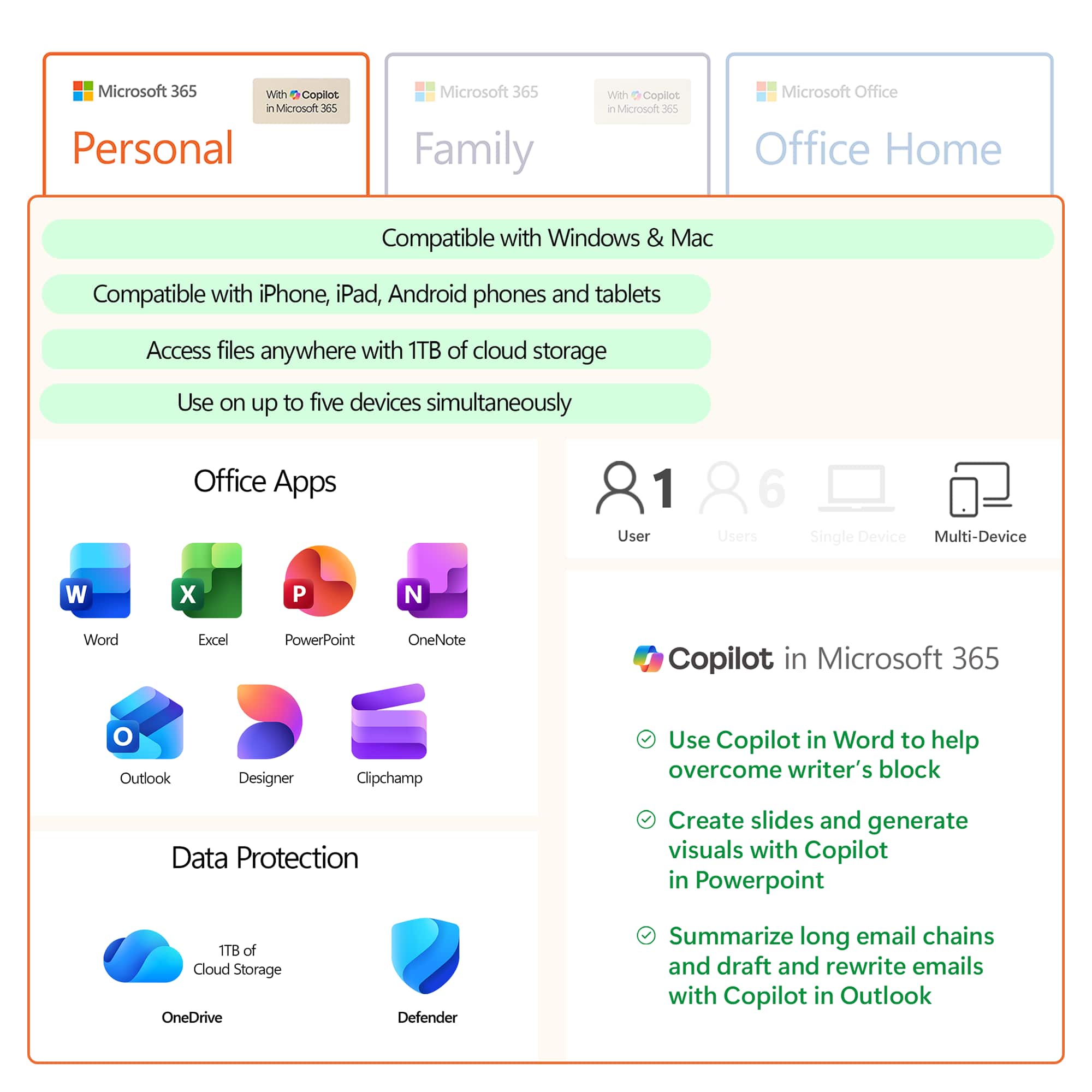
A:AnswerOffice 365 Personal is for one account, while Office 365 Home can be shared between 6 Microsoft accounts all of which will benefit from all the Office 365 benefits. You can learn more about it here: https://products.office.com/en-us/compare-all-microsoft-office-products?&87981000=87981000&WT.mc_id=DFLTCXC_Support_BestBuy_04162019&Ocid=&activetab=tab:primaryr1.
A:AnswerThis is in the product description for Office 365 Personal (1 Person): "Ideal for one person for use on multiple PCs/Macs, tablets, and phones (including Windows, iOS, and Android)*."
A:AnswerTo my understanding this is only for one PC/Mac & one tablet. There is one you can purchase for 99.00 & that one you can install up to 5 PCs/Macs.
A:AnswerThank you for your question. Your Microsoft 365 subscription may be managed through your Microsoft account. For more information, please go here: https://support.microsoft.com/en-us/office/manage-your-microsoft-365-subscription-959ac957-8d37-4ae4-b1b6-d6e4874e013f
A:AnswerFirst, find your 25-character Product Key. Second, go to www.office.com/setup. Third, enter your 25-character Product Key. Fourth, Sign in with or create a Microsoft account. Final step is to follow the instruction to get Office 365 on your laptop.
A:AnswerThank you for your question. To manage your Microsoft 365 subscription, simply sign into your Microsoft account here: https://account.microsoft.com/account
A:AnswerNo, you cannot upgrade if your subscription is managed by Best Buy. The instructions provided in the other answer simply send you in a circle between your Microsoft account and your Best Buy account
A:AnswerOur users are free to make changes to their subscription at any time. Simply visit your Microsoft account page, where you'll be able to make the desired amendments to your current elections. Find all the info you need, here: https://account.microsoft.com/account
A:AnswerNo. You only qualify for updates if you renew each year. Once you purchase lifetime you will enjoy whichever version is currently active at time of purchase.
A:AnswerAfter I paid for the Office 365 subscription, I received an email from Best Buy with the product key included in the text of the email (scroll down to find it). The subject line of the email was this:
"How to install your new Microsoft Office 365 software"