A:AnswerYou will have no issue accessing your current and existing files when you update to your new Microsoft 365 Personal subscription. When switching devices, be sure you purchase and pair up with the correct format of your new software, as there are multiple versions available, depending on your host operating system of choice.
A:AnswerYou will have no issue reinstalling your software on your new device. Simply visit the following link for a full outline of detailed reinstallation instructions and guidance: https://support.microsoft.com/en-us/office/download-and-install-or-reinstall-microsoft-365-or-office-2021-on-a-pc-or-mac-4414eaaf-0478-48be-9c42-23adc4716658
A:AnswerThe best place to start will be your Micrsoft profile page, where you'll be able to see and manage all of your current subscriptions. From this interface, you'll be able to make the changes you desire, and update your software accordingly. Find all the guidance you need, here: https://support.microsoft.com/en-us/office/manage-your-microsoft-365-subscription-959ac957-8d37-4ae4-b1b6-d6e4874e013f
A:AnswerGreat question! You can access and amend your subscriptions at any time by visiting the profile page of your Micrsoft account. Manage start/stop times, as well as billing and renewal, all in one, simple interface. Find all the information you need, here: https://support.microsoft.com/en-us/office/manage-your-microsoft-365-subscription-959ac957-8d37-4ae4-b1b6-d6e4874e013f
A:AnswerGreat question! You can find a full outline of download and installation instructions at the following link: https://support.microsoft.com/en-us/office/download-and-install-or-reinstall-microsoft-365-or-office-2021-on-a-pc-or-mac-4414eaaf-0478-48be-9c42-23adc4716658
A:AnswerI don't use 365 on my Chromebook. I use the online version of 365 combined with Google Docs to draft documents, then polish and finish them on my Windows computers.
A:AnswerGreat question! A full outline of download and installation instructions for your new Microsoft 365 Personal subscription can be found here: https://support.microsoft.com/en-us/office/download-and-install-or-reinstall-microsoft-365-or-office-2021-on-a-pc-or-mac-4414eaaf-0478-48be-9c42-23adc4716658
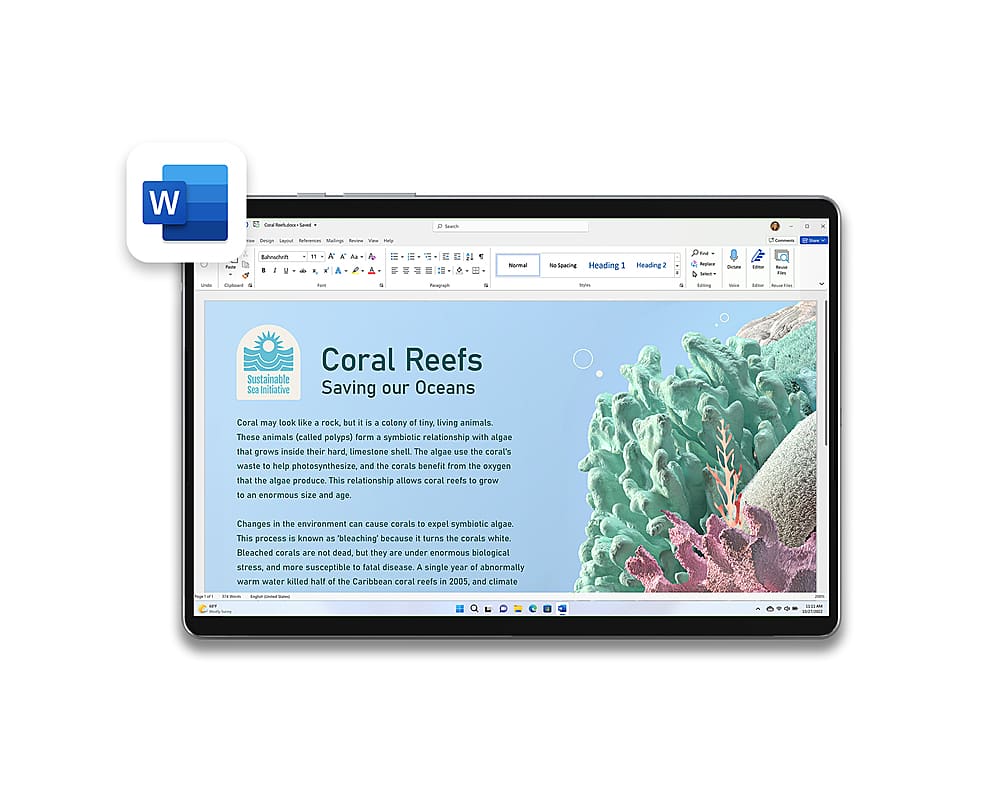
A:AnswerYes, Microsoft 365 Personal supports speech recognition. Simply use the Dictation feature when working within one of its included applications, which will allow you to utilize speech-to-text to author content.
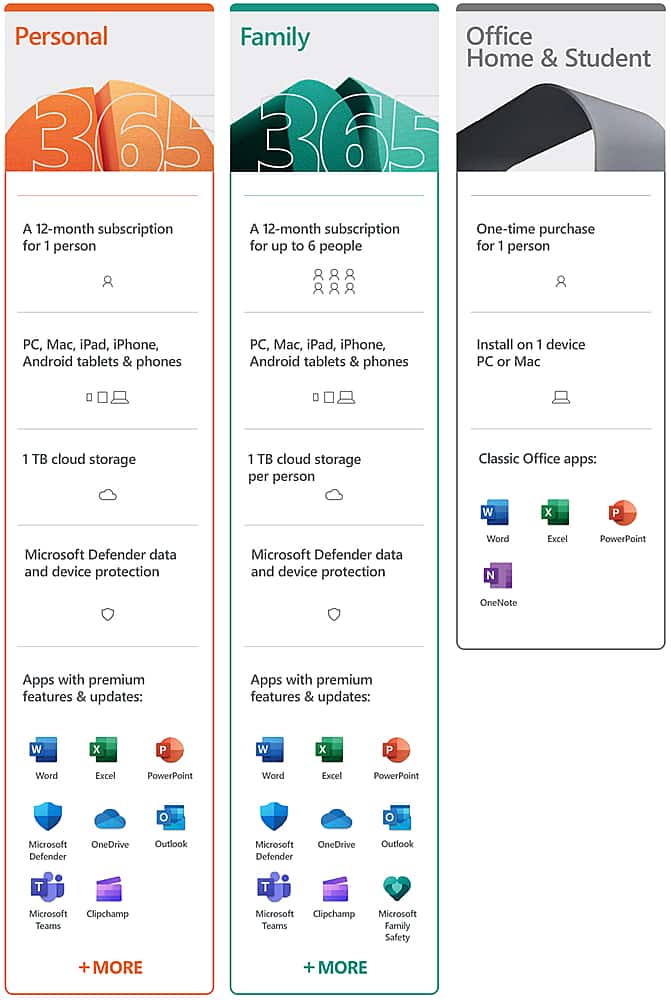
A:AnswerYes, Microsoft 365 Personal includes all of our most-used applications. For a full outline and breakdown of available packages and their included toolsets, we recommend visiting the following link: https://www.microsoft.com/en-us/microsoft-365/buy/compare-all-microsoft-365-products-b
A:AnswerThank you for your question. For information on how to install Microsoft 365 Personal, please go here: https://support.microsoft.com/en-us/office/download-and-install-or-reinstall-microsoft-365-or-office-2021-on-a-pc-or-mac-4414eaaf-0478-48be-9c42-23adc4716658