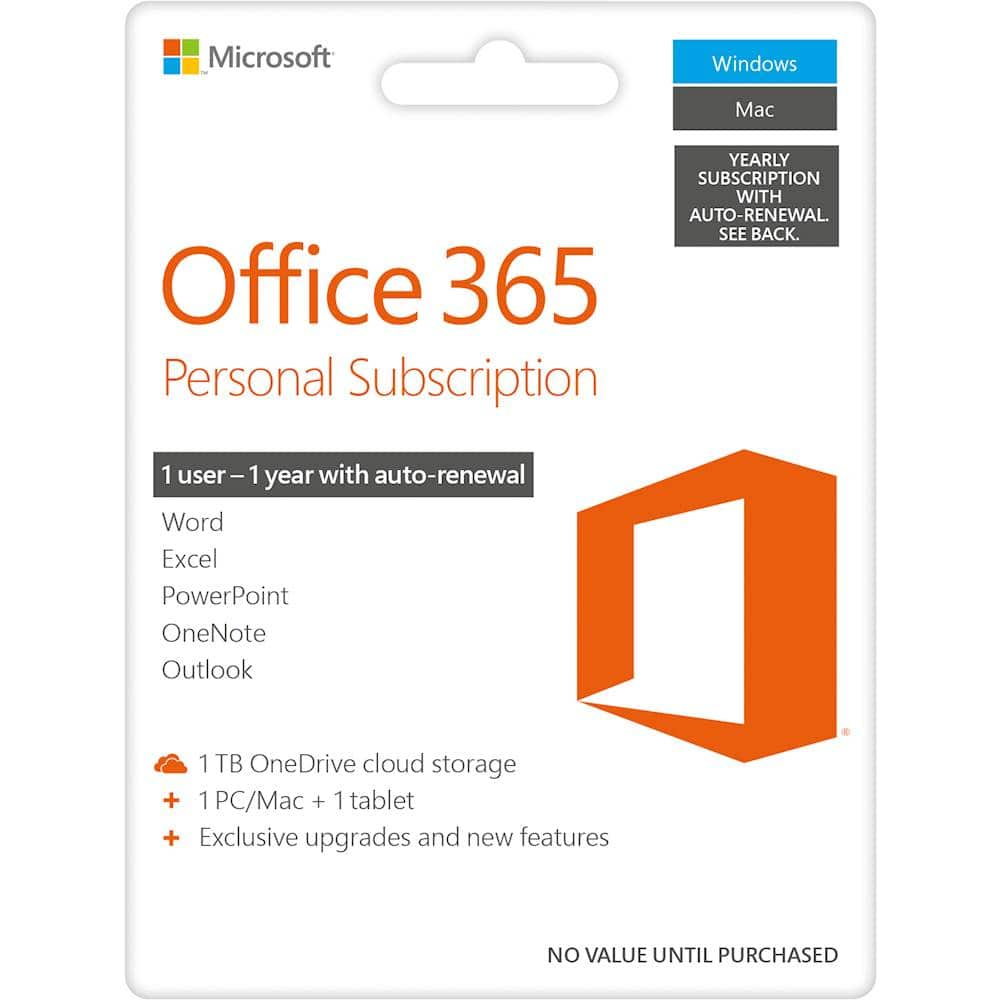
A:AnswerGreat question! The exact system requirements for your new Microsoft 365 Personal subscription depend on the type of device you are using. For a full outline of required components and necessary storage space, visit here: https://www.microsoft.com/en-us/microsoft-365/microsoft-365-and-office-resources?ocid=oo_support_mix_marvel_ups_support_smcofficeinstall_inline&rtc=1#coreui-heading-5dcqxz4
A:AnswerOur users are free to make changes and adjustments to their subscriptions at any time. Find a full outline of detailed instructions and how-to guides on managing your account, here: https://support.microsoft.com/en-us/office/renew-microsoft-365-for-home-58f3d0f8-15c4-4ad8-8c5f-16d682e8b545
A:AnswerMicrosoft 365 Personal requires one of the three most recent versions of macOS in order to operate. As long as this is the case, you should have no issue installing and running your new software. For further guidance, including a full outline of system requirements, visit here: https://www.microsoft.com/en-us/microsoft-365/microsoft-365-and-office-resources?ocid=oo_support_mix_marvel_ups_support_smcofficeinstall_inline&rtc=1#coreui-heading-5dcqxz4
A:AnswerOur users are free to make changes to their subscription at any time. Simply visit your Microsoft account page, where you'll be able to make the desired amendments to your current subscriptions and elections. Find all the info you need, here: https://account.microsoft.com/account
A:AnswerIt prompted me to answer this question… yeah what Microsoft has done is rent out their software and include consistent updates for each program. So pretty much paying yearly to get all the newest updates.
A:AnswerGreat question! Microsoft 365 Personal has been designed to work seamlessly with Windows 11. For a full outline of system requirements, visit here: https://www.microsoft.com/en-us/microsoft-365/microsoft-365-and-office-resources?ocid=oo_support_mix_marvel_ups_support_smcofficeinstall_inline&rtc=1#coreui-heading-5dcqxz4
A:AnswerYou can manage your subscriptions at any time by visiting your Microsoft profile page and selecting "Manage Subscription". For a full outline of detailed, step-by-step instructions, visit here: https://support.microsoft.com/en-us/office/cancel-a-microsoft-365-subscription-46e2634c-c64b-4c65-94b9-2cc9c960e91b
A:AnswerNo, switching plans doesn't impact your Office apps and you don't need to reinstall them. For a full outline of information regarding the upgrade to your subscription and commonly asked questions, visit here: https://support.microsoft.com/en-us/office/switch-to-microsoft-365-family-or-microsoft-365-personal-3fcc1efc-2722-427f-8efa-db94b9b0a36b?wt.mc_id=o365_cons_ts_link&ui=en-us&rs=en-us&ad=us
A:AnswerMicrosoft 365 Personal has been designed to work seamlessly with Windows 11, Windows 10, Windows 8.1, Windows Server 2019, and Windows Server 2016. For a full outline of system requirements and eligibility, visit here: https://www.microsoft.com/en-us/microsoft-365/microsoft-365-and-office-resources#coreui-heading-5dcqxz4
A:AnswerGreat question! You can update your host device at any time by simply reinstalling your software. Below is a link to helpful instructions and how-to information when downloading and installing on a new device. Find all you need, here: https://support.microsoft.com/en-us/office/download-and-install-or-reinstall-microsoft-365-or-office-2021-on-a-pc-or-mac-4414eaaf-0478-48be-9c42-23adc4716658
A:AnswerUsers are unable to install the desktop PC or Mac versions of Microsoft 365 on a Chromebook. However, depending on your Chromebook, you may be able to install the Office mobile apps. Visit here for more information on device capability and installation: https://support.microsoft.com/en-us/office/how-to-access-microsoft-office-on-a-chromebook-32f14a23-2c1a-4579-b973-d4b1d78561ad?wt.mc_id=o365_cons_ts_link&ui=en-us&rs=en-us&ad=us