Appliances Presidents’ Day SaleEnds 2/25. Limited quantities. No rainchecks.Shop now

Skip to contentGo to Product SearchGo to Footer
Main Content

Questions & Answers

Your price for this item is $69.99
Page Showing 561-580 of 806 questions
  • QuestionIf I buy the 6 person option, can it be installed on multiple computers?

    Asked by GW.

    • Answer Yes, you can install it on all your devices, and so can each person your share your Microsoft 365 Family subscription with. To share your subscription follow the steps here: https://aka.ms/AA4rino. To install on multiple devices follow the instructions here: For PCs follow the instructions here: https://aka.ms/AA4rq32 For Chromebook and Android devices follow the instructions here: https://aka.ms/AA4rinm For iPad and iPhone follow the instructions here: https://aka.ms/AA4rinc

      Answered by MicrosoftOutreachTeam

  • QuestionWhat is the Microsoft Family Safety app?

    Asked by MicrosoftFAQ.

    • Answer Microsoft Family Safety empowers families to help protect their loved ones with physical and digital safety in one app.

      Answered by MicrosoftOutreachTeam

  • QuestionWhat is Money in Excel?

    Asked by MicrosoftFAQ.

    • Answer Money in Excel is a new solution that makes it easy to manage, track and analyze your finances all in one place - Excel.

      Answered by MicrosoftOutreachTeam

  • QuestionWhat is Microsoft Editor?

    Asked by MicrosoftFAQ.

    • Answer Editor helps you put your best foot forward as you write with capabilities, such as spelling and basic grammar. With Microsoft 365 you also get advanced grammar and style refinements such as ways to write with more clarity and conciseness, suggestions for more formal language, new vocabulary suggestions and more.

      Answered by MicrosoftOutreachTeam

  • QuestionWill my files transfer over from Office 365?

    Asked by MicrosoftFAQ.

    • Answer Yes, you will be able to open Office 365 files in Microsoft 365.

      Answered by MicrosoftOutreachTeam

  • QuestionIs this 32 or 64 bit?

    Asked by MicrosoftFAQ.

    • Answer Microsoft 365 can be installed as either.

      Answered by MicrosoftOutreachTeam

  • QuestionDoes this work on iPhone?

    Asked by MicrosoftFAQ.

    • Answer Yes

      Answered by John

  • QuestionDoes this work on Android?

    Asked by MicrosoftFAQ.

    • Answer Yes, though the installation process is a little different. Open the Google Play Store and search for the Microsoft 365 apps you want to install. Click Install. Once your app(s) are installed, launch the app you want to open. Sign in with your personal Microsoft Account or your account associated with your Office 365 subscription.

      Answered by MicrosoftOutreachTeam

  • QuestionCan I share this with others that do not live in my region?

    Asked by MicrosoftFAQ.

    • Answer Yes, you can. Only the original account needs to be in the region.

      Answered by MicrosoftOutreachTeam

  • QuestionWhat region is this for?

    Asked by MicrosoftFAQ.

    • Answer The North American region.

      Answered by MicrosoftOutreachTeam

  • QuestionCan I install this on multiple computers/devices?

    Asked by MicrosoftFAQ.

    • Answer Yes, you can install it on all your devices. For PCs follow the instructions here: https://aka.ms/AA4rq32 For Chromebook and Android devices follow the instructions here: https://aka.ms/AA4rinm For iPad and iPhone follow the instructions here: https://aka.ms/AA4rinc

      Answered by MicrosoftOutreachTeam

  • QuestionWhat’s the difference between Microsoft 365 and Office 365?

    Asked by MicrosoftFAQ.

    • Answer Microsoft 365 Personal and Family subscriptions have all the productivity benefits of Office 365 but with a host of new experiences and value. The core Office apps people know, and love are included along with new experiences and value like Microsoft Editor, a robust partner benefit program and more. Over time, we will continue to add more productivity and protection benefits from across Microsoft to Microsoft 365 Personal and Family subscriptions.

      Answered by MicrosoftOutreachTeam

  • QuestionI have an HP Notebook, and I'm not sure what to use as office Microsoft, can you help me ?

    Asked by lucille.

    • Answer If you are looking for the right fit we recommend you check out our comparison page here: https://www.microsoft.com/en-us/microsoft-365/compare-all-microsoft-365-products?activetab=tab%3aprimaryr1.

      Answered by MicrosoftOutreachTeam

  • QuestionDoes Best Buy Total Tech support the digital Microsoft 365 personal

    Asked by ELTRAIN.

    • Answer You will need to reach out to Best Buy for an answer to this question.

      Answered by MicrosoftOutreachTeam

  • QuestionIs this windows 10?

    Asked by LO.

    • Answer Yes

      Answered by John

  • QuestionDoes the software work without an internet connection?

    Asked by Jphilip3732.

    • Answer Yes, but any changes you make to documents in the cloud will require internet to sync the changes you make.

      Answered by MicrosoftOutreachTeam

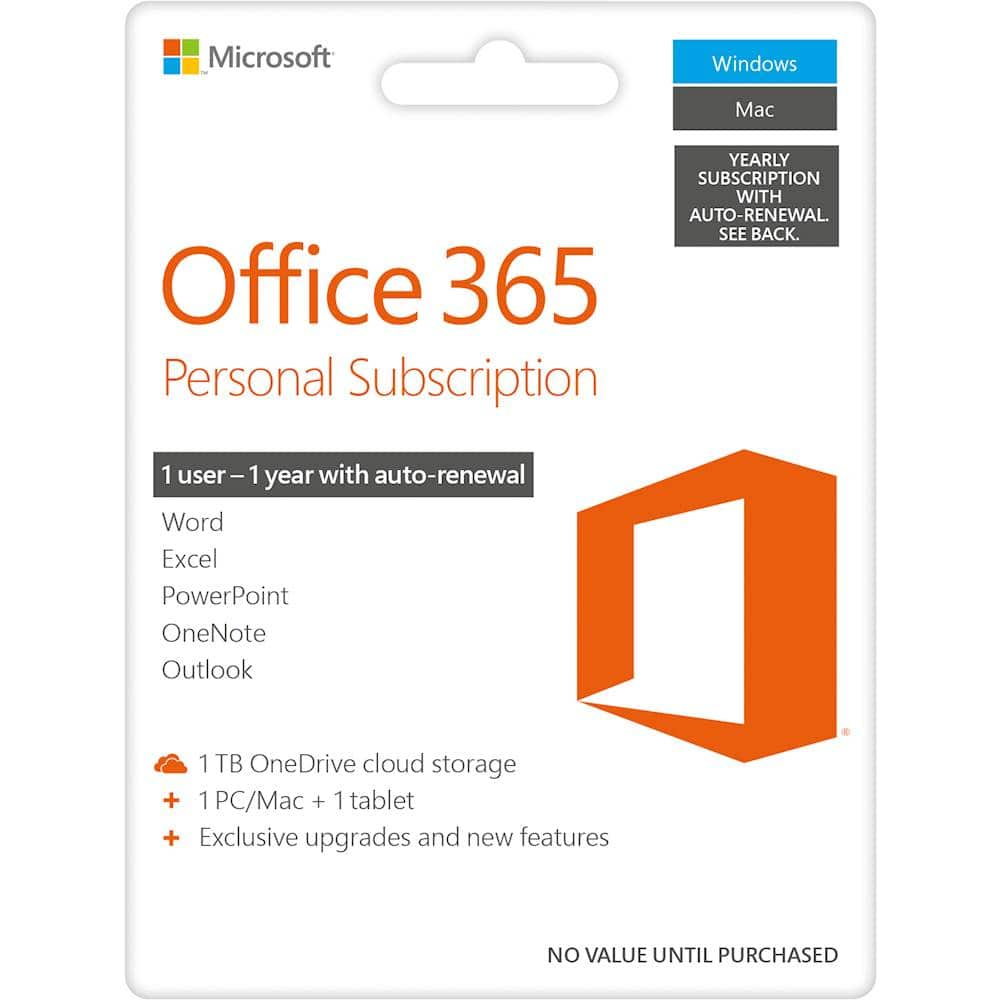
  • QuestionHow many devices can I install Office 365 Personal on? Previous answer did not tell me. Told me how, but not how many.

    Asked by Buddy.

    • Answer 3

      Answered by BullDog4Life

  • QuestionI purchased Office 365 Personal, but never received any code to activate my account.

    Asked by Steve.

    • Answer You should be able to find the code in your Best Buy digital library.

      Answered by MicrosoftOutreachTeam

  • QuestionDoes it work on Surface Pro?

    Asked by Liftqueen.

    • Answer Yes, it does.

      Answered by MicrosoftOutreachTeam

  • QuestionDoes this software work with the iPad Pro tablet which has Apple iPad OS or just Mac OS?

    Asked by LionHeartNYC.

    • Answer It can work with the iPad but you should follow the steps outlined in our help page here: https://aka.ms/AA4rinc.

      Answered by MicrosoftOutreachTeam