A:AnswerBy downloading Office mobile apps, you can use the Office suite apps on your Chromebook. To learn more about using Office mobile on your Chromebook, follow this link: https://support.office.com/en-us/article/how-to-install-and-run-microsoft-office-on-a-chromebook-32f14a23-2c1a-4579-b973-d4b1d78561ad
A:AnswerThere is no payroll program out of the box with Office 365. You may be able to rig Excel to crunch your numbers and Word to cut your checks, but I'm sure you're better off with something like Quicken if that software is designed to do payroll.
A:AnswerYou can cancel your subscription by going to www.bestbuy.com/services/planlist go down to Office 365 and you will see the "Cancel Subscription" in blue letters.
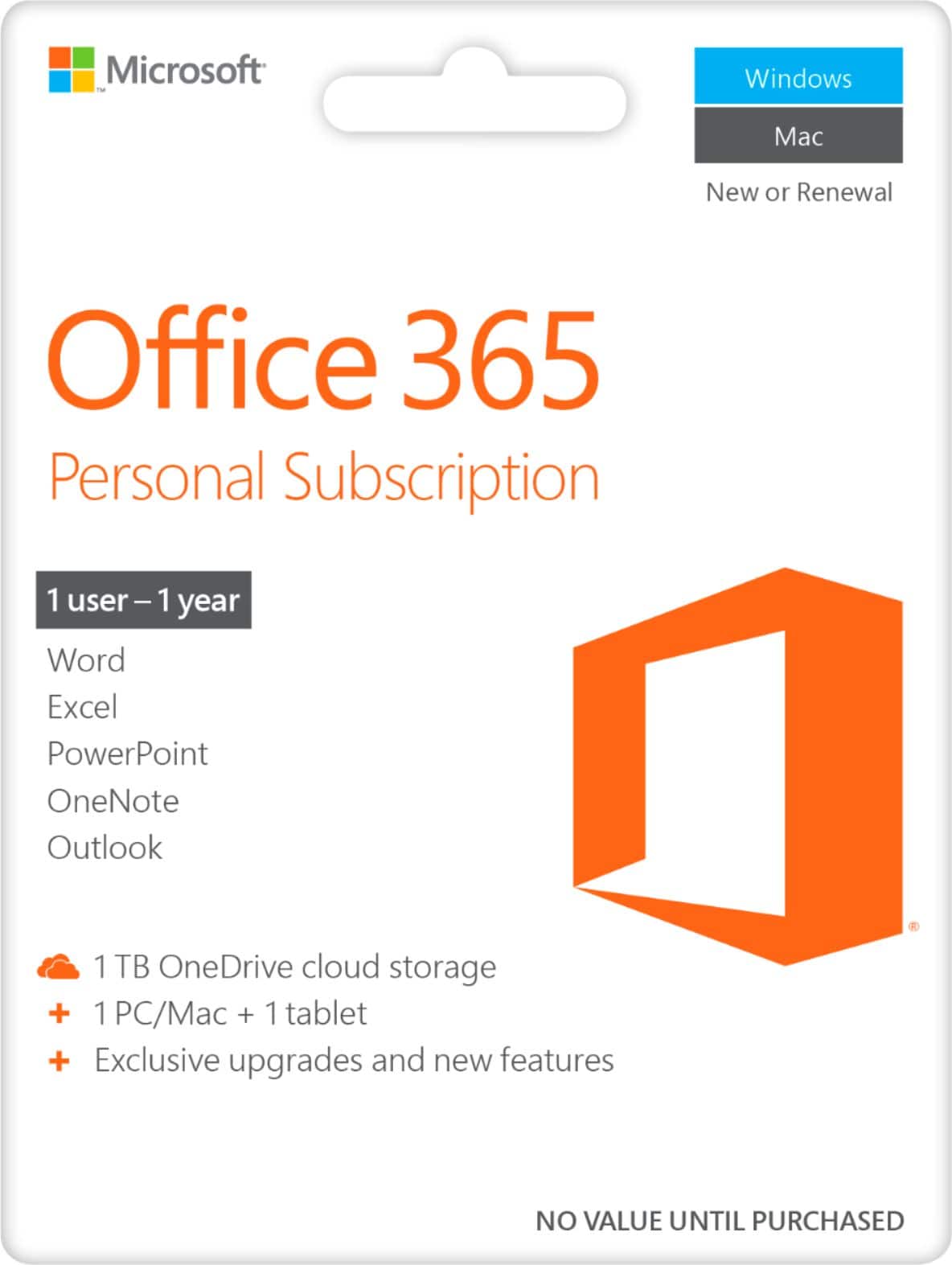
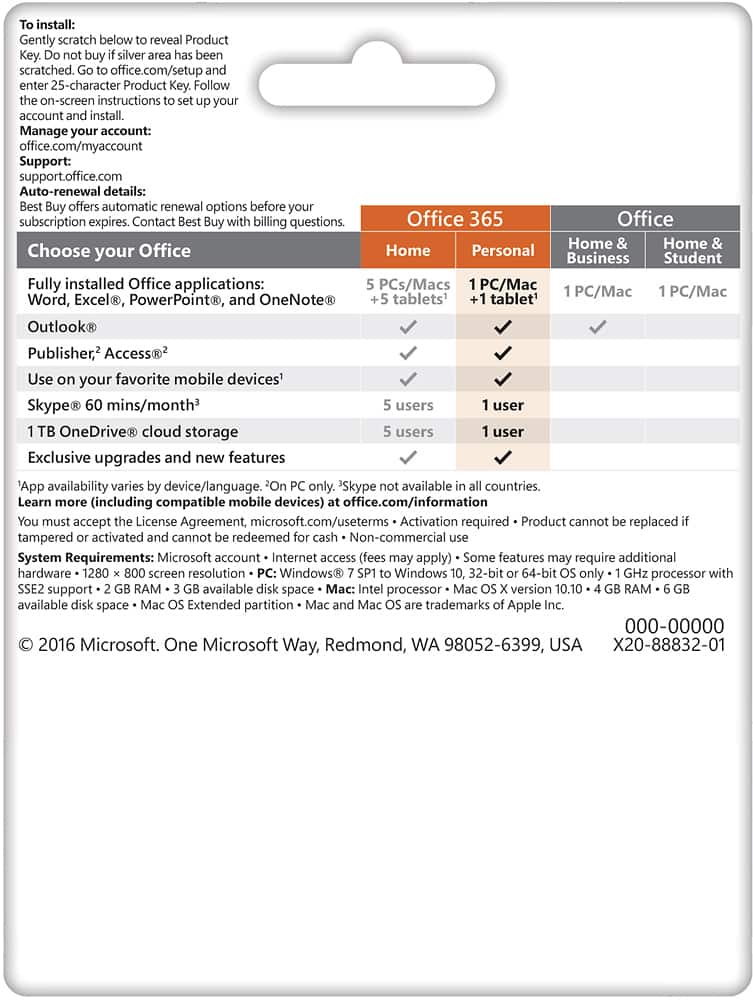
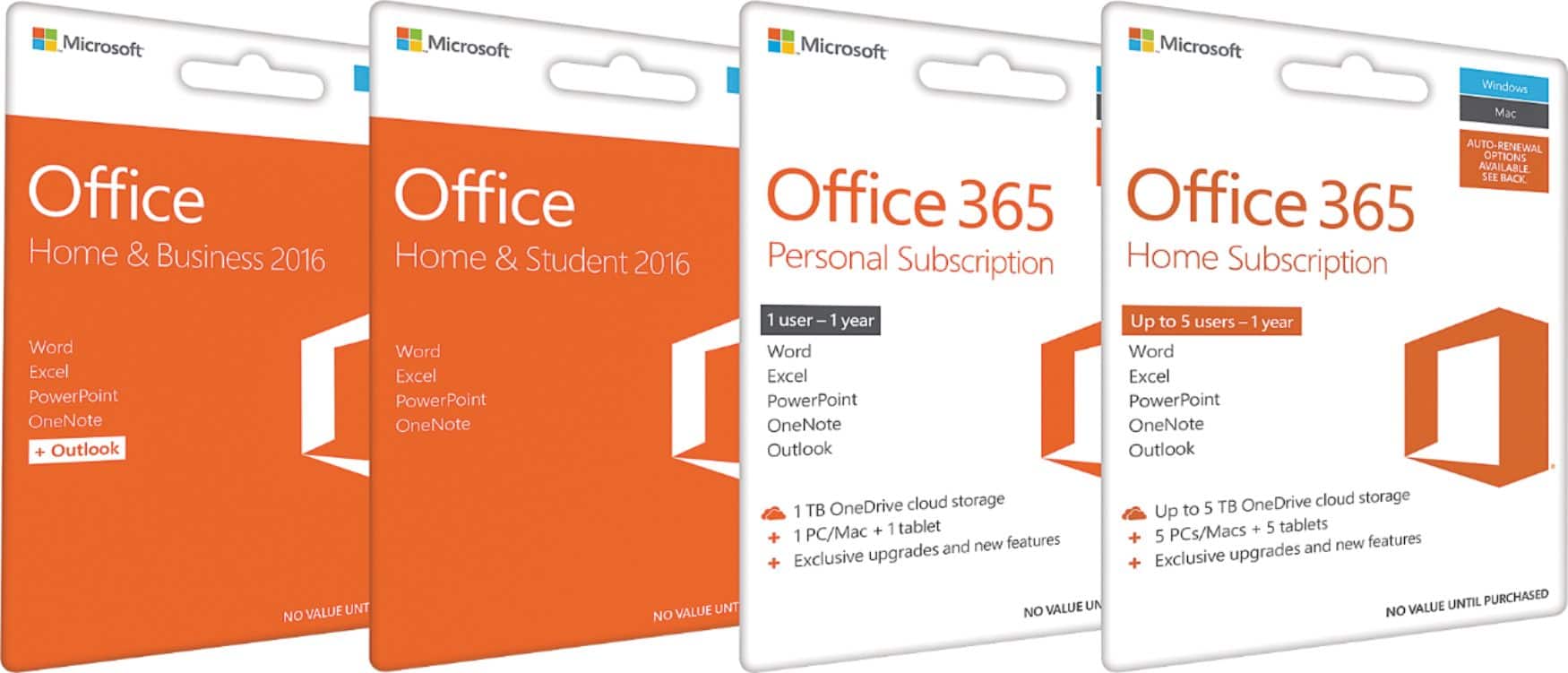
A:AnswerOffice 365 Personal is for one account, while Office 365 Home can be shared between 6 Microsoft accounts all of which will benefit from all the Office 365 benefits. You can learn more about it here: https://products.office.com/en-us/compare-all-microsoft-office-products?&87981000=87981000&WT.mc_id=DFLTCXC_Support_BestBuy_04162019&Ocid=&activetab=tab:primaryr1.
A:AnswerThis is in the product description for Office 365 Personal (1 Person): "Ideal for one person for use on multiple PCs/Macs, tablets, and phones (including Windows, iOS, and Android)*."
A:AnswerTo my understanding this is only for one PC/Mac & one tablet. There is one you can purchase for 99.00 & that one you can install up to 5 PCs/Macs.
A:AnswerThank you for your question. Your Microsoft 365 subscription may be managed through your Microsoft account. For more information, please go here: https://support.microsoft.com/en-us/office/manage-your-microsoft-365-subscription-959ac957-8d37-4ae4-b1b6-d6e4874e013f