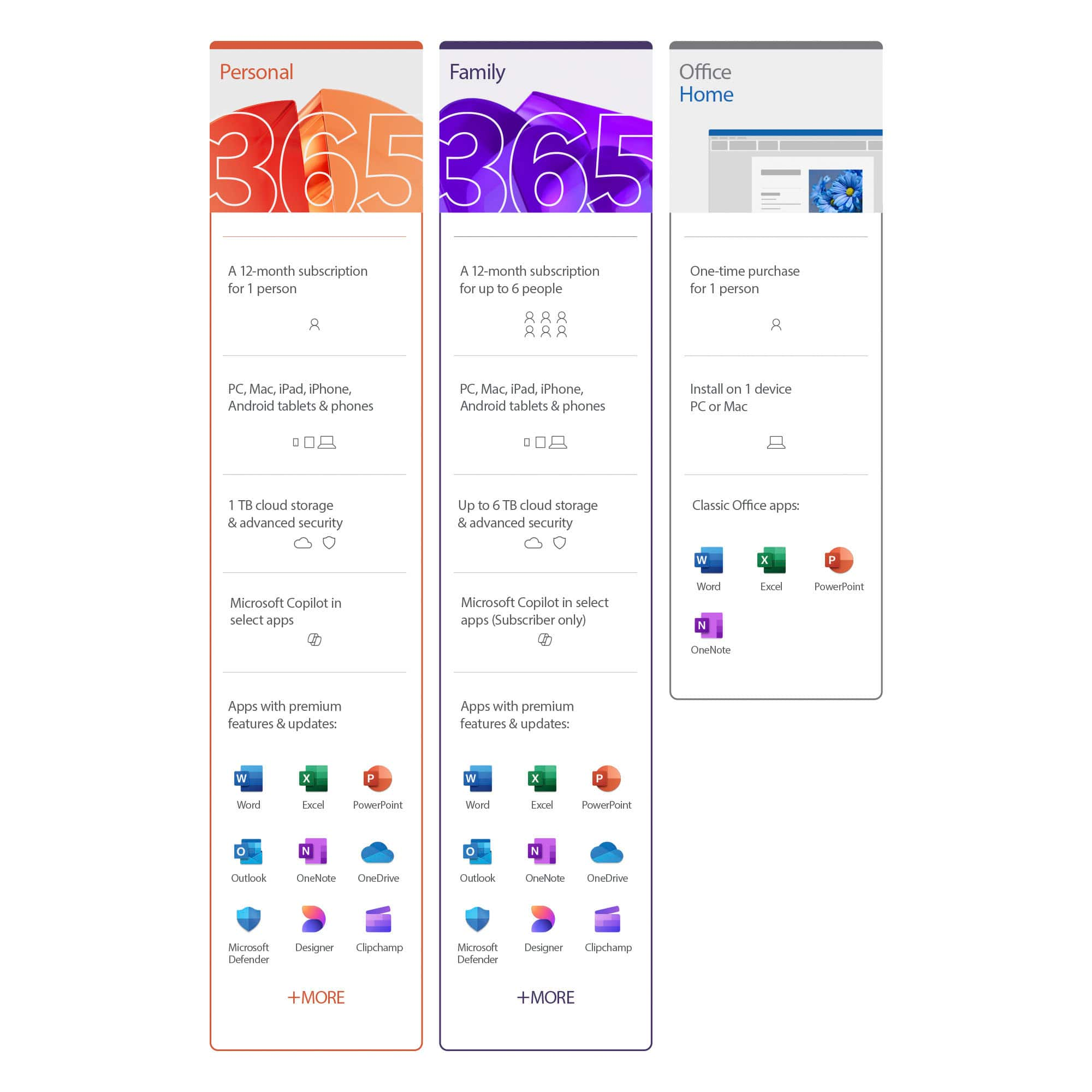
A:Answeryou can't download windows on your MacBook but yes you can have Microsoft office 365 on your Mac! if you plan on having the office 365 on multiple devices make sure that's the one you need to purchase I believe they offer 1 device, 3, and unlimited or like 10...
A:AnswerI'm sorry I don't know..the Geek Squad did it for me! One extra thing though, if the company doesn't have a phone contact listed where you can call them direct, there's a great site "get human" then add the name of the company and you may get the phone! Good luck
A:AnswerOffice is very useful, especially for kids. Office 365 will let them do their work at home, then sign in at work and have access to it. No need to drag the laptop around.
A:AnswerYou can find the technical requirements here: https://support.office.com/en-us/article/microsoft-os-requirements-for-office-2019-for-mac-and-office-365-for-mac-16b8414f-08ec-4b24-8c91-10a918f649f8.
A:AnswerIf you are just using it for gaming and never intend to do anything like write a resume or do your finances on it then no you do not need it. You can get it anytime later if it turns out you do.
A:AnswerWhen you first install Microsoft 365 Personal you connect it to an email address. You can either use that account on your husband's iPad8 or upgrade to Microsoft 365 Family and share the subscription with him.
A:AnswerYour subscription begins the day of purchase. If the product was purchased with an auto renewal set up in store, like in the case of 365, it starts that day.