A:AnswerThank you for your question. Unfortunately, Microsoft 365 Personal is a productivity software suite and not a gaming platform. If you're interested in playing Grand Theft Auto V, we recommend checking out Xbox Series X/S consoles.
A:AnswerYou can get access on your iOS devices. You just have to download the apps and log in with your account that has the subscription. I use it on my iPad.
A:AnswerBest Buy will send you an email with the Product key and a website to go to. If you didn't get it contact Best Buy. Both should also be on your receipt.
A:AnswerThank you for your question. If your daughter redeemed the digital code for this product, it will be associated with her Microsoft account. Once she logs into her account, it will be available to install from the My Library section of the Microsoft Store app.
A:AnswerThank you for your question. If Microsoft 365 is associated with your wife's Microsoft account, she can renew her subscription here: https://account.microsoft.com/services/
A:AnswerYes, it should work with your device. To confirm, we recommend checking the system requirements here: https://www.microsoft.com/en-us/microsoft-365/microsoft-365-and-office-resources
A:AnswerYou should be able to hold it, then activate the subscription on the same day the old one runs out (or thereafter), so you don't have to give any days away!
A:AnswerHi Vic,
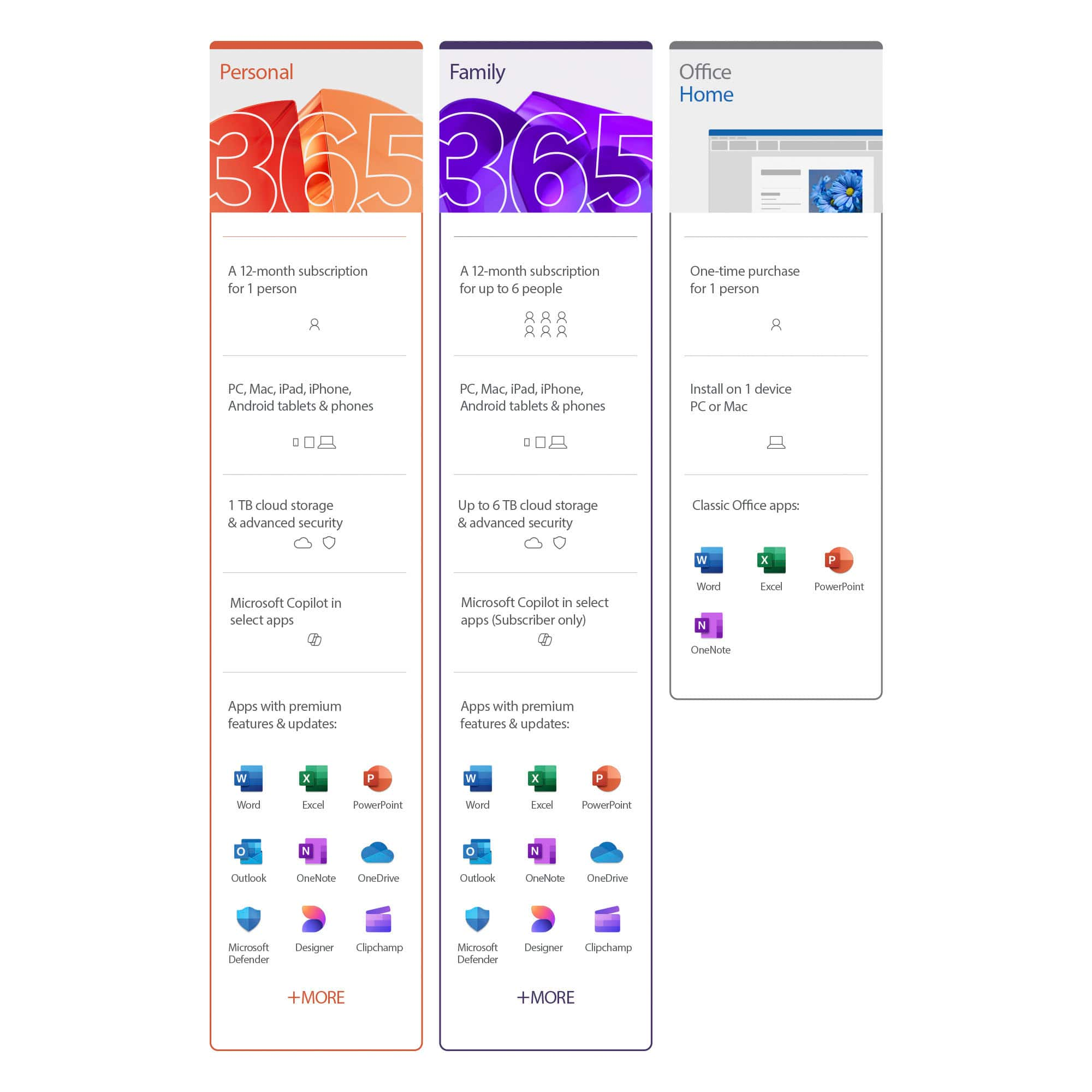
Microsoft 365 Personal subscribers can install on multiple PCs/Macs, tablets, and phones, including Windows, iOS, and Android.
Best,
Tom
Microsoft Office Team
A:Answeryou can't download windows on your MacBook but yes you can have Microsoft office 365 on your Mac! if you plan on having the office 365 on multiple devices make sure that's the one you need to purchase I believe they offer 1 device, 3, and unlimited or like 10...
A:AnswerI'm sorry I don't know..the Geek Squad did it for me! One extra thing though, if the company doesn't have a phone contact listed where you can call them direct, there's a great site "get human" then add the name of the company and you may get the phone! Good luck