A:AnswerYour purchase includes access to Microsoft 365 Personal applications and software for one year, with the option to continue your subscription beyond that point. You will automatically be enrolled in auto-renew at purchase.
A:AnswerWe're sorry there's an issue downloading and installing Microsoft 365 Personal. Our team at Microsoft Support may be able to help. We recommend reaching out to them for assistance here: https://support.microsoft.com/en-us/office/download-and-install-or-reinstall-microsoft-365-or-office-2019-on-a-pc-or-mac-4414eaaf-0478-48be-9c42-23adc4716658?ui=en-US&rs=en-US&ad=US
A:AnswerYou can access and update your software's renewal policy through your Microsoft Account, and make any changes to your subscription that you see fit.
A:AnswerAutomatically renewing Microsoft 365 Personal subscription will renew each year for $69.99 (or then-current price) unless canceled before yearly renewal date.
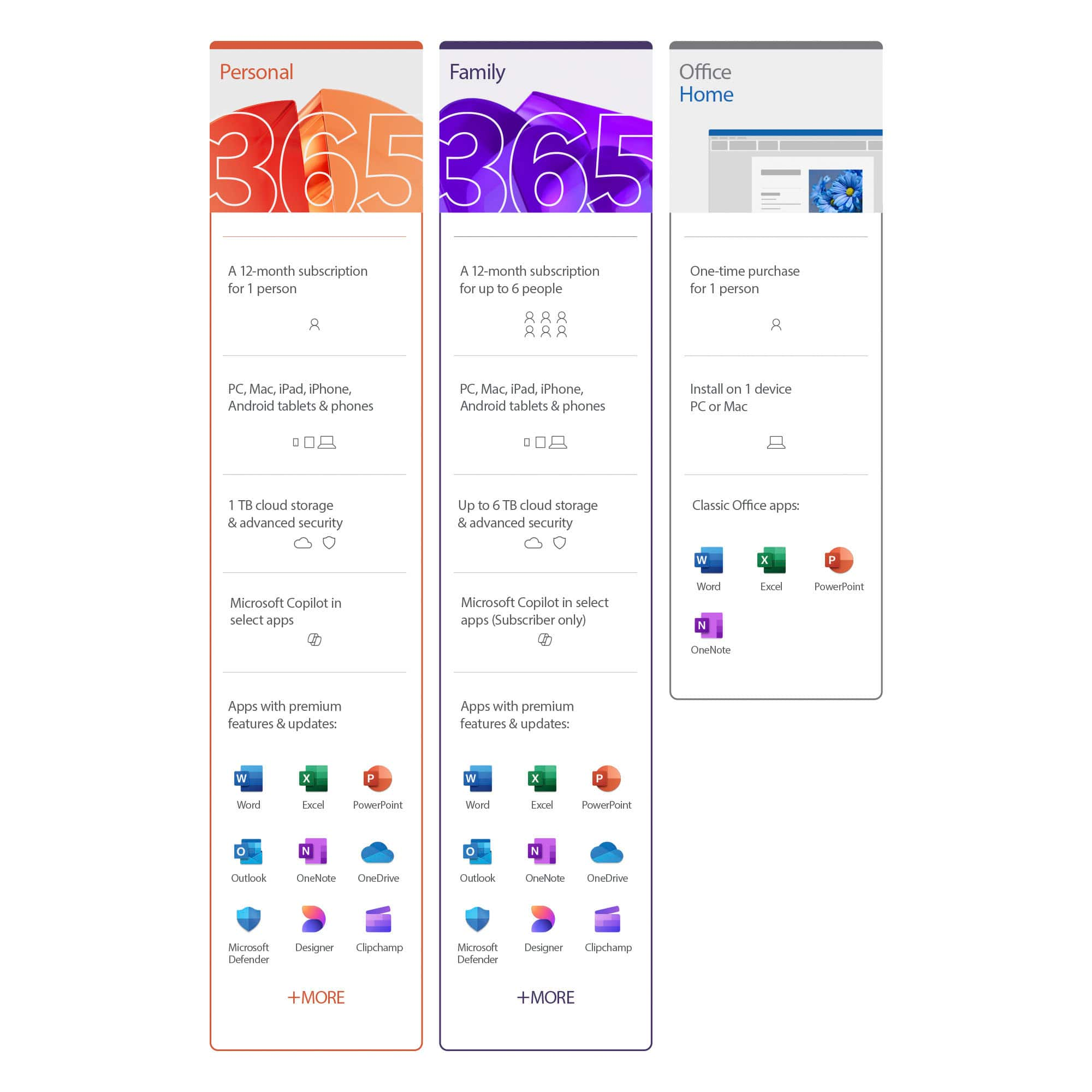
A:AnswerMicrosoft 365 Personal is not required for your computer to run. It does include the traditional Office products many customers are used to like Word, Excel, and PowerPoint etc.
A:AnswerI also own a Windows 7 Computer and I am writing this review precisely on it. I keep getting messages that it will not be supported early next year and that they suggest buying a new one. Due to the possibility that Windows 7 may not work at all and very soon, I would not invest on a one year license for Office if the computer itself may not work soon.
A:AnswerYou will need to reach out to BestBuy here: https://www.bestbuy.com/site/electronics/customer-service/pcmcat87800050001.c?id=pcmcat87800050001.